HelloGrowthCRM software
Built for real small-business sales teams
HelloGrowthCRM helps reps qualify faster, follow up on time, and close more deals—with practical automation in one place.
- AI lead scoring and pipeline visibility
- Built-in dialer, WhatsApp, and email automation
- Sales forecasting and RevOps-ready reporting
HIPAA compliant call tracking means handling phone calls that contain protected health information (PHI) in a way that meets HIPAA privacy and security requirements. This usually applies to healthcare providers, insurers, or any business that handles patient data. The goal is to protect sensitive information during calls and in any stored call data.
Why this comes up / what goes wrong
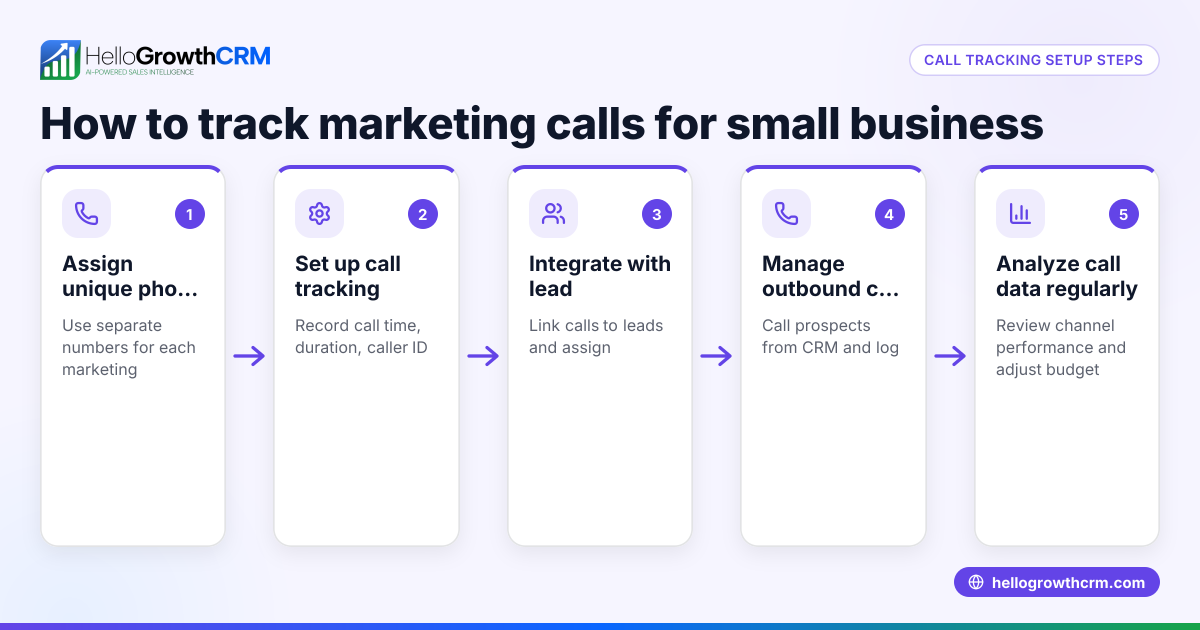
Small-business owners in healthcare or related fields often want to track calls for marketing, sales, or service quality. However, if calls include PHI, they must comply with HIPAA rules. Many businesses face challenges because:
- They use call tracking or recording systems that are not secure or HIPAA-compliant.
- They fail to limit access to call data, risking unauthorized disclosure.
- They do not have proper agreements, such as Business Associate Agreements (BAA), with call tracking vendors.
- They do not train staff on HIPAA rules related to call handling.
Without compliance, businesses risk costly penalties and damage to patient trust.
Step-by-step
- Identify if your calls include PHI
- Check if calls reveal patient names, medical conditions, treatment details, or billing information.
- If yes, HIPAA applies and call tracking must comply.
- Choose a HIPAA-compliant call tracking solution
- Confirm the vendor signs a Business Associate Agreement (BAA).
- Ensure data encryption during transmission and storage.
- Verify access controls and audit logs are in place.
- Limit call data access internally
- Assign roles so only authorized staff can access call data.
- Use tools that log call outcomes without exposing PHI unnecessarily.
- Train your team
- Educate employees on protecting PHI during calls.
- Establish procedures for handling sensitive information securely.
- Document your compliance efforts
- Keep records of vendor agreements, training sessions, and security measures.
- Use integrated CRM tools to manage leads and calls securely
- Capture leads from calls or forms directly into a secure CRM.
- Log call outcomes without storing sensitive recordings if possible.
Example (fictional figures)
A B2B software reseller in Denver, Colorado, started HIPAA compliant call tracking on 04/15/2026. They handle medical software inquiries that include PHI.
- Initial cost for HIPAA-compliant call tracking software: $2,000
- Monthly subscription: $300
- Training cost for staff: $1,000
Calculations for first-year compliance cost:
$2,000 (initial) + ($300 × 12) + $1,000 (training) = Total cost
$2,000 + $3,600 + $1,000 = $6,600
This investment ensures calls with PHI are secure, access is controlled, and the reseller avoids HIPAA penalties.
Common mistakes
- Using call tracking without a BAA
- Prevent by confirming the vendor signs a HIPAA Business Associate Agreement.
- Storing call recordings insecurely
- Prevent by choosing solutions with encryption and limited access.
- Allowing unrestricted staff access to PHI calls
- Prevent by defining user roles and permissions.
- Failing to train staff on HIPAA call handling
- Prevent by scheduling regular HIPAA training sessions.
- Not documenting compliance steps
- Prevent by keeping detailed records of all HIPAA-related measures.
- Using multiple disconnected tools for calls and lead tracking
- Prevent by using a CRM that centralizes lead capture and call logging, reducing risk of lost or exposed PHI.
Doing this in HelloGrowthCRM
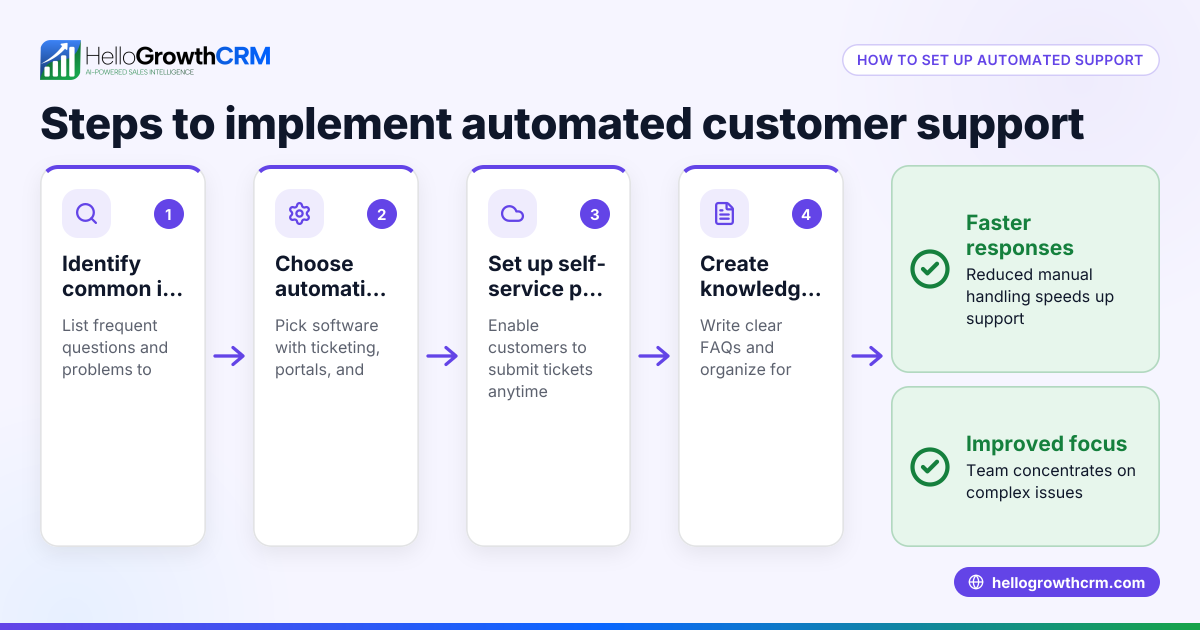
HelloGrowthCRM helps small businesses manage leads and calls securely. Every enquiry from a form, call, or WhatsApp lands as a lead with an owner and a next step, avoiding scattered notes. The built-in dialer lets telecallers work a list inside the CRM, and each call’s outcome is logged on the lead. This helps keep call data organized without unnecessary exposure to PHI. Learn more about the built-in CRM dialer and WhatsApp and SMS CRM. For US businesses, see HelloGrowthCRM for the United States.
Frequently asked questions
What makes call tracking HIPAA compliant? Call tracking is HIPAA compliant when it protects PHI through encryption, access controls, and proper agreements with vendors. It also requires staff training and documented procedures to ensure security throughout.
Can I record calls with PHI under HIPAA? You can record calls if the system is secure and compliant, and you have patient consent where required. Otherwise, limit recording or store only call outcomes to reduce risk.
Do I need a special CRM for HIPAA call tracking? A CRM that supports secure lead capture and call logging with access controls helps maintain compliance. HelloGrowthCRM’s lead and dialer features assist in managing calls securely.
How do I verify a call tracking vendor is HIPAA compliant? Ask for a signed Business Associate Agreement and details on their security measures like encryption and access controls to confirm compliance.
Is training important for HIPAA call tracking? Yes, staff must understand how to handle PHI during calls to avoid breaches and ensure compliance with HIPAA rules.
What if I use WhatsApp or SMS for patient communications? Ensure your messaging tools comply with HIPAA by securing message content and access. HelloGrowthCRM integrates WhatsApp and SMS in a way that helps organize leads and communications securely.
Key takeaways
- HIPAA compliant call tracking secures and limits access to PHI in calls.
- Use vendors with a Business Associate Agreement and strong security measures.
- Train staff on HIPAA call handling procedures regularly.
- Document all compliance efforts and agreements.
- Avoid using disconnected tools; centralize calls and leads in a secure CRM.
- HelloGrowthCRM helps manage leads and calls with secure logging and a built-in dialer.
Start managing your leads and calls securely today. Start on the Free Forever plan (200 leads, no credit card).
Ready to put this into practice?
Set up your pipeline, WhatsApp follow-ups, and AI lead scoring in minutes — free, no credit card.
Try HelloGrowthCRM freeGet CRM tips in your inbox
Join thousands of sales professionals who get weekly insights on CRM strategy, AI automation, and pipeline optimization.

The HelloGrowthCRM team publishes guides on CRM strategy, AI sales tools, and revenue operations for small business sales teams.