HelloGrowthCRM software
Built for real small-business sales teams
HelloGrowthCRM helps reps qualify faster, follow up on time, and close more deals—with practical automation in one place.
- AI lead scoring and pipeline visibility
- Built-in dialer, WhatsApp, and email automation
- Sales forecasting and RevOps-ready reporting
To calculate GST on an invoice in India, you need to follow a clear process: identify the taxable value, apply the correct GST rate based on the transaction type, and then add the GST to the base amount. This ensures your invoice complies with GST regulations and helps your customer understand the tax components.
Why this comes up / what goes wrong
Small business owners often struggle with GST invoice calculations because GST involves multiple components (CGST, SGST, IGST) depending on whether the sale is within the state or interstate. Mistakes in calculating GST can lead to incorrect billing, delays in payment, or problems during GST return filing. Many businesses still use WhatsApp and spreadsheets for sales, which can cause errors or slow follow-up on payments. Understanding how to calculate GST correctly on an invoice is essential to avoid these issues.
Step-by-step
- Identify the taxable value: This is the price of goods or services before GST. Check your agreed sale price or quotation.
- Determine the type of supply:
- If the sale is within the same state, apply CGST and SGST.
- If the sale is interstate, apply IGST.
- Find the applicable GST rate: GST rates are typically 5%, 12%, 18%, or 28% depending on the product or service. Confirm the correct rate for your item.
- Calculate GST amount:
- For intrastate sales: Calculate CGST and SGST separately by dividing the total GST rate by 2.
- For interstate sales: Calculate IGST at the full GST rate.
- Calculate total invoice value: Add the GST amount(s) to the taxable value.
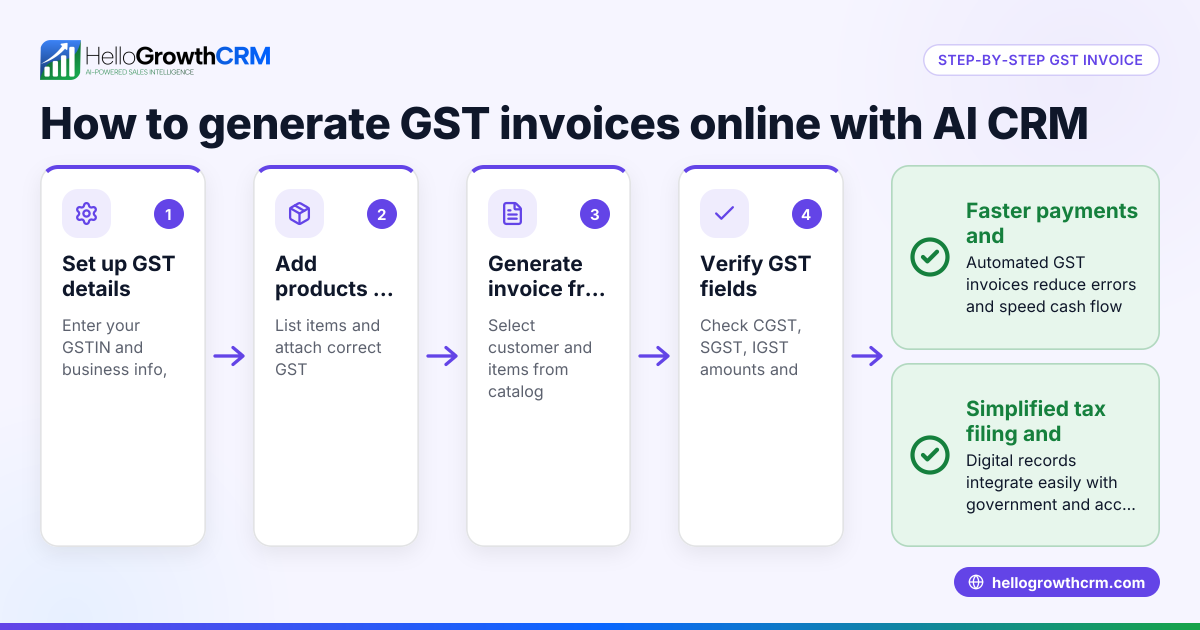
- Prepare the invoice with all details: Include taxable value, GST rates, GST amounts (CGST, SGST, or IGST), total amount, GSTIN of supplier and recipient, invoice number, and date.
- Check for accuracy: Verify calculations and details before sending the invoice.
Using a CRM that manages quotes and invoices can help you keep track of sales documents and follow-ups efficiently. HelloGrowthCRM offers such features tailored for Indian SMBs HelloGrowthCRM for India.
Example (fictional figures)
Date: 15/06/2024
A small business in Maharashtra sells goods worth ₹1,00,000 to a customer in the same state. The GST rate on the goods is 18%.
Taxable value = ₹1,00,000 GST rate = 18% (CGST 9% + SGST 9%)
Calculate CGST: ₹1,00,000 × 9% = ₹9,000
Calculate SGST: ₹1,00,000 × 9% = ₹9,000
Total GST = CGST + SGST = ₹9,000 + ₹9,000 = ₹18,000
Total invoice value = Taxable value + Total GST ₹1,00,000 + ₹18,000 = ₹1,18,000
The invoice should show:
- Taxable value: ₹1,00,000
- CGST @9%: ₹9,000
- SGST @9%: ₹9,000
- Total amount: ₹1,18,000
Common mistakes
- Applying wrong GST rate: Always verify the correct GST rate for your product or service to avoid undercharging or overcharging. Check official GST rate schedules or consult your accountant.
- Confusing CGST/SGST with IGST: Use CGST and SGST only for intrastate sales and IGST for interstate sales. Confirm the customer's location and GSTIN.
- Not including all invoice details: Missing GSTIN, invoice number, or tax breakup can invalidate your invoice. Use a checklist before sending.
- Rounding errors: Round off GST amounts carefully as per GST rules. Avoid rounding before calculating taxes.
- Manual calculation errors: Use a calculator to reduce mistakes and speed up billing. Using CRM tools that handle sales and follow-ups can also improve accuracy and efficiency WhatsApp and SMS CRM.
- Delays in invoicing and follow-up: Slow invoicing causes payment delays. Integrated deal and invoice tracking helps stay on top of follow-ups built-in CRM dialer.
Doing this in HelloGrowthCRM
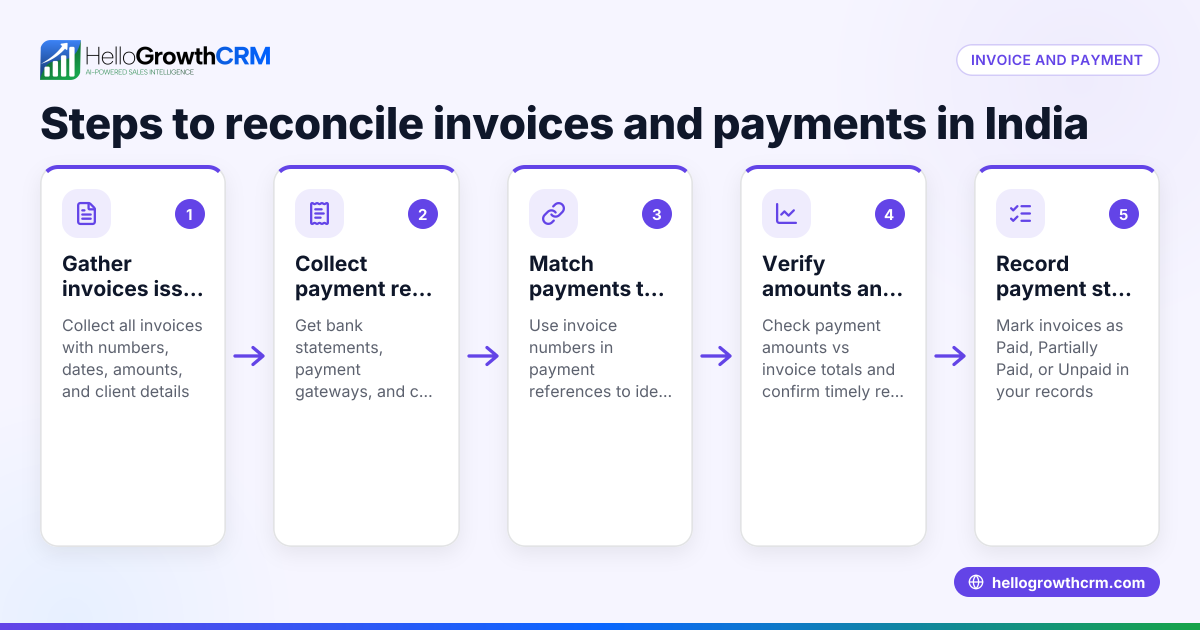
HelloGrowthCRM offers a built-in quoting and proposal tool that lets you create, send, and track commercial documents directly from a deal record. You can generate invoices tied to closed deals and reconcile payments received. The quotation status (sent, viewed, accepted) appears on the same screen as your follow-up tasks, helping you manage sales and invoicing efficiently in one place.
Frequently asked questions
What GST rate should I apply on my invoice? Check the GST rate applicable to your goods or services from the official GST rate schedule or consult your accountant. Common GST slabs are 5%, 12%, 18%, and 28%. The rate depends on the HSN or SAC code of your product or service.
How do I know if I should charge CGST + SGST or IGST? If the supply is within the same state, charge CGST and SGST equally. For interstate supplies, charge IGST at the full GST rate. Confirm the buyer’s GSTIN and location.
Do I need to mention GSTIN on the invoice? Yes, your GSTIN and the recipient’s GSTIN must be on the invoice to claim input tax credit and for compliance.
Can I calculate GST manually or should I use software? You can calculate GST manually using the steps above, but using software with quoting and invoicing features reduces errors, speeds up billing, and helps track payments and follow-ups.
Is GST included in the price or added on top? GST is usually added on top of the taxable value unless you quote a GST-inclusive price. The invoice must clearly show the taxable value and GST separately.
Key takeaways
- Calculate GST by applying the correct rate to the taxable value of goods or services.
- Use CGST + SGST for intrastate sales and IGST for interstate sales.
- Include all mandatory details (GSTIN, invoice number, tax breakup) on the invoice.
- Avoid manual errors by using calculators or CRM tools with invoicing features.
- Track quotations, invoices, and payments efficiently to speed up sales.
Start calculating GST correctly today and improve your invoicing process. To manage sales and GST invoices easily, start on the Free Forever plan (200 leads, no credit card).
This article is general information, not tax or legal advice. Rules change; confirm the current position on gst.gov.in or with your chartered accountant before acting.
Ready to put this into practice?
Set up your pipeline, WhatsApp follow-ups, and AI lead scoring in minutes — free, no credit card.
Try HelloGrowthCRM freeGet CRM tips in your inbox
Join thousands of sales professionals who get weekly insights on CRM strategy, AI automation, and pipeline optimization.

The HelloGrowthCRM team publishes guides on CRM strategy, AI sales tools, and revenue operations for small business sales teams.