HelloGrowthCRM software
Built for real small-business sales teams
HelloGrowthCRM helps reps qualify faster, follow up on time, and close more deals—with practical automation in one place.
- AI lead scoring and pipeline visibility
- Built-in dialer, WhatsApp, and email automation
- Sales forecasting and RevOps-ready reporting
Creating a business invoice in the USA is key to getting paid on time and keeping your records clear. This guide explains how small business owners can create an invoice step-by-step, why this task sometimes causes problems, a full example with numbers, common errors to avoid, and how CRM tools with quoting and invoice tracking features can support your workflow.
Why this comes up / what goes wrong
Many small businesses in the US create invoices manually using word processors, spreadsheets, or email templates. This often leads to missing or inconsistent information, unclear payment terms, or formatting that confuses clients. Without a structured system, invoices can be lost or delayed, which slows down payments. Clear, complete invoices help avoid these issues and improve cash flow.
Step-by-step
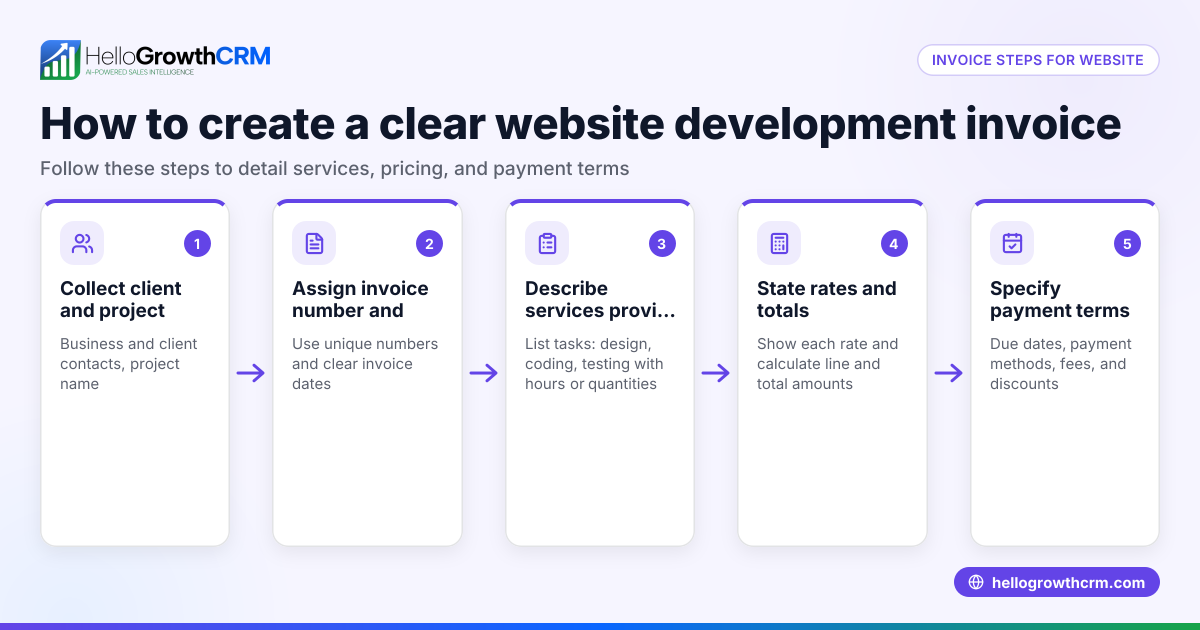
- Add Your Business Information: Include your business name, address, phone number, email, and website. This identifies the sender clearly.
- Add Client’s Information: Include the client’s name, company, address, and contact details to specify who should pay.
- Assign a Unique Invoice Number: Use a sequential numbering system (e.g., 2023-001) to track invoices easily and avoid duplicates.
- Include Invoice Date and Due Date: The invoice date is when you issue the invoice; the due date is when payment is expected, often 30 days later.
- List Products or Services Provided: For each item, include a description, quantity, unit price, and total price.
- Calculate Subtotal: Add all item totals to get the subtotal before tax.
- Add Taxes if Applicable: If your business charges sales tax, calculate it based on the subtotal and add it.
- Calculate Total Amount Due: Add the subtotal and taxes to get the total payment expected.
- Specify Payment Terms and Methods: State accepted payment methods (e.g., check, bank transfer) and any late fees or discounts.
- Add Notes or Additional Information: Include thank-you notes, return policies, or contract references if needed.
Review all fields for accuracy before sending.
Example (fictional figures)
A two-location dental practice in Columbus, Ohio, sends an invoice for teeth cleaning services.
- Business name: BrightSmile Dental
- Business address: 123 Main St, Columbus, OH 43215
- Client name: John Doe
- Client address: 456 Oak Ave, Columbus, OH 43220
- Invoice number: 2023-045
- Invoice date: 06/15/2023
- Due date: 07/15/2023
| Item Description | Quantity | Unit Price | Total |
|---|---|---|---|
| Teeth cleaning | 1 | $150.00 | $150.00 |
| Fluoride treatment | 1 | $50.00 | $50.00 |
Subtotal calculation: $150.00 + $50.00 = $200.00
Assumed sales tax rate: 7% Sales tax calculation: $200.00 × 7% = $14.00
Total amount due: $200.00 + $14.00 = $214.00
Payment terms: Payment due within 30 days by check or credit card.
Common mistakes
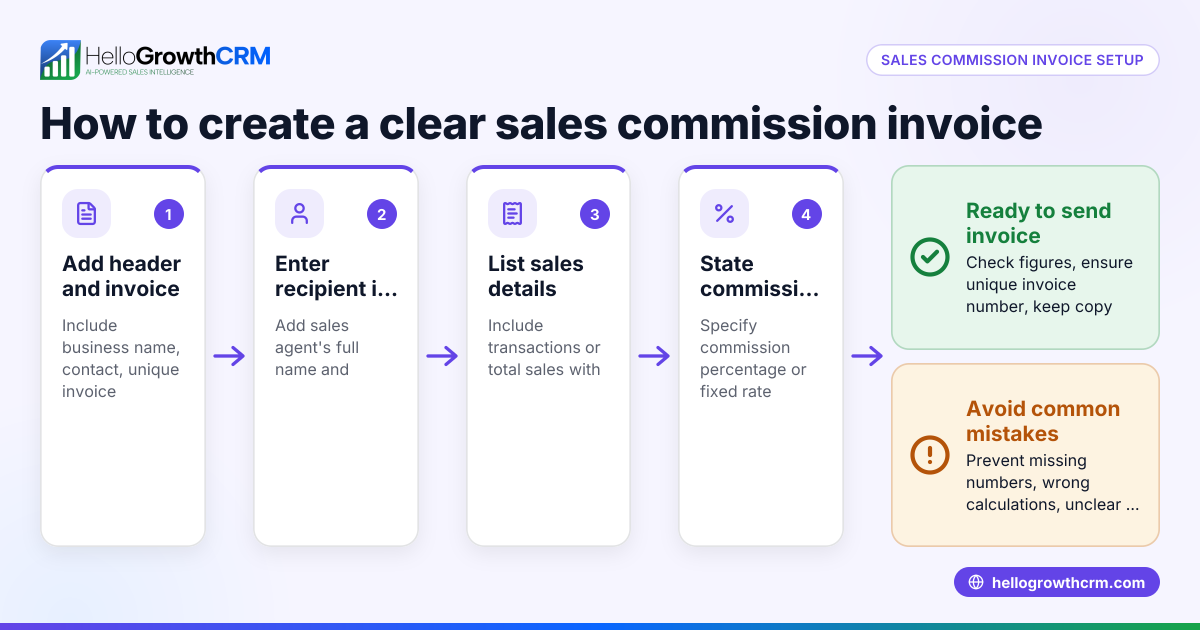
- Missing invoice number: Always assign a unique number to avoid confusion.
- Incorrect client details: Verify client name and address to ensure delivery.
- Omitting payment terms: Clearly state due dates and accepted payment methods to speed payment.
- Forgetting taxes when applicable: Know your local sales tax rules and include them correctly.
- Poor formatting: Use tables or clear layouts for easy reading.
- Not tracking invoice status: Keep records of sent, viewed, and paid invoices to avoid delays. CRM tools with quoting and invoice tracking features can help manage this.
Doing this in HelloGrowthCRM
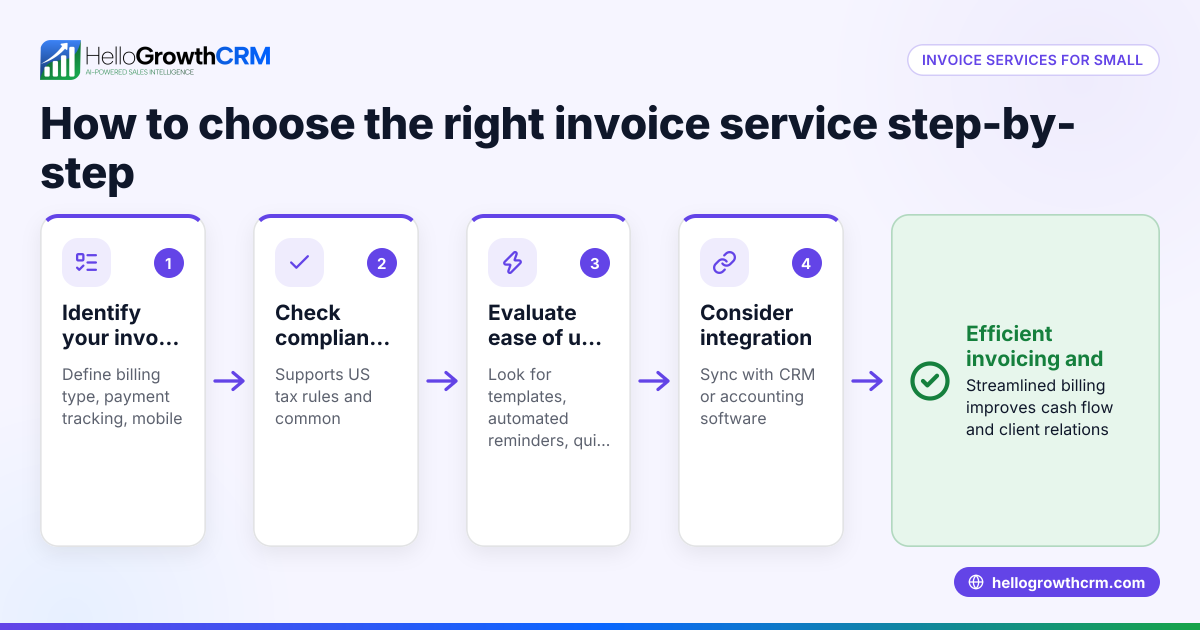
HelloGrowthCRM includes built-in quoting and proposal tools that let you build, send, and track invoices directly from a deal record. You can generate invoices tied to closed deals and reconcile payments received all in one place. The quotation status—sent, viewed, or accepted—is visible alongside your follow-up tasks, helping your sales team manage invoicing efficiently without switching apps. Learn more about HelloGrowthCRM’s built-in CRM dialer and WhatsApp and SMS CRM features that support smooth communication and follow-up.
Frequently asked questions
How do I make a proforma invoice in the USA? A proforma invoice is a preliminary bill sent before goods or services are delivered. It includes estimated prices and terms but is not a demand for payment. Create it with your business and client details, label it clearly as “Proforma Invoice,” and list estimated costs. Follow the same steps as a regular invoice but mark it as provisional.
Do I need to include sales tax on my invoice? Whether to include sales tax depends on your business location and the products or services sold. Many US states require sales tax collection. Check your local tax authority’s rules to know if and how to add sales tax to your invoice. Always state the tax rate and amount clearly.
Can I create invoices without software? Yes, you can create invoices manually using word processors or spreadsheets by following the steps above. However, manual invoicing risks errors and inefficiency. Using CRM tools with quoting and invoice tracking features can automate invoice creation, tracking, and follow-up.
What payment terms should I include? Common payment terms are net 30 or net 15, meaning payment is due within 30 or 15 days of the invoice date. Specify accepted payment methods (e.g., check, credit card, bank transfer) and any late payment penalties or early payment discounts.
How do I keep track of invoices sent and paid? Keeping a log or spreadsheet helps, but it can get cumbersome. CRM tools with quoting and invoice tracking features let you track invoice status from sent to paid within the same system where you manage deals and follow-ups, reducing missed payments and delays.
Key takeaways
- Include all business and client details clearly on your invoice.
- Use a unique invoice number and specify invoice and due dates.
- List products or services with quantities, unit prices, and totals.
- Calculate subtotal, add applicable sales tax, and total amount due.
- State payment terms, methods, and any additional notes.
- Avoid common mistakes by double-checking details and formatting.
- CRM tools with quoting and invoice tracking features help manage invoices and payments.
Creating invoices properly ensures faster payments and better business management. Start managing your invoices and sales pipeline with HelloGrowthCRM today.
Start on the Free Forever plan (200 leads, no credit card) at HelloGrowthCRM.
Ready to put this into practice?
Set up your pipeline, WhatsApp follow-ups, and AI lead scoring in minutes — free, no credit card.
Try HelloGrowthCRM freeGet CRM tips in your inbox
Join thousands of sales professionals who get weekly insights on CRM strategy, AI automation, and pipeline optimization.

The HelloGrowthCRM team publishes guides on CRM strategy, AI sales tools, and revenue operations for small business sales teams.