HelloGrowthCRM software
Built for real small-business sales teams
HelloGrowthCRM helps reps qualify faster, follow up on time, and close more deals—with practical automation in one place.
- AI lead scoring and pipeline visibility
- Built-in dialer, WhatsApp, and email automation
- Sales forecasting and RevOps-ready reporting
To create a business invoice in Canada, you must provide all necessary details your client needs to process payment efficiently. These include your business name and contact information, your client’s details, a unique invoice number, the invoice date, a detailed description of goods or services sold, prices per item, applicable taxes, the total amount payable, and payment terms such as due date and accepted payment methods. This article walks you through each step, offers a full example with Canadian dollars, points out frequent errors to avoid, and shows how HelloGrowthCRM can assist with managing invoices.
Why this comes up / what goes wrong
Small business owners in Canada regularly create invoices to receive payment for their products or services. Without clear guidance, invoices may lack essential information, have inconsistent formatting, or incorrect tax calculations, leading to payment delays or disputes. Many use spreadsheets or manual templates that do not ensure accuracy or compliance. Learning how to create a proper business invoice helps maintain professional communication and improves cash flow.
Step-by-step
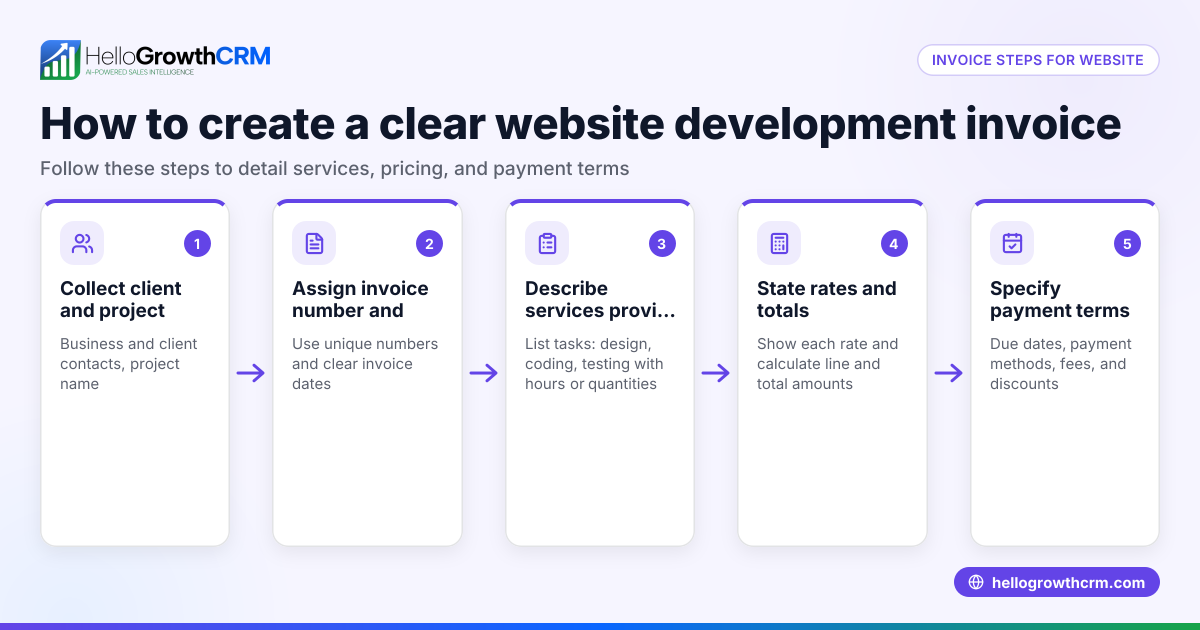
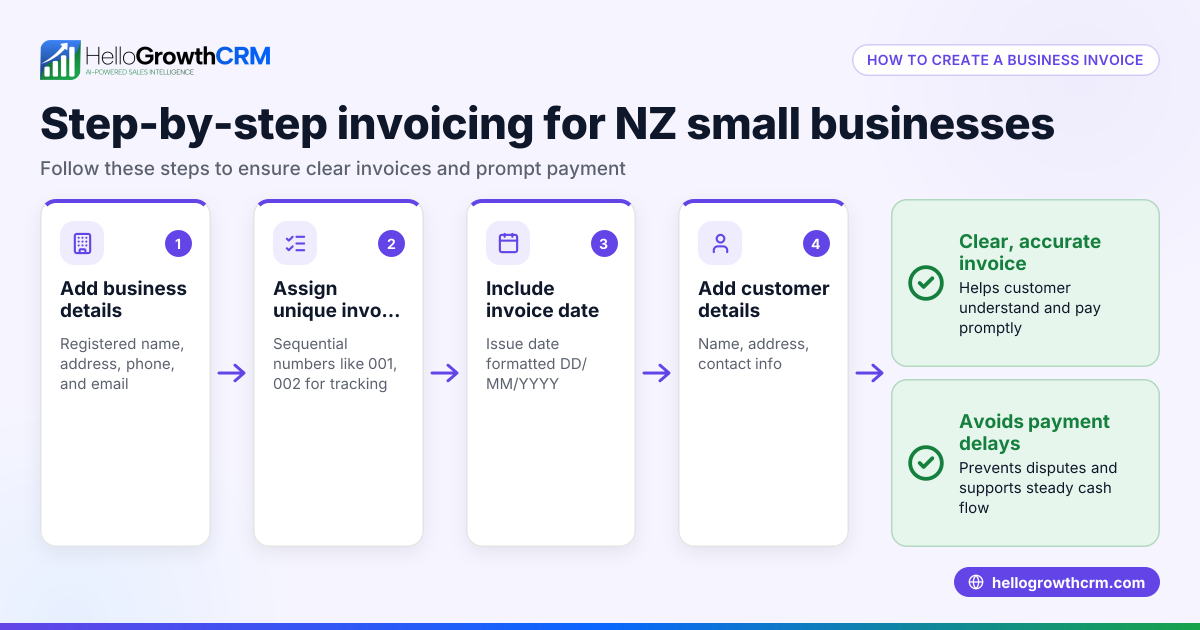
- Add your business information: Include your registered business name, physical address, phone number, and email. Include your business number if you have one for tax purposes.
- Add your client’s information: Provide the client’s full name or company name, address, and contact details.
- Assign a unique invoice number: Use a sequential numbering system (e.g., 2024-001, 2024-002) to keep your invoices organized and easy to reference.
- Include the invoice date: Use the date you issue the invoice, formatted as YYYY-MM-DD.
- List goods or services provided: Describe each item or service clearly, including quantity, unit price, and total price per line.
- Calculate applicable taxes: Apply GST, HST, or PST as relevant to your province and client’s location. Show the tax rate and tax amount separately for clarity.
- Calculate the total amount due: Add all line totals plus taxes to show the final amount payable.
- Specify payment terms: State the due date (e.g., payment due within 30 days), accepted payment methods, and any late payment fees.
- Add additional notes if needed: Include messages such as thank-you notes, purchase order numbers, or warranty details.
- Review and send the invoice: Carefully check all details for accuracy before sending via email or mail.
Example (fictional figures)
A mortgage brokerage in Mississauga, Ontario issues an invoice on 2024-06-01.
- Business name: Maple Leaf Mortgage Inc.
- Client: Greenfield Homes Ltd., Toronto, ON
- Invoice number: 2024-015
| Description | Quantity | Unit Price | Line Total |
|---|---|---|---|
| Mortgage application fee | 1 | C$1,200 | C$1,200 |
| Credit report fee | 1 | C$150 | C$150 |
Subtotal = C$1,200 + C$150 = C$1,350
GST (assumed illustrative rate 5%) = C$1,350 × 5% = C$67.50
Total amount due = C$1,350 + C$67.50 = C$1,417.50
Payment terms: Payment due within 30 days by cheque or e-transfer.
Common mistakes
- Missing invoice number: Always assign a unique, sequential invoice number before sending to avoid confusion.
- Incorrect tax calculation: Verify the correct GST/HST/PST rates for your and your client’s province; use a calculator or software.
- Omitting payment terms: Clearly state the payment due date and acceptable payment methods to prevent delays.
- Vague descriptions: Use detailed descriptions of goods or services to avoid misunderstandings.
- Incomplete business or client details: Ensure all contact information is accurate for proper record-keeping and communication.
- Not reviewing before sending: Proofread invoices carefully to catch errors that could delay payment.
Doing this in HelloGrowthCRM
HelloGrowthCRM includes a quoting and proposal tool that lets you build, send, and track invoices directly from a deal record. You can generate invoices tied to closed deals and reconcile payments received. The quotation status (sent, viewed, accepted) appears on the same screen as your follow-up tasks, helping you stay organized. Learn more about HelloGrowthCRM for Canada and its WhatsApp and SMS CRM features including the built-in CRM dialer.
Frequently asked questions
How to create a tax invoice in Canada? A tax invoice in Canada must include all standard invoice details plus your GST/HST number and clearly show the tax charged. This allows clients to claim input tax credits. Follow the same steps as a regular invoice but ensure tax details are explicit.
How do I create recurring invoices in Canada? Recurring invoices are issued regularly for ongoing services. Use software or CRM tools that support recurring billing to automate creation and sending. Specify the billing period, amounts, and terms clearly in each invoice.
What taxes should I include on a Canadian invoice? Include GST (Goods and Services Tax), HST (Harmonized Sales Tax), or PST (Provincial Sales Tax) depending on your business location and the client’s province. Tax rates vary, so confirm the correct rates before applying.
Is there a legal format for invoices in Canada? There is no strict legal invoice format in Canada, but invoices must contain all essential information for payment and tax purposes. Clear, consistent formatting is recommended for professionalism and compliance.
Key takeaways
- Include complete business and client details on every invoice.
- Use unique invoice numbers and clear invoice dates.
- List goods or services with quantities, unit prices, and totals.
- Apply correct GST/HST/PST taxes and show them separately.
- Specify payment terms and accepted methods clearly.
- Review invoices thoroughly to avoid errors and delays.
Create your business invoices efficiently and stay organized with tools like HelloGrowthCRM. Start on the Free Forever plan (200 leads, no credit card) today.
Ready to put this into practice?
Set up your pipeline, WhatsApp follow-ups, and AI lead scoring in minutes — free, no credit card.
Try HelloGrowthCRM freeGet CRM tips in your inbox
Join thousands of sales professionals who get weekly insights on CRM strategy, AI automation, and pipeline optimization.

The HelloGrowthCRM team publishes guides on CRM strategy, AI sales tools, and revenue operations for small business sales teams.