HelloGrowthCRM software
Built for real small-business sales teams
HelloGrowthCRM helps reps qualify faster, follow up on time, and close more deals—with practical automation in one place.
- AI lead scoring and pipeline visibility
- Built-in dialer, WhatsApp, and email automation
- Sales forecasting and RevOps-ready reporting
Managing business accounts and contacts in New Zealand requires clear organisation and consistent follow-up to maintain relationships and grow sales. Start by setting up a system that records all relevant details and interactions for each business account and its contacts. This article covers why this is important, step-by-step instructions for managing accounts and contacts, a worked example with New Zealand figures, common mistakes to avoid, and how HelloGrowthCRM features support this process.
Why this comes up / what goes wrong
Small and mid-sized New Zealand businesses often struggle with managing business accounts and contacts because they rely on scattered tools like text messages, emails, and spreadsheets. This leads to lost leads, missed follow-ups, and inefficient communication. Without a clear system, sales teams forget who to contact and when, causing delays and lost opportunities. Managing accounts and contacts well ensures you keep track of every interaction, assign tasks, and follow up on time, improving customer relationships and sales outcomes.
Step-by-step
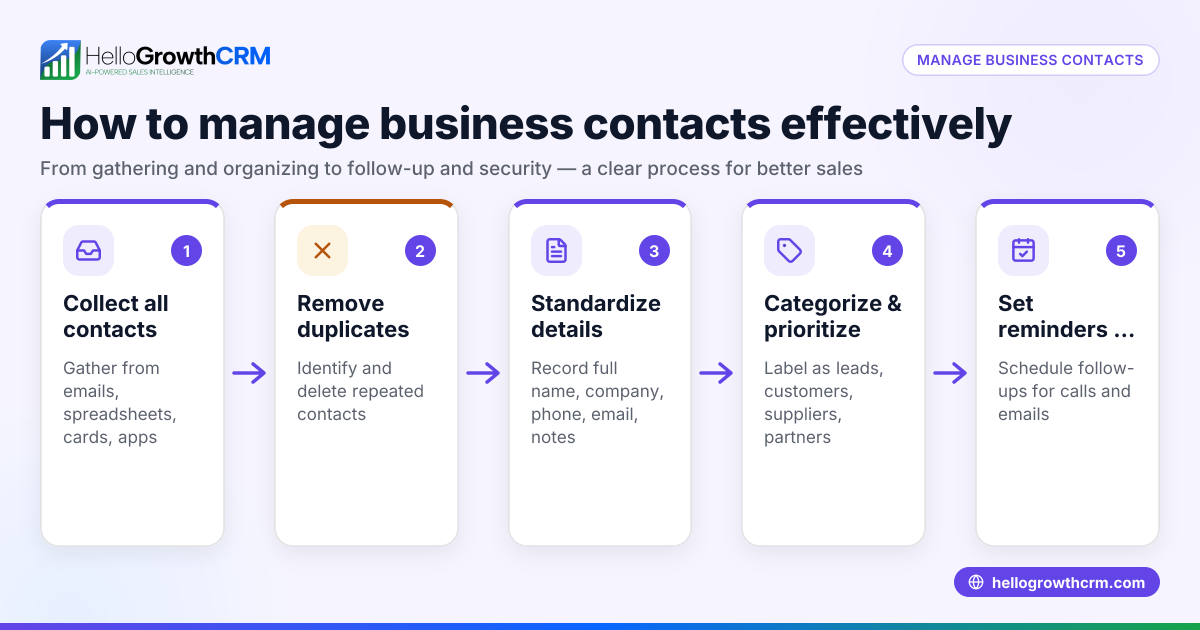
- Create an account record for each business
- Include company name, address, phone number, email, and any relevant notes.
- Check for duplicates to avoid confusion.
- Add contacts linked to each account
- Record full name, role, phone, email, and preferred communication channels.
- Note the relationship and history with your business.
- Log all communications and interactions
- Record calls, meetings, emails, and messages with dates and summaries.
- This helps track progress and context for future conversations.
- Assign follow-up tasks with due dates
- Schedule calls, meetings, or emails to keep engagement active.
- Check the task board daily to prioritise your work.
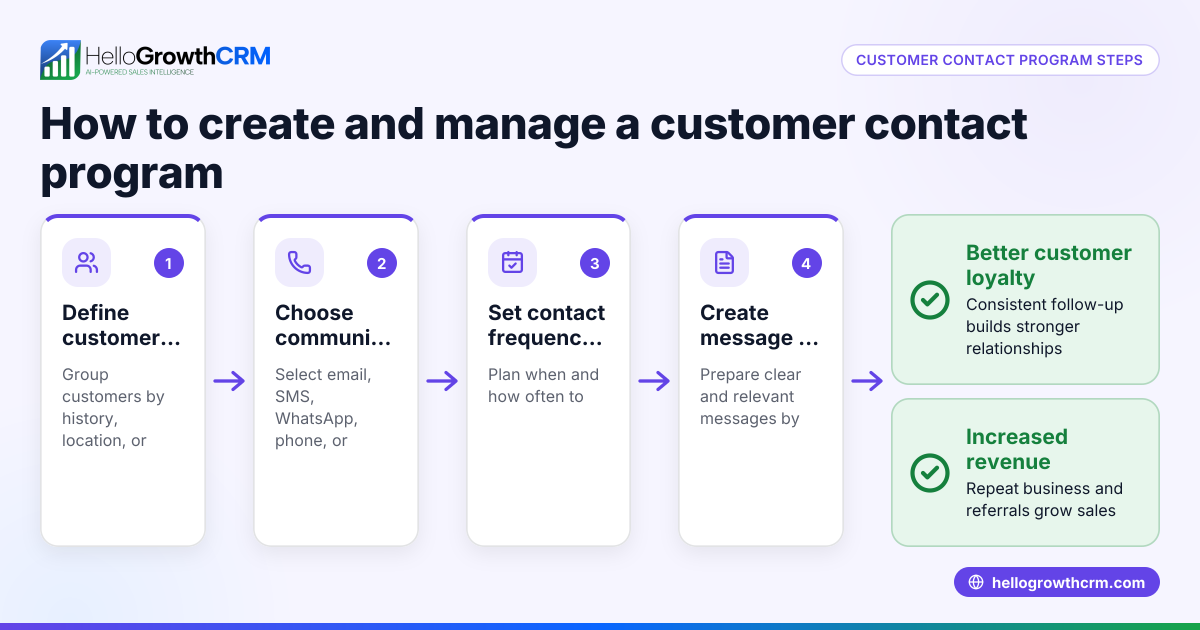
- Segment contacts for targeted communication
- Group contacts by role, industry, or stage in the sales pipeline.
- This makes campaigns and sequences more relevant.
- Use sequences or campaigns for automated follow-up
- Set up multi-step outreach that sends messages over time and stops when the contact responds.
- This ensures no lead is forgotten.
- Review and update account and contact details regularly
- Confirm contact information is current and update notes after every interaction.
- Monitor your pipeline and forecast sales
- Track where each account is in the sales process and expected revenue.
- Adjust follow-ups based on pipeline status.
Example (fictional figures)
A Christchurch building company, KiwiBuild Ltd, wants to manage its business accounts and contacts effectively.
- KiwiBuild creates an account record:
- Company: KiwiBuild Ltd
- Address: 123 Colombo St, Christchurch
- Phone: 03 123 4567
- Email: info@kiwibuild.co.nz
- They add contacts:
- Jane Smith, Project Manager, jane.smith@kiwibuild.co.nz, 021 555 1234
- Tom Lee, Procurement Officer, tom.lee@kiwibuild.co.nz, 021 555 5678
- They log a call on 01/05/2024:
- Called Jane to discuss upcoming projects.
- Summary: Jane interested in new concrete supplier.
- They assign a follow-up task:
- Task: Email concrete supplier options
- Due date: 05/05/2024
- They segment Jane and Tom as "Decision Makers" in the construction industry.
- They set up a 5-step email and SMS follow-up sequence over two weeks for new leads.
- On 05/05/2024, they update the account:
- Added notes: Jane requested pricing details.
- KiwiBuild forecasts NZ$150,000 expected revenue from this account in Q2.
This system keeps KiwiBuild organised and responsive.
Common mistakes
- Not recording all contacts and details: Leads to missed opportunities. Prevent by entering contacts immediately and verifying details.
- Failing to log communications: Causes confusion about previous conversations. Prevent by logging every call, email, or message.
- Ignoring follow-up tasks: Leads to lost leads. Prevent by using task boards and setting due dates.
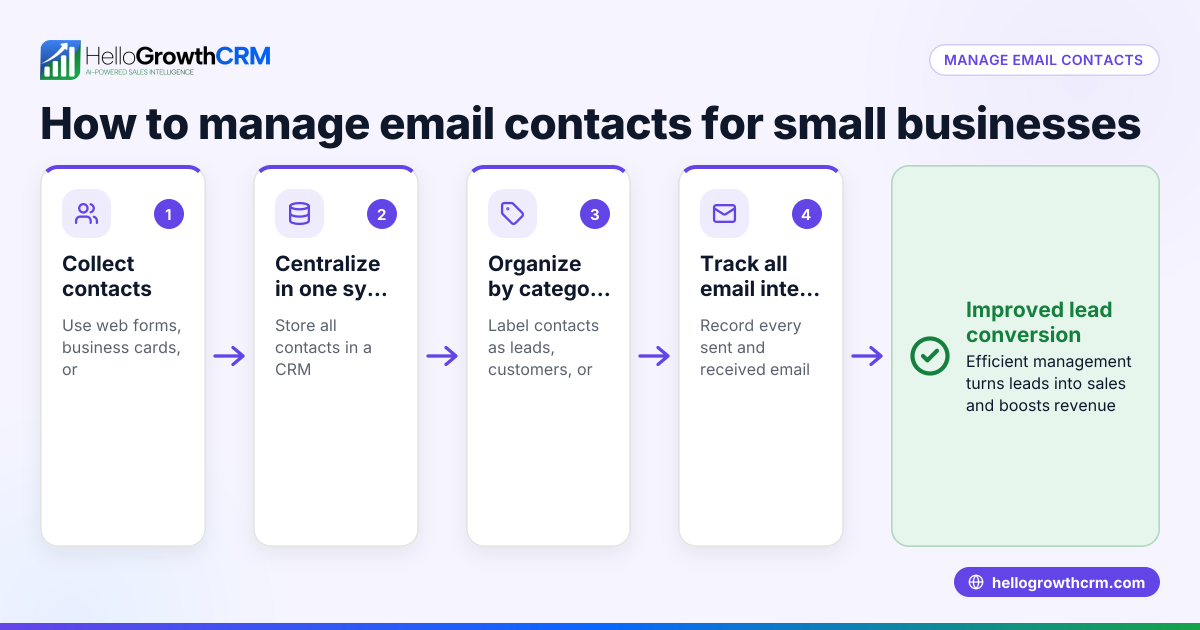
- Using multiple unconnected tools: Causes scattered data. Prevent by consolidating accounts and contacts in one system.
- Not updating contact info regularly: Results in outdated details. Prevent by reviewing and confirming info after each interaction.
- Sending generic messages: Reduces engagement. Prevent by segmenting contacts and personalising sequences.
Doing this in HelloGrowthCRM
HelloGrowthCRM helps you manage business accounts and contacts with activities and task boards where each follow-up becomes a task with a due date. The built-in CRM dialer lists the day's calls so you don’t have to remember them. WhatsApp conversations with leads are logged on their records, and follow-ups can be sent as WhatsApp or SMS messages with WhatsApp and SMS CRM. You can automate multi-step outreach with sequences that run over two weeks and stop as soon as a prospect replies, ensuring no lead is forgotten. Learn more about HelloGrowthCRM for New Zealand.
Frequently asked questions
How do I keep track of multiple contacts within one business account? Create individual contact records linked to the main business account. Record each contact’s role, communication preferences, and interaction history. This keeps details organised and accessible.
What is the best way to schedule follow-ups? Use task boards to assign follow-up tasks with due dates. Review your task list daily to prioritise calls and emails. This prevents leads from slipping through the cracks.
Can I automate follow-ups without losing personal touch? Yes. Automated sequences send timed messages but stop immediately when a contact replies, allowing you to respond personally. Segment your contacts to tailor messages appropriately.
How often should I update contact details? Update details after every interaction or at least quarterly. Regular updates ensure you always have current information for effective communication.
Is it better to use email, WhatsApp, or SMS for contact? Use the channel preferred by each contact. Logging WhatsApp and SMS messages keeps all communication in one place, improving follow-up efficiency.
Key takeaways
- Create detailed account and contact records with full information.
- Log every communication and assign follow-up tasks with due dates.
- Use segmentation and automated sequences to keep leads engaged.
- Regularly update contact details to maintain accuracy.
- Avoid scattered tools by consolidating accounts and contacts in one system.
- HelloGrowthCRM offers task boards, WhatsApp and SMS logging, and automated sequences to streamline management.
Managing your business accounts and contacts well improves your sales process and customer relationships. Start organising your contacts today and keep follow-ups on track with clear tasks and communication logs.
Start on the Free Forever plan (200 leads, no credit card) to try HelloGrowthCRM and see how it can help you manage your accounts and contacts efficiently.
Ready to put this into practice?
Set up your pipeline, WhatsApp follow-ups, and AI lead scoring in minutes — free, no credit card.
Try HelloGrowthCRM freeGet CRM tips in your inbox
Join thousands of sales professionals who get weekly insights on CRM strategy, AI automation, and pipeline optimization.

The HelloGrowthCRM team publishes guides on CRM strategy, AI sales tools, and revenue operations for small business sales teams.