HelloGrowthCRM software
Built for real small-business sales teams
HelloGrowthCRM helps reps qualify faster, follow up on time, and close more deals—with practical automation in one place.
- AI lead scoring and pipeline visibility
- Built-in dialer, WhatsApp, and email automation
- Sales forecasting and RevOps-ready reporting
Managing provincial sales tax invoice fields in Canada requires careful attention to detail to ensure compliance and accurate record-keeping. Each invoice must clearly show the type of tax charged, the rate applied based on the province, and the taxable amounts. This guide walks you through why this is important, the exact steps to take, a worked example using realistic figures, common pitfalls to avoid, and how HelloGrowthCRM can assist in managing your sales process.
Why this comes up / what goes wrong
Small business owners in Canada often struggle with managing provincial sales tax invoice fields because tax rules vary by province and the taxes must be clearly separated on invoices. Missing or incorrect tax fields can lead to confusion for customers, errors in tax reporting, and potential issues with tax authorities. Businesses selling across provinces must differentiate between GST, PST, HST, or RST depending on the customer's location. Without a clear process, invoices may omit required tax details or apply incorrect rates.
Step-by-step
- Identify the customer's province: Determine the location where the sale takes place or where the customer receives the goods or services.
- Determine the applicable taxes: Check if the province uses GST only, PST only, a combination of GST and PST, or HST (harmonized sales tax). For example, Alberta charges GST only, while Ontario charges HST.
- Calculate the taxable amount: Separate the subtotal of goods or services before tax.
- Apply the correct tax rates: Use the current provincial rates for GST (federal), PST, or HST. These rates must be applied to the taxable amount.
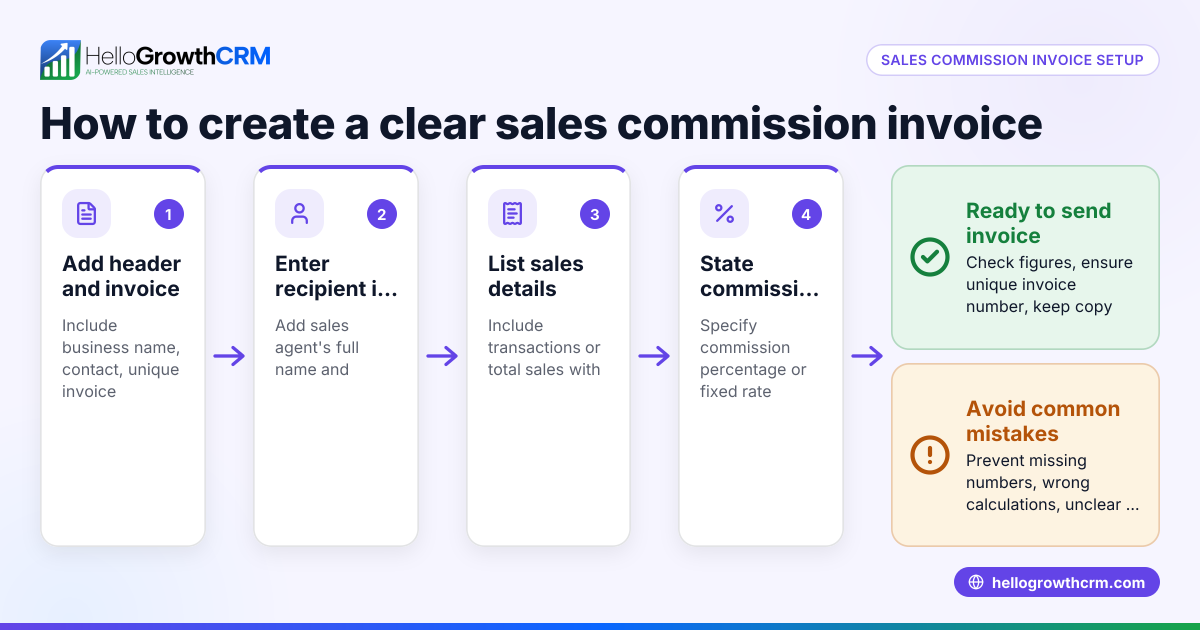
- List tax details separately on the invoice: Show each tax type as a separate line item with the tax rate and the amount charged. For example, “GST 5%: C$50” and “PST 7%: C$70”.
- Include invoice fields for tax registration numbers if required: Some provinces require your GSTIN or PST registration number on invoices.
- Calculate the total: Add the subtotal and all applicable tax amounts to get the invoice total.
- Review for accuracy: Double-check all fields, tax rates, and calculations before sending the invoice.
Example (fictional figures)
A home-renovation contractor in Calgary, Alberta, completes a project on 2024-06-15. Alberta charges GST only at 5%. The invoice subtotal for labour and materials is C$10,000.
Subtotal = C$10,000 GST rate = 5% GST amount = C$10,000 × 5% = C$500 Total invoice amount = C$10,000 + C$500 = C$10,500
The invoice fields would show:
- Subtotal: C$10,000
- GST 5%: C$500
- Total: C$10,500
Common mistakes
- Applying incorrect tax rates: Always verify the current rates for the customer's province. Prevent by checking official provincial tax websites regularly.
- Omitting separate tax fields: Combining taxes into one line confuses customers and complicates reporting. Prevent by listing each tax type separately.
- Failing to include tax registration numbers when required: This can cause compliance issues. Prevent by confirming registration requirements per province.
- Using the wrong province for tax calculation: Tax must be based on the customer’s location, not the seller’s. Prevent by confirming customer address before invoicing.
- Not reviewing invoices before sending: Errors can lead to payment delays or disputes. Prevent by implementing a final review step.
- Losing track of follow-ups after sending quotes or invoices: Prevent by using a CRM with pipeline and follow-up task management like HelloGrowthCRM’s deals pipeline (/product/ai-crm).
Doing this in HelloGrowthCRM
HelloGrowthCRM helps manage your sales process including quotes, proposals, invoices, and payments received all from the deal record. You can send quotations and track their status (sent, viewed, accepted) alongside your follow-up tasks, ensuring no invoice or quote is forgotten. For founders without a sales manager, Managed RevOps provides weekly follow-up support to keep your pipeline clean and active. Using the deals pipeline, quotations sent last week appear at the 'quote sent' stage with a follow-up date, helping you stay on top of customer communications. Learn more about HelloGrowthCRM’s quoting and pipeline features at HelloGrowthCRM for Canada, WhatsApp and SMS CRM, and built-in CRM dialer.
Frequently asked questions
What tax types do I need to include on invoices in Canada? You need to include GST, PST, HST, or RST depending on the province where the sale occurs. Each tax must be shown separately with the applicable rate and amount.
Do I need to show my GST registration number on invoices? Some provinces require the supplier’s GSTIN or PST registration number on invoices. Check provincial requirements to ensure compliance.
How do I handle sales tax if I sell to customers in multiple provinces? Determine the customer’s province for each sale and apply the correct tax rates accordingly. Your invoices must reflect the appropriate taxes for each location.
Can I combine GST and PST in one tax line on my invoice? No, it is best practice to list each tax separately to avoid confusion and simplify tax reporting.
How can HelloGrowthCRM help with managing invoices and tax fields? HelloGrowthCRM lets you create and send quotes and invoices directly from deals, track their status, and manage follow-ups to ensure timely payments and compliance. See HelloGrowthCRM for Canada for details.
Key takeaways
- Identify the customer’s province to determine applicable taxes.
- Apply the correct GST, PST, HST, or RST rates separately on invoices.
- Include tax registration numbers if required by the province.
- Show tax amounts as separate line items for clarity.
- Review all tax fields and calculations before sending invoices.
- Use a CRM like HelloGrowthCRM to manage quotes, invoices, and follow-ups effectively.
Managing provincial sales tax invoice fields correctly ensures compliance and smooth customer transactions. Start managing your sales and tax details efficiently with HelloGrowthCRM. Start on the Free Forever plan (200 leads, no credit card).
This article is general information, not tax or legal advice. Rules change; confirm the current position with the Canada Revenue Agency or your accountant before acting.
Ready to put this into practice?
Set up your pipeline, WhatsApp follow-ups, and AI lead scoring in minutes — free, no credit card.
Try HelloGrowthCRM freeGet CRM tips in your inbox
Join thousands of sales professionals who get weekly insights on CRM strategy, AI automation, and pipeline optimization.

The HelloGrowthCRM team publishes guides on CRM strategy, AI sales tools, and revenue operations for small business sales teams.