HelloGrowthCRM software
Built for real small-business sales teams
HelloGrowthCRM helps reps qualify faster, follow up on time, and close more deals—with practical automation in one place.
- AI lead scoring and pipeline visibility
- Built-in dialer, WhatsApp, and email automation
- Sales forecasting and RevOps-ready reporting
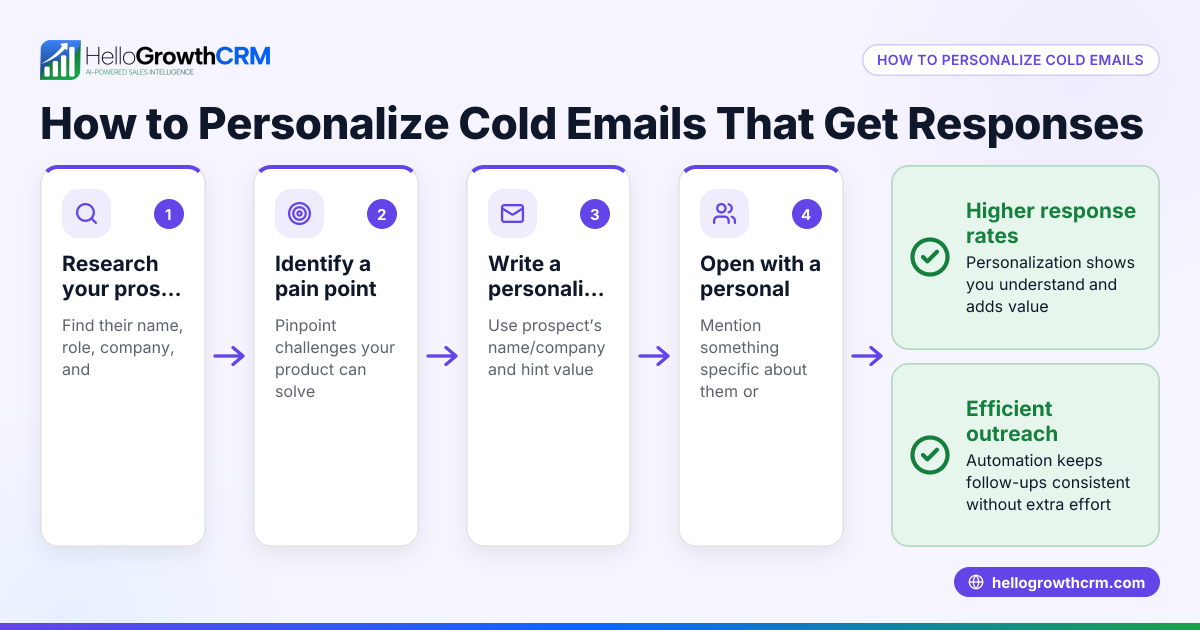
Personalizing customer email messages is essential for building trust and increasing engagement. To do this effectively, you need to gather relevant customer information and use it to customize your emails in a way that feels personal and relevant to each recipient.
Why this comes up / what goes wrong
Small-business owners in the USA often lose leads or fail to close sales because their email messages feel generic or irrelevant. Many run sales using scattered tools like text messages, email, and spreadsheets without a system to capture and use customer data. Without personalization, emails can seem like spam and get ignored. Slow follow-up or missing context about the customer’s needs also reduces response rates. Personalizing emails helps make each message meaningful and timely, increasing the chance of a reply or sale.
Step-by-step
- Collect customer data: Start by gathering basic information such as first name, company name, location, past purchases, and inquiry details. Check that this data is accurate and up to date.
- Segment your customers: Group customers based on shared traits like industry, purchase history, or location. This helps tailor messages to relevant groups.
- Create a personalized email template: Use placeholders for customer details (e.g., "Hi {FirstName},") so each email can be customized automatically.
- Write relevant content: Reference customer-specific information such as recent purchases, local events, or industry trends that matter to them.
- Use a clear call to action: Tailor your offer or next step based on the customer’s situation, such as scheduling a consultation or redeeming a special discount.
- Test your emails: Send test emails to yourself or a colleague to check that personalization fields populate correctly and the message reads naturally.
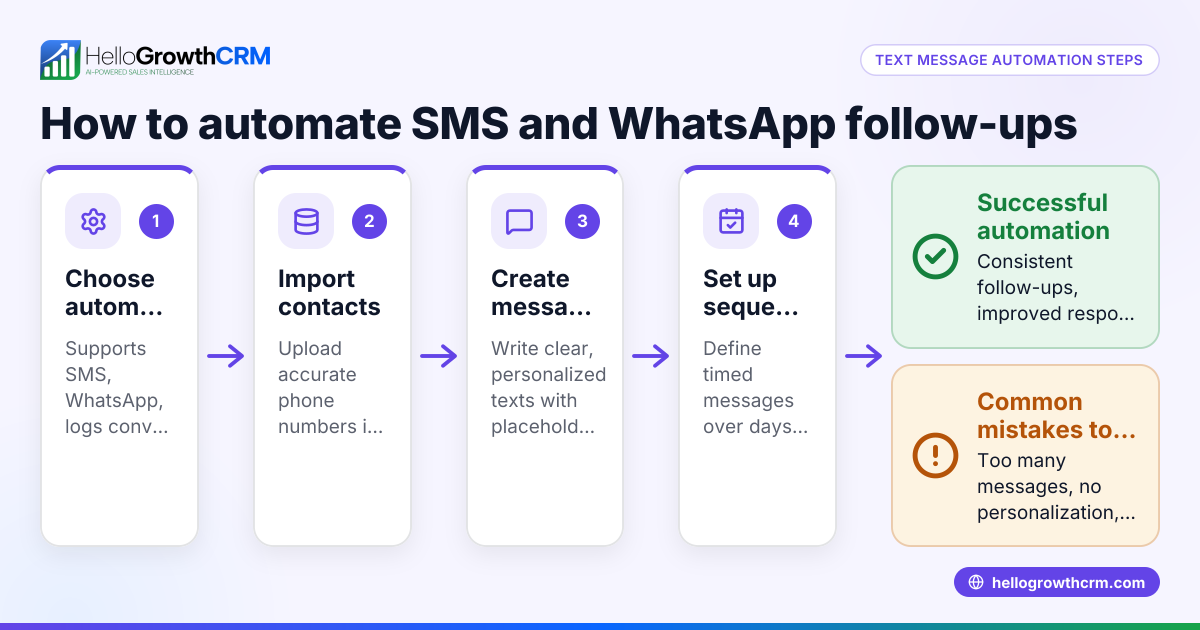
- Automate follow-ups: Set up email sequences that automatically send timed messages and stop when the customer replies to keep engagement active without manual effort.
Check each email before sending to ensure no placeholders remain unfilled and the tone matches your brand.
Example (fictional figures)
GreenLeaf Landscaping in Charlotte, North Carolina, wants to personalize emails to leads who requested a quote. They collect the lead’s first name, property type, and inquiry date.
- Email greeting: "Hi {FirstName},"
- Reference: "Thanks for your interest in landscaping your {PropertyType} on {InquiryDate}."
Example email sent to lead Sarah who inquired about a residential property on 06/01/2024:
"Hi Sarah," "Thanks for your interest in landscaping your residential property on 06/01/2024. We’d love to help you create a beautiful outdoor space."
They offer a 10% discount valid until 06/15/2024.
Calculation of discount deadline reminder: 06/01/2024 + 14 days = 06/15/2024
By using this data, GreenLeaf Landscaping makes the email feel relevant and timely, increasing the chance Sarah will respond.
Common mistakes
- Using generic greetings like "Dear Customer": Always use the customer’s name to create a personal connection.
- Leaving placeholders unfilled: Test emails to avoid sending "Hi {FirstName}" with the placeholder visible.
- Ignoring customer preferences: Segment your list to avoid sending irrelevant offers.
- Sending too many follow-ups without stopping: Use automated sequences that stop once the customer replies to avoid annoyance. Learn more about setting up these sequences in email automation and sequences.
- Not sharing email replies with the team: Use a shared inbox so everyone involved sees customer responses, preventing duplicated or missed replies. See how HelloGrowthCRM’s HelloMail shared inbox keeps your team aligned.
Doing this in HelloGrowthCRM
HelloGrowthCRM offers tools to help personalize and automate your customer emails. Its HelloMail shared inbox lets your sales team see replies to quotation emails on the deal record, so no message is missed. You can set up sequences and campaigns that run a five-step follow-up over two weeks, automatically stopping when a prospect replies. After a sale, customer service requests stay linked to the same customer record using the customer portal, referrals, tickets, and knowledge base features. These tools help keep your sales and service teams coordinated and your emails personalized and timely.
Frequently asked questions
How can I collect customer data for email personalization? Start with web forms, direct inquiries, or previous sales records. Ask for first name, company, location, and specific interests. Keep data updated regularly.
What if I don’t have much customer information? Begin with the basics like name and email. Gradually build data by tracking interactions and purchases. Use segmentation to group customers by what you know.
How often should I send personalized emails? Balance staying top of mind with not overwhelming your customers. Automated sequences over two weeks with up to five messages are a good starting point, stopping when the customer replies.
Can I personalize emails for different customer segments? Yes, segmenting your list by industry, location, or behavior allows you to tailor messages specifically to each group’s needs. Learn more about managing customer health and segmentation in customer health score.
How do I ensure my team sees customer replies? Use a shared inbox like HelloGrowthCRM’s HelloMail so replies to emails are visible to your whole team on the deal record, avoiding missed or duplicated responses.
Key takeaways
- Collect and verify key customer data before personalizing emails.
- Use personalized greetings and relevant content tailored to customer segments.
- Test emails to avoid sending unfilled placeholders.
- Automate follow-ups with sequences that stop once the customer replies.
- Share email replies with your team using a shared inbox for better coordination.
Start personalizing your customer emails today to improve engagement and sales. You can try HelloGrowthCRM’s tools to automate and manage your personalized email sequences. Start on the Free Forever plan (200 leads, no credit card).
Ready to put this into practice?
Set up your pipeline, WhatsApp follow-ups, and AI lead scoring in minutes — free, no credit card.
Try HelloGrowthCRM freeGet CRM tips in your inbox
Join thousands of sales professionals who get weekly insights on CRM strategy, AI automation, and pipeline optimization.

The HelloGrowthCRM team publishes guides on CRM strategy, AI sales tools, and revenue operations for small business sales teams.