HelloGrowthCRM software
Built for real small-business sales teams
HelloGrowthCRM helps reps qualify faster, follow up on time, and close more deals—with practical automation in one place.
- AI lead scoring and pipeline visibility
- Built-in dialer, WhatsApp, and email automation
- Sales forecasting and RevOps-ready reporting
A message to a customer on an invoice is a short note included with the billing document that helps communicate payment instructions, deadlines, or appreciation. It improves clarity and encourages timely payment. This article covers why such messages are needed, how to write them effectively, a practical example, common pitfalls, and how HelloGrowthCRM supports invoice messaging.
Why this comes up / what goes wrong
Small-business owners often send invoices without a clear message, leading to confusion or delayed payments. Customers might not know the payment deadline, acceptable payment methods, or whom to contact for questions. Without a polite message, the invoice can seem impersonal, harming customer relations. Business owners who manage sales and invoicing manually—using text messages, emails, or spreadsheets—may forget to add or customize these messages, causing follow-up challenges.
Invoices without clear messages can result in late payments, disputes, or extra administrative work chasing customers. A well-crafted message reduces these risks by setting expectations clearly and maintaining a professional relationship.
Step-by-step
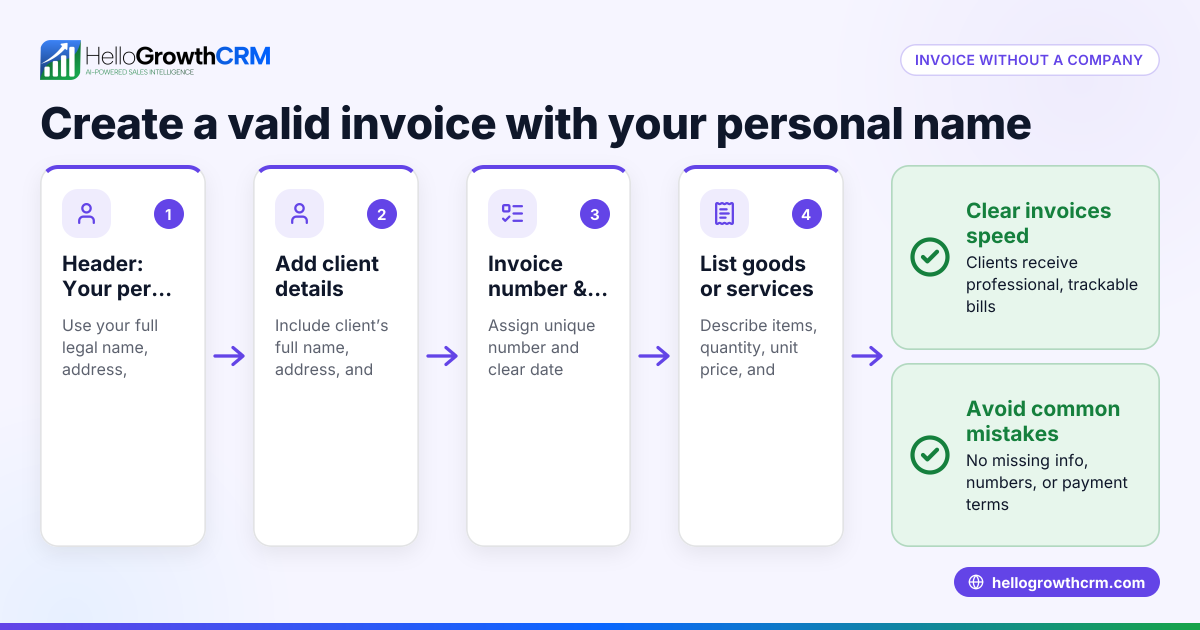
- Start with a greeting and thank-you: Address the customer by name and thank them for their business to set a positive tone.
- State the invoice purpose clearly: Mention that the document is an invoice for goods or services provided, including the invoice number.
- Specify the payment terms: Clearly state the payment due date, accepted payment methods (e.g., check, credit card, online payment), and any late fees if applicable.
- Provide contact information: Include a phone number or email where the customer can direct questions or concerns.
- Keep the tone professional and concise: Use simple, polite language that is easy to understand.
- Review for accuracy and completeness: Double-check all amounts, dates, and contact details before sending.
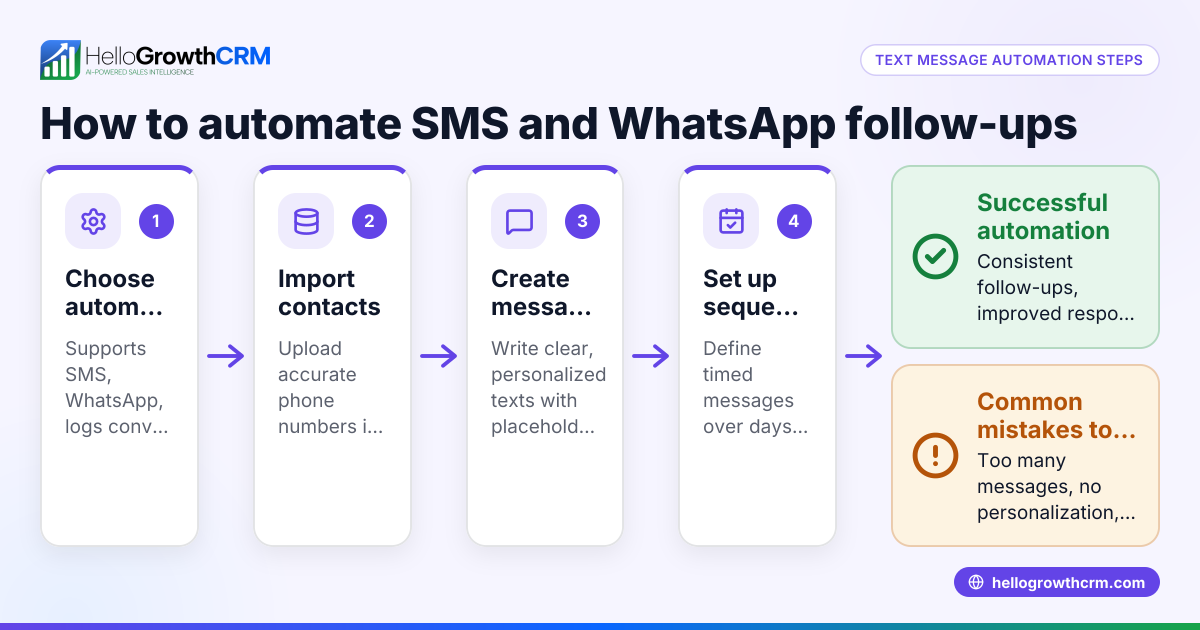
Using a CRM that logs conversations and supports messaging helps keep these communications organized and timely. For example, WhatsApp and SMS CRM enables sending invoice follow-ups directly through messaging channels, improving response rates.
Example (fictional figures)
A plumbing company in Austin, Texas, sends an invoice for a completed job on 06/01/2026.
- Invoice amount: $1,200
- Payment terms: Due within 15 days
Message example:
"Dear Jane,
Thank you for choosing Austin Plumbing Services. Please find your invoice #12345 for $1,200 attached, covering the recent plumbing repair.
Payment is due by 06/16/2026. We accept checks, credit cards, and online payments.
If you have any questions, contact us at (512) 555-1234 or support@austinplumbing.com.
We appreciate your business!
Best regards, Austin Plumbing Services"
Calculation for due date:
06/01/2026 + 15 days = 06/16/2026
This message clearly states the amount, due date, payment methods, and contact info, making it easy for the customer to comply.
Common mistakes
- Omitting payment terms: Without a due date or payment methods, customers may delay payment. Always specify these details.
- Using overly complex language: Legal or technical jargon can confuse customers. Use plain language.
- Failing to include contact details: Customers may delay payment if they cannot easily ask questions. Include phone or email.
- Not personalizing the message: Generic messages feel impersonal. Use the customer's name and a friendly tone.
- Sending invoices without follow-up reminders: Payments can be delayed. Use tools like customer health score to track and follow up.
- Mixing communication channels without tracking: Using email, texts, and spreadsheets separately can cause missed messages. Consider a CRM that logs conversations to keep everything in one place.
Doing this in HelloGrowthCRM
HelloGrowthCRM lets you create and send quotes, proposals, and invoices directly from a deal record. You can track the invoice status—sent, viewed, accepted—on the same screen as your follow-up tasks, so you never miss a step. WhatsApp conversations with your leads and customers are logged on their records, enabling you to send follow-ups as messages easily. After the sale, service requests and tickets stay on the same customer record, helping you manage ongoing communication without switching tools. Learn more about HelloGrowthCRM for the United States.
FAQ section
What should I always include in a message on an invoice? Include a greeting, thank-you note, invoice purpose, payment terms (due date, methods), and contact information. Keep it polite and clear.
Can I send invoice messages via WhatsApp or SMS? Yes, using tools like HelloGrowthCRM, you can send invoice-related messages and follow-ups via WhatsApp and SMS, which many customers prefer for quick responses.
How can I make invoice messages more effective? Personalize the message with the customer's name, use a friendly tone, and clearly state payment details. Also, send reminders if payment is late.
What if a customer has questions about the invoice? Provide clear contact details in the message so customers can reach you easily. Logging conversations in a CRM helps track these interactions.
Should I attach the invoice as a PDF or send a link? Both are acceptable. Attaching a PDF is traditional, but sending a secure link can be more convenient and trackable.
How do I keep track of invoice messages and follow-ups efficiently? Using a CRM that integrates messaging and invoicing workflows helps keep all communications and statuses in one place, reducing missed follow-ups. See WhatsApp and SMS CRM for messaging and customer health score for tracking customer engagement.
Key takeaways
- Always include a polite, clear message on invoices to improve payment clarity.
- State payment terms, due dates, and contact info explicitly.
- Personalize messages and keep the tone professional but friendly.
- Use tools that centralize invoicing and messaging workflows to reduce missed follow-ups.
- Avoid common mistakes like missing payment terms or contact details.
- Follow up on unpaid invoices using consistent communication channels.
Start managing your invoice messages more efficiently and keep your customers informed by trying HelloGrowthCRM. Start on the Free Forever plan (200 leads, no credit card).
Ready to put this into practice?
Set up your pipeline, WhatsApp follow-ups, and AI lead scoring in minutes — free, no credit card.
Try HelloGrowthCRM freeGet CRM tips in your inbox
Join thousands of sales professionals who get weekly insights on CRM strategy, AI automation, and pipeline optimization.

The HelloGrowthCRM team publishes guides on CRM strategy, AI sales tools, and revenue operations for small business sales teams.