HelloGrowthCRM software
Built for real small-business sales teams
HelloGrowthCRM helps reps qualify faster, follow up on time, and close more deals—with practical automation in one place.
- AI lead scoring and pipeline visibility
- Built-in dialer, WhatsApp, and email automation
- Sales forecasting and RevOps-ready reporting
To send invoices by email in the UAE, you need to create a complete invoice document with all necessary details, convert it into a PDF file, write a professional email including payment instructions, attach the invoice PDF, and send it to your customer's email address. This article provides clear steps, a worked example with realistic AED figures, common mistakes to avoid, and explains how HelloGrowthCRM can help manage invoices and follow-ups efficiently.
Why this comes up / what goes wrong
Many small business owners in the UAE face challenges sending invoices by email because they lack a standardised process. Invoices may be sent late or miss important details like payment terms or customer information, causing delays in payment. Businesses often rely on WhatsApp, phone calls, or spreadsheets to manage sales and invoicing, which can lead to lost or overlooked invoices. Establishing a clear, repeatable method reduces errors and improves cash flow.
Step-by-step
- Prepare the invoice document: Include your company name, address, contact details, invoice number, invoice date, customer name and address, description of goods or services, quantity, unit price, total amount, VAT if applicable, and payment terms such as due date.
- Convert the invoice to PDF: Save your invoice as a PDF file to ensure a professional format that cannot be easily altered.
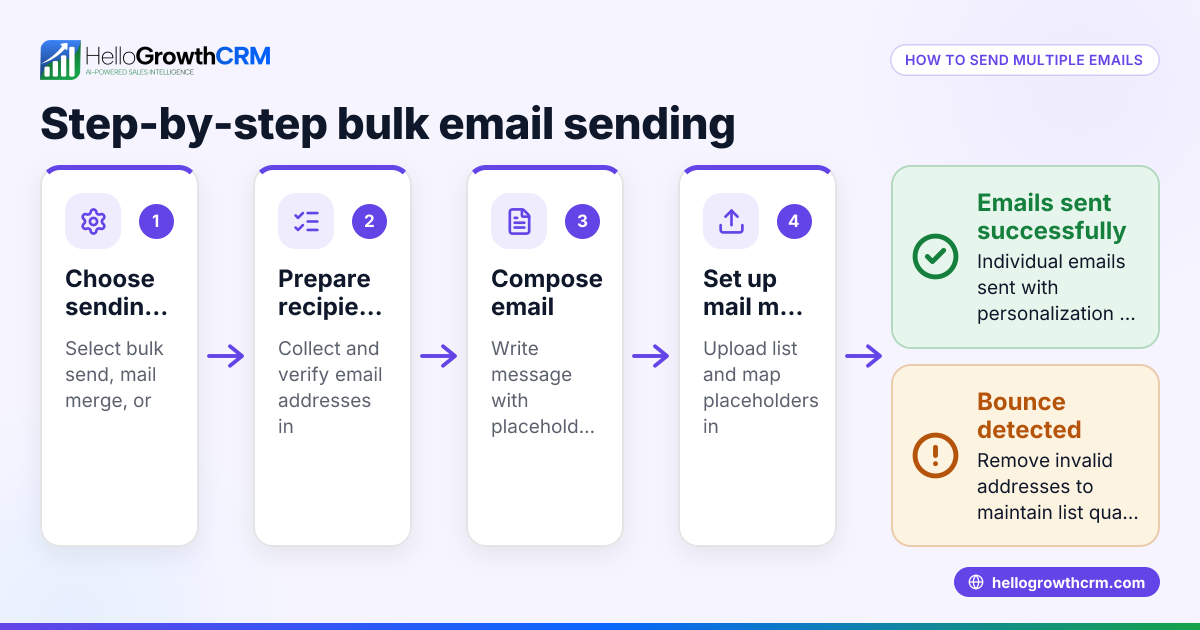
- Compose the email: Use a clear subject line like "Invoice [Invoice Number] from [Your Company Name]". In the email body, greet the customer politely, mention the attached invoice, state the payment due date, and provide payment instructions such as bank details or online payment links.
- Attach the invoice PDF: Attach the PDF invoice file to the email. Verify the attachment is correct before sending.
- Check recipient email address: Confirm the customer's correct email address to avoid sending the invoice to the wrong person.
- Send the email: Send the email and note the sent date for your records.
- Follow up if payment is delayed: If payment is not received by the due date, send a polite reminder email.
You can also use tools like HelloGrowthCRM to manage invoices and automate follow-ups. See email automation and sequences and WhatsApp and SMS CRM for related features.
Example (fictional figures)
A business setup consultancy in Business Bay, Dubai, issues an invoice on 15/05/2024 to a client for company registration services.
- Service description: Company registration consultancy
- Quantity: 1
- Unit price: AED 15,000
- VAT (assumed illustrative rate 5%): Calculate VAT
Calculation: AED 15,000 × 5% = AED 750 Total amount = AED 15,000 + AED 750 = AED 15,750
Invoice number: 2024-045 Payment terms: 14 days from invoice date Due date: 29/05/2024
Email subject: "Invoice 2024-045 from Business Bay Consultancy"
Email body example: "Dear [Client Name],
Please find attached Invoice 2024-045 for our company registration consultancy services. The total amount due is AED 15,750, payable by 29/05/2024. Kindly make the payment using the bank details provided in the invoice.
Thank you for your business.
Best regards, Business Bay Consultancy"
Attach the PDF invoice and send it to the client’s email address.
Common mistakes
- Missing key invoice details: Always include invoice number, date, payment terms, and contact information to avoid payment delays.
- Not checking the attachment: Verify the correct invoice PDF is attached before sending.
- Unclear email subject or body: Use a clear subject line and concise, polite email text to improve professionalism.
- Incorrect email address: Confirm the recipient’s email to prevent lost invoices.
- No follow-up on overdue payments: Set reminders to send polite payment reminders if payment is late.
Prevent these mistakes by using a sending checklist.
Doing this in HelloGrowthCRM
HelloGrowthCRM offers built-in tools to create, send, and track quotes, proposals, invoices, and payments from a deal record. You can view the status of sent invoices (sent, viewed, accepted) alongside follow-up tasks on the same screen. The HelloMail shared inbox allows your team to manage replies to invoice emails together without switching apps. Automated sequences enable a five-step follow-up over two weeks that stops as soon as the client replies. Learn more at HelloGrowthCRM for the United Arab Emirates.
Frequently asked questions
How do I send invoices on WhatsApp in the UAE? You can create your invoice as a PDF and send it as a document via WhatsApp to your client’s number. Include payment terms and instructions in the message. Using a CRM with WhatsApp integration helps track invoicing and follow-ups efficiently. See WhatsApp and SMS CRM.
Is it legal to send invoices by email in the UAE? Yes, sending invoices by email is widely accepted in the UAE. Make sure your invoices contain all required commercial details and comply with VAT regulations if applicable. Keep records of sent invoices and email communications for your accounts.
What should I include in an invoice email? Include a clear subject line with the invoice number, a polite greeting, mention of the attached invoice, the total amount due, payment terms, and instructions. Keep the email professional and concise.
Can I automate invoice follow-ups? Yes, automated email sequences can send reminder messages until the customer responds. This saves time and improves payment collection. See email automation and sequences for details.
Key takeaways
- Prepare a detailed invoice with all required information before sending.
- Convert invoices to PDF and attach them to professional emails.
- Double-check recipient email and attachment before sending.
- Follow up politely if payment is delayed.
- Use HelloGrowthCRM to manage invoices, email communication, and follow-ups.
Start sending your invoices by email today with confidence. To simplify this process and manage your sales and invoicing in one place, Start on the Free Forever plan (200 leads, no credit card).
Ready to put this into practice?
Set up your pipeline, WhatsApp follow-ups, and AI lead scoring in minutes — free, no credit card.
Try HelloGrowthCRM freeGet CRM tips in your inbox
Join thousands of sales professionals who get weekly insights on CRM strategy, AI automation, and pipeline optimization.

The HelloGrowthCRM team publishes guides on CRM strategy, AI sales tools, and revenue operations for small business sales teams.