HelloGrowthCRM software
Built for real small-business sales teams
HelloGrowthCRM helps reps qualify faster, follow up on time, and close more deals—with practical automation in one place.
- AI lead scoring and pipeline visibility
- Built-in dialer, WhatsApp, and email automation
- Sales forecasting and RevOps-ready reporting
You can take a credit card payment without a machine by manually entering the card details into a secure payment platform or app. This process involves collecting the card number, expiration date, CVV, and billing address, then submitting this information through your payment processor or gateway. This article covers the step-by-step instructions, common mistakes to avoid, and a worked example for a US small business.
Why this comes up / what goes wrong
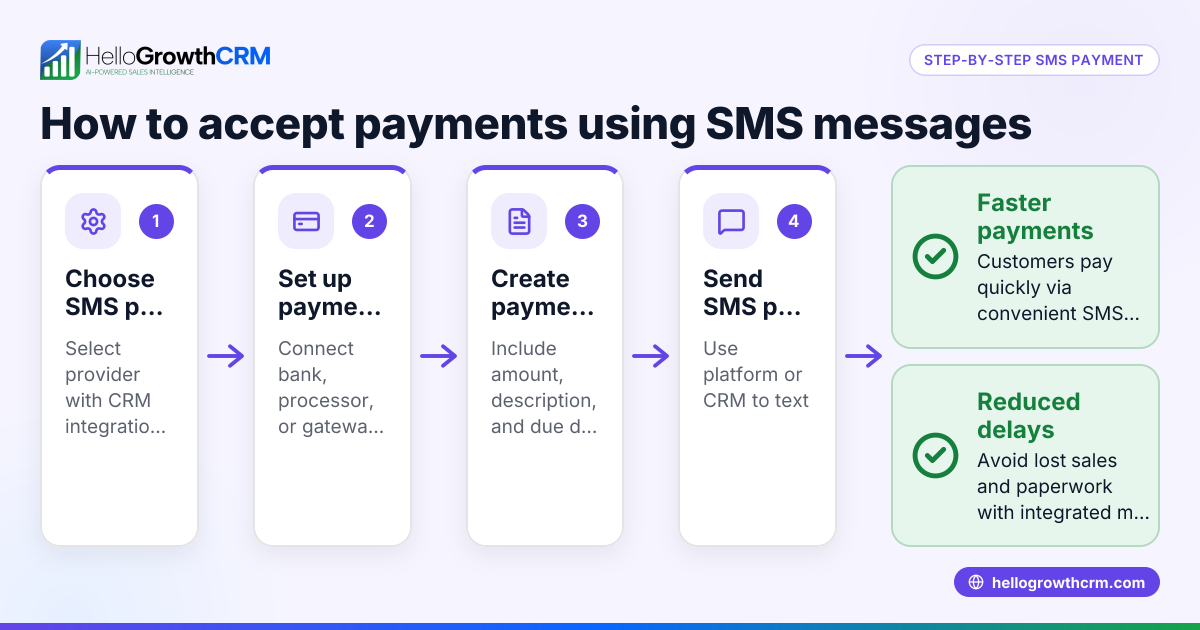
Small business owners often face situations where they need to accept credit card payments but do not have access to a physical card reader or point-of-sale machine. This can happen during remote sales, fieldwork, or pop-up events. Without a machine, the challenge is to securely collect payment details and process the transaction without delays or errors. Many rely on text messages, email, or spreadsheets, which can lead to slow follow-up or lost leads. Knowing how to take payments manually helps avoid these pitfalls and speeds up cash flow.
Step-by-step
- Choose a secure payment gateway or app: Use a trusted platform that allows manual entry of credit card details, such as your merchant account's online portal or a mobile payment app.
- Collect card details carefully: Ask the customer for the card number, expiration date, CVV (3-digit code on the back), and billing address including ZIP code. Confirm all details by repeating them back.
- Verify the cardholder’s identity: If possible, ask for a photo ID or confirm other personal information to reduce fraud risk.
- Enter the card details into the payment platform: Log in to your payment gateway and input the card data exactly as provided.
- Enter the transaction amount: Double-check the amount before submitting.
- Submit the payment: Process the transaction and wait for approval. If declined, verify details or ask for another payment method.
- Provide a receipt: Email or text a receipt to the customer immediately for their records.
- Record the payment: Track the payment in your sales records or CRM to follow up on delivery or service.
- Securely dispose of or store card information: Do not keep card details longer than necessary; comply with PCI DSS standards to protect customer data.
Example (fictional figures)
A landscaping contractor in Charlotte, North Carolina, receives a phone order on 07/15/2025 for lawn care services costing $850. The customer agrees to pay by credit card but the contractor has no card machine.
- Card number collected: 4111 1111 1111 1111
- Expiration date: 12/25
- CVV: 123
- Billing ZIP: 28202
Steps:
- Login to the payment gateway app.
- Enter $850 as the transaction amount.
- Input card details:
- Card number: 4111111111111111
- Expiration: 12/25
- CVV: 123
- ZIP: 28202
- Submit payment.
- Payment approved.
- Email receipt sent to customer.
- Record payment in sales log.
Calculation:
$850 = $850 (no additional fees shown here)
Common mistakes
- Not verifying card details carefully: Prevent by repeating details back to the customer.
- Failing to confirm cardholder identity: Prevent by requesting photo ID or additional verification.
- Entering incorrect transaction amount: Prevent by double-checking the amount before submission.
- Storing card details insecurely: Prevent by securely deleting card info after payment and following PCI DSS guidelines.
- Not providing a receipt promptly: Prevent by automating receipt emails or sending immediately after payment.
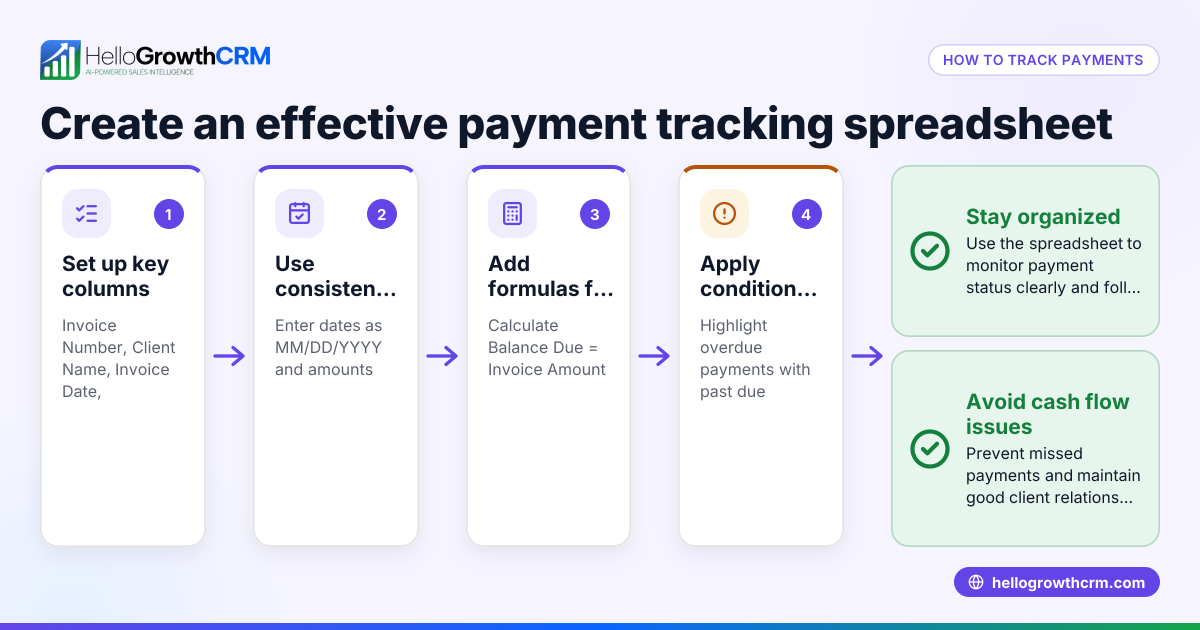
- Losing track of payments: Prevent by using a CRM or sales tracking system to log payments.
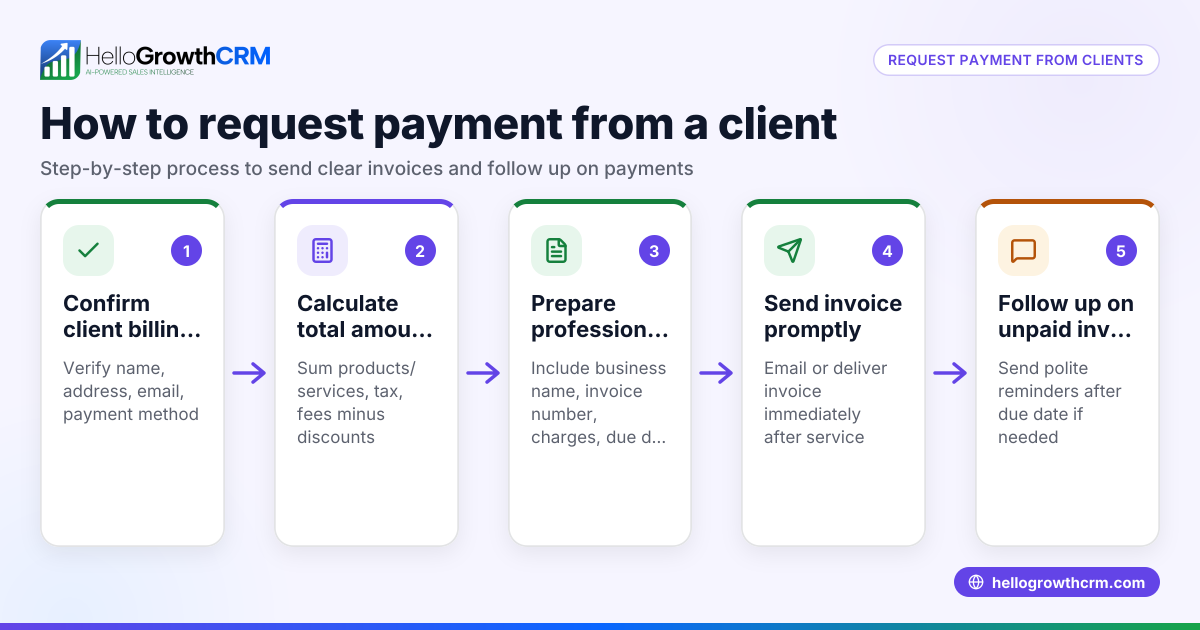
For managing leads and payments effectively, consider a CRM that integrates quoting, invoicing, and payment tracking. HelloGrowthCRM offers quotes, proposals, invoices, and payments received all linked to the deal record, making follow-up easier and faster. Learn more about its built-in CRM dialer and WhatsApp and SMS CRM features to streamline your sales process.
Doing this in HelloGrowthCRM
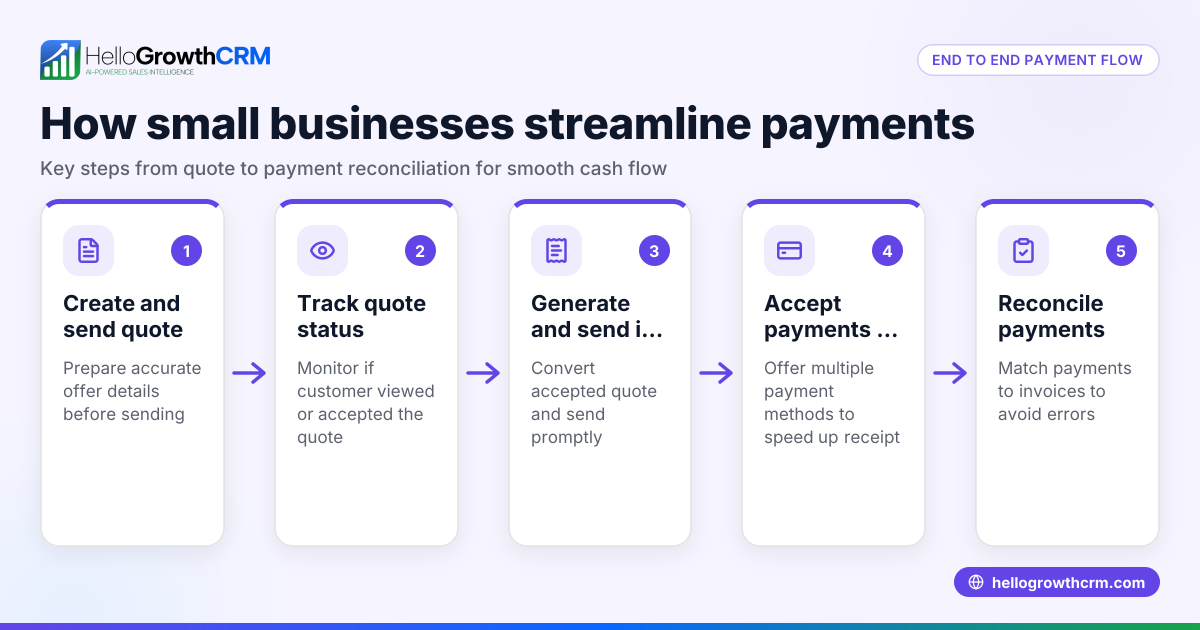
HelloGrowthCRM lets you send quotes and proposals directly from the deal record and track their status (sent, viewed, accepted) alongside follow-up tasks. Once a deal closes, you can generate invoices and record payments received, keeping all sales documents and payment info in one place. This reduces errors and speeds up payment reconciliation.
Frequently asked questions
Can I take credit card payments over the phone without a machine? Yes, by manually entering the card details into a secure payment gateway or app. Always verify the cardholder’s identity and confirm details to reduce fraud risk.
Is it safe to take credit card payments without a machine? It can be safe if you use a trusted payment platform, verify cardholder identity, and follow PCI DSS guidelines for handling card data securely.
What information do I need to take a credit card payment manually? You need the card number, expiration date, CVV code, and billing address including ZIP code. Confirm all details with the customer before processing.
Can I send invoices and track payments in HelloGrowthCRM? Yes, HelloGrowthCRM supports sending quotes, proposals, invoices, and tracking payments received linked to each deal. This helps you manage sales documents and payments efficiently.
What should I do if a manual credit card payment is declined? Verify the card details with the customer and try again. If it still fails, ask for another payment method or contact your payment processor for more info.
Key takeaways
- You can take credit card payments without a machine by manually entering card details into a secure payment platform.
- Always collect card number, expiration date, CVV, and billing address, and verify the cardholder’s identity.
- Double-check transaction amounts and provide receipts promptly.
- Avoid storing card data insecurely; comply with PCI DSS standards.
- Use a CRM like HelloGrowthCRM to send quotes, invoices, and track payments for smoother sales management.
Start taking credit card payments today without a machine by following these steps. To organize your sales process and payments better, start on the Free Forever plan (200 leads, no credit card) with HelloGrowthCRM.
Ready to put this into practice?
Set up your pipeline, WhatsApp follow-ups, and AI lead scoring in minutes — free, no credit card.
Try HelloGrowthCRM freeGet CRM tips in your inbox
Join thousands of sales professionals who get weekly insights on CRM strategy, AI automation, and pipeline optimization.

The HelloGrowthCRM team publishes guides on CRM strategy, AI sales tools, and revenue operations for small business sales teams.