HelloGrowthCRM software
Built for real small-business sales teams
HelloGrowthCRM helps reps qualify faster, follow up on time, and close more deals—with practical automation in one place.
- AI lead scoring and pipeline visibility
- Built-in dialer, WhatsApp, and email automation
- Sales forecasting and RevOps-ready reporting
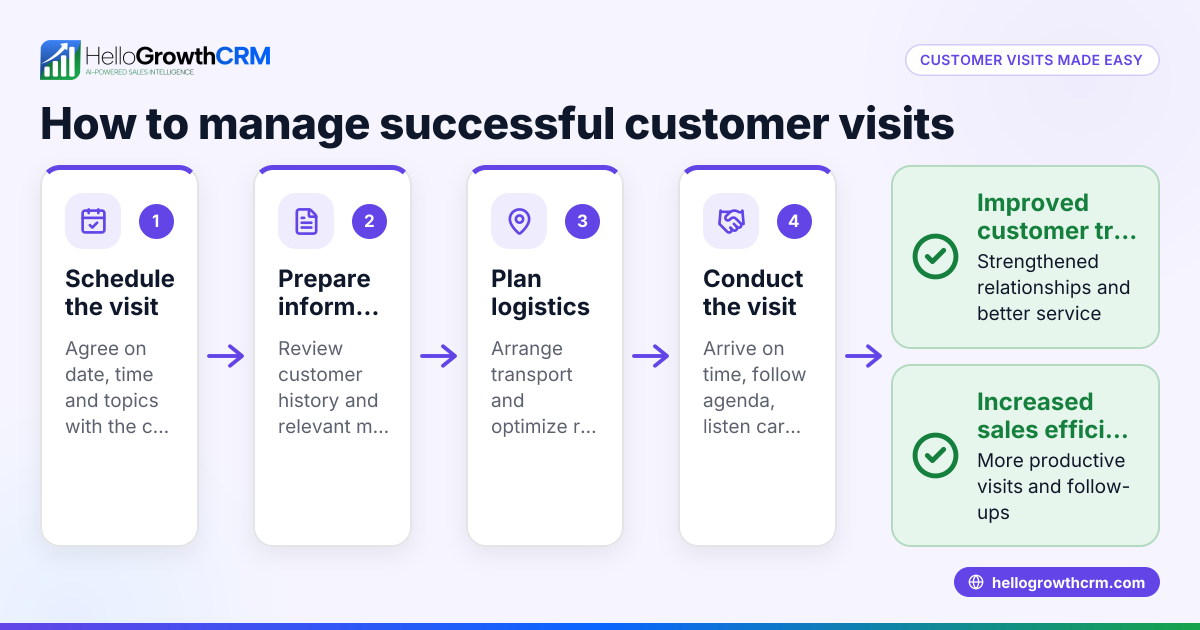
Tracking field sales customer visits in the USA requires organized steps to ensure visits are logged, routes are efficient, and follow-ups are timely. This article explains why tracking is important, gives detailed steps, a worked example, common pitfalls, and how HelloGrowthCRM helps field sales teams manage visits and customer relationships.
Why this comes up / what goes wrong
Small and mid-sized businesses with field sales teams often lose track of which customers have been visited, when, and what was discussed. Without a clear system, sales reps may miss follow-ups or duplicate visits, leading to lost sales and wasted time. Managers struggle to see daily activity and verify field reps’ work. This is especially common when sales are managed through texts, emails, or spreadsheets without a centralized tool.
Step-by-step
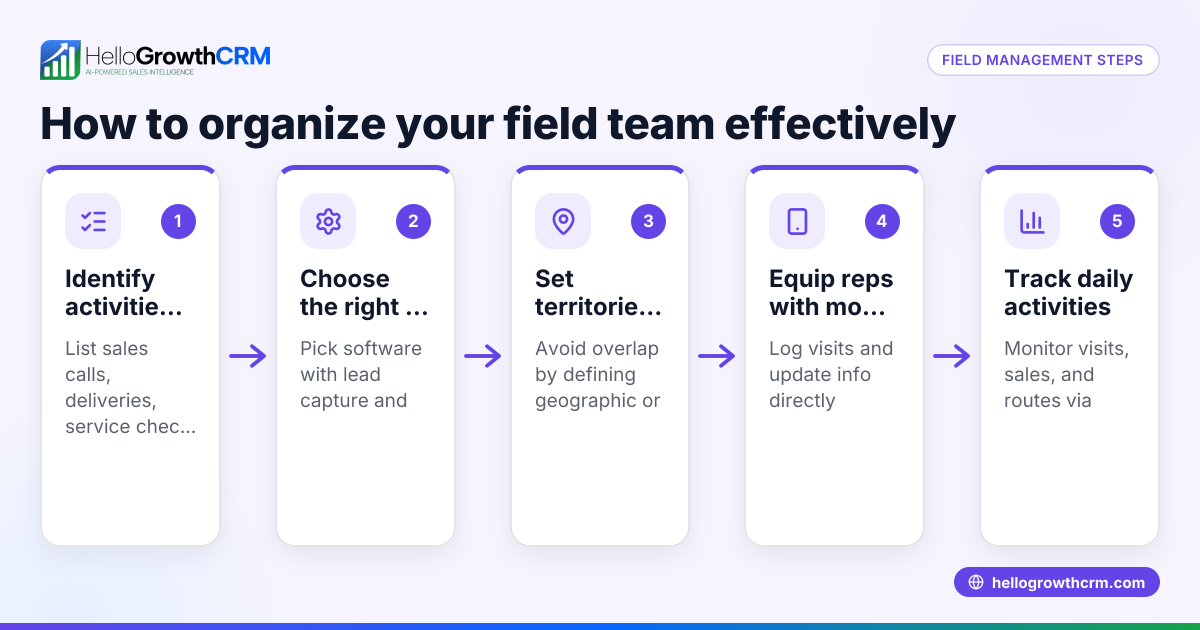
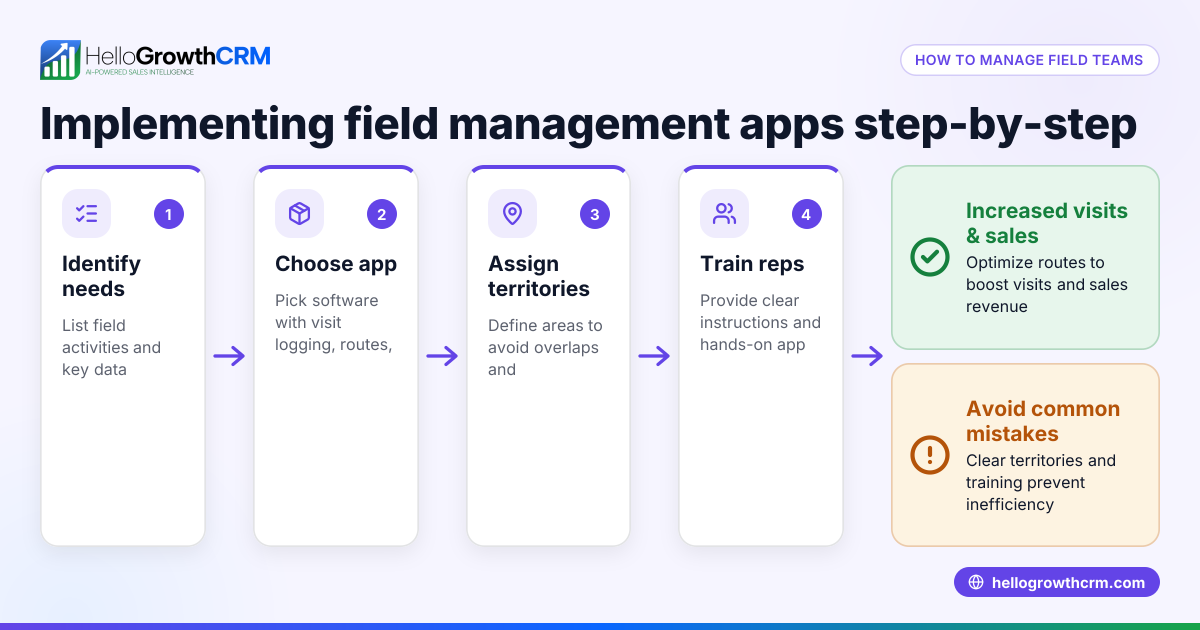
- Define your territories and customer list. Assign customers to field sales reps by geographic area or market segment. Check that each rep knows their assigned customers and territory boundaries. See territory management for organizing territories.
- Plan daily routes. Have reps plan their visits in a logical geographic order to minimize travel time. Check routes for efficiency before the day starts.
- Log each visit immediately. At the customer location, the rep records the visit details: date, time, customer name, purpose, and any notes. Check that the log includes all required fields and is submitted promptly.
- Capture on-site activity. Record any sales outcomes, quotations, or issues raised during the visit. Check that follow-up tasks or deals are created based on visit results.
- Schedule follow-up actions. Set reminders or follow-up dates for calls, emails, or next visits. Ensure these are visible in the sales pipeline or task board.
- Review daily visit logs. Managers should review the day’s visit logs to verify coverage and identify missed customers. Check for completeness and accuracy.
- Analyze visit data regularly. Use reports to identify patterns, high-potential customers, or territory gaps. Check that data drives decisions on resource allocation.
- Keep customer records updated. After visits and follow-ups, update customer contact details, preferences, and notes to maintain a single source of truth.
Example (fictional figures)
GreenLeaf Landscaping, based in Charlotte, North Carolina, has 3 field sales reps covering the city. On 06/15/2024, rep John visits 5 customers. Each visit is logged with time and outcome.
- Visit 1: 9:00 AM, Client A, discussed summer lawn care package, quoted $1,200.
- Visit 2: 10:30 AM, Client B, follow-up on previous quote, closed deal at $3,500.
- Visit 3: 1:00 PM, Client C, new inquiry, scheduled detailed proposal.
- Visit 4: 3:00 PM, Client D, service complaint logged, ticket created.
- Visit 5: 4:30 PM, Client E, referral request made.
John’s total quoted value for the day is:
$1,200 + $3,500 = $4,700
Deals closed are $3,500. Follow-ups and tickets are scheduled accordingly.
The manager reviews the visit log to ensure all clients in John’s territory were contacted and plans next day’s route for pending proposals.
Common mistakes
- Not logging visits immediately: Leads to forgotten details or missed follow-ups. Prevent by requiring visit logs on-site via mobile.
- Ignoring route planning: Causes wasted travel time and fewer visits. Prevent by using route planning tools and reviewing daily plans.
- Failing to schedule follow-ups: Results in lost sales opportunities. Prevent by linking visit outcomes to pipeline tasks.
- Overlooking territory boundaries: Causes customer overlap or missed areas. Prevent with clear territory definitions and ownership tools as in territory management.
- Using multiple disconnected tools: Leads to data loss or confusion. Prevent by consolidating visits, deals, and customer info in one CRM.
Doing this in HelloGrowthCRM
HelloGrowthCRM supports field sales tracking with features like Territories, field operations and commissions where reps log visits from their phones and managers see the day’s beat. Deals (pipeline) help track quotations and follow-ups so no opportunity is forgotten. After the sale, the Customer portal, referrals, tickets and knowledge base keep service requests linked to the same customer record as the deal, maintaining continuity. Learn more about territory management and customer health score.
Frequently asked questions
How can I ensure my field reps log visits accurately? Require reps to log visits immediately on-site using mobile tools. Set mandatory fields like date, time, and visit purpose. Managers should review logs daily for completeness.
What’s the best way to plan routes for field sales? Use geographic territory definitions and mapping tools to plan efficient routes. Prioritize customers by visit frequency and sales potential to maximize time.
How do I track follow-up actions after visits? Link visit outcomes to your sales pipeline or task board. Set follow-up dates and reminders to ensure timely contact. This keeps deals moving forward.
Can I manage commissions based on field visits? Yes, with territory and commission tracking features, you can link commissions to deal outcomes from visits, ensuring accurate payouts.
How does a CRM help with field sales visit tracking? A CRM centralizes visit logs, customer data, deals, and follow-ups in one place. This reduces errors, improves visibility, and helps managers monitor team performance. See how HelloGrowthCRM works for the USA here: HelloGrowthCRM for the United States.
Key takeaways
- Define territories and assign customers clearly to reps.
- Plan routes to minimize travel time and maximize visits.
- Log visits immediately with full details and capture outcomes.
- Schedule and track follow-ups to keep deals progressing.
- Review visit logs daily and analyze data regularly.
- Use a CRM like HelloGrowthCRM to consolidate visits, deals, and customer service.
Tracking field sales customer visits in the USA is manageable with the right process and tools. Start organizing your field visits today and see improved sales efficiency and customer satisfaction.
Get started with HelloGrowthCRM’s Free Forever plan (200 leads, no credit card) at Start on the Free Forever plan (200 leads, no credit card).
Ready to put this into practice?
Set up your pipeline, WhatsApp follow-ups, and AI lead scoring in minutes — free, no credit card.
Try HelloGrowthCRM freeGet CRM tips in your inbox
Join thousands of sales professionals who get weekly insights on CRM strategy, AI automation, and pipeline optimization.

The HelloGrowthCRM team publishes guides on CRM strategy, AI sales tools, and revenue operations for small business sales teams.