HelloGrowthCRM software
Built for real small-business sales teams
HelloGrowthCRM helps reps qualify faster, follow up on time, and close more deals—with practical automation in one place.
- AI lead scoring and pipeline visibility
- Built-in dialer, WhatsApp, and email automation
- Sales forecasting and RevOps-ready reporting
Knowledge base automation uses software to automatically organize, update, and deliver information stored in a knowledge base. It reduces manual work, keeps information accurate and accessible, and speeds up team responses. This article covers why small businesses need knowledge base automation, how to set it up step-by-step, common mistakes to avoid, an example with figures, and how HelloGrowthCRM tools support this process.
Why this comes up / what goes wrong
Small businesses often rely on manual methods like spreadsheets, emails, and text messages to manage product details, customer FAQs, and sales scripts. This scattered approach causes delays, errors, and inconsistent responses, leading to lost leads and frustrated customers. Without automation, teams spend excessive time updating information and following up, which reduces sales efficiency and customer satisfaction.
Step-by-step
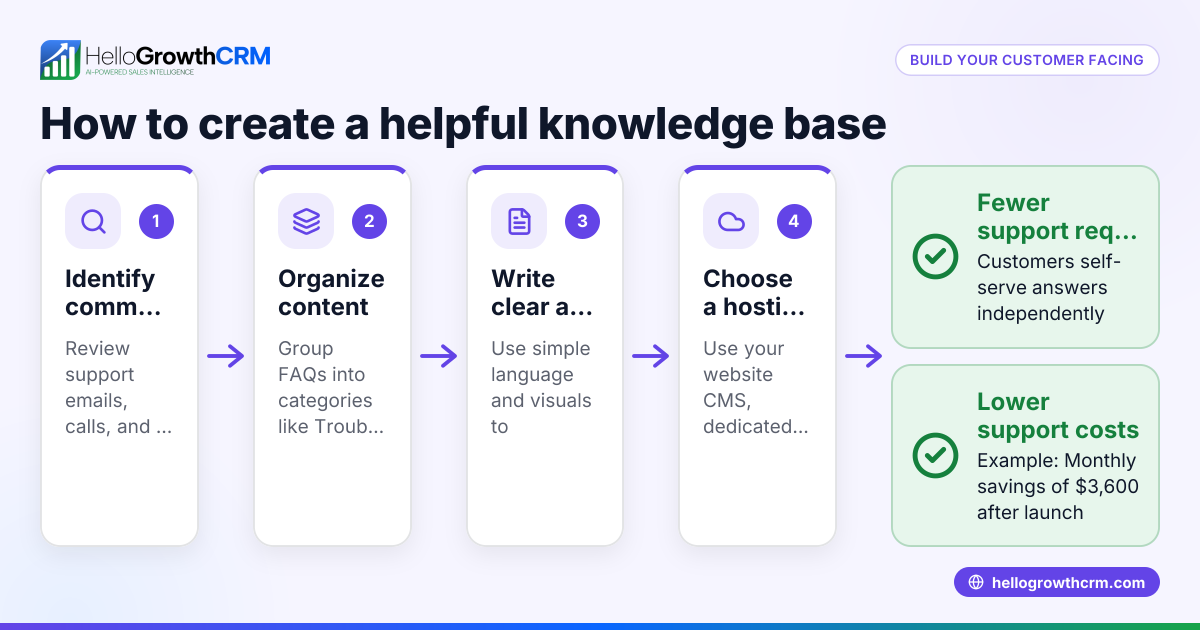
- Identify key knowledge areas: Determine the main topics your team needs quick access to, such as product features, pricing, troubleshooting, and sales objections. Confirm these cover frequent customer questions.
- Select an automation-friendly platform: Choose software that supports content tagging, search, update notifications, and integrates with your sales and communication tools.
- Organize content clearly: Structure your knowledge base into logical categories and subcategories with consistent formatting and clear titles.
- Set automated update processes: Create workflows or rules that notify team members when content needs review or prevent outdated information from being published.
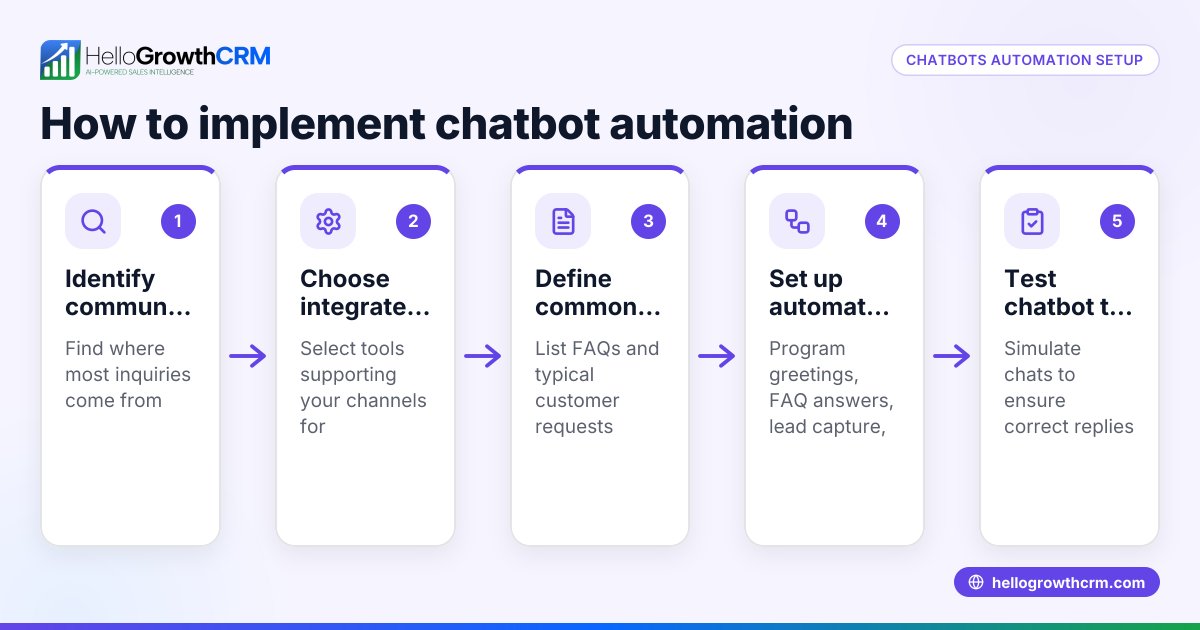
- Enable multi-channel access: Make your knowledge base available via channels your team uses, such as WhatsApp, email, or CRM, for quick reference.
- Train your team: Provide guidance on using the automated knowledge base and encourage feedback to improve it.
- Monitor usage and update accordingly: Track which articles are most accessed and refresh or remove outdated content.
Example (fictional figures)
Austin PipeWorks, a plumbing company in Austin, Texas, with $1,000,000 annual revenue, decided to automate its knowledge base to improve sales follow-up speed and accuracy.
They took these steps:
- Identified key topics: common plumbing repairs, pricing, and warranty information.
- Selected a platform integrated with WhatsApp and CRM.
- Organized content into "Repairs," "Pricing," and "Warranty" sections.
- Set a monthly workflow to notify the manager to review pricing details.
- Enabled access through WhatsApp messages linked in their CRM.
Before automation, the team spent about 5 hours weekly searching and updating information manually.
After automation, they saved those 5 hours weekly, allowing faster follow-up calls and messages.
Calculation of time saved per month:
5 hours/week × 4 weeks = 20 hours/month
This allowed the team to handle more leads promptly and reduce the risk of losing sales due to slow responses.
Common mistakes
- Failing to update content regularly: Prevent this by setting automated reminders and validation rules for content review.
- Overcomplicating the knowledge base structure: Keep categories simple and intuitive to help users find information quickly.
- Neglecting team training: Provide clear instructions and encourage feedback to ensure proper use.
- Using disconnected tools: Integrate your knowledge base with your CRM and communication channels like WhatsApp and SMS to streamline workflows. See how WhatsApp and SMS CRM supports this.
- Not tracking usage: Use analytics to identify popular articles and update or remove outdated content.
Doing this in HelloGrowthCRM
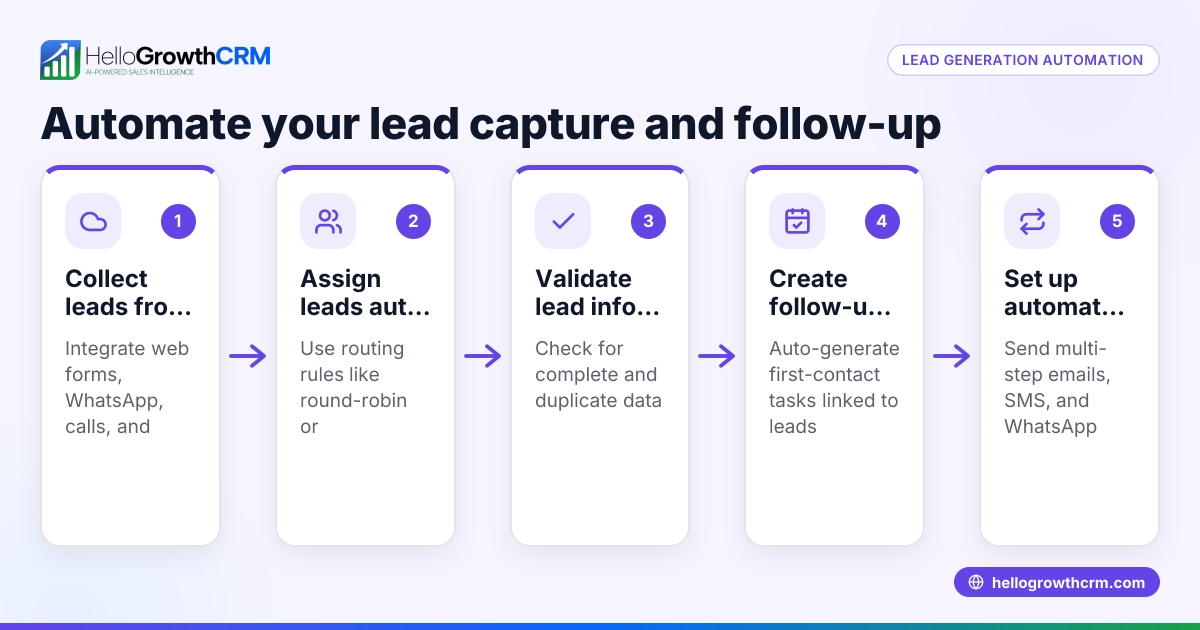
HelloGrowthCRM offers features that support knowledge base automation indirectly through sales automation tools. Use Sequences and campaigns to automate multi-step follow-ups over two weeks that stop as soon as a prospect replies, ensuring timely communication without manual effort. AI agents draft follow-up messages after calls, so reps only review and send, saving time and ensuring consistency. Additionally, Workflows, lead routing and validation rules automate lead assignment and task creation, helping teams act promptly on new inquiries. Learn more on the AI CRM page.
Frequently asked questions
What is knowledge base automation? Knowledge base automation is software that organizes, updates, and delivers information stored in a knowledge base automatically. It reduces manual work and helps teams access accurate information quickly.
How can small businesses benefit from knowledge base automation? Small businesses save time and reduce errors by automating updates and access to key information. This leads to faster customer responses and improved sales follow-up.
What tools support knowledge base automation? Look for platforms offering workflow automation, content validation, and multi-channel access, including integration with CRMs and messaging apps like WhatsApp. HelloGrowthCRM supports workflows and communication sequences that complement knowledge base automation.
How do I keep my knowledge base up to date automatically? Set automated reminders and validation rules that notify team members when content needs review or prevent publishing outdated information.
Can knowledge base automation improve sales follow-up? Yes, integrating with sales tools and automating follow-ups helps your team respond faster and more consistently. Sequences and AI agents help automate outreach and messaging.
Key takeaways
- Knowledge base automation reduces manual work by organizing, updating, and delivering information automatically.
- Small businesses face lost leads and slow responses when managing knowledge bases manually.
- Set up automation by identifying key topics, organizing content clearly, automating updates, and enabling multi-channel access.
- Avoid mistakes like neglecting updates, overcomplicating structure, ignoring training, and using disconnected tools.
- Sales automation tools like sequences, AI agents, and workflows help streamline follow-up and lead management.
Start improving your team’s efficiency with knowledge base automation. Try the Free Forever plan (200 leads, no credit card) to get started today.
Ready to put this into practice?
Set up your pipeline, WhatsApp follow-ups, and AI lead scoring in minutes — free, no credit card.
Try HelloGrowthCRM freeGet CRM tips in your inbox
Join thousands of sales professionals who get weekly insights on CRM strategy, AI automation, and pipeline optimization.

The HelloGrowthCRM team publishes guides on CRM strategy, AI sales tools, and revenue operations for small business sales teams.