HelloGrowthCRM software
Built for real small-business sales teams
HelloGrowthCRM helps reps qualify faster, follow up on time, and close more deals—with practical automation in one place.
- AI lead scoring and pipeline visibility
- Built-in dialer, WhatsApp, and email automation
- Sales forecasting and RevOps-ready reporting
Sales quotes for customers are formal documents that present your pricing, product or service details, and terms to potential buyers. They serve as a clear offer that helps customers understand costs and conditions before committing. Sending accurate and timely sales quotes is essential to closing deals efficiently and building trust.
Why this comes up / what goes wrong
Small-business owners often face challenges with sales quotes because they rely on informal methods like emails, text messages, or spreadsheets to track offers. These methods can cause delays, confusion, or lost sales opportunities when quotes are forgotten or not followed up. Without a structured process, quotes may be inconsistent in format or pricing, making it harder for customers to compare options and decide. Additionally, tracking which quotes were sent, viewed, or accepted becomes difficult without a dedicated system, leading to missed revenue.
Step-by-step
- Identify customer needs clearly. Confirm exactly what products or services the customer requires, including quantities, specifications, and any special requests.
- Calculate costs accurately. Include all relevant expenses such as materials, labor, taxes, shipping, and any applicable discounts.
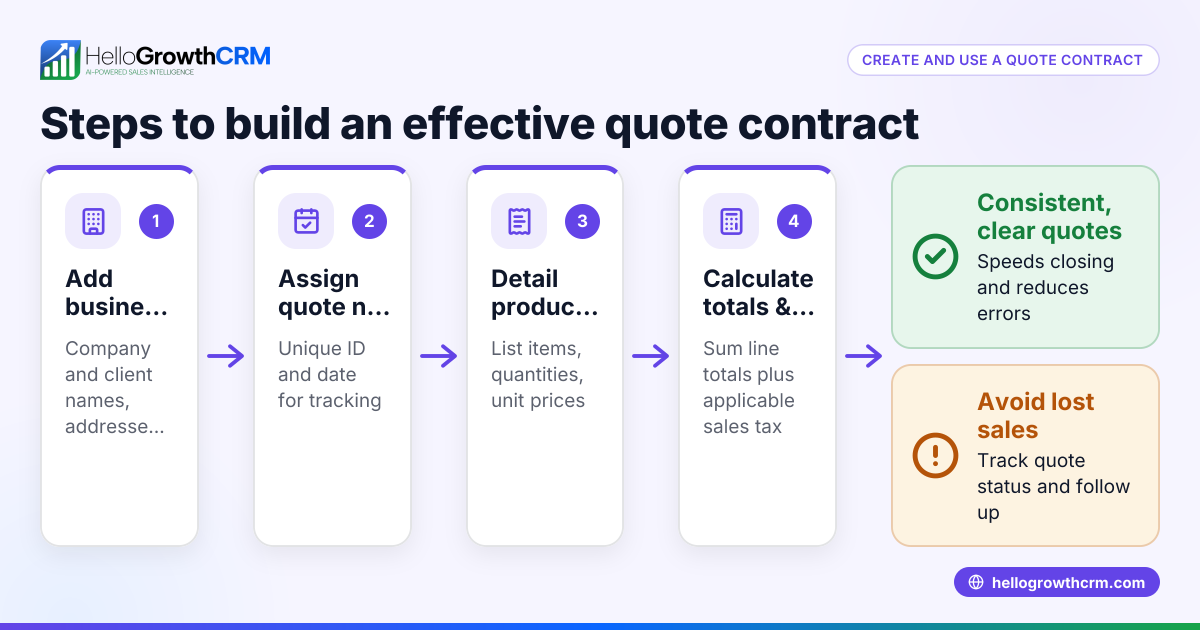
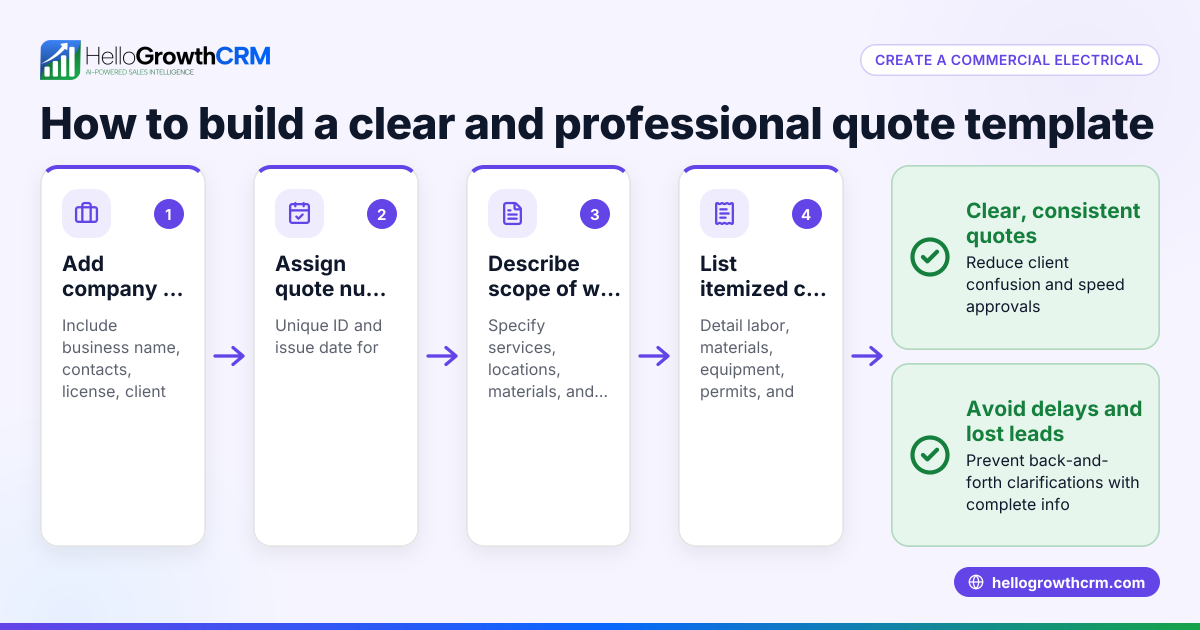
- Prepare the quote document. Include your business name and contact information, customer details, an itemized list of products or services with prices, terms and conditions, payment terms, and a clear expiration date.
- Review the quote for accuracy. Double-check all prices, quantities, calculations, and terms to avoid errors that could cause disputes or loss of trust.
- Send the quote promptly. Deliver the quote via email or a CRM tool to ensure it reaches the correct decision-maker quickly.
- Set a follow-up reminder. Schedule a date to contact the customer to answer questions, provide clarifications, or encourage acceptance.
- Track the quote status. Monitor whether the quote was sent, viewed, accepted, or requires revision to stay on top of the sales process.
Using a CRM tool that integrates quoting with sales pipelines automates steps 5 through 7, reducing the chance of lost leads or forgotten follow-ups. For example, you can check out WhatsApp and SMS CRM for communication and follow-up.
Example (fictional figures)
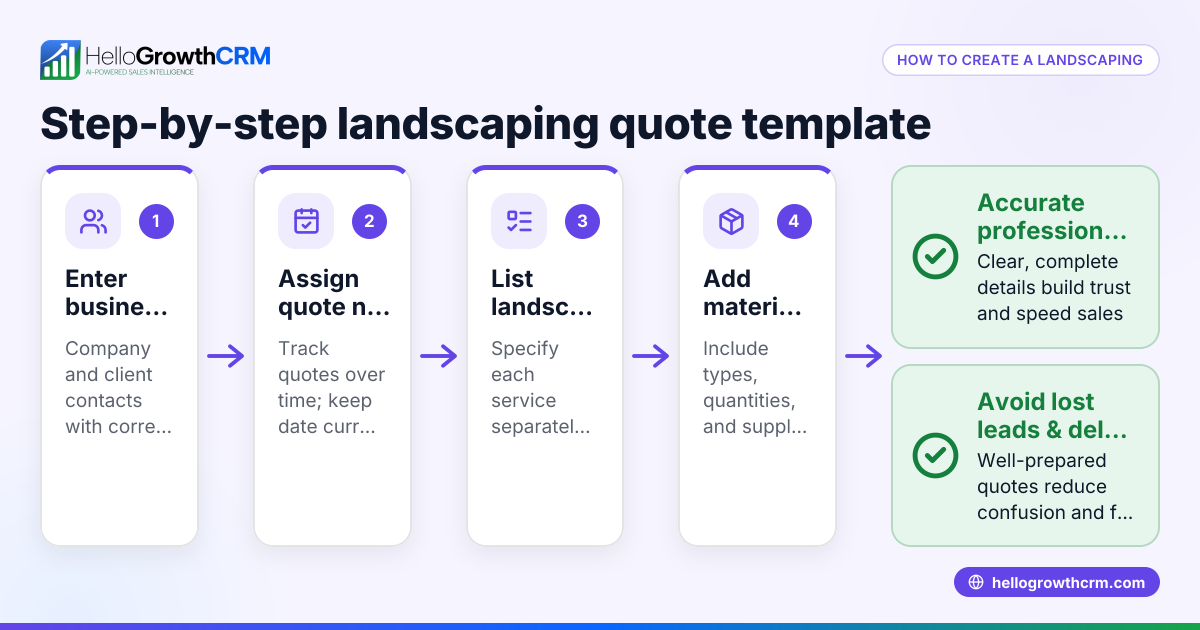
A landscaping contractor in Charlotte, North Carolina, prepares a quote for a customer on 07/15/2026.
- Labor cost: $3,000
- Materials: $1,500
- Equipment rental: $500
- Subtotal: $3,000 + $1,500 + $500 = $5,000
- Tax (assumed illustrative rate 7%): $5,000 × 7% = $350
- Total quote price: $5,000 + $350 = $5,350
The contractor sends this detailed quote with a 30-day expiration date and sets a follow-up reminder for 07/30/2026 to check in with the customer.
Common mistakes
- Delaying quote delivery. Prevent by preparing quotes quickly and sending them immediately after customer interest to maintain momentum.
- Not following up. Prevent by scheduling reminders and tracking quote status to avoid missed opportunities and show professionalism.
- Inconsistent pricing or terms. Prevent by using a standard template and reviewing all quotes before sending to ensure fairness and clarity.
- Losing track of quotes. Prevent by managing quotes within a CRM or a centralized system instead of scattered emails or spreadsheets. Tools that include features like customer health score help track client engagement.
- Ignoring customer questions after sending a quote. Prevent by maintaining open communication channels and responding promptly to build trust and close deals.
Doing this in HelloGrowthCRM
HelloGrowthCRM helps small-business owners manage sales quotes efficiently. When you send a quotation from a deal record, it appears at the 'quote sent' stage in your pipeline with a follow-up date, so it is not forgotten. You can track the quote's status—whether sent, viewed, or accepted—on the same screen as your follow-up tasks. For founders without a sales manager, Managed RevOps assigns a revenue specialist to work the follow-up queue weekly, ensuring no quote is overlooked. This integration of deals, quotes, and follow-up tasks keeps your sales process organized and timely. Learn more about these features at HelloGrowthCRM for the United States.
Frequently asked questions
What is the difference between a sales quote and an invoice? A sales quote is an offer outlining price and terms before a sale is confirmed. An invoice is a request for payment after the customer accepts the quote and the product or service is delivered.
How long should a sales quote be valid? Typically, sales quotes are valid for 15 to 30 days. This gives customers time to decide while encouraging timely responses. Always state the expiration date on the quote.
Can I send sales quotes via WhatsApp or SMS? Yes, sending quotes via WhatsApp or SMS is common for faster communication. Using a CRM like HelloGrowthCRM that supports WhatsApp and SMS CRM helps track these communications and follow-ups efficiently.
How do I handle changes requested by customers after sending a quote? If a customer requests changes, revise the quote document accordingly and resend it. Track the new quote version and update follow-up tasks to reflect the changes.
Why is follow-up important after sending a sales quote? Follow-up helps clarify customer questions, addresses objections, and nudges the customer toward a decision. Without follow-up, many quotes go unanswered or forgotten.
Key takeaways
- Sales quotes clearly communicate pricing and terms before closing a deal.
- Use a step-by-step process: identify needs, calculate costs, prepare, review, send, follow-up, and track.
- Avoid common mistakes like delays, no follow-up, inconsistent pricing, and losing track.
- Managing quotes within a CRM pipeline ensures you never forget a follow-up.
- HelloGrowthCRM integrates quoting, deals, and follow-ups with Managed RevOps support.
Start managing your sales quotes more effectively today. Start on the Free Forever plan (200 leads, no credit card).
Ready to put this into practice?
Set up your pipeline, WhatsApp follow-ups, and AI lead scoring in minutes — free, no credit card.
Try HelloGrowthCRM freeGet CRM tips in your inbox
Join thousands of sales professionals who get weekly insights on CRM strategy, AI automation, and pipeline optimization.

The HelloGrowthCRM team publishes guides on CRM strategy, AI sales tools, and revenue operations for small business sales teams.