HelloGrowthCRM software
Built for real small-business sales teams
HelloGrowthCRM helps reps qualify faster, follow up on time, and close more deals—with practical automation in one place.
- AI lead scoring and pipeline visibility
- Built-in dialer, WhatsApp, and email automation
- Sales forecasting and RevOps-ready reporting
A quote contract template is a preformatted document that businesses use to present pricing and terms to potential clients. It standardizes communication and speeds up closing sales by clearly stating what is offered, at what price, and under what conditions. This article covers why small businesses seek such templates, how to create one step by step, an example using US business figures, common pitfalls to avoid, and how HelloGrowthCRM can help with quotes and proposals.
Why this comes up / what goes wrong
Many small-business owners struggle to quickly provide accurate, professional quotes that clients can review and accept. Without a template, quotes may be inconsistent, missing important details, or unclear about payment terms and scope. This can cause delays, misunderstandings, or lost sales. Owners often rely on emails, text messages, or spreadsheets, which are error-prone and hard to track. A quote contract template solves this by providing a consistent, easy-to-fill format that ensures all necessary information is included.
Step-by-step
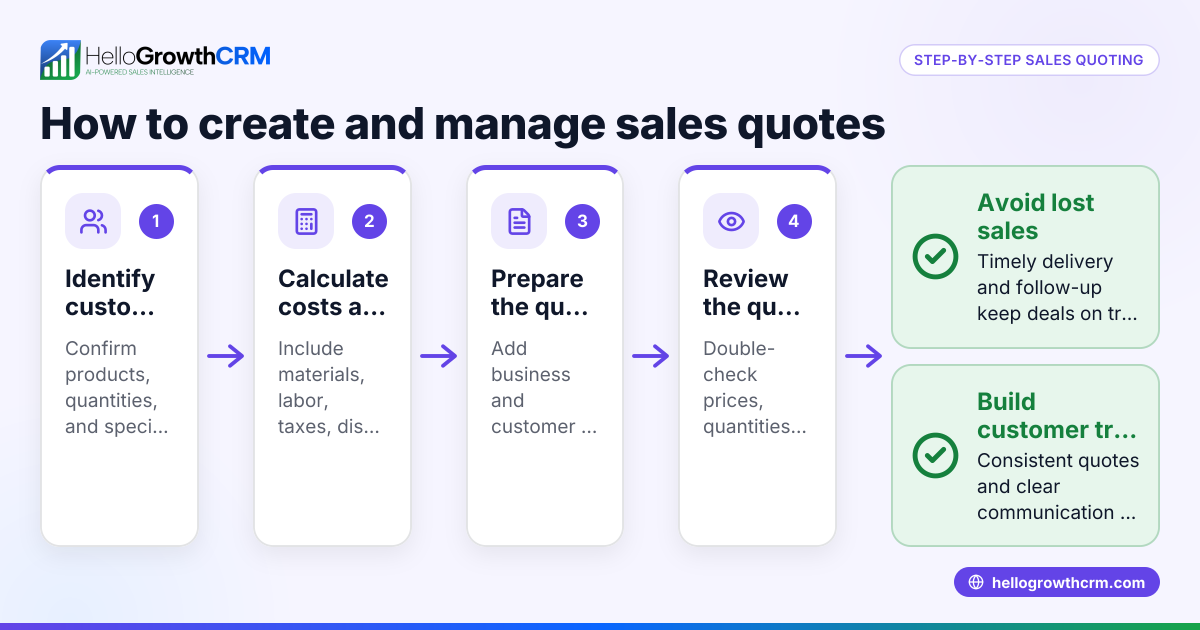
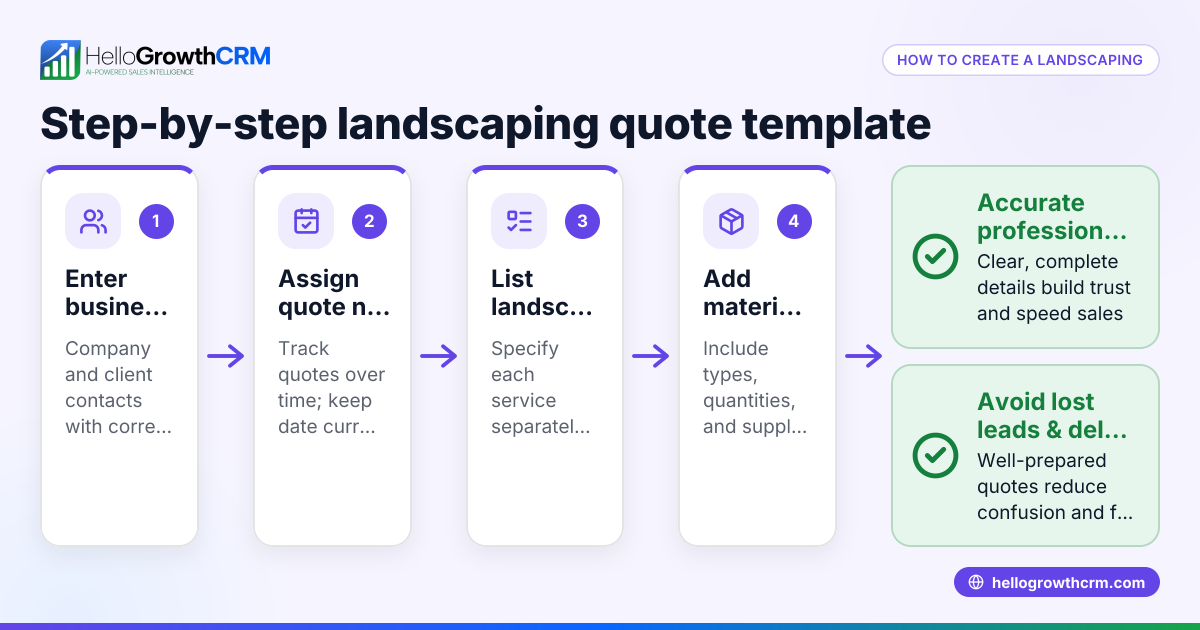
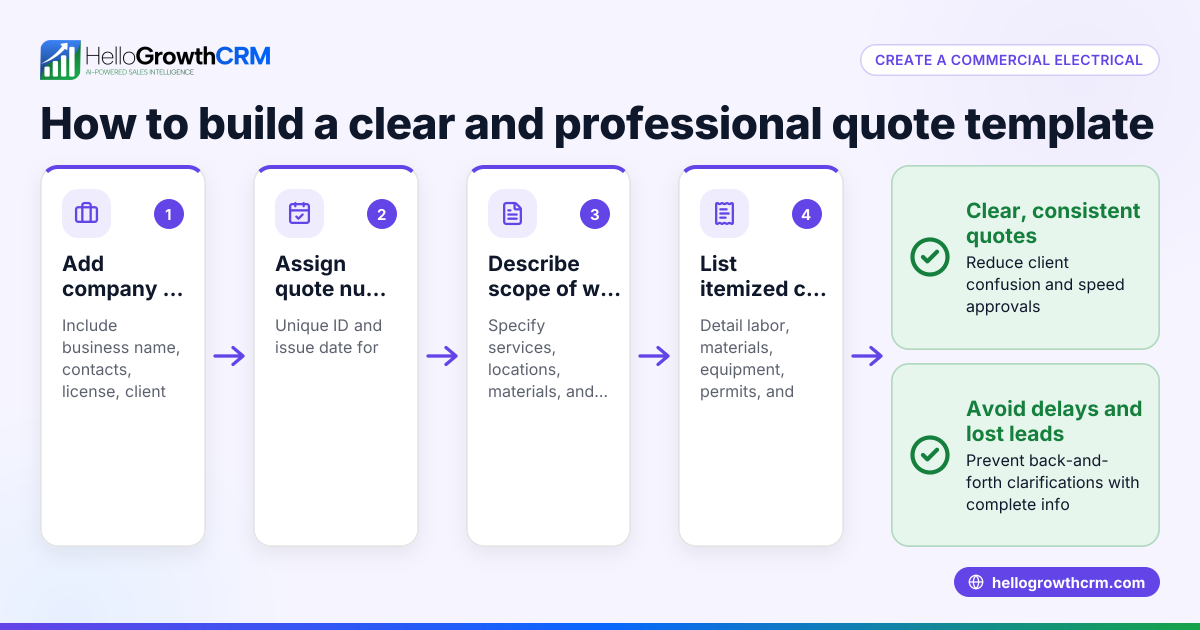
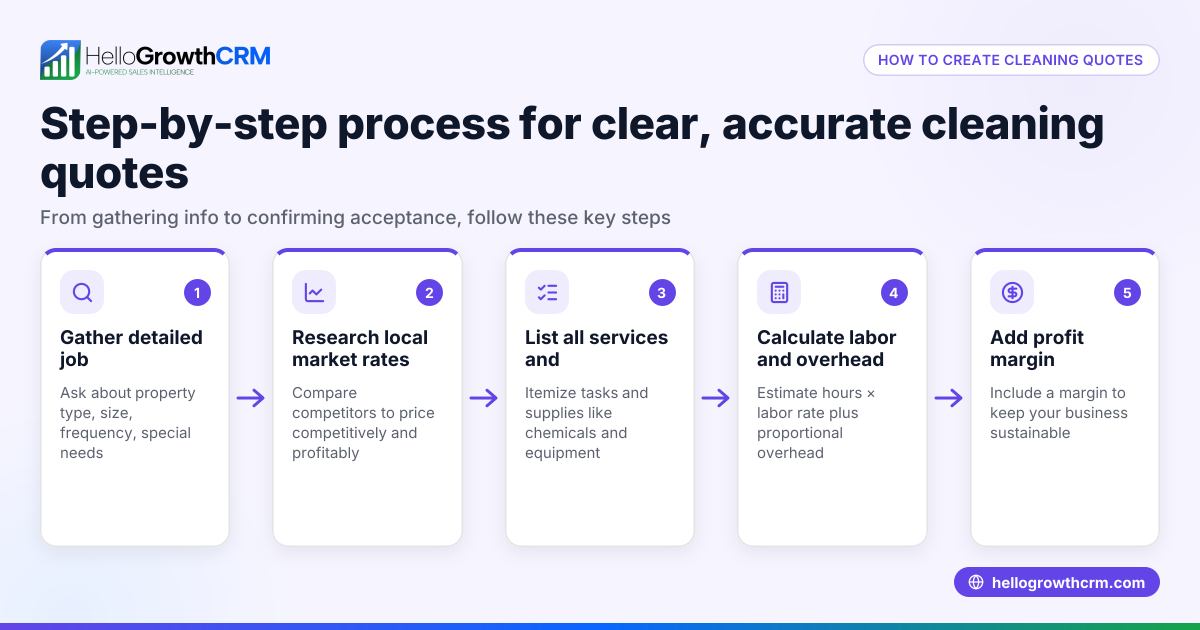
- Start with your business details: Include your company name, address, contact information, and logo if available.
- Add client information: Name, company, address, and contact details of the person or company receiving the quote.
- Assign a unique quote number and date: This helps track the quote and reference it later.
- Describe the products or services offered: List each item or service with a clear description.
- Specify quantities and unit prices: For each product or service, state the quantity and price per unit.
- Calculate totals and taxes: Multiply quantity by unit price for each line, then sum all lines. Add applicable sales tax if relevant.
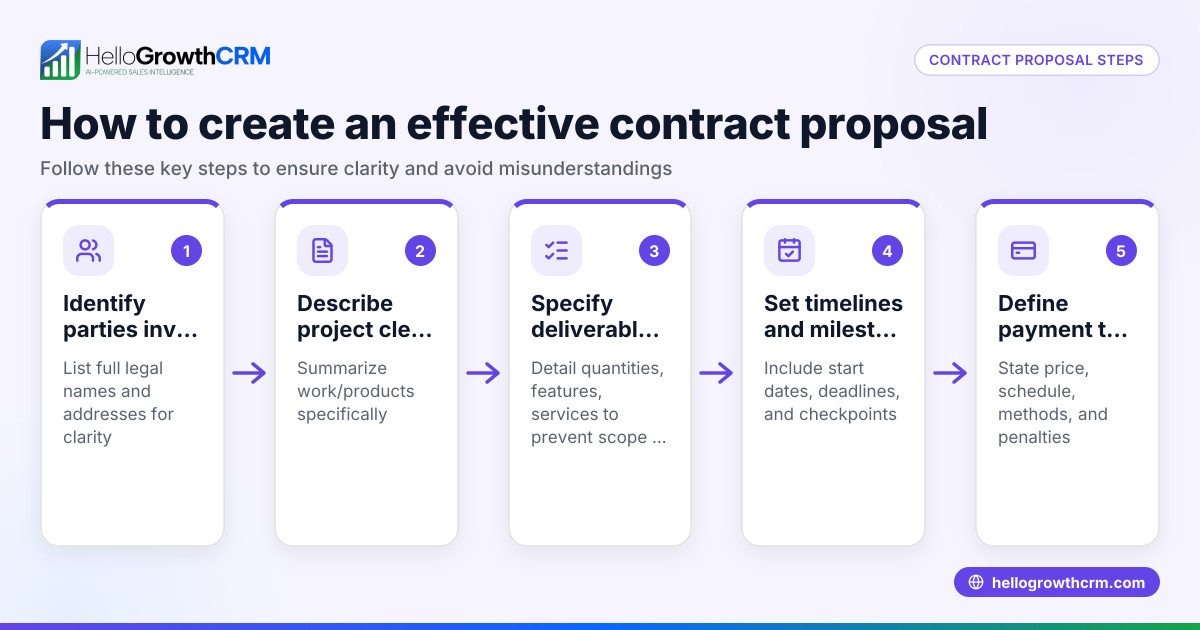
- State payment terms and conditions: Include due dates, accepted payment methods, and any late fees.
- Include validity period: How long the quote is valid before prices or terms may change.
- Add signature lines or acceptance instructions: Indicate how the client can accept the quote.
- Review for completeness and clarity: Double-check all figures, dates, and terms before sending.
For quick access to helpful resources, you can download free sales templates including quote formats from sales templates and other useful tools at free sales tools and calculators.
Example (fictional figures)
A B2B software reseller in Denver, Colorado, prepares a quote for a client on 04/15/2026.
- Product A: 10 licenses at $1,200 each
- Product B: 5 licenses at $800 each
- Service setup fee: $500 flat
- Sales tax assumed at 7.5% (illustrative)
Calculations:
Product A total = 10 × $1,200 = $12,000 Product B total = 5 × $800 = $4,000 Subtotal = $12,000 + $4,000 + $500 = $16,500 Sales tax = $16,500 × 7.5% = $1,237.50 Total quote amount = $16,500 + $1,237.50 = $17,737.50
The quote includes payment terms: net 30 days, payment by check or credit card, and is valid for 30 days from 04/15/2026.
Common mistakes
- Leaving out payment terms: Always specify due dates and accepted payment methods to avoid confusion.
- Using vague descriptions: Be specific about products and services to prevent disputes.
- Not including a validity period: Without this, clients may delay decisions indefinitely.
- Failing to double-check calculations: Mistakes in totals or taxes can damage credibility.
- Ignoring follow-up: Sending a quote without a plan to follow up can lose sales; consider a follow-up cadence from free sales tools and calculators.
- Not tracking quote status: Without tracking if a quote was sent, viewed, or accepted, opportunities slip away.
Doing this in HelloGrowthCRM
HelloGrowthCRM offers a built-in quoting and proposal tool that lets you create, send, and track quotes directly from the deal record. You can see the quote status—sent, viewed, or accepted—on the same screen as your follow-up tasks, making it easier to manage leads and close deals. Additionally, you can download free sales templates and calculators without an account from free sales tools and calculators. Learn more about using HelloGrowthCRM for US businesses at HelloGrowthCRM for the United States.
Frequently asked questions
What should a quote contract template include? A quote contract template should include your business and client details, a unique quote number and date, descriptions of products or services, quantities, unit prices, totals with taxes, payment terms, validity period, and acceptance instructions.
How do I ensure my quote contract is legally binding? While a quote is usually an offer, it becomes legally binding when accepted by the client. Including clear terms, scope, and acceptance instructions helps. Consult a legal expert for specifics.
Can I customize a quote contract template for different clients? Yes, a template is a starting point. Customize product lists, quantities, pricing, and terms for each client while keeping the overall format consistent.
How long should a quote be valid? Commonly, quotes are valid for 15 to 30 days, but this depends on your business and market conditions. Specify this clearly in the template.
What is the difference between a quote and a proposal? A quote focuses on pricing and terms, while a proposal may include a more detailed plan, benefits, and scope. HelloGrowthCRM handles both through its quoting and proposal tool.
Key takeaways
- Use a quote contract template to standardize and speed up sales communication.
- Include complete business and client details, pricing, taxes, payment terms, and validity.
- Double-check calculations and descriptions to avoid errors.
- Track quote status and follow up to improve conversion.
- HelloGrowthCRM integrates quoting with follow-up tasks for efficient sales management.
Start your sales process with confidence. Start on the Free Forever plan (200 leads, no credit card) to try HelloGrowthCRM quoting features and access free sales templates.
Ready to put this into practice?
Set up your pipeline, WhatsApp follow-ups, and AI lead scoring in minutes — free, no credit card.
Try HelloGrowthCRM freeGet CRM tips in your inbox
Join thousands of sales professionals who get weekly insights on CRM strategy, AI automation, and pipeline optimization.

The HelloGrowthCRM team publishes guides on CRM strategy, AI sales tools, and revenue operations for small business sales teams.