HelloGrowthCRM software
Built for real small-business sales teams
HelloGrowthCRM helps reps qualify faster, follow up on time, and close more deals—with practical automation in one place.
- AI lead scoring and pipeline visibility
- Built-in dialer, WhatsApp, and email automation
- Sales forecasting and RevOps-ready reporting
To make a phone call, you start by opening your phone’s dialer, entering the number you want to reach including the area code, and then pressing the call button to connect. This simple action is essential for business communication, especially for small and mid-sized business owners who rely on quick and effective outreach to customers and leads. This article explains why making calls properly matters, guides you step-by-step through the process, highlights common mistakes, and shows how HelloGrowthCRM’s built-in dialer can streamline calls and logging for your sales team.
Why this comes up / what goes wrong
Many small business owners and sales teams need to make phone calls daily to follow up on leads, confirm appointments, or close sales. However, without clear steps, calls can be delayed, misdialed, or poorly tracked. This leads to lost opportunities and customer frustration. Business owners who run sales on text, email, and spreadsheets often find it hard to keep track of call outcomes or to quickly dial multiple leads. Knowing how to make a phone call efficiently and accurately is crucial to maintaining good customer relationships and improving sales productivity.
Step-by-step
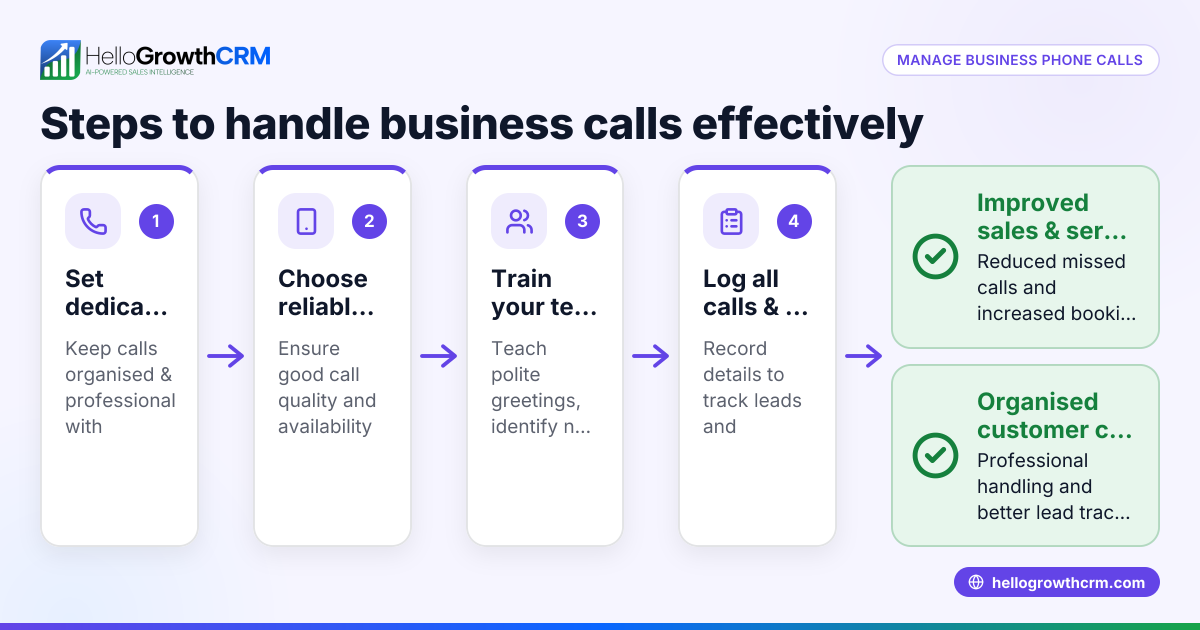
- Prepare your phone or device: Ensure your phone is charged and has a signal or Wi-Fi connection if using VoIP apps.
- Open the dialer app: This is usually the phone icon on your device’s home screen.
- Enter the phone number: Dial the full number, including the three-digit area code, even if local, to avoid connection issues.
- Double-check the number: Verify the digits to prevent misdialing.
- Press the call button: This is typically a green phone icon.
- Wait for the call to connect: Listen for ringing or a voicemail greeting.
- Speak clearly when answered: Introduce yourself and state your purpose promptly.
- Take notes during the call: Record important details such as commitments or next steps.
- End the call politely: Thank the person and say goodbye before hanging up.
- Log the call outcome: Record whether the call was successful, if a message was left, or if a follow-up is needed.
Following these steps ensures your calls are effective and professional.
Example (fictional figures)
Austin Plumbing Co., a small plumbing business in Austin, Texas, needs to call a prospective client to confirm a service appointment.
- Phone number to dial: 512-555-1234
- Date of call: 06/15/2026
Step 1: Open phone dialer. Step 2: Enter number 512-555-1234. Step 3: Confirm number is correct. Step 4: Press the call button. Step 5: Call connects; speak clearly: "Hello, this is John from Austin Plumbing Co. confirming your appointment for 06/20/2026." Step 6: Client confirms; note details. Step 7: End call politely. Step 8: Log call outcome.
This simple process helps Austin Plumbing Co. keep appointments organized and maintain good customer communication.
Common mistakes
- Not including the area code: Leads to failed calls or reaching wrong numbers. Always dial the full number.
- Dialing too quickly without checking: Causes misdials. Double-check before pressing call.
- Not preparing what to say: Results in unclear communication. Plan your key points.
- Failing to log call outcomes: Makes follow-up difficult. Always record call results.
- Speaking too softly or unclearly: Can confuse the recipient. Speak clearly and confidently.
- Hanging up abruptly: May offend the other party. Always end with a polite goodbye.
Prevent these by following the step-by-step guide and staying organized.
Doing this in HelloGrowthCRM
HelloGrowthCRM offers a built-in dialer that lets your sales reps call directly from the CRM. Reps can work through a lead list inside the CRM, and the outcome of each call is logged automatically on the lead’s record. This keeps your call history organized and tied to contacts and deals, reducing manual tracking and improving follow-up efficiency. Learn more about the built-in CRM dialer here.
Frequently asked questions
How do I find the area code for a phone number? You can find the area code by checking the phone number’s first three digits or by searching online for the location’s area code. Always include it when dialing to ensure the call connects correctly.
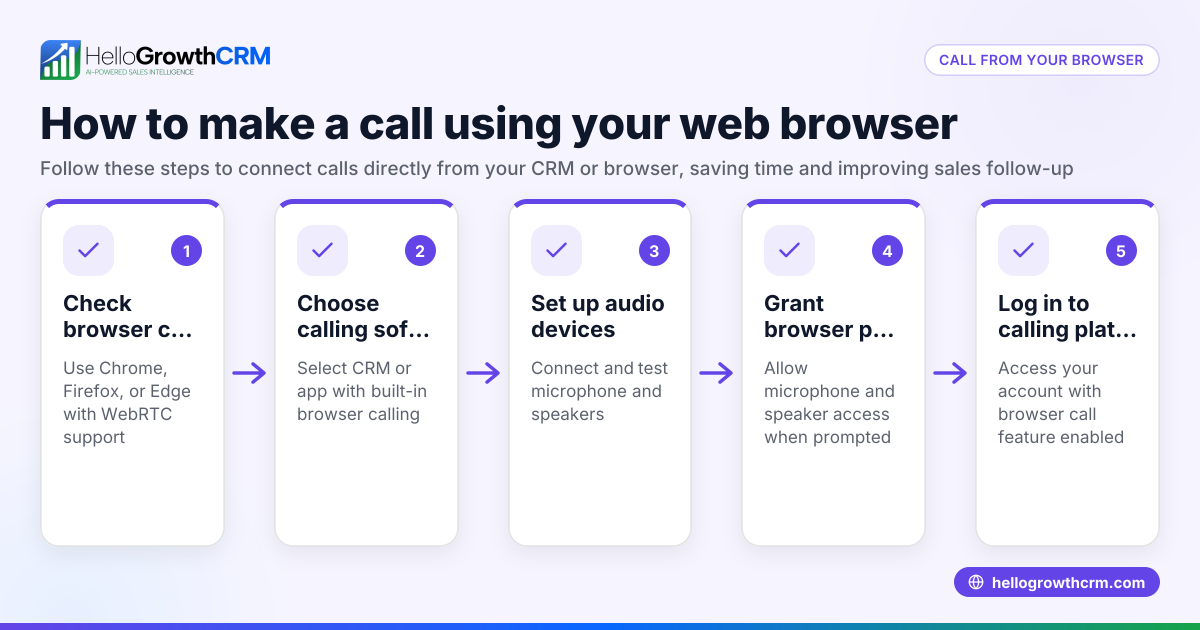
Can I make phone calls from my computer? Yes, if you use a VoIP service or a CRM with a built-in dialer like HelloGrowthCRM, you can make calls from your computer without a traditional phone.
What should I say when making a business call? Start by introducing yourself and your company, state the reason for your call clearly, listen actively, and be polite throughout the conversation.
How do I keep track of calls made to customers? Manually logging calls in a spreadsheet or using a CRM that logs calls automatically, like HelloGrowthCRM’s dialer, helps keep track of call outcomes and next steps.
Is it better to call or text first? This depends on your relationship with the customer and urgency. Calls are more personal and direct, while texts can be less intrusive for initial contact.
Learn more about managing calls with WhatsApp and SMS CRM features here.
Key takeaways
- Dial the full phone number including area code to avoid connection issues.
- Prepare what to say and speak clearly during the call.
- Always log the outcome of each call for effective follow-up.
- Avoid common mistakes like misdialing or ending calls abruptly.
- Use tools like HelloGrowthCRM’s built-in dialer to streamline calling and record keeping.
- Clear, polite communication builds better customer relationships.
Making phone calls is a fundamental skill for small business success. To make this easier and more organized, consider using HelloGrowthCRM’s built-in dialer to call leads directly from your CRM and log each call outcome automatically. Start on the Free Forever plan (200 leads, no credit card) at HelloGrowthCRM today.
Ready to put this into practice?
Set up your pipeline, WhatsApp follow-ups, and AI lead scoring in minutes — free, no credit card.
Try HelloGrowthCRM freeGet CRM tips in your inbox
Join thousands of sales professionals who get weekly insights on CRM strategy, AI automation, and pipeline optimization.

The HelloGrowthCRM team publishes guides on CRM strategy, AI sales tools, and revenue operations for small business sales teams.