HelloGrowthCRM software
Built for real small-business sales teams
HelloGrowthCRM helps reps qualify faster, follow up on time, and close more deals—with practical automation in one place.
- AI lead scoring and pipeline visibility
- Built-in dialer, WhatsApp, and email automation
- Sales forecasting and RevOps-ready reporting
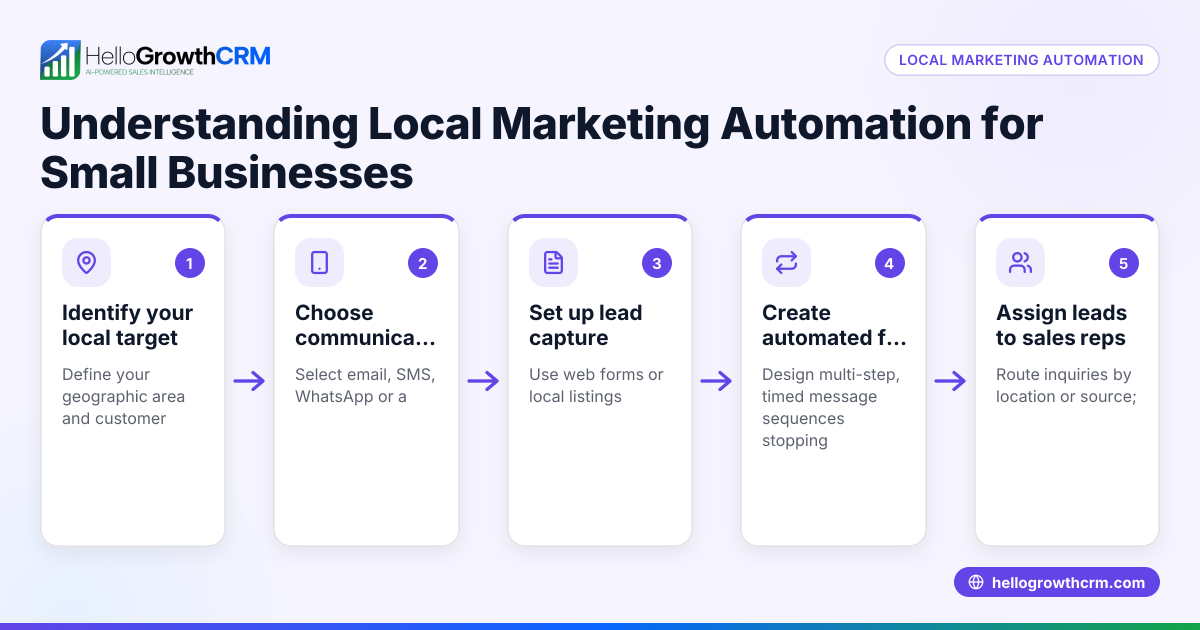
A marketing automation flowchart is a visual representation of the sequence of automated marketing actions triggered by customer behaviors or data. It maps out how leads move through emails, SMS, calls, or other outreach steps based on their interactions or specific triggers. For small businesses, this flowchart provides a clear plan to organize follow-ups, segment audiences, and improve lead engagement without relying on manual tracking or inconsistent timing.
Why this comes up / what goes wrong
Small-business owners often manage marketing follow-ups manually using spreadsheets, email drafts, or text messages. This approach can cause slow responses, missed leads, and inconsistent customer engagement. Without a clear automation plan, marketing efforts may become disorganized, repetitive, or miss critical triggers. A marketing automation flowchart helps by visually clarifying what actions happen, when, and to whom, reducing errors and delays, and making it easier to assign responsibilities.
Step-by-step
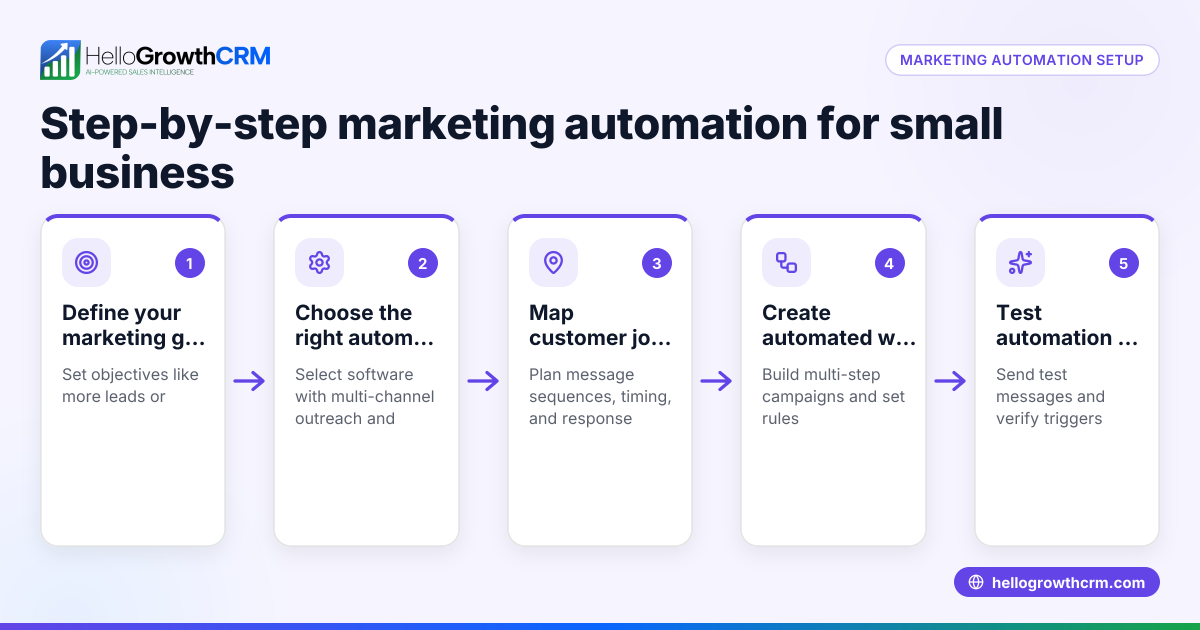
- Define your marketing goal: Decide what you want to achieve, such as nurturing leads to a sale, booking appointments, or onboarding new customers.
- Identify key triggers: List the events that start automation, for example, a form submission, website visit, or purchase.
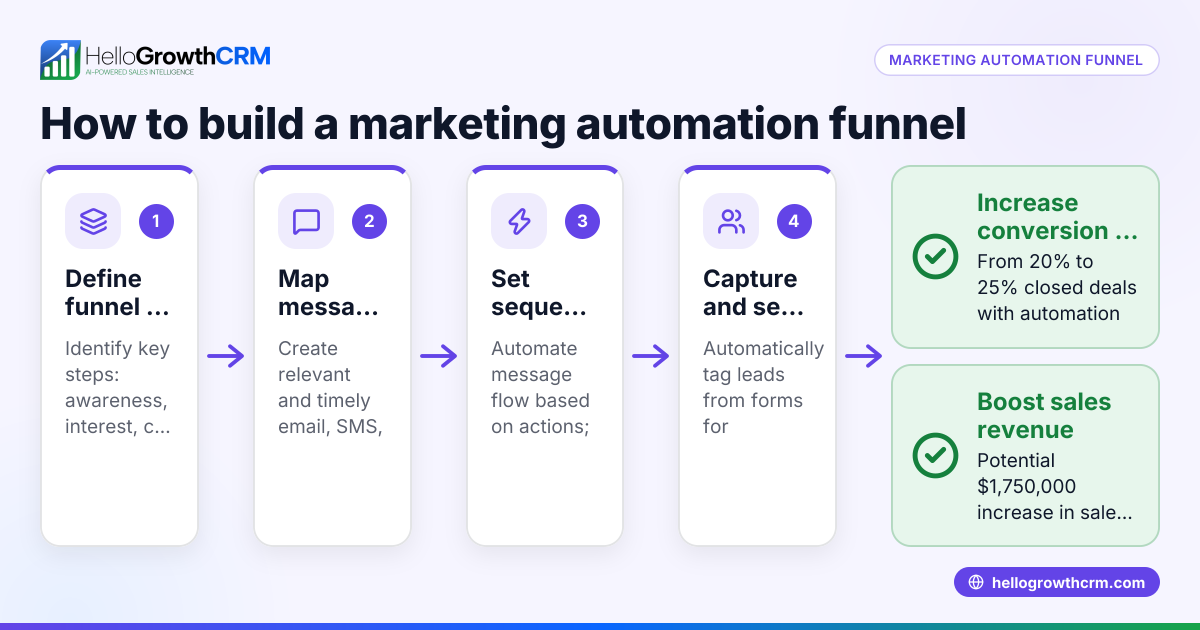
- Map out the sequence: Draw each step of the outreach—emails, SMS, phone calls—and specify the timing between them.
- Add decision points: Include branches for different responses, like stopping follow-up if the prospect replies or scheduling a call if interested.
- Assign responsibilities: Specify who or what system handles each step, whether an automated message, a sales rep call, or a task creation.
- Review and test: Check the flowchart for missing steps, loops, or unreachable outcomes, then run a test campaign to confirm it works as intended.
You can create flowcharts using simple tools like flowchart software, spreadsheets, or even pen and paper. The key is clarity and actionable steps.
Example (fictional figures)
A residential real-estate team in Phoenix, Arizona automates follow-up for new leads from their website.
- Goal: Convert leads into property viewings within 14 days.
- Trigger: Lead fills out a contact form on 04/01/2026.
- Step 1: Send immediate thank-you email.
- Step 2: Send SMS with available viewing times 2 days later (04/03/2026).
- Step 3: Make a phone call 5 days after lead capture (04/06/2026).
- Step 4: Send a reminder email 10 days later (04/11/2026).
- Step 5: If no response by 14 days (04/15/2026), send a final offer email.
Calculations for timing:
04/01/2026 + 2 days = 04/03/2026
04/01/2026 + 5 days = 04/06/2026
04/01/2026 + 10 days = 04/11/2026
04/01/2026 + 14 days = 04/15/2026
Estimated cost impact:
Assume each lead follow-up costs $5 in labor and messaging.
Number of leads per month: 100
Monthly follow-up cost = 100 leads × $5 = $500
If automation increases lead conversion by 10 leads per month, each worth $20,000 in commission:
Additional revenue = 10 leads × $20,000 = $200,000
This example shows how a clear flowchart schedules timely touches, increasing engagement and potential revenue.
Common mistakes
- Overcomplicating the flowchart: Including too many branches or steps can confuse users and slow implementation. Prevent this by focusing on essential decision points and clear actions.
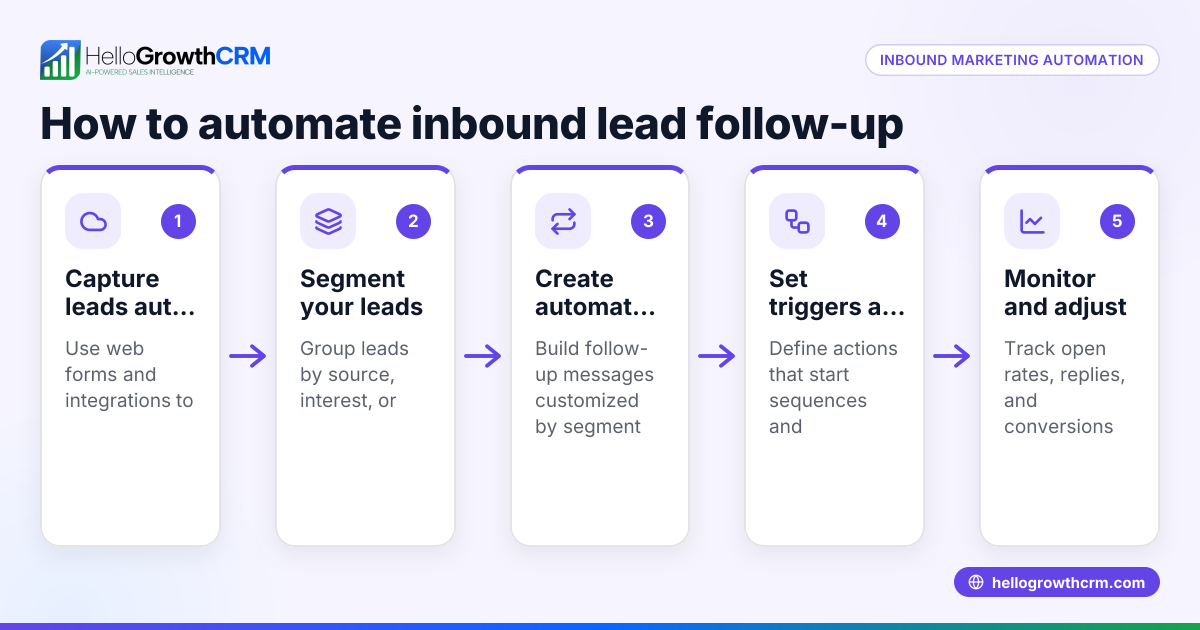
- Ignoring lead responses: Continuing follow-up after a prospect replies wastes effort and can annoy them. Use automation that pauses sequences upon reply.
- Setting inappropriate timing: Sending messages too frequently can push leads away; too sparsely can lose momentum. Test timing intervals and adjust based on results.
- Failing to assign tasks: Without clear ownership, steps may be missed. Automate task creation or assign responsibilities explicitly.
- Not reviewing or updating: Marketing automation requires regular tuning. Schedule reviews to optimize flowcharts and messaging.
Using tools like HelloGrowthCRM can help avoid these mistakes by automating task creation and lead assignment.
Doing this in HelloGrowthCRM
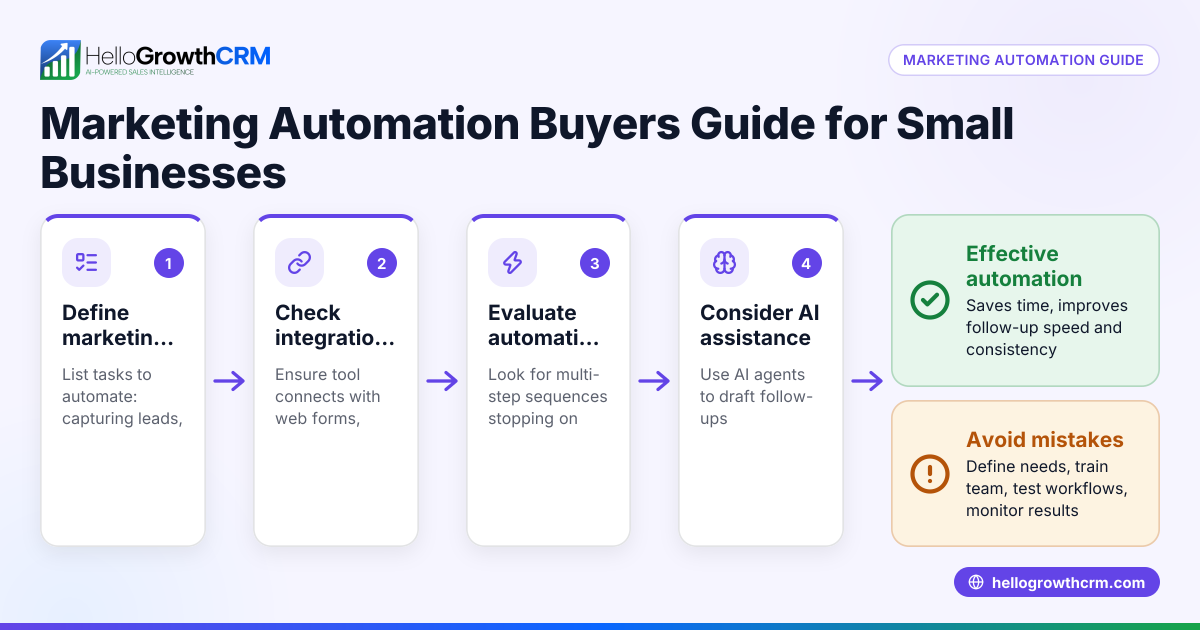
HelloGrowthCRM supports marketing automation flowcharts with Sequences and campaigns, where a five-step follow-up over two weeks runs automatically and stops once the prospect replies. AI agents draft follow-up messages after calls so reps only review and send. Workflows and lead routing automate task creation and assign leads round-robin, ensuring no lead is missed. Learn more about these capabilities in the AI CRM and WhatsApp and SMS CRM sections.
Frequently asked questions
What is the main benefit of a marketing automation flowchart? It provides a clear visual plan for automated marketing steps, helping small businesses avoid missed leads, reduce manual work, and improve engagement timing.
Can I create a marketing automation flowchart without software? Yes, you can sketch one on paper or use simple drawing tools. The key is to clearly outline triggers, actions, and decision points.
How often should I update my marketing automation flowchart? Review it at least quarterly or after major campaign results to optimize timing, messaging, and decision branches.
How does HelloGrowthCRM help with automation flowcharts? It automates sequences, assigns leads, and uses AI agents to draft follow-ups, making your flowchart steps run smoothly without manual intervention. See HelloGrowthCRM for the United States for details.
Key takeaways
- A marketing automation flowchart maps out automated marketing steps and decisions.
- It helps small businesses follow up consistently and efficiently.
- Keep your flowchart simple, timed well, and responsive to lead actions.
- Regularly review and adjust your flowchart based on results.
- HelloGrowthCRM offers sequences, AI agents, and workflows to automate these steps.
Start your marketing automation journey with a clear flowchart and tools that support it. Start on the Free Forever plan (200 leads, no credit card) to try HelloGrowthCRM and build your automated sequences today.
Ready to put this into practice?
Set up your pipeline, WhatsApp follow-ups, and AI lead scoring in minutes — free, no credit card.
Try HelloGrowthCRM freeGet CRM tips in your inbox
Join thousands of sales professionals who get weekly insights on CRM strategy, AI automation, and pipeline optimization.

The HelloGrowthCRM team publishes guides on CRM strategy, AI sales tools, and revenue operations for small business sales teams.