HelloGrowthCRM software
Built for real small-business sales teams
HelloGrowthCRM helps reps qualify faster, follow up on time, and close more deals—with practical automation in one place.
- AI lead scoring and pipeline visibility
- Built-in dialer, WhatsApp, and email automation
- Sales forecasting and RevOps-ready reporting
Mobile customer experience management means ensuring every interaction on mobile devices is smooth, timely, and organized. It includes capturing leads from mobile inquiries, following up promptly, and managing service requests without losing track. This article explains why mobile experience matters for small businesses, steps to improve it, a worked example, common mistakes, and how HelloGrowthCRM supports this process.
Why this comes up / what goes wrong
Small-business owners often find that leads coming from mobile channels like WhatsApp messages, SMS, or mobile web forms get lost or delayed. Without a clear system, inquiries may stay in notebooks, text threads, or spreadsheets, causing slow follow-up and lost sales. Customers expect quick responses on their phones, and if your team can’t manage mobile interactions efficiently, you risk damaging your reputation and revenue. Handling customer service requests after the sale can also get scattered, making it hard to track issues and keep customers happy.
Step-by-step
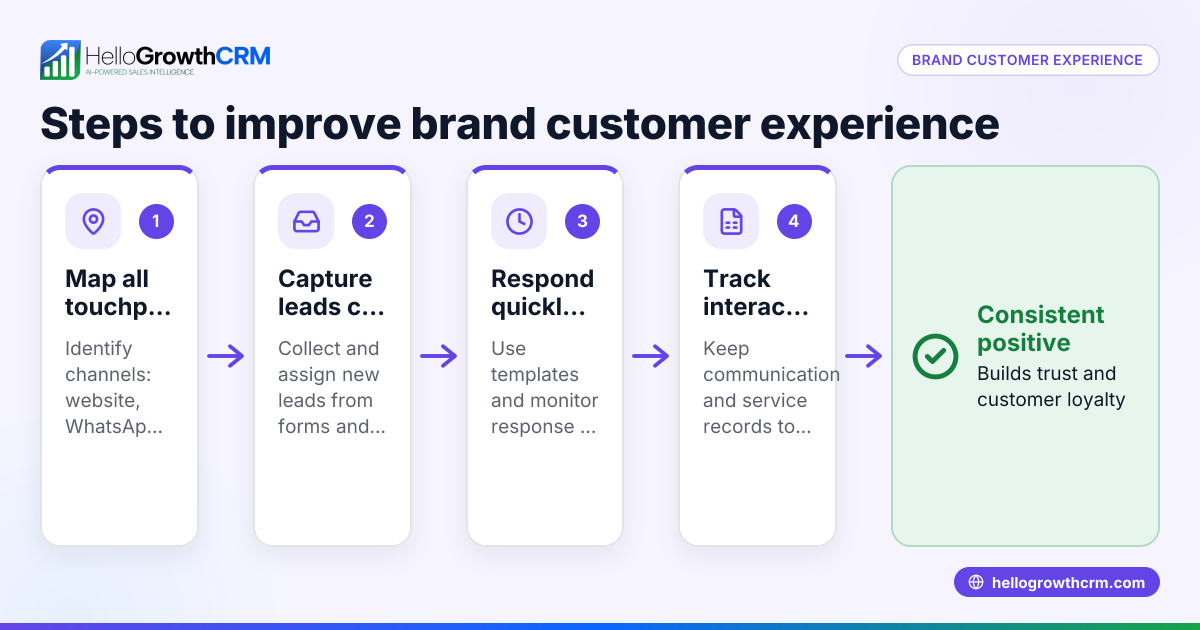
- Capture every mobile inquiry automatically: Use tools that funnel leads from WhatsApp, SMS, and mobile web forms directly into a single system. Check that each lead has an assigned owner and a clear next step.
- Qualify and prioritize leads quickly: Review new leads to identify high-potential customers. Use lead scoring if available to focus your team’s efforts.
- Follow up promptly via mobile-friendly channels: Reach out using WhatsApp or SMS sequences that feel personal and timely. Confirm that messages send correctly and track responses.
- Record all interactions in one place: Avoid losing context by keeping calls, messages, and notes linked to the lead’s record.
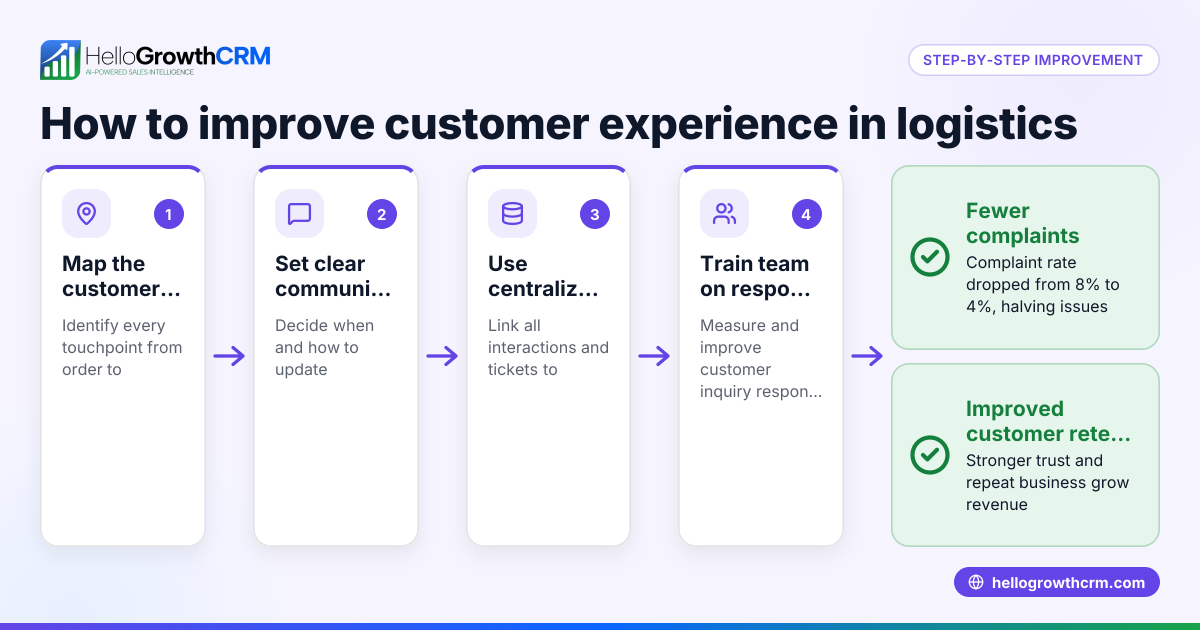
- Manage post-sale service requests on the same customer record: When customers submit tickets or request support, keep these linked to their original deal to maintain continuity.
- Monitor your mobile customer experience regularly: Use reporting tools to check response times, lead conversion rates, and customer satisfaction.
- Train your team on mobile communication best practices: Ensure everyone knows how to use the CRM and mobile channels effectively.
For more on tracking customer health and support tickets, see customer health score. To learn how to manage WhatsApp and SMS communications efficiently, visit WhatsApp and SMS CRM.
Example (fictional figures)
A residential real-estate team in Phoenix, Arizona, started using a mobile-friendly CRM on 01/15/2026. They receive about 150 mobile inquiries monthly via WhatsApp and web forms.
- Total mobile inquiries in January: 150
- Average lead conversion rate before CRM: 10%
- Average lead conversion rate after CRM: 18%
Calculations:
Leads converted before CRM: 150 × 10% = 15
Leads converted after CRM: 150 × 18% = 27
Additional sales due to improved mobile management: 27 - 15 = 12
Average sale value: $350,000
Additional revenue: 12 × $350,000 = $4,200,000
By organizing mobile leads with assigned owners and next steps, the team increased conversions and added $4,200,000 in potential sales for January alone.
Common mistakes
- Ignoring mobile-specific channels: Only tracking emails or calls misses many mobile inquiries. Prevent this by integrating WhatsApp and SMS into your lead capture.
- Using spreadsheets or notebooks for mobile leads: These tools don’t update in real time and cause delays. Use a CRM that captures leads automatically.
- Not assigning lead owners or next steps: Leads fall through the cracks without clear responsibility. Always assign an owner and next action.
- Separating sales and service records: Losing track of service requests after a sale frustrates customers. Keep tickets on the same customer record.
- Delaying follow-up: Mobile users expect quick responses. Set reminders and use sequences to stay on schedule.
- Failing to train the team on mobile tools: Without training, tools go unused or misused. Provide regular team sessions.
Doing this in HelloGrowthCRM
HelloGrowthCRM captures every inquiry from forms, calls, or WhatsApp as a lead with an assigned owner and next step, preventing lost or delayed follow-up. After the sale, service requests, referrals, and support tickets stay linked on the same customer record as the deal, keeping your mobile customer experience organized from lead to service. Learn more at HelloGrowthCRM for the United States.
Frequently asked questions
What is mobile customer experience management? It is managing all customer interactions that happen via mobile devices, ensuring leads and service requests are tracked, responded to quickly, and organized in one system.
Why is mobile experience management important for small businesses? Because many customers contact businesses on their phones, delays or lost messages can cost sales and hurt reputation. Managing mobile leads well improves conversion and customer satisfaction.
How can I capture mobile leads efficiently? Use a CRM that integrates WhatsApp, SMS, and mobile web forms to automatically capture and assign leads, avoiding manual entry and lost inquiries.
What are common pitfalls in mobile customer experience management? Common mistakes include ignoring mobile channels, using spreadsheets instead of a CRM, not assigning lead owners, separating sales and service data, and delaying follow-up.
How does HelloGrowthCRM help with mobile customer experience? It captures every form, call, or WhatsApp inquiry as a lead with an owner and next step, and keeps service requests on the same customer record, streamlining mobile sales and support.
Can I track customer health and tickets in HelloGrowthCRM? Yes, HelloGrowthCRM offers a customer portal, referrals, tickets, and a knowledge base that stay linked to the customer record. See customer health score for details.
Key takeaways
- Mobile customer experience management organizes and tracks all mobile inquiries and service requests.
- Capture leads automatically from WhatsApp, SMS, and mobile forms with assigned owners and next steps.
- Follow up quickly using mobile-friendly communication sequences.
- Keep sales and service data linked on one customer record to improve satisfaction.
- Avoid common mistakes like using spreadsheets or delaying responses.
- HelloGrowthCRM supports mobile lead capture and service request management in one platform.
Start managing your mobile customer experience better today. Start on the Free Forever plan (200 leads, no credit card) and see how HelloGrowthCRM keeps your mobile leads organized and moving.
Ready to put this into practice?
Set up your pipeline, WhatsApp follow-ups, and AI lead scoring in minutes — free, no credit card.
Try HelloGrowthCRM freeGet CRM tips in your inbox
Join thousands of sales professionals who get weekly insights on CRM strategy, AI automation, and pipeline optimization.

The HelloGrowthCRM team publishes guides on CRM strategy, AI sales tools, and revenue operations for small business sales teams.