HelloGrowthCRM software
Built for real small-business sales teams
HelloGrowthCRM helps reps qualify faster, follow up on time, and close more deals—with practical automation in one place.
- AI lead scoring and pipeline visibility
- Built-in dialer, WhatsApp, and email automation
- Sales forecasting and RevOps-ready reporting
Mobile email marketing means creating marketing emails optimized for mobile devices such as smartphones and tablets. This ensures your emails display correctly, load quickly, and engage recipients who primarily check their email on mobile devices. Small businesses benefit because many email opens happen on mobile, making mobile-friendly emails essential for better engagement and lead follow-up.
Why this comes up / what goes wrong
Small business owners often notice low engagement from their email campaigns when emails are not optimized for mobile. Emails designed only for desktop can appear cluttered, have small text, or be difficult to read on mobile screens. This leads recipients to delete or ignore messages. For businesses relying on email to nurture leads or close sales, poor mobile email marketing means losing potential customers to competitors who communicate better on mobile devices.
Step-by-step
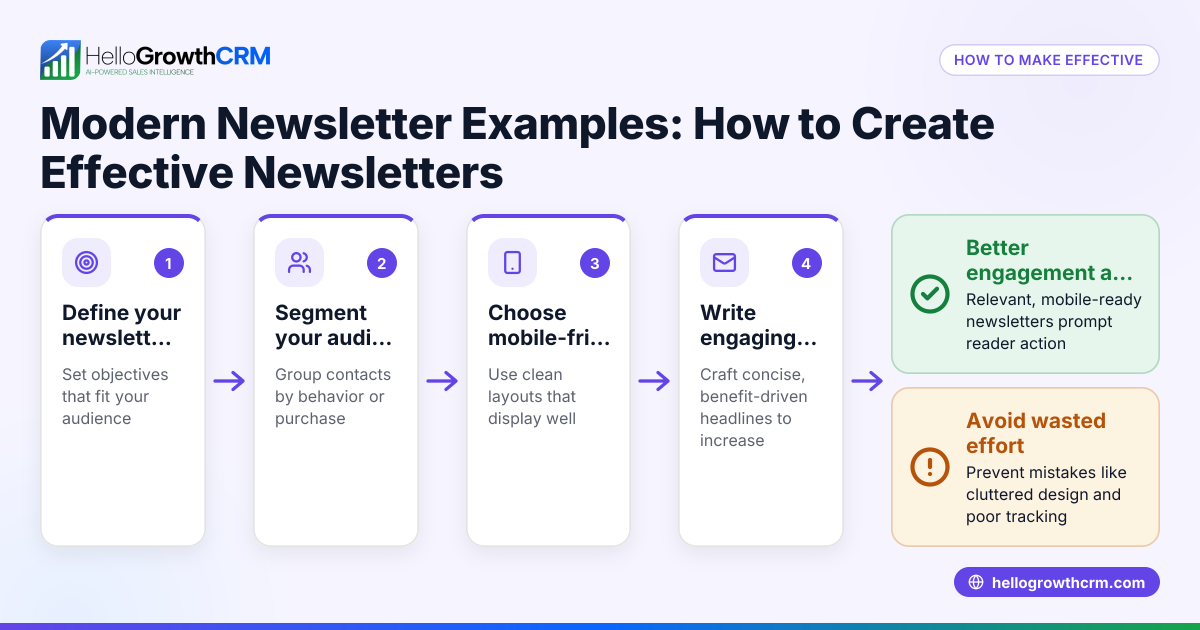
- Choose a mobile-responsive email template: Use email designs that automatically adjust layout and font sizes for different screen sizes. Preview emails on various devices before sending.
- Keep subject lines and preheaders short: Mobile screens show fewer characters, so use concise, clear subject lines to grab attention quickly.
- Use large, tappable buttons and links: Make call-to-action buttons easy to tap with a finger, avoiding small text links.
- Limit image size and add alt text: Optimize images to load quickly on mobile and include descriptive alt text in case images don’t display.
- Write concise, scannable content: Use short paragraphs, bullet points, and clear headlines to make reading on small screens easier.
- Test emails on multiple devices and email clients: Send test emails to different phones and apps or use email testing tools to catch display issues.
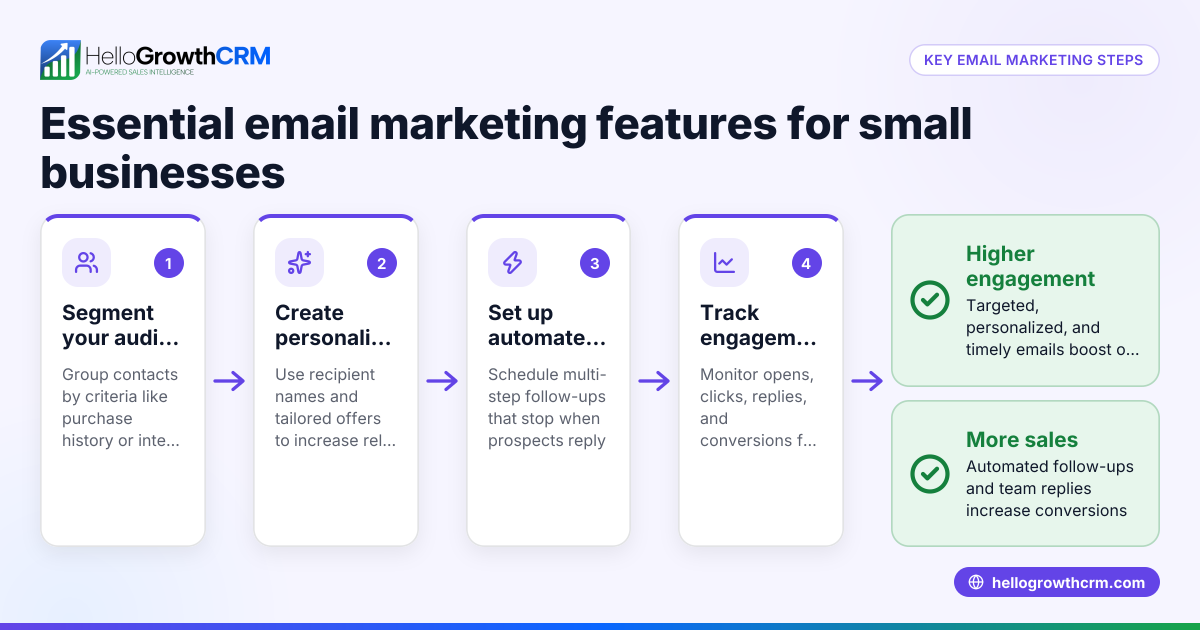
- Set up automated email sequences for follow-up: Use multi-step sequences to nurture leads over time, stopping the sequence as soon as the prospect replies. This keeps outreach timely and relevant.
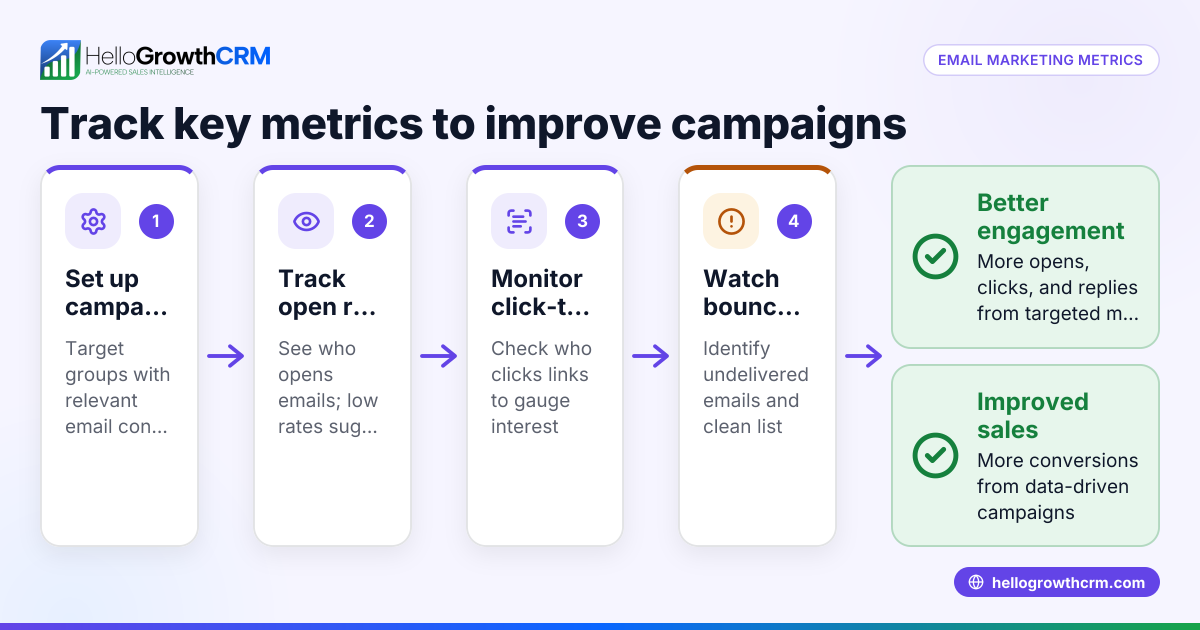
- Monitor engagement metrics on mobile: Track open rates, click-through rates, and reply rates specifically for mobile users to refine your approach.
Learn more about setting up automated email follow-ups in HelloGrowthCRM’s email automation and sequences.
Example (fictional figures)
A plumbing company in Austin, Texas, wants to improve lead follow-up with mobile-friendly emails.
- They send 1,000 emails in a campaign.
- Before mobile optimization, 15% opened on mobile, with a 2% click-through rate.
- After mobile optimization:
- Mobile open rate rises to 30%.
- Click-through rate doubles to 4%.
Calculations:
1,000 × 15% = 150 mobile opens before 1,000 × 2% = 20 clicks before
1,000 × 30% = 300 mobile opens after 1,000 × 4% = 40 clicks after
This shows doubling engagement on mobile can significantly increase leads clicking through to book services.
Common mistakes
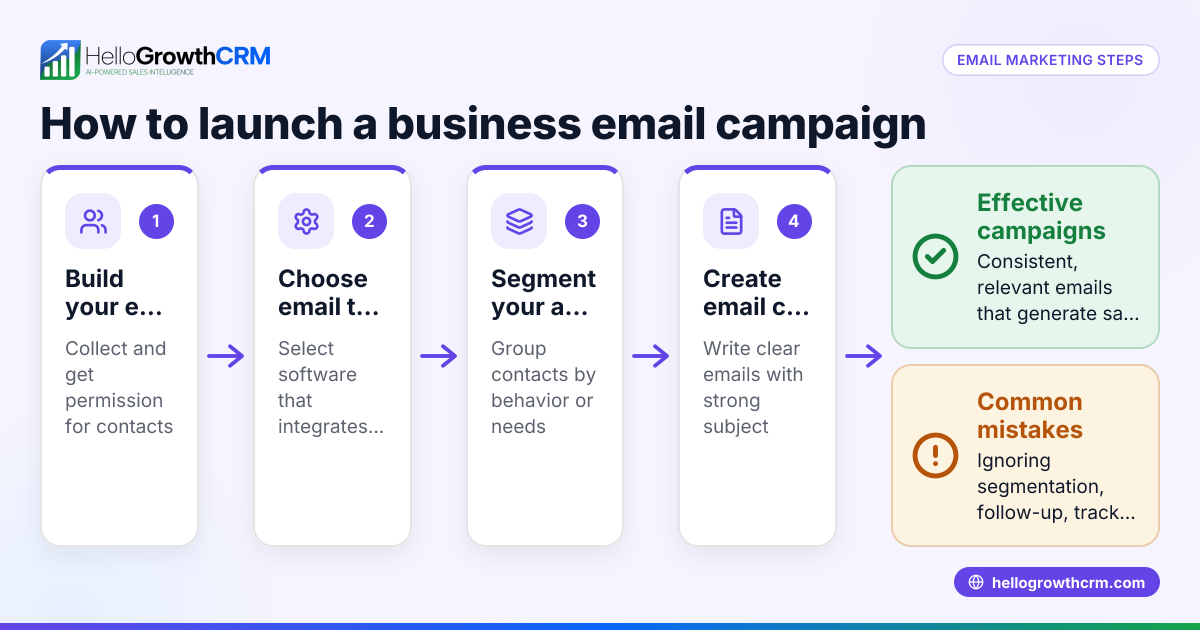
- Ignoring mobile testing: Sending emails without previewing them on phones can cause display issues. Prevent by always testing on multiple devices.
- Using tiny fonts or buttons: Small text and links frustrate mobile users. Use large, readable fonts and tappable buttons.
- Overloading emails with images: Large images slow loading and may not display. Use optimized images and alt text.
- Long subject lines: Subject lines cut off on mobile lose impact. Keep them short.
- Not automating follow-ups: Manual follow-up is slow and inconsistent. Use automated sequences to stay timely.
- Not tracking mobile-specific metrics: Without mobile data, you can’t improve mobile campaigns. Use tools to monitor mobile engagement.
Learn more about automated email follow-ups in HelloGrowthCRM’s email automation and sequences.
Doing this in HelloGrowthCRM
HelloGrowthCRM provides a HelloMail shared inbox where your team can manage inbound email from leads and customers without switching to a separate email client. Replies to a quotation email are visible to the whole team on the deal, preventing missed follow-ups. You can also create sequences and campaigns that automate multi-step email outreach over two weeks, stopping instantly when a prospect replies. This keeps your mobile email marketing timely and efficient without manual effort. Explore these features at email automation and sequences.
Frequently asked questions
What is the difference between mobile email marketing and regular email marketing? Mobile email marketing focuses on designing emails specifically for mobile devices, ensuring readability and usability on smaller screens. Regular email marketing may not optimize for mobile, leading to poor user experience for mobile users.
How can I test if my emails are mobile-friendly? You can send test emails to various mobile devices and email apps, use email testing tools that preview your design on multiple screens, or check analytics for mobile open rates and engagement.
Why are automated email sequences important for mobile marketing? Automated sequences ensure timely, consistent follow-up without manual effort. They keep your outreach relevant and can stop automatically when the prospect replies, improving response rates.
Can I manage mobile email marketing alongside SMS and WhatsApp? Yes, combining email with SMS and WhatsApp outreach can increase your chances of connecting with leads. HelloGrowthCRM supports multi-channel sequences including email, SMS, and WhatsApp. See WhatsApp and SMS CRM for details.
How do I measure success in mobile email marketing? Track metrics like mobile open rates, click-through rates, reply rates, and conversions. Comparing these before and after optimization shows your progress.
Key takeaways
- Mobile email marketing means optimizing emails for smartphones and tablets.
- Use mobile-responsive templates, short subject lines, and tappable buttons.
- Test emails on multiple mobile devices before sending.
- Automate follow-up sequences to improve timely engagement.
- Track mobile-specific metrics to refine campaigns.
- HelloGrowthCRM helps manage replies and automate email sequences efficiently.
Start improving your mobile email marketing today. Start on the Free Forever plan (200 leads, no credit card) to try HelloGrowthCRM and see how easy it is to automate your email follow-ups.
Ready to put this into practice?
Set up your pipeline, WhatsApp follow-ups, and AI lead scoring in minutes — free, no credit card.
Try HelloGrowthCRM freeGet CRM tips in your inbox
Join thousands of sales professionals who get weekly insights on CRM strategy, AI automation, and pipeline optimization.

The HelloGrowthCRM team publishes guides on CRM strategy, AI sales tools, and revenue operations for small business sales teams.