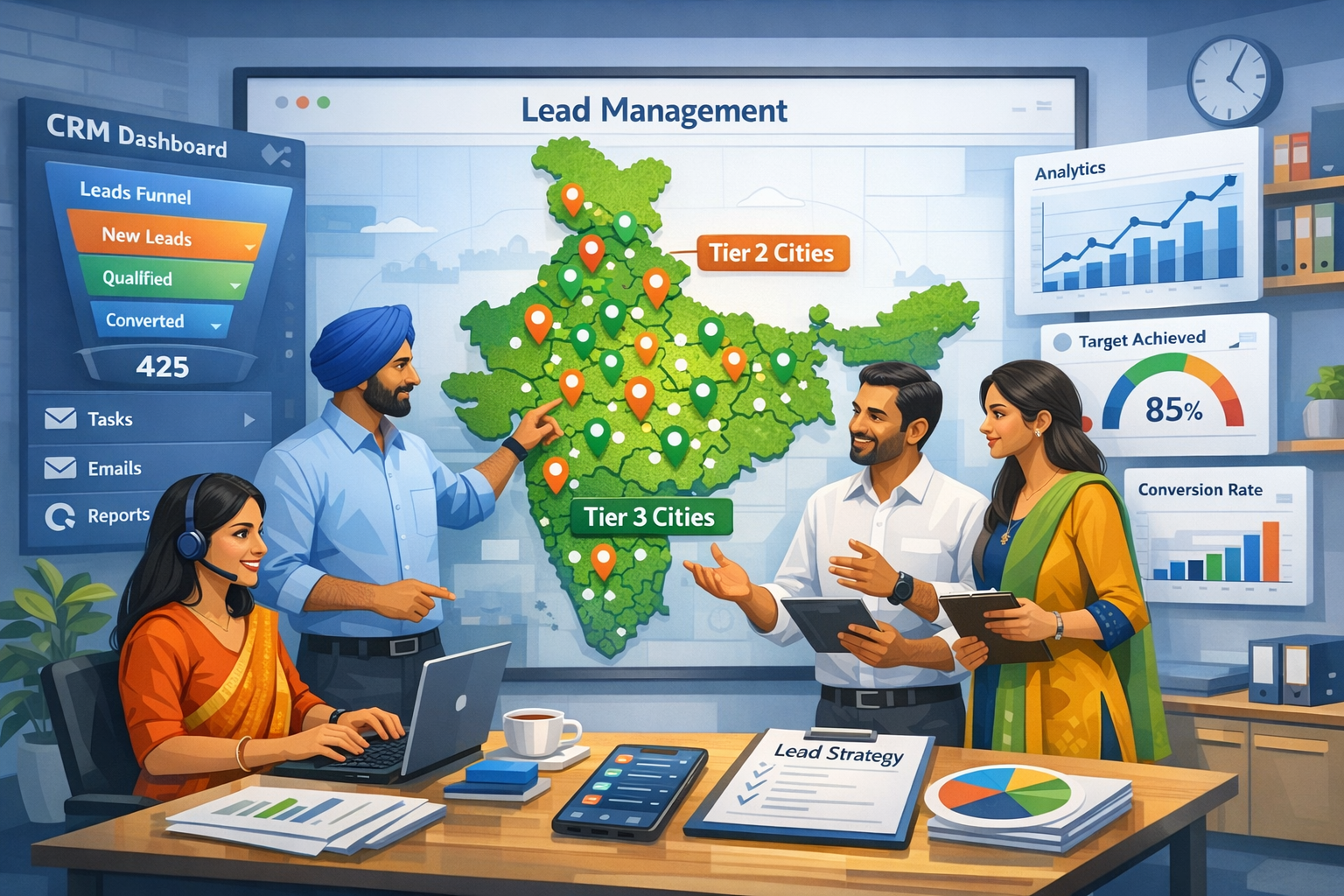
HelloGrowthCRM software
Built for real small-business sales teams
HelloGrowthCRM helps reps qualify faster, follow up on time, and close more deals—with practical automation in one place.
- AI lead scoring and pipeline visibility
- Built-in dialer, WhatsApp, and email automation
- Sales forecasting and RevOps-ready reporting
Understanding Sales Process CRM
A sales process CRM is a vital tool for businesses looking to enhance their revenue performance. It serves as a centralized platform that manages every stage of the sales cycle, from acquiring leads to closing deals. By streamlining the sales process, businesses can improve efficiency and reduce the time it takes to convert leads into paying customers. This optimization ultimately leads to increased revenue and sustainable growth.
The effectiveness of a sales process CRM lies in its ability to provide insights and data that drive decision-making. Sales teams can track their progress, analyze customer interactions, and identify trends that inform future strategies. By utilizing this information, businesses can refine their sales techniques and better meet customer needs. In this article, we will explore strategies to optimize your sales process CRM for maximum revenue growth.
Key Features of an Effective Sales Process CRM
When optimizing your sales process CRM, it is essential to focus on key features that enhance functionality and user experience. These features can significantly impact how sales teams operate and how effectively they can close deals. Here are some critical features to consider:
- Lead management: Efficiently track and manage leads throughout the sales cycle.
- Automation tools: Automate repetitive tasks to save time and reduce errors.
- Reporting and analytics: Generate reports to analyze sales performance and identify areas for improvement.
- Integration capabilities: Connect with other tools and platforms to streamline workflows.
- Customization options: Tailor the CRM to fit your specific business needs and processes.
By ensuring your CRM includes these features, you can create a more effective sales process that drives revenue growth.
Streamlining Your Sales Process
Streamlining your sales process is crucial for maximizing the effectiveness of your CRM. A well-defined sales process helps sales teams focus on high-priority tasks and reduces unnecessary steps. To streamline your sales process, consider the following strategies:
- Define clear stages: Establish distinct stages in your sales process to provide clarity and direction.
- Standardize procedures: Implement standardized procedures for each stage to ensure consistency and efficiency.
- Use templates: Create templates for common tasks, such as emails and proposals, to save time.
- Regularly review and adjust: Continuously evaluate your sales process and make necessary adjustments based on performance data.
By applying these strategies, you can simplify your sales process, making it easier for your team to navigate and manage.
Enhancing Communication and Collaboration
Effective communication and collaboration are vital for any sales team. A sales process CRM can facilitate better communication among team members and with potential customers. Here are some ways to enhance communication and collaboration through your CRM:
- Centralize information: Store all relevant customer data and interactions in one place for easy access.
- Use shared calendars: Implement shared calendars to schedule meetings and track important deadlines.
- Enable real-time updates: Allow team members to share updates and insights in real-time to keep everyone informed.
- Foster a collaborative culture: Encourage team members to share ideas and feedback to improve overall performance.
By enhancing communication and collaboration, your sales team can work more effectively, leading to improved outcomes and increased revenue.
Leveraging Data for Informed Decision-Making
Data plays a critical role in optimizing your sales process CRM. By leveraging data effectively, you can make informed decisions that drive revenue growth. Here are some key areas where data can provide valuable insights:
- Customer behavior: Analyze customer interactions to understand preferences and tailor your approach.
- Sales performance: Track individual and team performance metrics to identify strengths and weaknesses.
- Market trends: Monitor industry trends to stay ahead of the competition and adjust your strategies accordingly.
- Lead sources: Evaluate which lead sources generate the most revenue to focus your marketing efforts.
Utilizing data in these areas allows you to refine your sales strategies, ultimately leading to better results and increased revenue.
Training and Support for Sales Teams
To maximize the potential of your sales process CRM, providing adequate training and support for your sales team is essential. A well-trained team can utilize the CRM effectively, leading to improved performance. Consider the following training and support strategies:
- Conduct regular training sessions: Offer ongoing training to ensure your team is familiar with the CRM's features and updates.
- Create user guides: Develop easy-to-follow user guides that outline best practices and troubleshooting tips.
- Encourage peer support: Foster an environment where team members can help each other with CRM-related questions.
- Gather feedback: Regularly solicit feedback from your team to identify areas for improvement in training and support.
By investing in training and support, you empower your sales team to make the most of your CRM, driving revenue growth.
Conclusion
Optimizing your sales process CRM is a crucial step in enhancing revenue growth for your business. By focusing on key features, streamlining your sales process, enhancing communication, leveraging data, and providing proper training, you can create a more effective sales environment. A well-optimized CRM not only improves sales performance but also helps build stronger relationships with customers. As you implement these strategies, keep refining your approach based on feedback and performance data to ensure continued growth and success.
Frequently Asked Questions
What is a sales process CRM?
A sales process CRM is a tool that manages every stage of the sales cycle, helping businesses track leads and close deals.
How can data improve sales performance?
Data can provide insights into customer behavior, sales performance, and market trends, helping businesses make informed decisions.
Ready to put this into practice?
Set up your pipeline, WhatsApp follow-ups, and AI lead scoring in minutes — free, no credit card.
Try HelloGrowthCRM freeGet CRM tips in your inbox
Join thousands of sales professionals who get weekly insights on CRM strategy, AI automation, and pipeline optimization.

The HelloGrowthCRM team publishes guides on CRM strategy, AI sales tools, and revenue operations for small business sales teams.