HelloGrowthCRM software
Built for real small-business sales teams
HelloGrowthCRM helps reps qualify faster, follow up on time, and close more deals—with practical automation in one place.
- AI lead scoring and pipeline visibility
- Built-in dialer, WhatsApp, and email automation
- Sales forecasting and RevOps-ready reporting
An outbound call service is a system where a business proactively calls potential or existing customers to generate leads, follow up, or close sales. This article explains why small businesses use outbound calls, how to set up an outbound call service step-by-step, common pitfalls to avoid, and how a built-in dialer can streamline your calling efforts.
Why this comes up / what goes wrong
Small business owners often look for outbound call services because they want to actively reach prospects rather than wait for inbound inquiries. Many rely on manual calling through personal phones or spreadsheets, which leads to slow follow-up and lost leads. Without a structured outbound call process, calls can be inconsistent, outcomes untracked, and sales opportunities missed. Business owners need a clear, repeatable way to manage outbound calls that keeps their sales teams organized and accountable.
Step-by-step
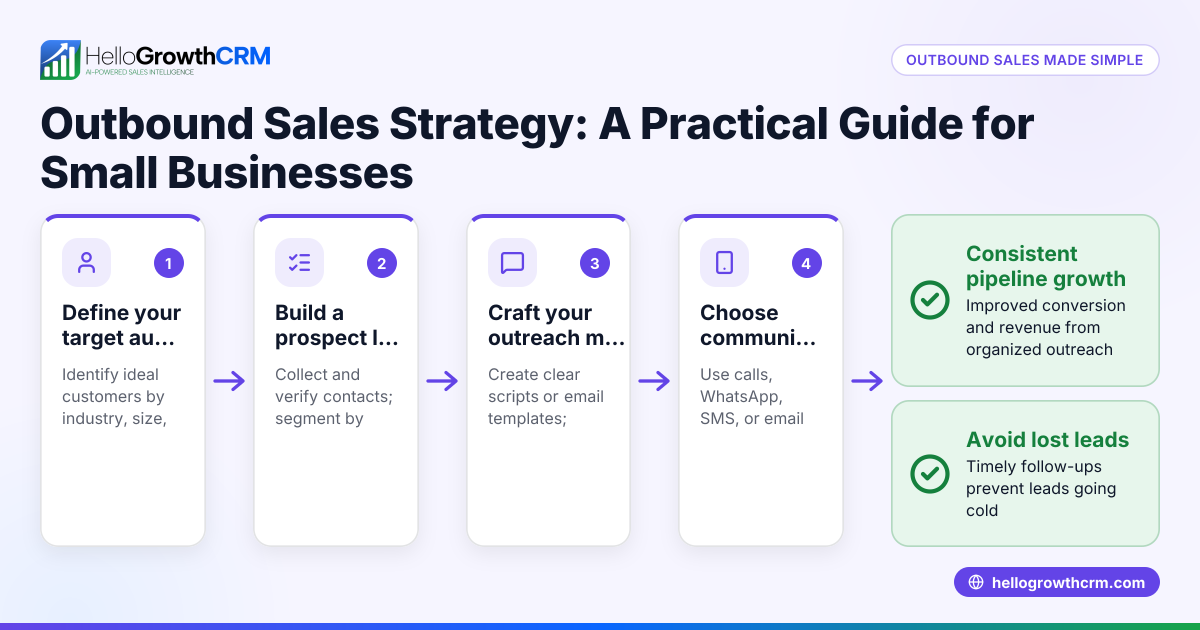
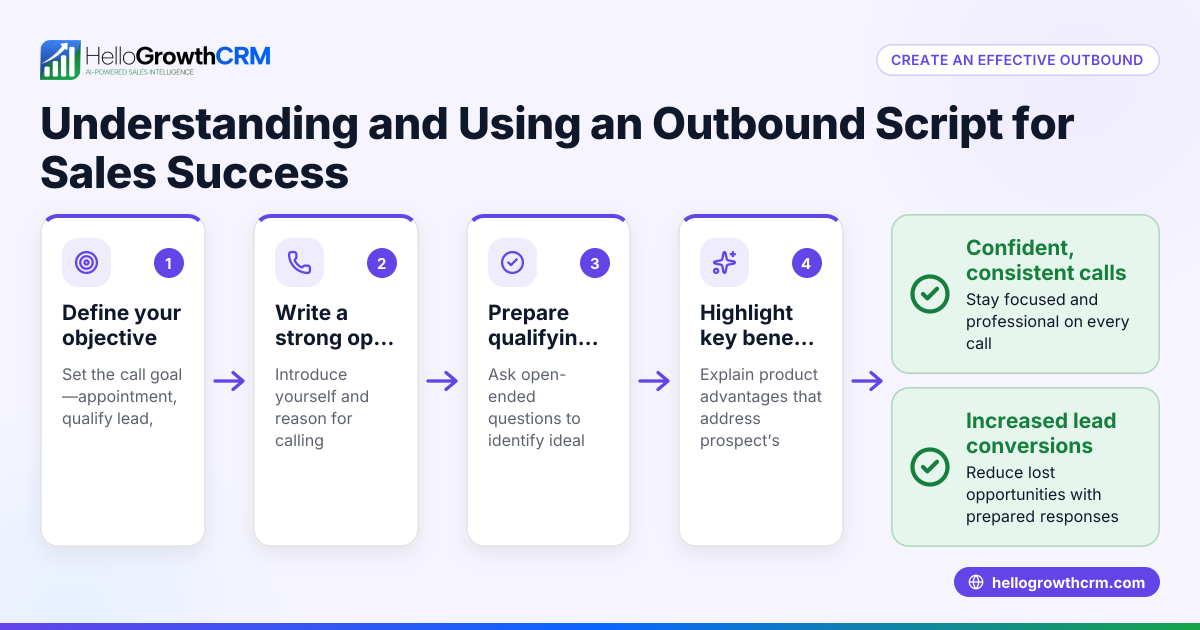
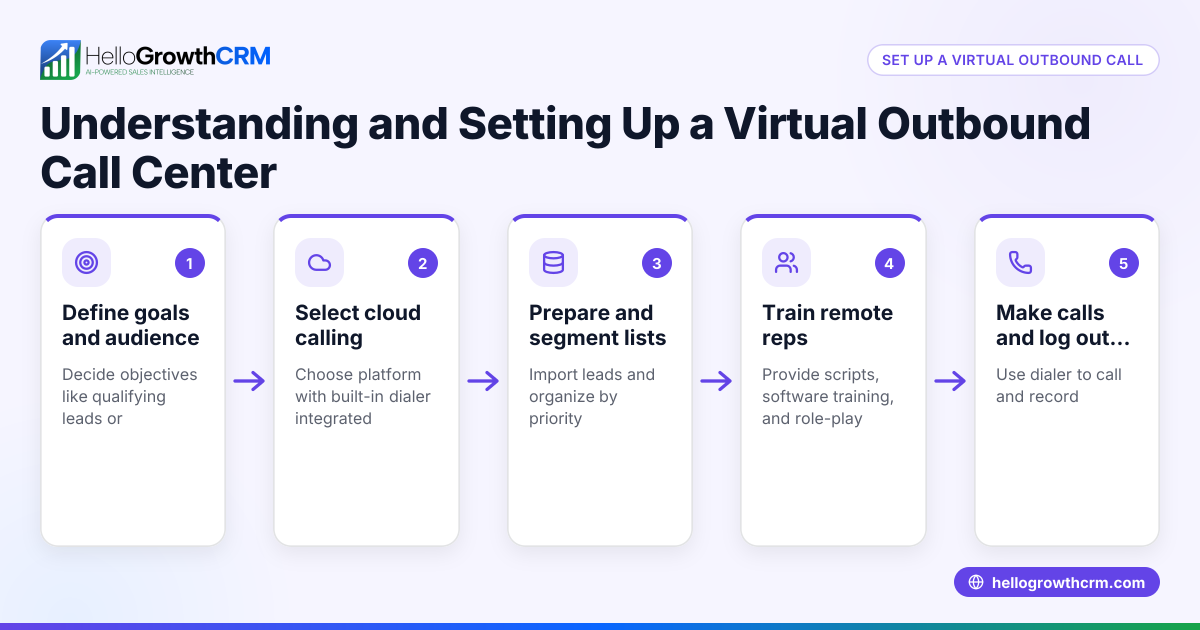
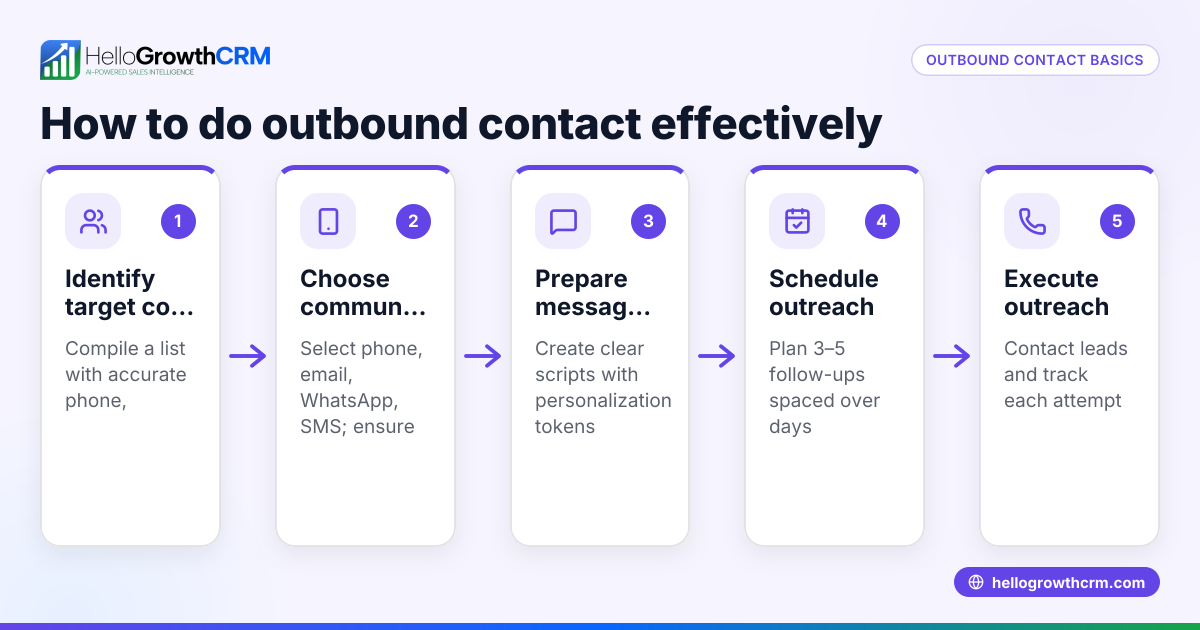
- Define your outbound call goals. Decide if you want to generate new leads, follow up on website inquiries, upsell existing customers, or conduct surveys. Clear goals help tailor your scripts and call lists.
- Build a targeted call list. Use your CRM or external data to compile contacts matching your ideal customer profile. Prioritize warm leads or recent inquiries for better results.
- Prepare call scripts and training. Create concise scripts for common scenarios: introduction, qualifying questions, objection handling, and closing. Train callers to sound natural and professional.
- Choose your calling method and tools. Decide if calls will be made from personal phones, a call center, or a CRM with a built-in dialer. Using a CRM dialer helps log calls and track outcomes automatically. Check out the built-in CRM dialer for efficient calling.
- Schedule calls and set daily targets. Organize calling times to reach prospects when they are likely available. Set realistic daily call goals for your team.
- Make calls and log outcomes immediately. Record call results such as connected, voicemail, follow-up needed, or no answer. This keeps your data current and actionable.
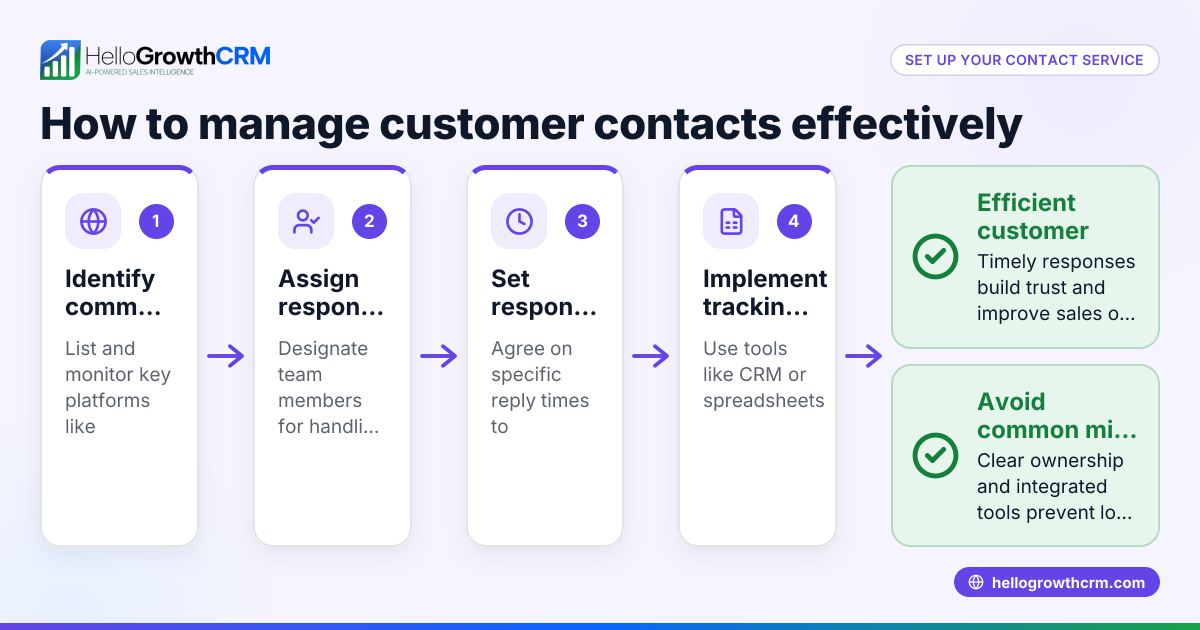
- Follow up on interested leads promptly. Assign tasks or reminders to follow up by phone, email, or WhatsApp. Consistent follow-up increases conversion.
- Review call performance regularly. Analyze call volume, connection rates, and conversion to improve scripts and targeting.
Example (fictional figures)
A B2B software reseller in Denver, Colorado, wants to generate 50 qualified leads in Q2 2026 using outbound calls.
- The sales team plans to call 500 prospects between 04/01/2026 and 06/30/2026.
- They expect a 10% connection rate and a 20% conversion rate from connected calls.
Calculations:
500 calls × 10% connection rate = 50 connected calls 50 connected calls × 20% conversion rate = 10 qualified leads
To reach 50 qualified leads, they need to increase calls or improve conversion:
Required qualified leads = 50 Current conversion rate = 20% Calls needed = 50 ÷ 20% = 250 connected calls
Assuming 10% connection rate:
Total calls needed = 250 ÷ 10% = 2,500 calls
This shows the team must scale calling efforts or improve connection/conversion rates to meet goals.
Common mistakes
- Not defining clear goals. Prevent by setting specific, measurable objectives before starting calls.
- Using unorganized call lists. Prevent by maintaining updated, segmented contact lists.
- Failing to log call outcomes immediately. Prevent by using tools like the built-in CRM dialer to record results during calls.
- Neglecting follow-up tasks. Prevent by assigning follow-up reminders and tracking them in your CRM.
- Inconsistent calling schedules. Prevent by establishing daily call targets and optimal calling times.
- Ignoring performance review. Prevent by regularly analyzing call data to refine scripts and targeting.
Doing this with a built-in dialer
A built-in dialer lets sales reps call prospects directly from the CRM interface. The outcome of each call is logged on the lead record automatically, keeping call history organized and accessible. This helps reps work through call lists efficiently and ensures no lead falls through the cracks. Learn more about the built-in CRM dialer and how it supports outbound calling.
Frequently asked questions
What is the difference between outbound and inbound call services? Outbound call services involve proactively calling prospects or customers, while inbound services handle incoming calls from customers. Outbound calls focus on lead generation and sales outreach.
How can I improve my outbound call connection rates? Use targeted call lists, call during business hours when decision-makers are available, and keep scripts concise and engaging. Personalizing calls based on prior research helps too.
Can I use WhatsApp or SMS for outbound calls? While WhatsApp and SMS are effective for messaging, outbound call services focus on voice calls. You can combine messaging with calls for better outreach. See WhatsApp and SMS CRM for messaging options.
Do I need special equipment for outbound calling? You can use personal phones, but a CRM with a built-in dialer simplifies calling and logging. The dialer centralizes call activity in one place.
How often should I review outbound call performance? Regular reviews, at least weekly or monthly, help identify trends and improve scripts, targeting, and follow-up processes.
Key takeaways
- Outbound call service means proactively calling prospects or customers to generate leads or sales.
- Define clear goals, build targeted lists, prepare scripts, and schedule calls for best results.
- Use a CRM with a built-in dialer to log call outcomes and manage follow-ups efficiently.
- Avoid common mistakes like poor list management, inconsistent calling, and neglecting follow-up.
- Regularly analyze call data to improve your outbound calling strategy.
Start your outbound call service and manage calls efficiently using the built-in CRM dialer. You can also integrate WhatsApp and SMS outreach for multi-channel sales follow-up. Learn more about HelloGrowthCRM for the United States.
Get started today with the Free Forever plan (200 leads, no credit card).
Ready to put this into practice?
Set up your pipeline, WhatsApp follow-ups, and AI lead scoring in minutes — free, no credit card.
Try HelloGrowthCRM freeGet CRM tips in your inbox
Join thousands of sales professionals who get weekly insights on CRM strategy, AI automation, and pipeline optimization.

The HelloGrowthCRM team publishes guides on CRM strategy, AI sales tools, and revenue operations for small business sales teams.