HelloGrowthCRM software
Built for real small-business sales teams
HelloGrowthCRM helps reps qualify faster, follow up on time, and close more deals—with practical automation in one place.
- AI lead scoring and pipeline visibility
- Built-in dialer, WhatsApp, and email automation
- Sales forecasting and RevOps-ready reporting
Picture SMS, often called MMS, allows you to send images, videos, or audio files along with text messages to your customers. This is different from regular SMS, which only supports plain text. Businesses use picture SMS to share product photos, promotional materials, or important visual information quickly and directly to customers’ mobile phones.
Why this comes up / what goes wrong
Many small-business owners want to use picture SMS to better engage customers but get confused about how it works or how to send these messages. They might rely on regular SMS or email and miss out on the higher impact of images. Sometimes, they don’t know if their current tools support picture SMS or how to track responses. Without a clear process, picture messages may not get sent properly or could be delayed, causing lost opportunities.
Small teams that handle sales and customer communication through text messages or WhatsApp often struggle to keep track of conversations and follow-ups. They may send images manually without automation, leading to inconsistent messaging and missed leads. Understanding picture SMS and integrating it into workflows can help avoid these problems.
Step-by-step
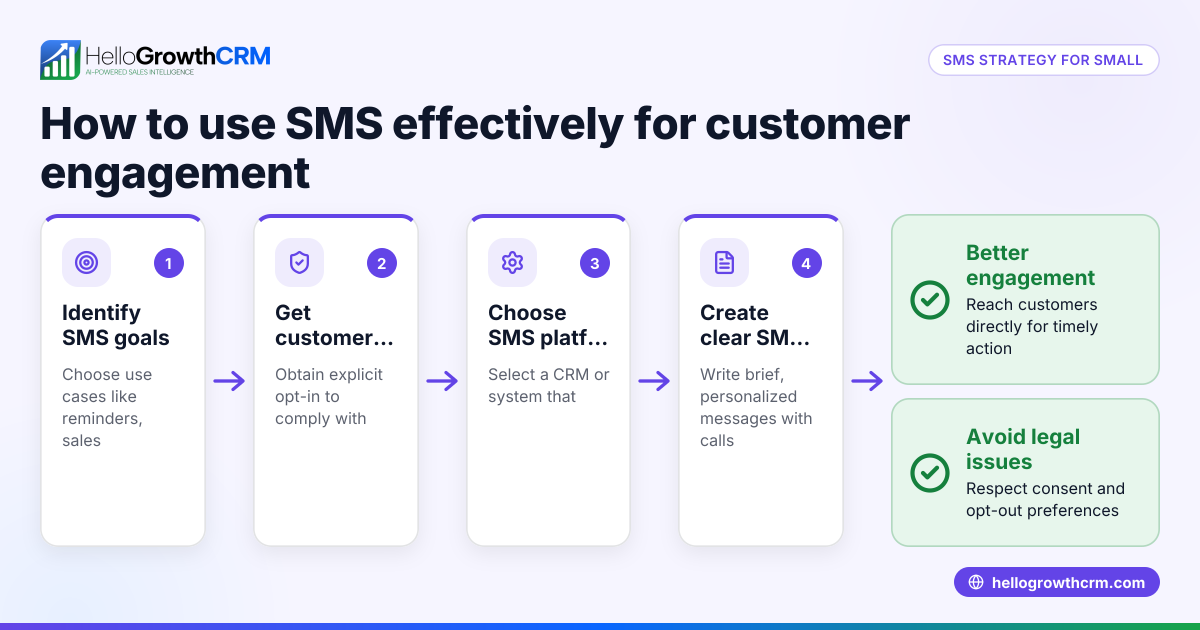
- Check your mobile carrier and device support: Confirm that your phone plan and device can send and receive MMS messages. Most US carriers support MMS, but it’s good to verify for your specific plan.
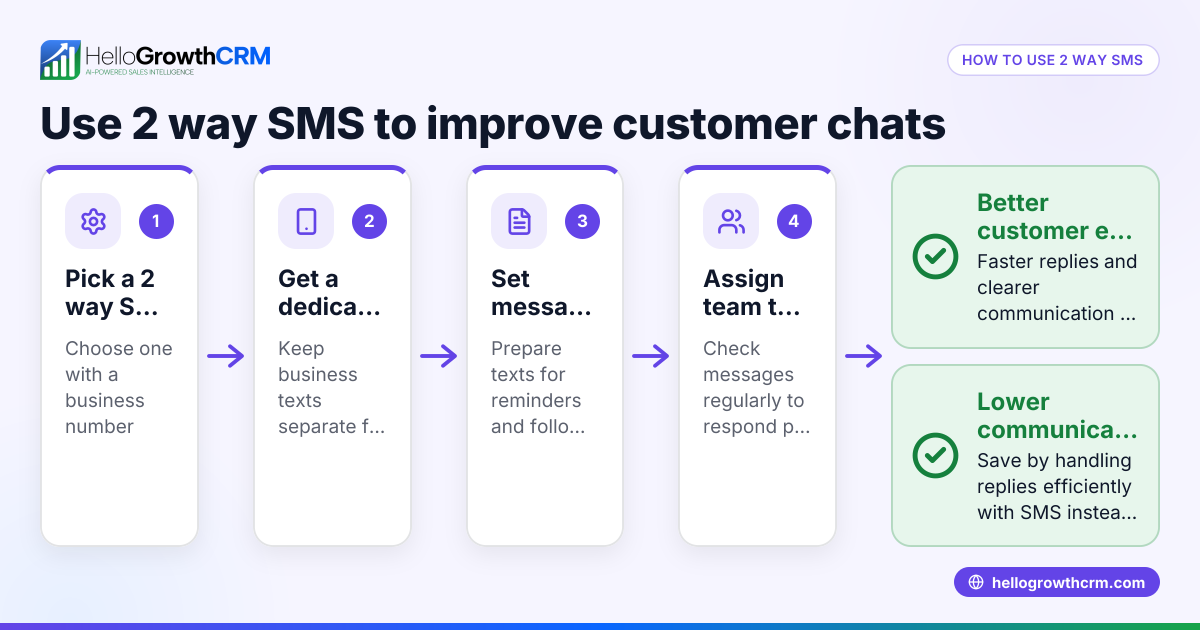
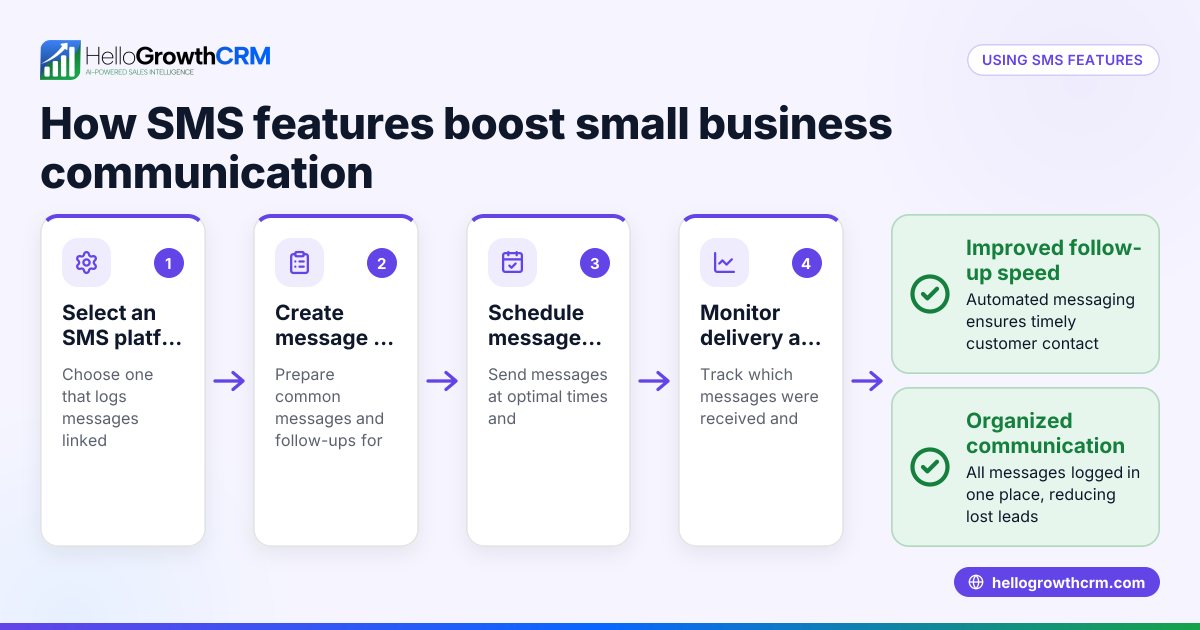
- Choose a messaging platform that supports picture SMS: Use software or apps that allow sending MMS, especially if you want to send messages in bulk or automate follow-ups. This is important for small businesses with many leads.
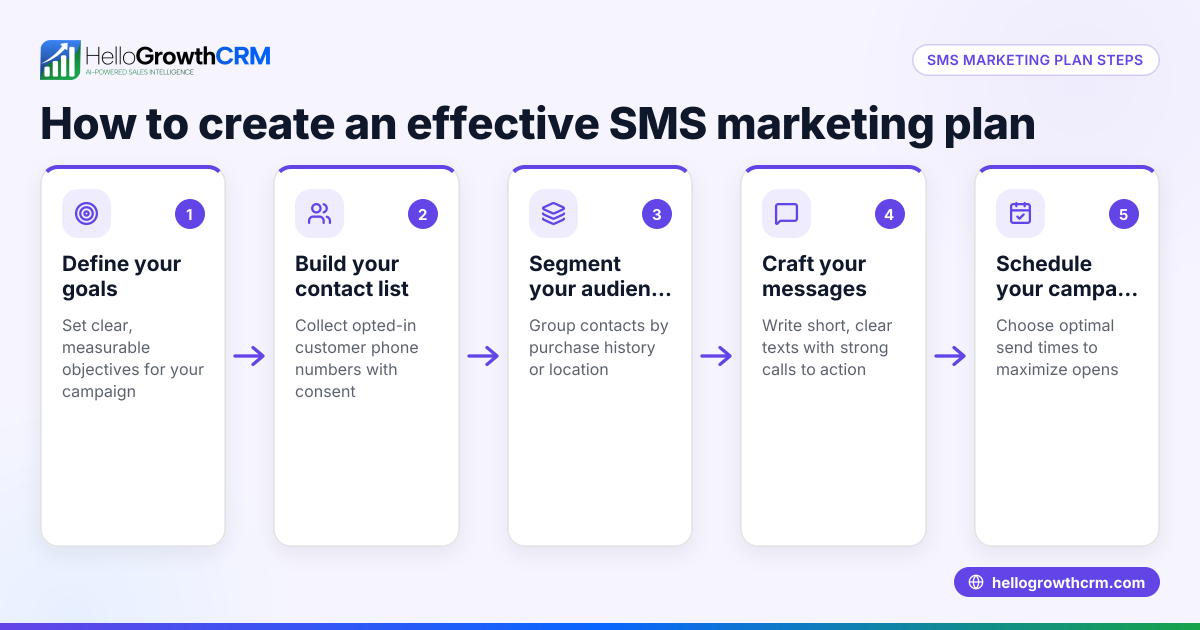
- Prepare your image or media: Use clear, appropriately sized images (usually under 300 KB) to ensure they send quickly and display well on various devices.
- Compose your message: Write concise text to accompany the image, adding a call to action if needed. Keep the message relevant and engaging.
- Send a test message: Before sending to customers, send the picture SMS to yourself or a colleague to check how it appears on different devices.
- Send to your customer list: Use your chosen platform to send the picture SMS to your customers or leads. Make sure your list is updated and opt-ins are respected.
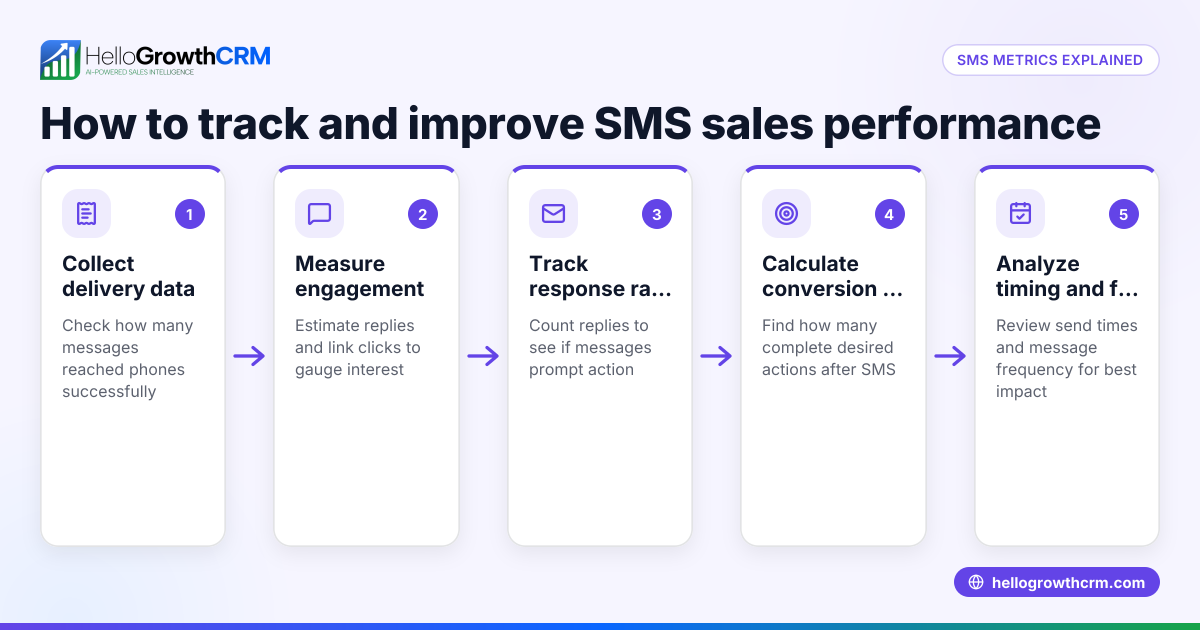
- Track responses and follow up: Monitor replies and engagement to measure effectiveness and plan next steps. Use CRM tools to log conversations and schedule follow-ups.
For businesses wanting to integrate picture SMS into sales workflows, consider tools like HelloGrowthCRM that support WhatsApp and SMS messaging, logging conversations and enabling easy follow-ups. Learn more about WhatsApp and SMS CRM.
Example (fictional figures)
A residential real-estate team in Phoenix, Arizona, wants to send picture SMS to promote a new listing on 06/15/2026.
- They prepare a photo of the property sized at 250 KB.
- They write a message: "Check out this beautiful 3-bedroom home in Phoenix! Contact us for a tour."
- They send the picture SMS to 500 leads.
- Assume a cost of $0.05 per MMS sent (illustrative).
Calculation: $0.05 × 500 = $25
The team spends $25 to send picture SMS to all leads. They track 20 responses requesting tours, which leads to 3 sales.
Common mistakes
- Sending large image files: Large files may fail or take too long to send. Prevent by resizing images before sending.
- Ignoring carrier or device limitations: Not all recipients may receive MMS if their phone or plan doesn’t support it. Prevent by confirming recipient capabilities or offering alternative contact methods.
- Not testing messages before sending: Messages may appear differently on various devices. Prevent by sending test messages first.
- Failing to track responses: Without tracking, you can’t measure success. Prevent by using CRM tools that log conversations and follow-ups.
- Overloading customers with too many messages: This can annoy recipients. Prevent by scheduling messages thoughtfully and respecting opt-out requests.
Learn more about managing messaging with a built-in CRM dialer.
Doing this in HelloGrowthCRM
HelloGrowthCRM supports WhatsApp and SMS messaging, allowing sales teams to send picture SMS and WhatsApp messages directly from the CRM. Conversations with leads are logged on the lead record, making it easy to track communication history. Follow-ups can be sent as messages within the platform, helping teams stay organized and responsive.
Frequently asked questions
What is the difference between SMS and picture SMS? SMS is plain text messaging, while picture SMS (MMS) allows sending images, videos, or audio along with text.
Can I send picture SMS to all mobile phones? Most modern phones and carriers support MMS, but some older devices or plans may not. It’s best to confirm with your recipients or offer alternative contact options.
Are picture SMS messages more expensive than regular SMS? Yes, picture SMS usually costs more per message because it carries multimedia content. Costs vary by carrier and messaging platform.
How can I track the effectiveness of picture SMS campaigns? Use CRM tools that log message delivery and responses. Tracking replies and engagement helps measure success and plan follow-ups.
Can I automate picture SMS follow-ups? Some CRM platforms, like HelloGrowthCRM, allow scheduling and automating SMS and WhatsApp follow-ups to leads and customers.
Learn more about HelloGrowthCRM for the United States.
Key takeaways
- Picture SMS (MMS) lets you send images and media via text messages.
- Confirm device and carrier support before sending picture SMS.
- Use clear, resized images and test messages before sending.
- Track responses and avoid over-messaging customers.
- HelloGrowthCRM supports WhatsApp and SMS messaging with logging and follow-ups.
Start using picture SMS to engage your customers visually. To get started with managing your messaging and leads, Start on the Free Forever plan (200 leads, no credit card).
Ready to put this into practice?
Set up your pipeline, WhatsApp follow-ups, and AI lead scoring in minutes — free, no credit card.
Try HelloGrowthCRM freeGet CRM tips in your inbox
Join thousands of sales professionals who get weekly insights on CRM strategy, AI automation, and pipeline optimization.

The HelloGrowthCRM team publishes guides on CRM strategy, AI sales tools, and revenue operations for small business sales teams.