HelloGrowthCRM software
Built for real small-business sales teams
HelloGrowthCRM helps reps qualify faster, follow up on time, and close more deals—with practical automation in one place.
- AI lead scoring and pipeline visibility
- Built-in dialer, WhatsApp, and email automation
- Sales forecasting and RevOps-ready reporting
A proper email layout is essential to ensure your message is clear, professional, and easy for the recipient to understand and respond to. It typically includes these elements: a subject line that summarizes the email’s purpose, a greeting addressing the recipient by name if possible, a concise body with organized points, a clear call to action specifying the next step, and a polite closing that includes your full contact details. This article covers why proper email layout matters, detailed steps to create one, a worked example, common mistakes to avoid, and how HelloGrowthCRM features can support your email communication.
Why this comes up / what goes wrong
Small business owners often send emails that are too long, unclear, or unprofessional, which can confuse recipients or delay responses. Many sales teams juggle communications through text messages, email, and spreadsheets without a consistent format or central system. This disorganization can cause leads to be lost or neglected. Without a proper email layout, your message may be overlooked or misunderstood, leading to missed sales opportunities or damaged customer relationships. Clear, structured emails help recipients quickly grasp your message and act on it.
Step-by-step
- Write a clear subject line: Make it specific and relevant to the content. Keep it concise (under 60 characters) and ensure it reflects the email’s purpose. Double-check spelling.
- Start with a polite greeting: Use the recipient’s name if you know it (e.g., "Hi John," or "Dear Ms. Smith,"). Verify correct spelling and capitalization.
- Introduce the purpose briefly: State why you are writing in the first one or two sentences. This sets expectations. Make sure this section is clear and direct.
- Organize the body content: Use short paragraphs or bullet points to break up information. Each paragraph should cover one idea. Avoid jargon or unnecessary details.
- Include a clear call to action: Specify what you want the recipient to do next, such as reply, schedule a call, or review a document. Make your request polite but direct.
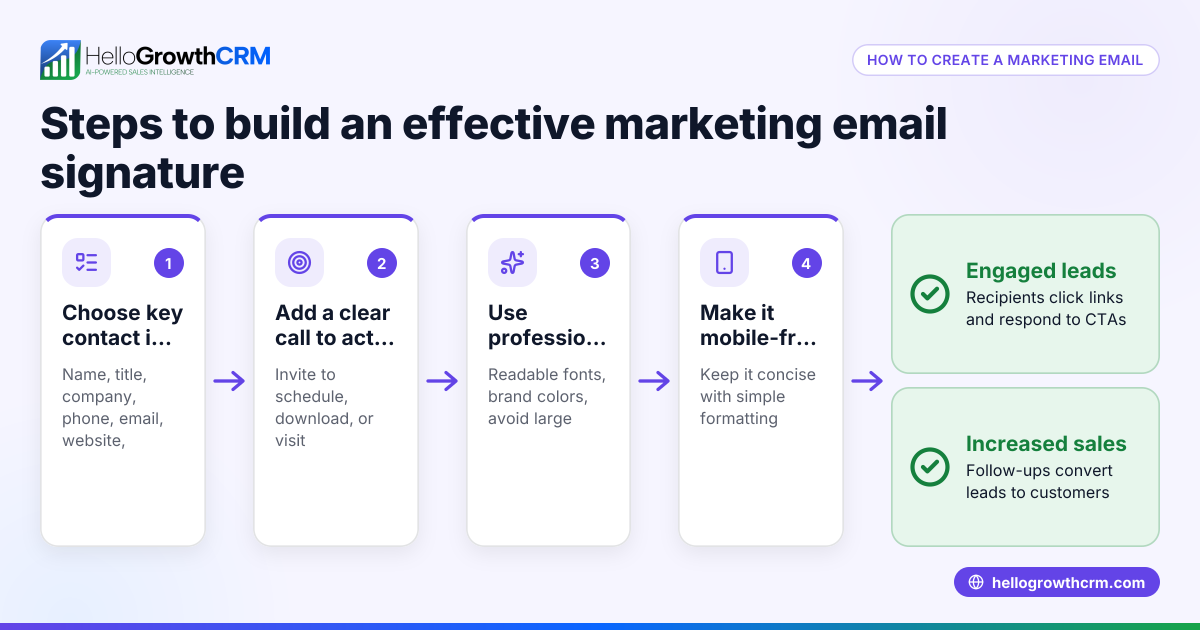
- Close professionally: Use a closing phrase like "Best regards," or "Sincerely," followed by your full name, job title, and contact details (email, phone number).
- Proofread before sending: Check for grammar, spelling, and formatting errors. Confirm that any included links or attachments work correctly.
To save time and ensure consistent follow-ups, consider using email automation and sequences for your outreach.
Example (fictional figures)
A residential real-estate team in Phoenix, Arizona, sends a quotation email to a potential homebuyer on 08/15/2025.
Email subject: "Quotation for 3-Bedroom Home in Scottsdale"
Email body: "Hi Sarah,
Thank you for your interest in the 3-bedroom home at 123 Maple Street. The total price is $450,000, including estimated closing costs of $15,000.
Please review the attached quotation and let us know if you would like to schedule a viewing.
Best regards, John Smith Phoenix Home Realty john@phoenixhomerealty.com (555) 123-4567"
Calculations shown: $450,000 + $15,000 = $465,000 total estimated price
This clear layout helps Sarah quickly understand the offer and the next steps.
Common mistakes
- Too long or dense emails: Prevent this by using short paragraphs and bullet points to make information easy to scan.
- Unclear subject lines: Avoid vague subjects by summarizing the email’s purpose in a few words.
- Missing call to action: Always explicitly state what you want the recipient to do next.
- Ignoring proofreading: Prevent errors by carefully reviewing your email before sending.
- Not using a professional closing: Include your full contact information to make it easy for recipients to reach you.
- Sending follow-ups manually: Automate follow-ups with HelloGrowthCRM sequences and campaigns to ensure timely outreach without extra effort.
Doing this in HelloGrowthCRM
HelloGrowthCRM’s HelloMail shared inbox allows your team to manage inbound emails together so replies to quotation emails are visible to everyone working the deal. This avoids duplicated efforts or missed responses. Additionally, its sequences and campaigns feature lets you set up automated five-step follow-ups over two weeks that stop as soon as the prospect replies, ensuring timely and consistent communication without manual effort.
Frequently asked questions
What is the ideal length for a business email? Keep business emails concise—aim for a clear and brief structure to maintain readability. This helps recipients read and respond quickly without feeling overwhelmed.
Should I always use a formal greeting? Use a greeting that fits your relationship with the recipient. For new or formal contacts, "Dear" or "Hello" plus the recipient’s name works well. For familiar contacts, "Hi" is acceptable and friendlier.
How can I make my emails more likely to get a reply? Include a clear call to action and keep the email focused on one topic. Using automated email sequences ensures follow-ups happen consistently until the prospect responds.
Is it necessary to include a signature? Yes, a professional signature with your name, title, and contact info helps recipients know who you are and how to reach you easily.
Can I manage all my email and WhatsApp messages in one place? Yes, HelloGrowthCRM supports WhatsApp and SMS CRM features alongside email, letting your sales team handle all communications together. Learn more about WhatsApp and SMS CRM.
Key takeaways
- Use a clear, specific subject line to summarize your email.
- Structure the body with short paragraphs and bullet points.
- Always include a polite greeting and professional closing with contact details.
- Include a clear call to action to guide the recipient’s next steps.
- Proofread emails before sending to avoid errors.
- Automate follow-ups with HelloGrowthCRM sequences to save time and stay consistent.
- Manage team email replies with HelloMail shared inbox to keep everyone informed and avoid duplicated effort.
Start on the Free Forever plan (200 leads, no credit card) at HelloGrowthCRM to improve your email communication and sales follow-up.
Ready to put this into practice?
Set up your pipeline, WhatsApp follow-ups, and AI lead scoring in minutes — free, no credit card.
Try HelloGrowthCRM freeGet CRM tips in your inbox
Join thousands of sales professionals who get weekly insights on CRM strategy, AI automation, and pipeline optimization.

The HelloGrowthCRM team publishes guides on CRM strategy, AI sales tools, and revenue operations for small business sales teams.