HelloGrowthCRM software
Built for real small-business sales teams
HelloGrowthCRM helps reps qualify faster, follow up on time, and close more deals—with practical automation in one place.
- AI lead scoring and pipeline visibility
- Built-in dialer, WhatsApp, and email automation
- Sales forecasting and RevOps-ready reporting
Responsive email templates are essential tools for small businesses aiming to communicate effectively with customers who use different devices. Unlike fixed-width emails, responsive templates adapt their design to fit the screen size, improving readability and engagement.
Why this comes up / what goes wrong
Many small business owners send emails that look fine on a desktop but appear distorted or hard to read on mobile phones or tablets. Since over half of emails today are opened on mobile devices, poor formatting can cause your message to be ignored or deleted. Without responsive templates, you risk losing leads and sales because your emails don’t display properly.
Business owners who rely on text messages, spreadsheets, or non-integrated email systems often struggle to maintain consistent, professional, and readable email communications. They want a simple way to send follow-ups and quotations that look good everywhere without needing coding skills.
Step-by-step
- Choose a responsive email template: Start with a template designed to adjust layout and font sizes automatically. Many email marketing tools and CRM platforms offer these ready-made. Check that it works well on desktop and mobile by previewing it.
- Customize the template with your branding: Add your logo, brand colors, and contact information. Make sure images scale properly and text remains legible on smaller screens.
- Write clear and concise content: Use short paragraphs, bullet points, and clear calls to action. Avoid large blocks of text that can overwhelm mobile readers.
- Test your email on multiple devices: Send test emails and open them on phones, tablets, and desktops to confirm the layout adapts correctly and links/buttons are easy to tap.
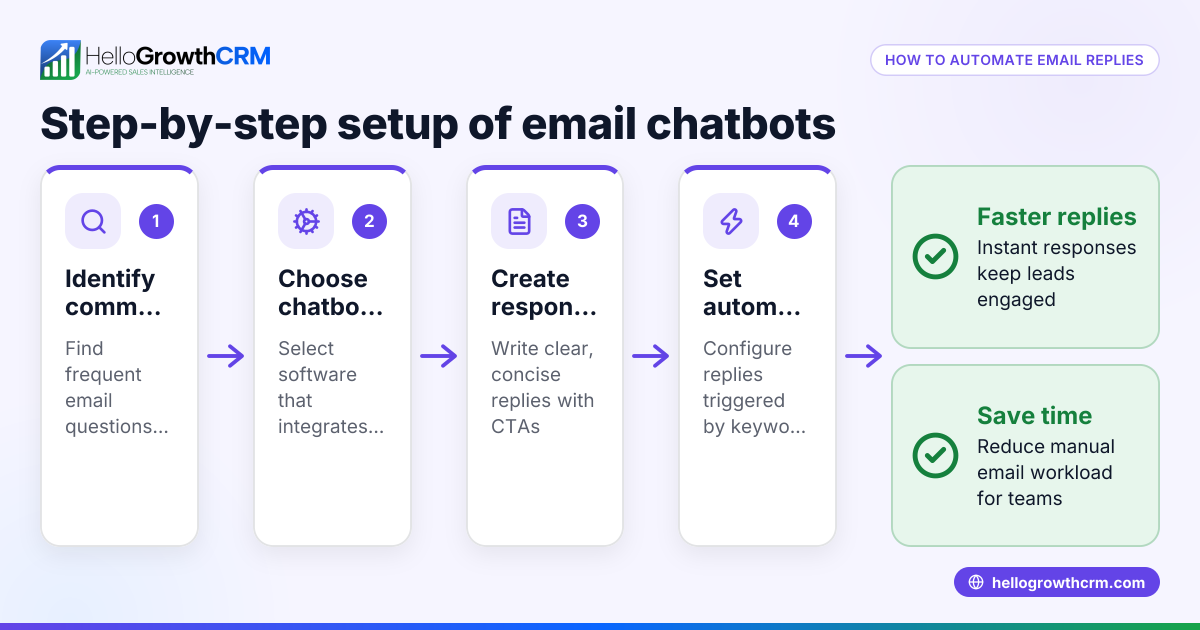
- Use automation for follow-up sequences: Set up automated email sequences that send timely follow-ups to leads, stopping as soon as the prospect replies. This keeps your sales process efficient without manual effort.
- Monitor and adjust based on performance: Track open rates and click-throughs to see if your emails engage recipients. Refine templates and messaging based on feedback.
For templates and automation tools, explore sales templates and email automation and sequences to get started.
Example (fictional figures)
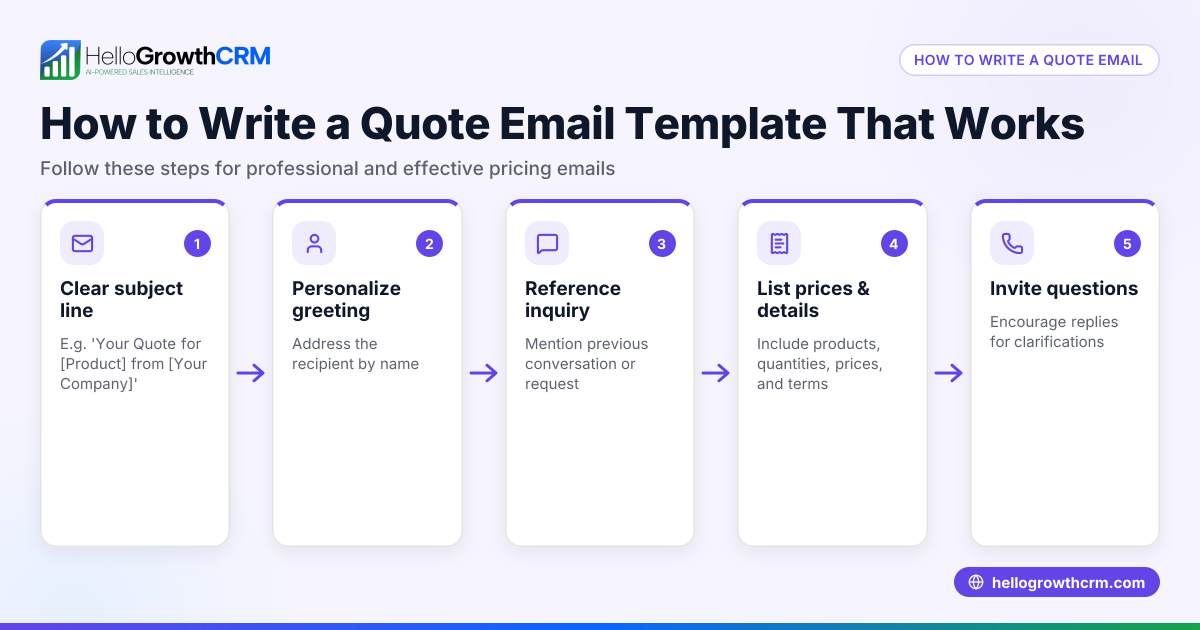
A landscaping contractor in Charlotte, North Carolina, wants to increase lead follow-up efficiency. They send an initial quotation email using a responsive template, then a five-step follow-up sequence over two weeks.
- Initial quote email sent to 100 leads.
- Open rate on mobile devices: 70 leads.
- 20 leads reply after the first email.
- Automated follow-up sequence sends 4 additional emails over 14 days to the remaining 80 leads.
- Additional 15 leads respond during follow-up.
- Total responses: 20 + 15 = 35 leads.
This improved lead engagement supports better sales outcomes and customer communication.
Common mistakes
- Ignoring mobile optimization: Sending emails that only look good on desktop. Prevent by always testing on phones and tablets.
- Using large images that don’t scale: These can break layouts or slow loading. Use optimized images with flexible sizing.
- Overloading emails with text: Long paragraphs are hard to read on small screens. Use bullet points and concise language.
- Not testing links and buttons for tap friendliness: Small links can be hard to tap on mobile. Ensure buttons are large enough and spaced well.
- Skipping follow-up automation: Manually sending follow-ups is time-consuming and inconsistent. Use automated sequences to maintain timely contact.
- Neglecting team visibility on email replies: Without shared inboxes, team members may duplicate work or miss responses. Use a shared inbox to keep everyone informed.
Learn more about preventing these issues with free sales tools and calculators.
Doing this in HelloGrowthCRM
HelloGrowthCRM supports responsive email communication with features designed for small and mid-sized sales teams. Its HelloMail shared inbox lets your team see all replies to quotation emails on the deal, avoiding missed messages or duplicated effort. You can create sequences and campaigns that run automated five-step follow-ups over two weeks, stopping immediately when a prospect replies. Plus, you can download free sales tools and templates, like follow-up cadences and pipeline templates, without needing an account.
Explore these capabilities at email automation and sequences and download helpful resources at free sales tools and calculators.
Frequently asked questions
What makes an email template responsive? A responsive email template uses flexible layouts, images, and CSS media queries to adjust content automatically for different screen sizes, ensuring readability and usability on any device.
Can I create responsive emails without coding skills? Yes, many email marketing platforms and CRMs offer pre-built responsive templates you can customize easily without coding. Testing tools help you preview how emails look on various devices.
Why is responsive design important for small businesses? Most people check email on mobile devices. Responsive design ensures your message is clear and professional-looking, increasing the chances recipients will engage and respond.
How do automated email sequences improve sales follow-up? They send timely messages automatically, saving time and ensuring consistent contact with leads. Sequences stop when a prospect replies, preventing over-contacting.
Can my whole sales team see email replies? Using a shared inbox inside your CRM, like HelloMail, lets the entire team view incoming replies linked to deals, improving collaboration and response speed.
Key takeaways
- Responsive email templates adjust automatically to fit any device screen.
- Testing emails on multiple devices prevents formatting and usability issues.
- Automated follow-up sequences save time and improve lead engagement.
- Shared inboxes keep the sales team aligned on customer communications.
- Use free templates and tools to start improving your email outreach today.
Start improving your sales emails with responsive templates and automation. You can Start on the Free Forever plan (200 leads, no credit card) to try HelloGrowthCRM's email tools and more.
Ready to put this into practice?
Set up your pipeline, WhatsApp follow-ups, and AI lead scoring in minutes — free, no credit card.
Try HelloGrowthCRM freeGet CRM tips in your inbox
Join thousands of sales professionals who get weekly insights on CRM strategy, AI automation, and pipeline optimization.

The HelloGrowthCRM team publishes guides on CRM strategy, AI sales tools, and revenue operations for small business sales teams.