HelloGrowthCRM software
Built for real small-business sales teams
HelloGrowthCRM helps reps qualify faster, follow up on time, and close more deals—with practical automation in one place.
- AI lead scoring and pipeline visibility
- Built-in dialer, WhatsApp, and email automation
- Sales forecasting and RevOps-ready reporting
Sales analytics CRM software combines customer relationship management with sales data analysis to help small businesses track leads, monitor sales pipelines, forecast revenue, and identify bottlenecks. Choosing the right software means finding one that fits your team’s workflow, provides actionable insights, and supports your communication channels.
Why this comes up / what goes wrong
Many small business owners in Canada struggle to keep track of their sales leads and opportunities across multiple tools like spreadsheets, emails, and messaging apps. Without a unified view, deals are forgotten, follow-ups delayed, and revenue potential lost. Sales analytics CRM software promises to solve this by providing a single platform that captures leads, tracks deal stages, and analyses sales data to highlight where deals stall or which reps perform best. However, choosing the wrong software can lead to unused tools, inaccurate forecasts, or complicated setups that slow your team down.
Step-by-step
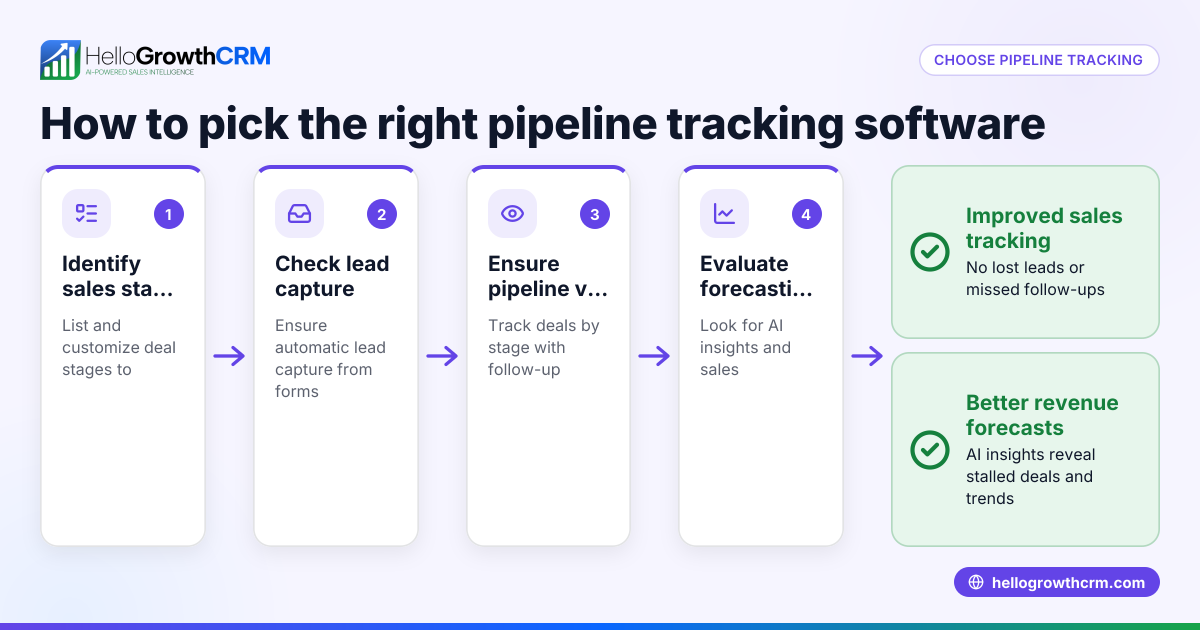
- Identify your sales process and data needs: Document your current sales stages, lead sources, and what metrics matter (e.g., conversion rates, deal velocity). Check if the CRM supports pipeline stages that match your process.
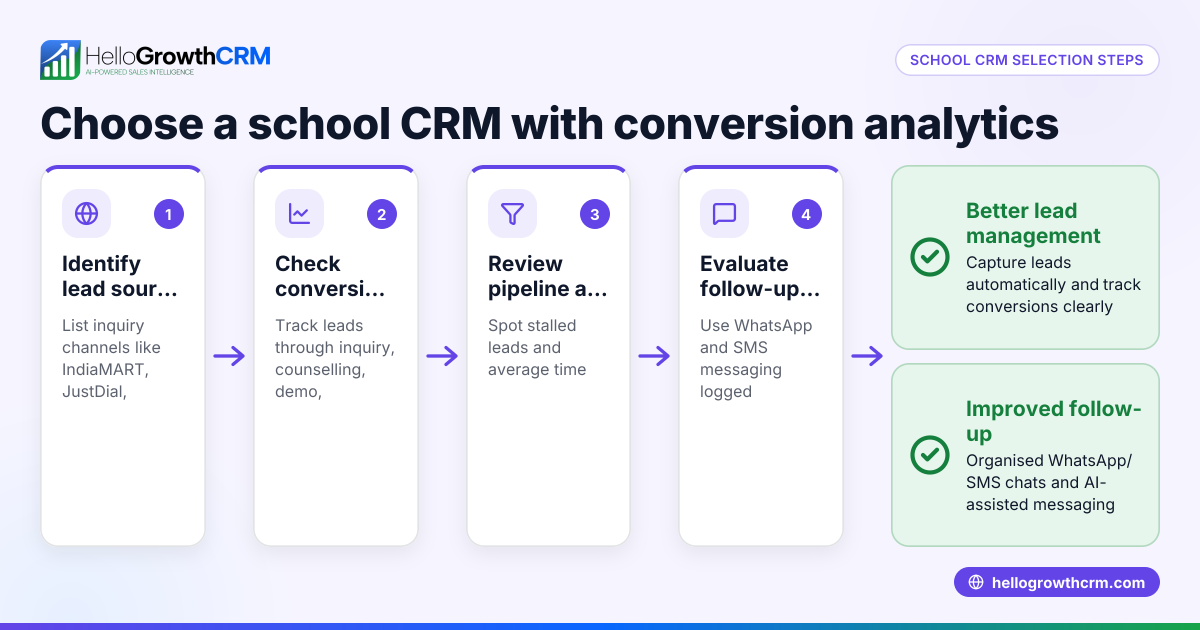
- Check integration capabilities: Verify that the CRM can capture leads from your website or other sources automatically and integrates with your communication channels like WhatsApp or SMS.
- Evaluate sales analytics features: Look for AI-assisted pipeline forecasting and insights that highlight stalled deals or rep performance without requiring spreadsheets.
- Assess ease of use and adoption: Choose software that your team can easily learn and that logs communications automatically to avoid manual data entry.
- Consider communication tools: Ensure the CRM supports messaging workflows on channels your customers use, such as WhatsApp and SMS, with conversation logging.
- Trial and compare: Use free trials or demo versions to test the software’s reporting accuracy, pipeline views, and messaging features.
- Review pricing and support: Understand the pricing tiers and what features are included, especially for sales analytics and messaging capabilities.
For more on CRM features that help with sales analytics, see CRM features.
Example (fictional figures)
A Calgary-based home renovation contractor wants to improve sales tracking and forecasting. They currently use spreadsheets and WhatsApp but miss follow-ups.
- Total leads captured in Q1 2024: 120
- Average deal size: C$15,000
- Conversion rate from quote sent to closed deal: 30%
- Average sales cycle length: 45 days
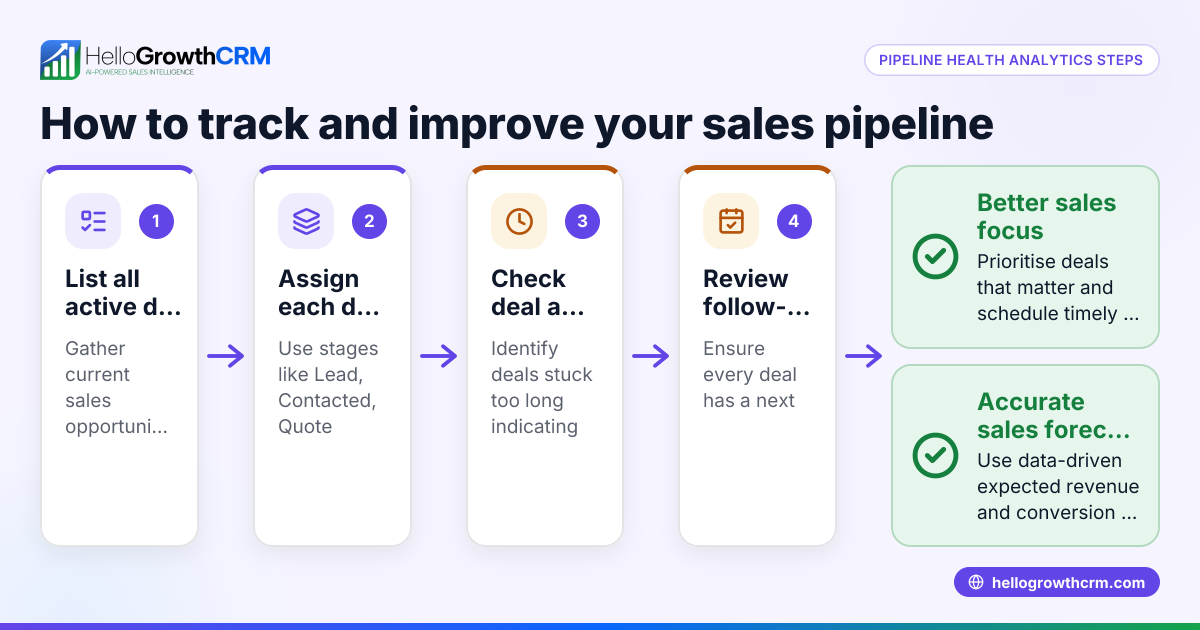
Using sales analytics CRM software, they track deals in stages: Lead, Quote Sent, Negotiation, Closed Won/Lost.
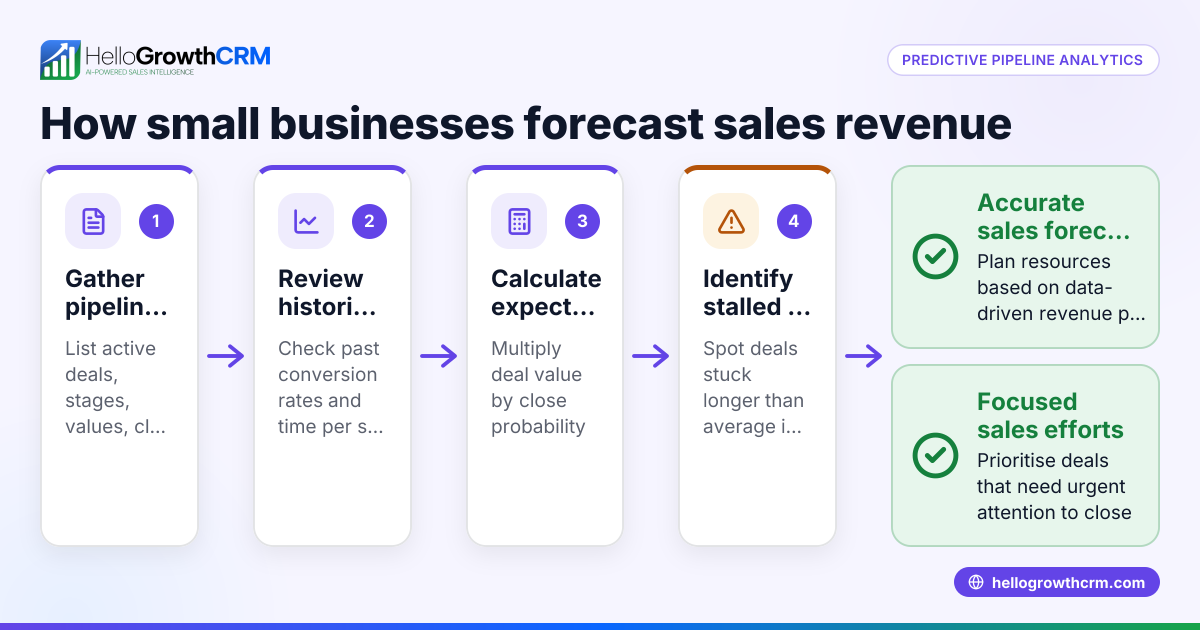
Forecast calculation for expected revenue from deals at "Quote Sent" stage:
Number of deals at "Quote Sent": 20 Average deal size: C$15,000 Conversion rate: 30% (0.3)
Expected revenue = Number of deals × Average deal size × Conversion rate Expected revenue = 20 × C$15,000 × 0.3 Expected revenue = C$90,000
This forecast helps the contractor prioritise follow-ups and focus on deals likely to close.
Common mistakes
- Ignoring team adoption: Choosing complex software that your sales team avoids leads to incomplete data. Prevent this by selecting user-friendly tools and involving your team early.
- Not matching sales stages: Using a CRM with fixed stages that don’t reflect your process causes confusion. Prevent this by confirming the CRM allows custom pipeline stages.
- Overlooking communication channels: Missing integration with WhatsApp or SMS means lost context and delayed follow-ups. Prevent this by checking messaging support, like HelloGrowthCRM’s WhatsApp and SMS features (/product/whatsapp-sms-crm).
- Relying solely on manual data entry: This causes errors and outdated info. Prevent this by choosing a CRM that logs messages and tracks deals automatically, such as HelloGrowthCRM’s deals pipeline (/product/ai-crm).
- Skipping sales forecasting features: Without forecasting, it’s hard to prioritise deals or predict revenue. Prevent this by using CRM software with AI-assisted pipeline forecast and insights, like HelloGrowthCRM offers (/product/sales-forecasting).
Doing this in HelloGrowthCRM
HelloGrowthCRM supports sales analytics with features designed for small and mid-sized Canadian businesses. Its pipeline forecast and AI insights show which deal stages have bottlenecks and provide revenue projections without needing spreadsheets. The deals pipeline tracks opportunities from first contact to close, with follow-up dates so no quotation or lead is forgotten. WhatsApp and SMS integration logs conversations on lead records and allows follow-ups via messages, keeping communication organised and timely. Learn more about HelloGrowthCRM for Canada (/canada).
Frequently asked questions
What is sales analytics CRM software? Sales analytics CRM software combines customer management with tools to analyse sales data, track deal stages, and forecast revenue. It helps businesses identify bottlenecks and improve sales performance.
How does AI improve sales forecasting in CRM software? AI uses historical data and current pipeline information to predict which deals are likely to close and when. This helps sales teams prioritise efforts and make more accurate revenue projections.
Can I use WhatsApp and SMS within sales analytics CRM software? Yes, some CRM software like HelloGrowthCRM includes WhatsApp and SMS integration, allowing you to engage leads on familiar channels and log conversations automatically.
What should I look for when choosing sales analytics CRM software? Look for software that matches your sales process, integrates with your lead sources and communication channels, offers AI-driven forecasting, and is easy for your team to adopt.
Is sales analytics CRM software suitable for small businesses? Yes, many sales analytics CRM tools are designed for small and mid-sized businesses, offering features scaled for smaller teams and budgets.
Key takeaways
- Sales analytics CRM software centralises lead tracking, pipeline management, and sales forecasting.
- Evaluate software based on sales process fit, integration, analytics features, and team adoption.
- Avoid common mistakes like ignoring communication channels and relying on manual data entry.
- HelloGrowthCRM offers pipeline forecasting, deals tracking, and WhatsApp/SMS integration tailored for Canadian SMBs.
- Using sales analytics CRM software helps prioritise deals, improve follow-ups, and forecast revenue accurately.
Start improving your sales tracking and forecasting by starting on the Free Forever plan (200 leads, no credit card).
Ready to put this into practice?
Set up your pipeline, WhatsApp follow-ups, and AI lead scoring in minutes — free, no credit card.
Try HelloGrowthCRM freeGet CRM tips in your inbox
Join thousands of sales professionals who get weekly insights on CRM strategy, AI automation, and pipeline optimization.

The HelloGrowthCRM team publishes guides on CRM strategy, AI sales tools, and revenue operations for small business sales teams.