HelloGrowthCRM software
Built for real small-business sales teams
HelloGrowthCRM helps reps qualify faster, follow up on time, and close more deals—with practical automation in one place.
- AI lead scoring and pipeline visibility
- Built-in dialer, WhatsApp, and email automation
- Sales forecasting and RevOps-ready reporting
A sales call log template helps small businesses in Canada track every sales call with prospects or customers by recording key details such as the date, contact information, call purpose, outcome, and next steps. Having a consistent log prevents lost leads and missed follow-ups, which are common when relying on scattered notes, texts, or spreadsheets. This article explains why a sales call log template is essential, how to create one step-by-step, a realistic example with Canadian figures, common mistakes to avoid, and how free sales tools and dialer features can help.
Why this comes up / what goes wrong
Many Canadian small-business owners track sales calls informally using text messages, emails, or spreadsheets. This approach often results in scattered information, forgotten follow-ups, and lost opportunities. Without a standard sales call log template, teams find it hard to keep consistent records, causing slow follow-up and lost leads. A ready-to-use sales call log template centralizes call information, making it easier to track progress and plan next actions effectively.
Step-by-step
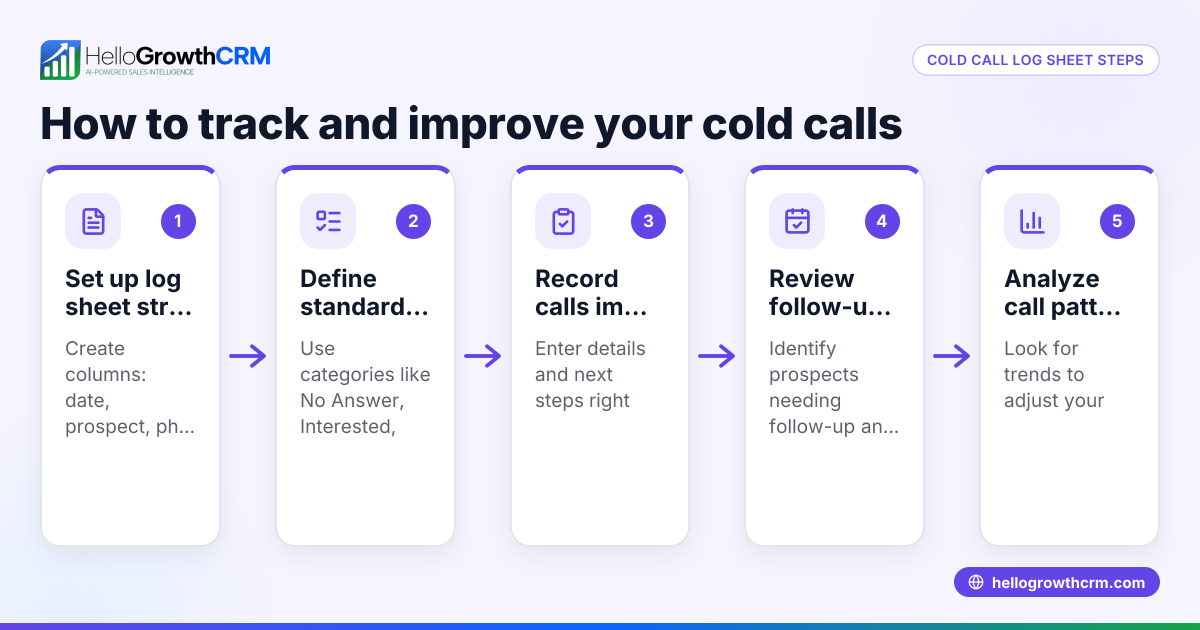
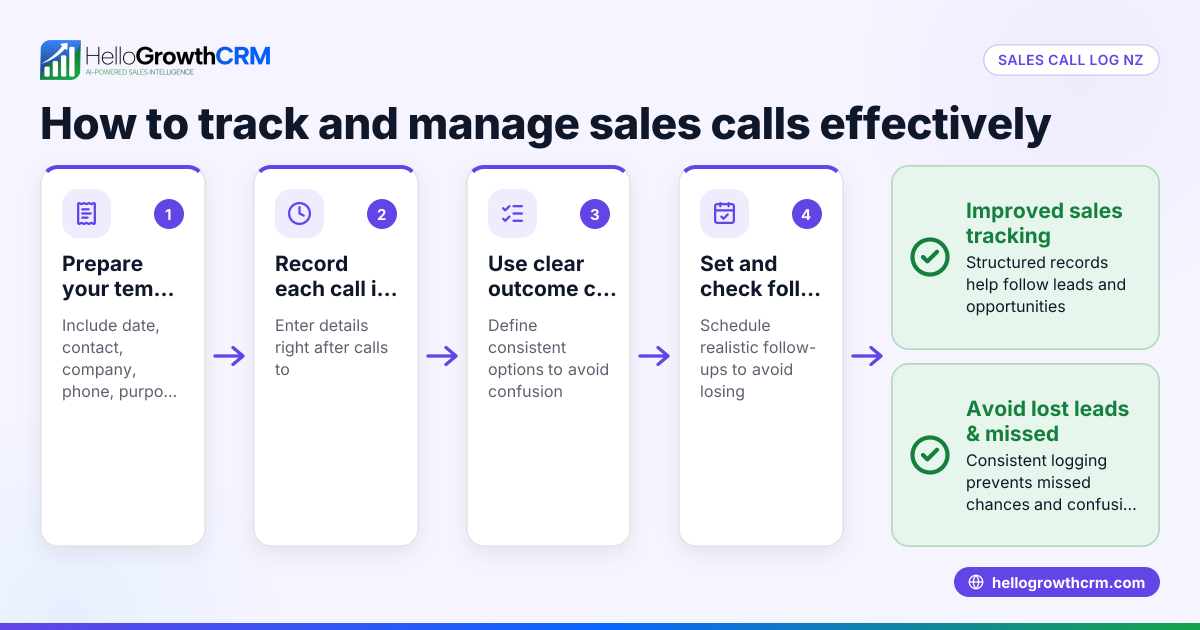
- Set up your template columns: Include Date, Prospect/Customer Name, Contact Info (phone/email), Call Purpose, Call Outcome, Follow-up Date, and Notes. These fields cover all essential call details.
- Choose a digital format: Use Excel, Google Sheets, or download a free CRM or pipeline template to keep records accessible and searchable.
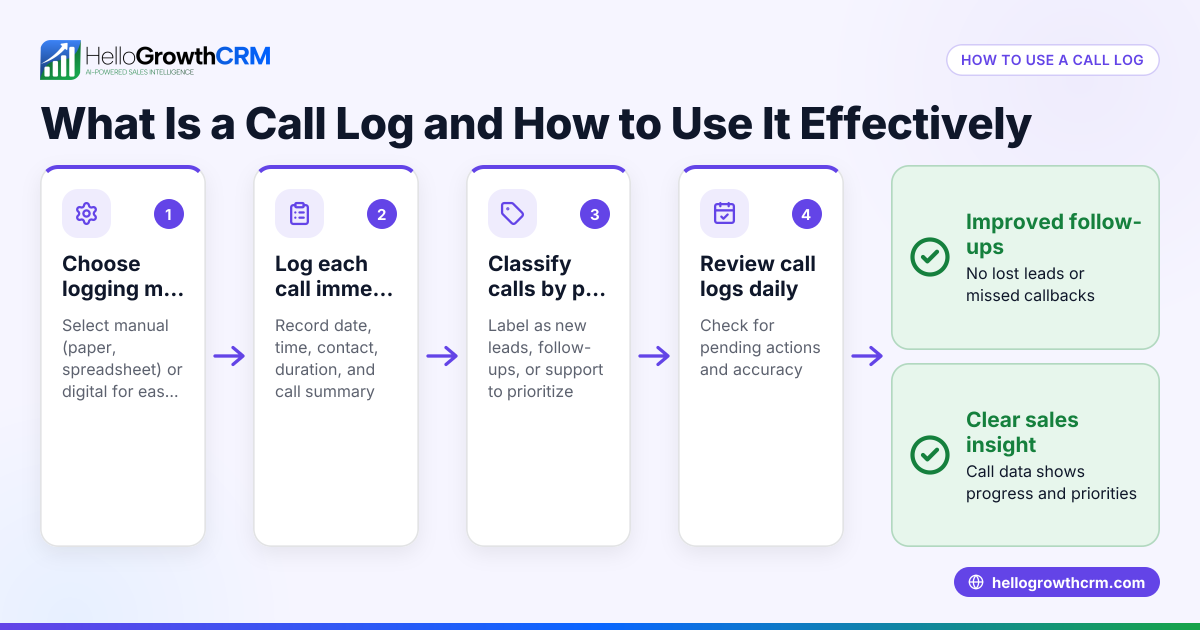
- Log calls immediately: Enter call details right after each call to avoid missing information.
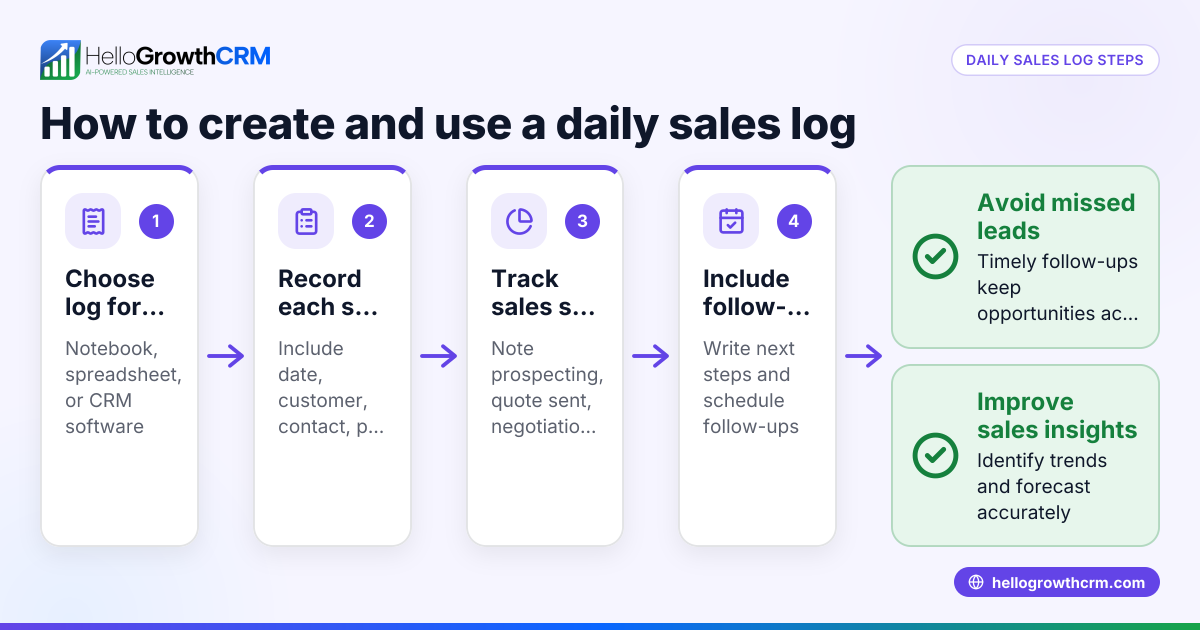
- Assign follow-up dates: Always add a follow-up date to ensure timely next contact.
- Review regularly: Check the log daily or weekly to prioritise follow-ups and update statuses.
- Share with your team: Ensure all sales reps use the same template for consistent record-keeping.
- Verify completeness: Confirm all mandatory fields are filled, especially follow-up dates and call outcomes.
You can download free sales templates, including follow-up cadence and pipeline templates, without signing up at sales templates and free sales tools and calculators.
Example (fictional figures)
A staffing agency in Halifax, Nova Scotia, logs a sales call on 2024-04-15. They spoke to John Smith, a potential client, about temporary staffing services.
| Field | Entry |
|---|---|
| Date | 2024-04-15 |
| Prospect Name | John Smith |
| Contact Info | john.smith@example.com |
| Call Purpose | Discuss staffing needs |
| Call Outcome | Interested, requested quote |
| Follow-up Date | 2024-04-20 |
| Notes | Send quote by 2024-04-18 |
The agency prepares and sends a quote priced at C$12,000.
Calculation of expected revenue:
C$12,000 (quote amount) + C$1,800 (estimated tax @ 15%*) = C$13,800 (total expected revenue)
*Assumed tax rate for illustration only; actual tax rates may vary. NEEDS EXPERT REVIEW
This clear log helps the agency track progress and plan the next step, ensuring timely follow-up and accurate revenue forecasting.
Common mistakes
- Not logging calls immediately: Leads to forgotten details and missed opportunities. Prevent by entering call info right after each call.
- Missing follow-up dates: Causes slow or missed follow-ups. Always set and check follow-up dates.
- Inconsistent formats: Makes data hard to read or analyse. Use a standard template like those found at sales templates.
- Not sharing logs: Leads to duplicated efforts or lost info. Share the template with your entire sales team.
- Overcomplicating the log: Too many fields discourage use. Keep it simple and focused on essentials.
Doing this with free tools and dialer features
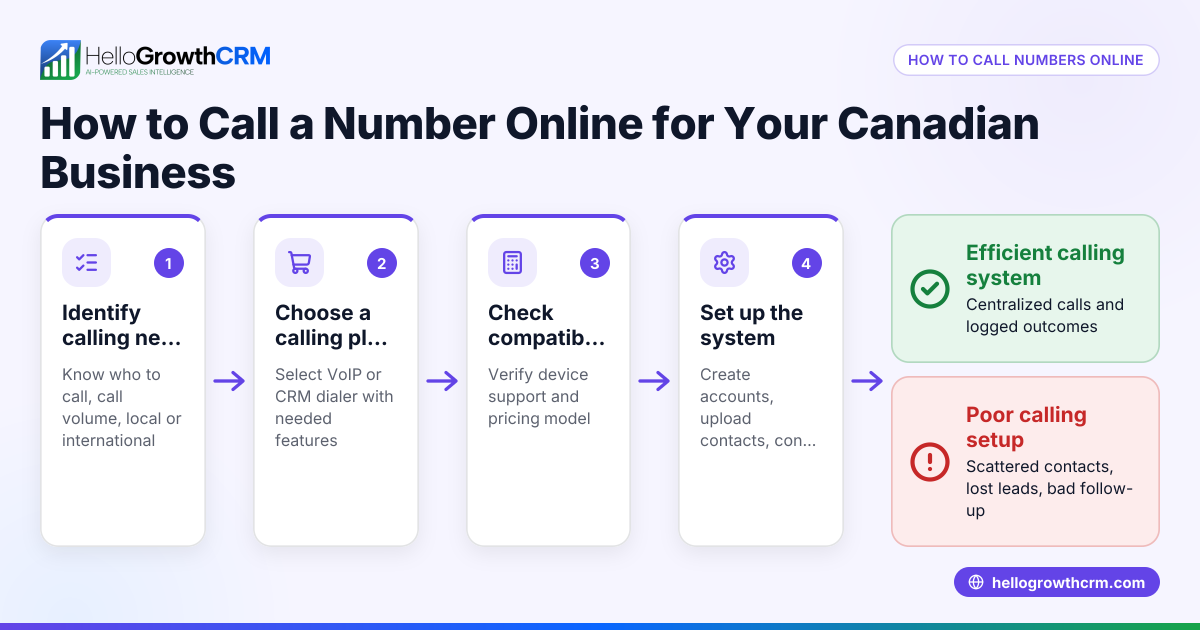
HelloGrowthCRM offers free sales tools, templates, and calculators, including follow-up cadence and pipeline templates you can download without an account at free sales tools and calculators. Its built-in dialer allows telecallers to work through a list inside the CRM and automatically logs each call's outcome on the lead record. The Deals (pipeline) feature tracks quotations and follow-up dates so you never forget to contact a prospect after sending a quote. Learn more about the built-in CRM dialer and managing your pipeline with HelloGrowthCRM.
FAQ section
What fields are essential in a sales call log template? Essential fields include date, prospect name, contact info, call purpose, call outcome, follow-up date, and notes. These ensure you capture all necessary details to manage leads effectively.
Can I use Excel or Google Sheets for a sales call log? Yes, both Excel and Google Sheets are common tools for sales call logs. They are easy to customise and share. You can also download ready-made templates from HelloGrowthCRM’s sales templates page.
How often should I update the sales call log? Update the log immediately after each call to maintain accuracy. Additionally, review it daily or weekly to prioritise follow-ups and keep your sales pipeline active.
How does the built-in dialer help with sales call logging? The built-in dialer lets your sales reps call prospects directly from the CRM and automatically logs the call outcomes. This keeps your call history tied to each contact and deal, streamlining follow-up and pipeline management.
Are there free templates I can use to start logging calls? Yes, you can download free sales call log and pipeline templates without signing up at free sales tools and calculators and sales templates.
Key takeaways
- Use a simple sales call log template with key fields: date, prospect, outcome, and follow-up.
- Log calls immediately and assign follow-up dates to avoid losing leads.
- Share the template with your team to keep records consistent.
- Keep the log straightforward to encourage regular use.
- Download free sales templates and tools to save setup time.
- Use a built-in dialer to automate call logging and link calls to deals for better pipeline tracking.
Start improving your sales follow-up today. Visit Start on the Free Forever plan (200 leads, no credit card) to try HelloGrowthCRM and access free sales templates and tools.
Ready to put this into practice?
Set up your pipeline, WhatsApp follow-ups, and AI lead scoring in minutes — free, no credit card.
Try HelloGrowthCRM freeGet CRM tips in your inbox
Join thousands of sales professionals who get weekly insights on CRM strategy, AI automation, and pipeline optimization.

The HelloGrowthCRM team publishes guides on CRM strategy, AI sales tools, and revenue operations for small business sales teams.