HelloGrowthCRM software
Built for real small-business sales teams
HelloGrowthCRM helps reps qualify faster, follow up on time, and close more deals—with practical automation in one place.
- AI lead scoring and pipeline visibility
- Built-in dialer, WhatsApp, and email automation
- Sales forecasting and RevOps-ready reporting
A sales meeting agenda is a clear outline of what will be discussed and accomplished during a sales meeting. It typically lists topics such as reviewing sales targets, pipeline updates, customer feedback, and action items. Having a well-prepared agenda helps sales teams stay on track, make decisions faster, and follow up effectively.
Why this comes up / what goes wrong
Small-business owners often struggle with sales meetings that waste time or miss critical follow-ups. Without an agenda, meetings can drift into unproductive discussions or skip important updates like deal status or lead follow-up. Sales teams running on text messages, email, and spreadsheets may lose track of leads or forget to assign next steps. An agenda helps organize the meeting so everyone knows what to expect and what to prepare.
Step-by-step
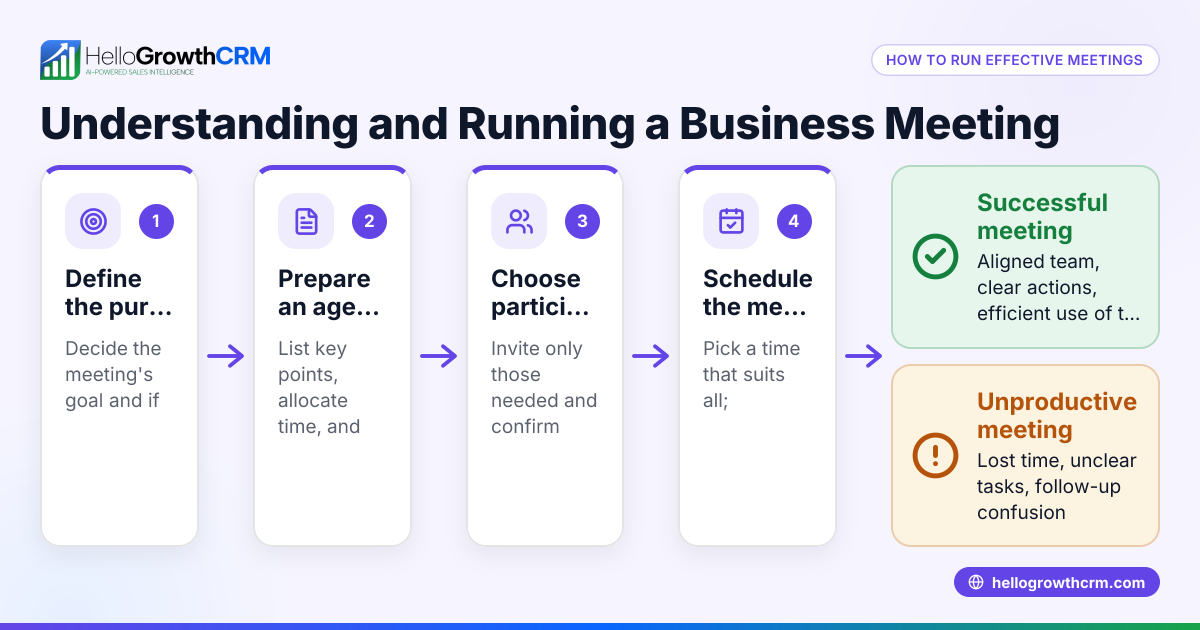
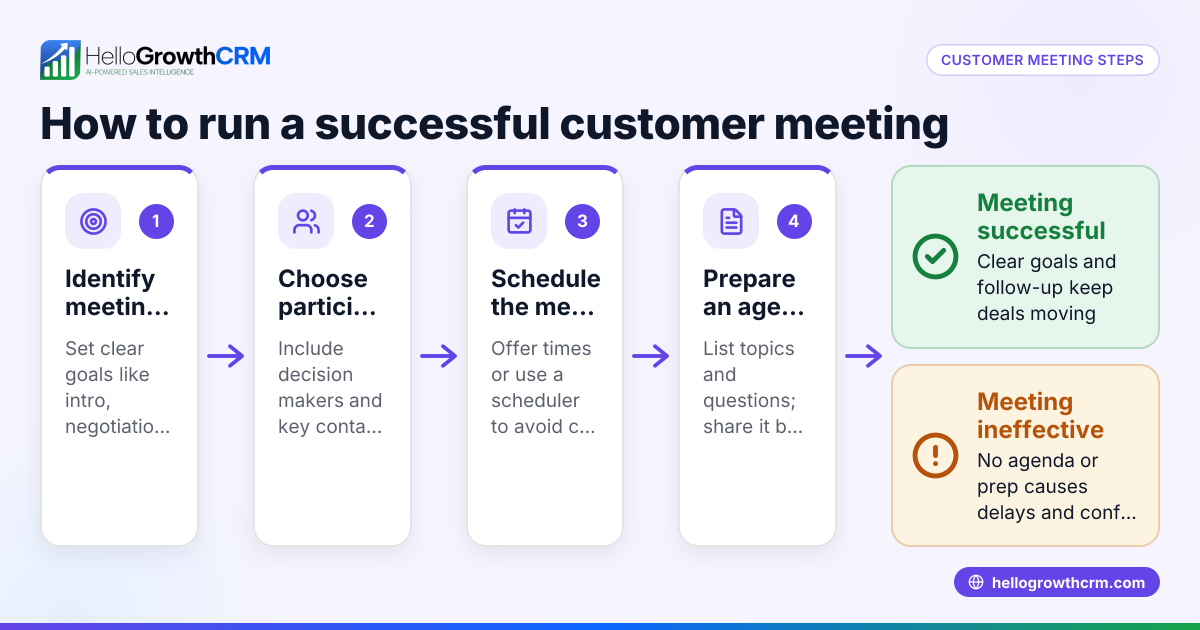
- Set the meeting objective: Decide the main goal, such as reviewing the sales pipeline, discussing challenges, or planning next steps. Check that the objective aligns with your current sales priorities.
- List key topics: Include updates on deals, lead follow-up status, team performance, and any obstacles. Check that each topic has a clear purpose and time allocation.
- Assign presenters or owners: Specify who will lead each topic or update. Check that presenters have the latest data or reports ready.
- Schedule timing and order: Allocate time slots for each topic to keep the meeting on track. Check that the total time fits your meeting length.
- Prepare materials and data: Gather sales reports, quotations, and customer feedback to share. Check that all participants have access before the meeting.
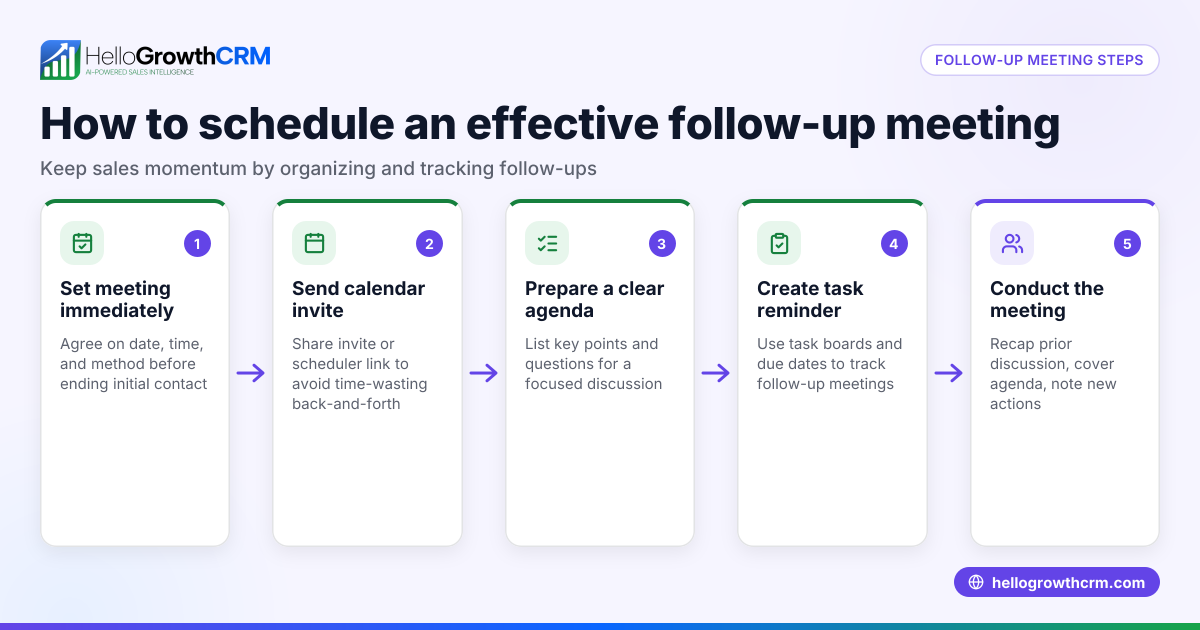
- Set follow-up actions: End the agenda with clear next steps, responsible persons, and deadlines. Check that these are recorded for accountability.
- Send agenda in advance: Share the agenda at least a day before the meeting so everyone can prepare.
Using a meeting scheduler can simplify booking and reduce back-and-forth messages.
Example (fictional figures)
Phoenix Residential Realty, a small real estate team, plans a sales meeting for 03/15/2026. Their agenda includes:
- Review pipeline deals totaling $4,200,000
- Discuss 3 pending quotations worth $1,200,000
- Plan lead follow-up schedule
- Assign next steps and deadlines
Step 1: Objective - Review pipeline and plan follow-ups
Step 2: Topics - Pipeline review, quotations, lead follow-up, next steps
Step 3: Presenters - Sales manager for pipeline, agents for quotations
Step 4: Timing - 15 min pipeline, 10 min quotations, 10 min follow-up, 5 min next steps = 40 min total
Step 5: Materials - Updated pipeline report, quotations list
Step 6: Follow-up - Assign lead calls by 03/20/2026
Step 7: Send agenda on 03/14/2026
Calculations:
Pipeline total = $2,000,000 + $1,500,000 + $700,000 = $4,200,000
Quotations total = $500,000 + $400,000 + $300,000 = $1,200,000
This agenda keeps the meeting focused and actionable.
Common mistakes
- No clear objective: Leads to unfocused discussions. Prevent by defining a specific goal.
- Overloading the agenda: Too many topics cause rushed coverage. Prevent by prioritizing key items.
- No assigned owners: Causes confusion about who leads each topic. Prevent by naming presenters.
- Skipping follow-up actions: Leads to lost accountability. Prevent by ending with clear next steps.
- Not sharing agenda in advance: Leaves participants unprepared. Prevent by distributing the agenda early.
- Ignoring time management: Meetings run over or drag. Prevent by timing each topic.
Using a WhatsApp and SMS CRM helps track follow-ups and task assignments from meetings.
Doing this in HelloGrowthCRM
HelloGrowthCRM streamlines sales meeting preparation and follow-up with these features:
- Scheduling and booking: Prospects pick meeting slots from a link, avoiding back-and-forth on WhatsApp. This speeds up setting meetings.
- Deals (pipeline): Quotations sent last week appear as deals at the 'quote sent' stage with a follow-up date, so nothing is forgotten.
- Territories, field operations and commissions: Field reps log visits from their phones, and managers see the day’s activities, helping organize sales beats.
Learn more about the meeting scheduler and pipeline features in HelloGrowthCRM.
Frequently asked questions
What is a sales meeting agenda? A sales meeting agenda is a planned list of topics and goals for a sales meeting. It guides the discussion to cover important updates, challenges, and next steps efficiently.
How often should sales meetings be held? The frequency depends on your sales cycle and team size. Weekly or biweekly meetings are common to keep momentum and address issues promptly.
What should be included in a sales meeting agenda? Include pipeline reviews, lead follow-ups, team performance, challenges, and assigned actions. Time allocation for each topic helps keep the meeting on track.
How can I avoid unproductive sales meetings? Use a clear agenda with objectives, assign topic owners, manage timing, and end with actionable follow-ups. Sharing the agenda beforehand helps everyone prepare.
Can HelloGrowthCRM help with sales meetings? Yes, HelloGrowthCRM offers scheduling links to book meetings easily, pipeline tracking to follow deals, and field operations tools to log visits and commissions, making sales meetings more organized.
Key takeaways
- A sales meeting agenda outlines topics, goals, and timings to keep meetings focused.
- Set clear objectives, assign presenters, and allocate time for each topic.
- Prepare materials and share the agenda in advance for effective meetings.
- Avoid common mistakes like no objectives, overloading topics, and missing follow-ups.
- HelloGrowthCRM features like scheduling, deals pipeline, and field operations support sales meeting management.
Start organizing your sales meetings better with HelloGrowthCRM. Start on the Free Forever plan (200 leads, no credit card) today.
Ready to put this into practice?
Set up your pipeline, WhatsApp follow-ups, and AI lead scoring in minutes — free, no credit card.
Try HelloGrowthCRM freeGet CRM tips in your inbox
Join thousands of sales professionals who get weekly insights on CRM strategy, AI automation, and pipeline optimization.

The HelloGrowthCRM team publishes guides on CRM strategy, AI sales tools, and revenue operations for small business sales teams.