HelloGrowthCRM software
Built for real small-business sales teams
HelloGrowthCRM helps reps qualify faster, follow up on time, and close more deals—with practical automation in one place.
- AI lead scoring and pipeline visibility
- Built-in dialer, WhatsApp, and email automation
- Sales forecasting and RevOps-ready reporting
A sales meeting notes template helps small and mid-sized US businesses organize discussions, track action items, and maintain clarity on sales progress. It ensures nothing important is missed and follow-ups are timely. This article covers why such templates are needed, detailed steps to create and use one, a realistic example, common mistakes, and how HelloGrowthCRM’s free sales tools can assist.
Why this comes up / what goes wrong
Small business owners and sales teams often struggle with inconsistent or incomplete notes from sales meetings. Without a clear template, notes can be scattered, missing key details like client objections, agreed next steps, or deadlines. This leads to slow follow-up, lost leads, and missed revenue opportunities. Many rely on emails, texts, or spreadsheets that don’t capture the meeting’s full context or don’t prompt timely actions. A clear, consistent sales meeting notes template helps fix this by standardizing what to record.
Step-by-step
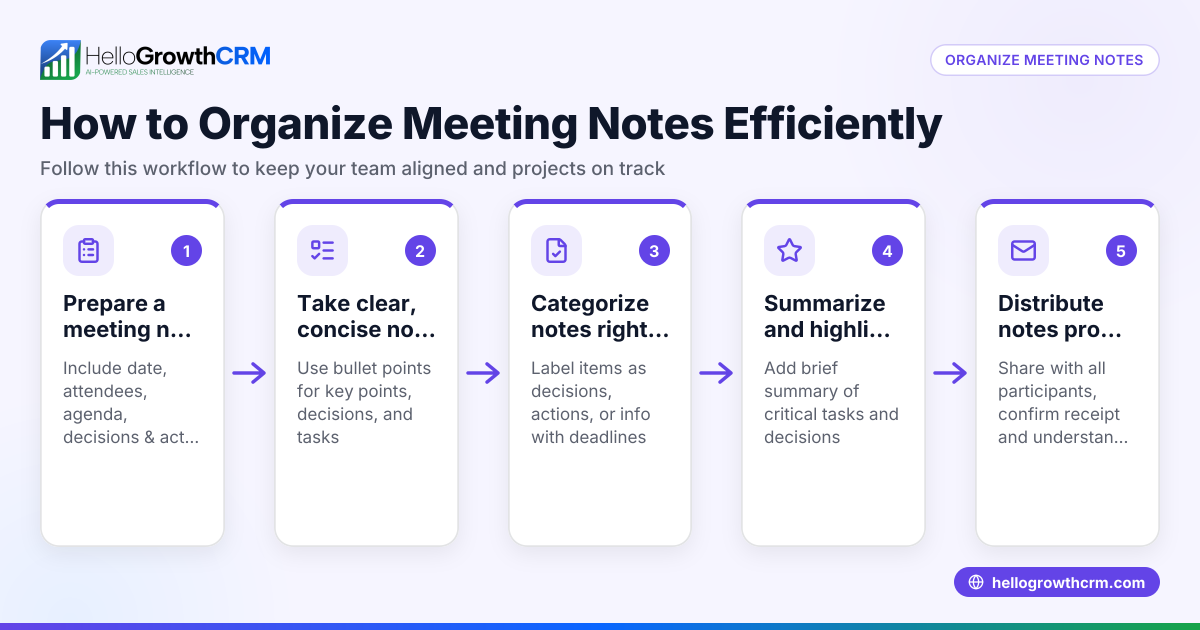
- Prepare the template structure: Include fields for meeting date, client name, attendees, agenda, discussion points, objections, agreed next steps, responsible persons, and deadlines. Check the template is clear and easy to fill during or immediately after the meeting.
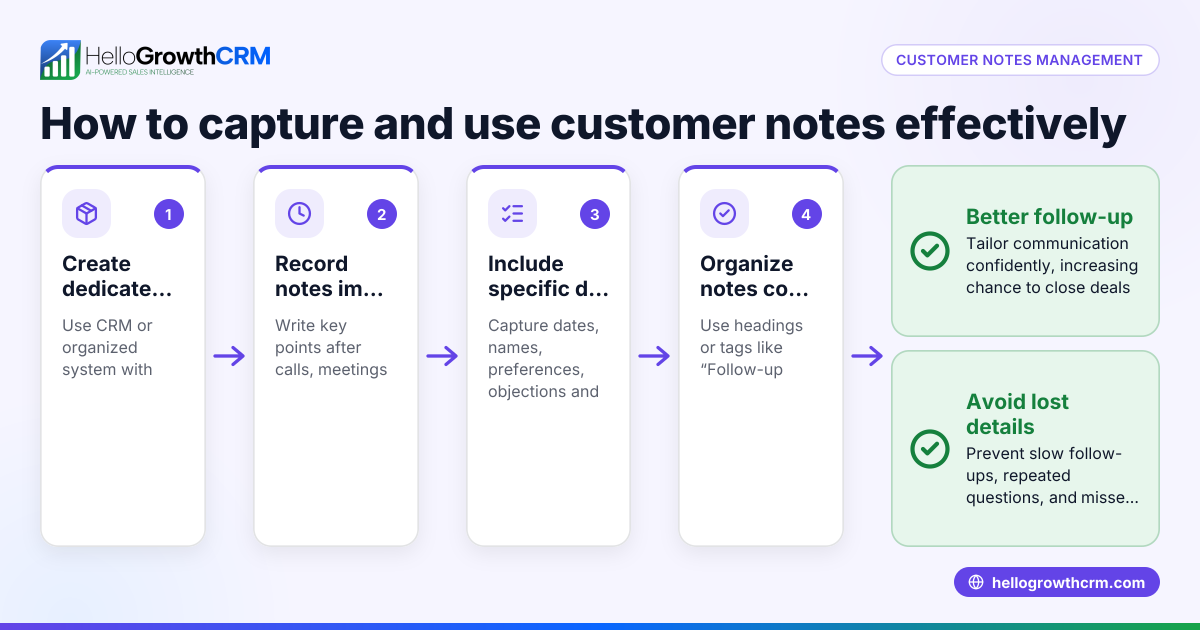
- Record essential details during the meeting: Write down key client needs, objections, and any commitments made. Check you capture who is responsible for each next step.
- Summarize decisions and action items: At the end, review notes to ensure all agreed tasks and deadlines are recorded. Confirm any follow-up meetings.
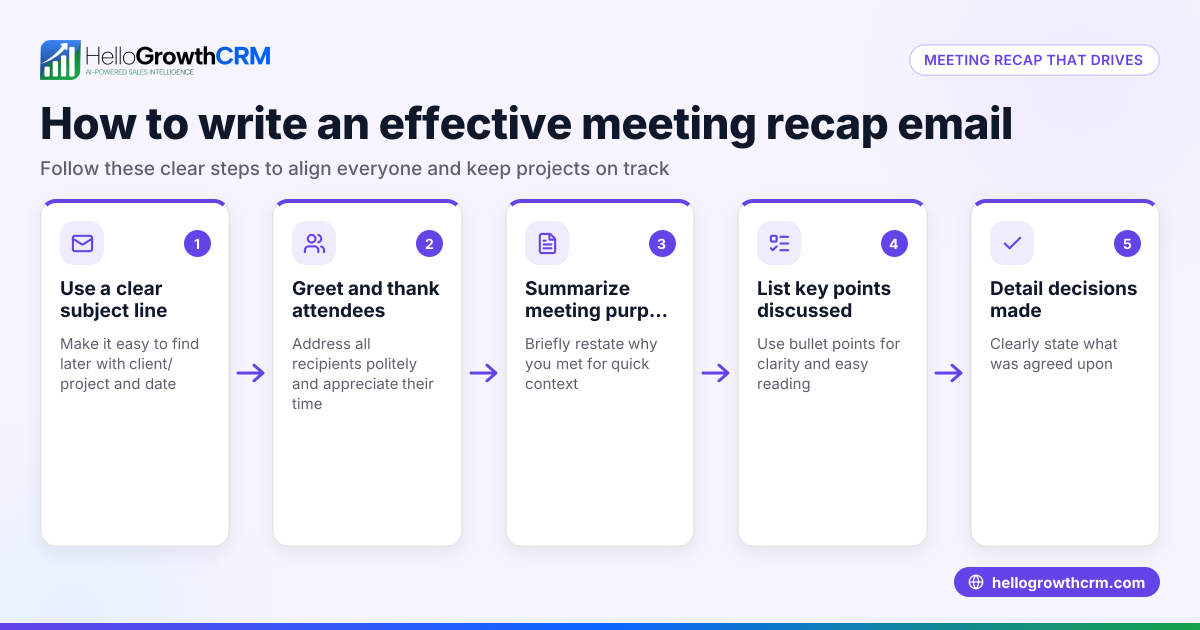
- Distribute notes promptly: Send the notes to your sales team and client if appropriate. Check that everyone has the same understanding.
- Track follow-ups in your sales pipeline: Link the notes to your CRM or pipeline tool to set reminders and monitor progress. Check that follow-up tasks have assigned owners and due dates.
- Review and update notes after follow-ups: Add outcomes of follow-up calls or meetings to keep the record current. Check for any changes in client needs or deal status.
For downloadable templates and follow-up cadence formats, you can visit our free sales tools and calculators page.
Example (fictional figures)
A Denver-based B2B software reseller met with a potential client on 04/15/2024. Below is a simplified sales meeting notes example:
- Meeting Date: 04/15/2024
- Client: GreenTech Solutions
- Attendees: Sales Rep John, Client Purchasing Manager Lisa
- Agenda: Discuss software licensing options
- Client Needs: Scalable licenses for 50 users, integration with existing CRM
- Objections: Concern about onboarding time and cost
- Next Steps:
- John to send detailed quote by 04/18/2024
- Schedule demo session for 04/22/2024
- Responsible: John for quote and demo scheduling
- Follow-up Date: 04/19/2024
John calculates the quote assuming a license cost of $1,200 per user annually with a 10% discount for volume:
$1,200 × 50 users = $60,000 $60,000 × 10% = $6,000 discount $60,000 - $6,000 = $54,000 total annual cost
This note is entered into the pipeline at the 'quote sent' stage with a follow-up reminder for 04/19/2024.
Common mistakes
- Incomplete notes: Missing client objections or next steps causes confusion. Prevent by using a structured template with mandatory fields.
- Delayed distribution: Waiting too long to share notes leads to lost momentum. Prevent by sending notes within 24 hours.
- No follow-up tracking: Without linking notes to a pipeline, tasks are forgotten. Prevent by using a CRM or pipeline tool to set reminders.
- Unclear responsibilities: Not assigning who does what causes delays. Prevent by explicitly naming responsible persons in notes.
- Overloading notes with irrelevant info: Too much detail buries key points. Prevent by focusing on decisions, actions, and client concerns.
For more advice on organizing sales activities and reminders, see our sales templates page.
Doing this in HelloGrowthCRM
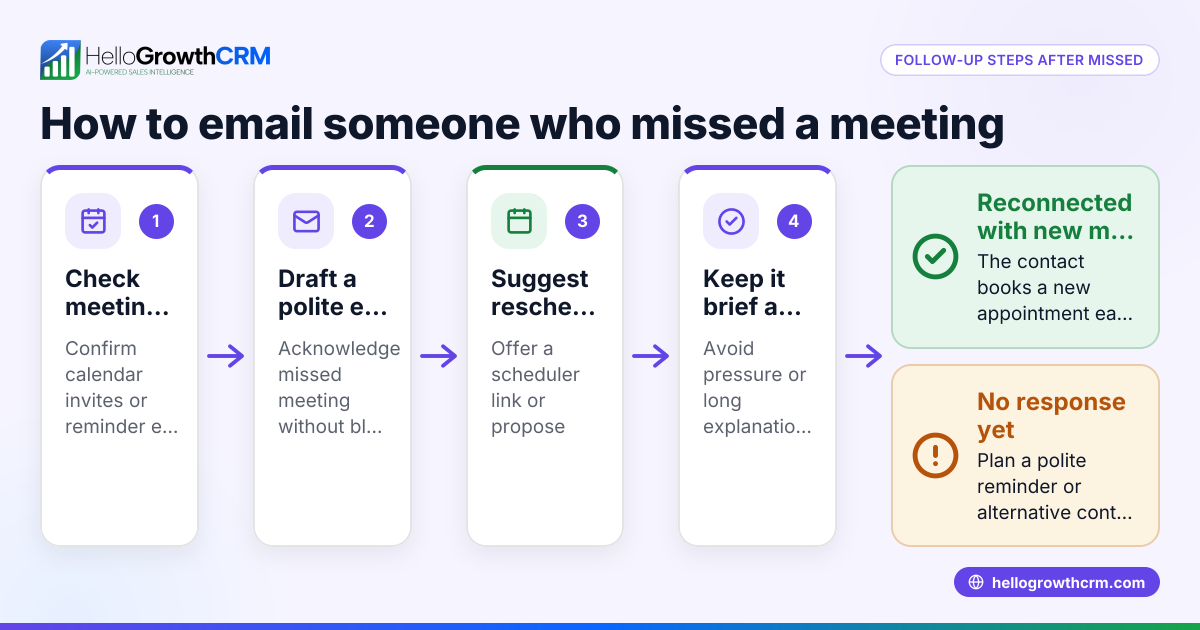
HelloGrowthCRM offers free sales tools, templates, and calculators you can download without creating an account, including follow-up cadence and pipeline templates. Its scheduling and booking feature lets prospects pick meeting slots from a link, reducing back-and-forth on WhatsApp. Deals entered into the pipeline show up with stages and follow-up dates, so quotations and next steps are tracked and not forgotten. Learn more about these features on our meeting scheduler and HelloGrowthCRM for the United States pages.
Frequently asked questions
What should be included in a sales meeting notes template? Include meeting date, client name, attendees, agenda, discussion points, objections, decisions, next steps with deadlines, and responsible persons. This ensures clarity and accountability.
How soon should sales meeting notes be shared? Ideally within 24 hours after the meeting to keep momentum and ensure all parties have the same understanding.
Can I use a template for virtual sales meetings? Yes, the same template applies. Just add any virtual meeting platform details and ensure notes capture screen-shared documents or demos discussed.
How do sales meeting notes improve closing rates? They help track client concerns and agreed actions clearly, ensuring timely follow-up and reducing lost leads due to missed details.
Is there a free tool to help with sales meeting notes and follow-up? Yes, HelloGrowthCRM offers free downloadable sales templates and tools that help structure notes and plan follow-ups efficiently.
Key takeaways
- Use a structured sales meeting notes template with fields for key details and next steps.
- Record client needs, objections, and responsibilities clearly during the meeting.
- Share notes promptly and track follow-ups in a sales pipeline or CRM.
- Avoid common mistakes like incomplete notes or unclear assignments.
- Use free sales tools and scheduling features to streamline note-taking and follow-up.
Start organizing your sales meetings with a practical template today. You can Start on the Free Forever plan (200 leads, no credit card) to try HelloGrowthCRM’s tools and templates with no risk.
Ready to put this into practice?
Set up your pipeline, WhatsApp follow-ups, and AI lead scoring in minutes — free, no credit card.
Try HelloGrowthCRM freeGet CRM tips in your inbox
Join thousands of sales professionals who get weekly insights on CRM strategy, AI automation, and pipeline optimization.

The HelloGrowthCRM team publishes guides on CRM strategy, AI sales tools, and revenue operations for small business sales teams.