HelloGrowthCRM software
Built for real small-business sales teams
HelloGrowthCRM helps reps qualify faster, follow up on time, and close more deals—with practical automation in one place.
- AI lead scoring and pipeline visibility
- Built-in dialer, WhatsApp, and email automation
- Sales forecasting and RevOps-ready reporting
When someone misses a scheduled meeting, your email should be polite, concise, and offer clear next steps. Start by acknowledging the missed meeting without blame, express your willingness to reschedule, and provide options for new times. This approach keeps communication professional and opens the door to reconnect.
Why this comes up / what goes wrong
Small-business owners often face missed meetings because of miscommunication, scheduling conflicts, or simple forgetfulness. For example, a dental practice in Columbus, Ohio, might book consultations with new patients but find some no-shows disrupt their schedule and cash flow. Missed meetings can delay deals, waste time, and create frustration if not handled well. The owner needs a clear way to follow up that maintains goodwill and maximizes chances to reconnect.
Step-by-step
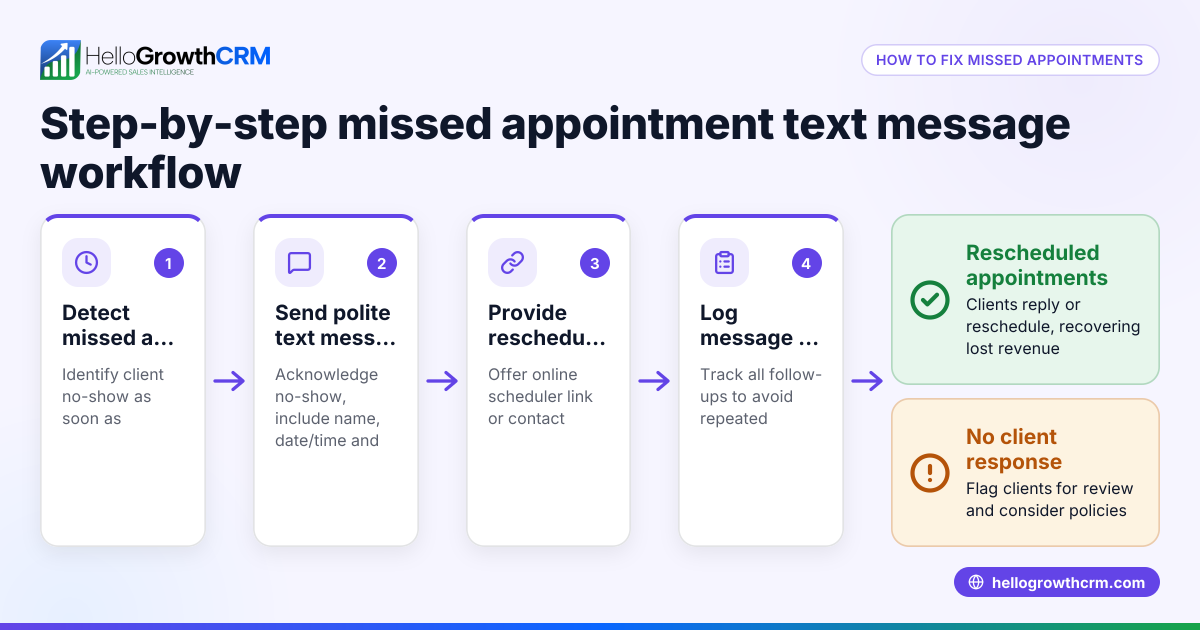
- Check your meeting confirmation and reminders: Confirm if you sent a calendar invite or reminder email. If not, consider adding automated reminders next time to reduce no-shows.
- Draft a polite follow-up email: Use a tone that assumes positive intent, e.g., "I noticed we missed each other at our scheduled time. I hope everything is okay."
- Suggest rescheduling options: Offer a link to your meeting scheduler or propose a few specific dates and times to make it easy for them to pick.
- Keep it brief and clear: Avoid lengthy explanations or pressure. The goal is to reopen communication.
- Include a call to action: End with a clear next step, like clicking a link to book a new time.
- Review your contact’s communication preferences: If you used WhatsApp or SMS to coordinate, consider sending a quick message there as well.
- Track follow-ups systematically: Use tools or templates to ensure you don’t lose track of missed meetings and follow-ups.
For help with scheduling and follow-up, check out the meeting scheduler and email automation and sequences features.
Example (fictional figures)
A two-location dental practice in Columbus, Ohio, scheduled a $1,200 teeth whitening consultation for 04/10/2026 at 2:00 PM. The patient missed the meeting without notice.
Step 1: Send a follow-up email on 04/11/2026:
"Subject: Missed Your Appointment – Let's Reschedule"
"Hi [Patient Name],
I noticed we missed each other at your scheduled appointment yesterday. I hope everything is okay. If you'd still like to proceed with your teeth whitening consultation, please pick a new time that works for you using this link: [meeting scheduler link].
Looking forward to hearing from you.
Best, [Your Name]"
Step 2: Patient books a new appointment on 04/13/2026 at 3:00 PM.
This simple step avoids losing the $1,200 consultation and keeps the patient engaged.
Common mistakes
- Blaming or sounding frustrated: Avoid language that makes the person feel guilty. Instead, be understanding to encourage a positive response.
- Not offering rescheduling options: Just asking why they missed the meeting without proposing new times can stall communication.
- Ignoring follow-up: Failing to send a timely follow-up email or message can lead to lost opportunities.
- Using complicated scheduling methods: Back-and-forth emails or texts without a clear booking link increase friction. Use a meeting scheduler to simplify.
- Not tracking missed meetings: Without a system, you might forget to follow up or double-book yourself.
Prevent these by using templates and scheduling tools. Download free follow-up email templates and pipeline templates from free sales tools and calculators.
Doing this in HelloGrowthCRM
HelloGrowthCRM offers a shared inbox called HelloMail so your whole team can see replies to follow-up emails, preventing missed communications. Its scheduling and booking feature lets prospects pick a meeting slot from a link, cutting out back-and-forth messages. You can also download free sales templates and follow-up cadences from free sales tools and calculators without needing an account. These features help small businesses manage missed meetings and reschedule faster.
Frequently asked questions
What should I say in an email to someone who missed a meeting? Be polite and understanding. Acknowledge the missed meeting without blame, express your willingness to reschedule, and provide easy options for new times. Keep it brief and professional.
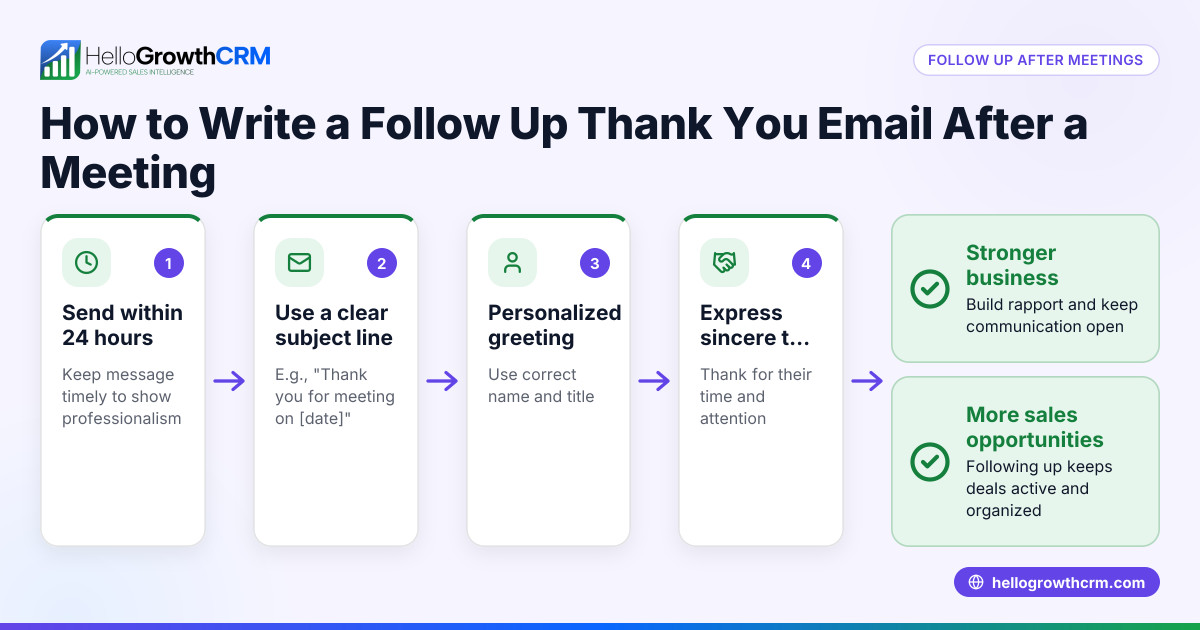
How soon should I follow up after a missed meeting? Send your follow-up email within 24 hours to keep the conversation fresh and show your interest. Waiting too long can reduce the chance of reconnecting.
Is it better to call or email after a missed meeting? Email is usually best as a first step because it’s less intrusive and provides a written record. If you don’t get a response, a polite phone call or WhatsApp message can follow.
How can I reduce missed meetings in the future? Use calendar invites with reminders, offer easy online scheduling links, and confirm meetings by email or text. HelloGrowthCRM’s scheduling features help automate this process.
Can I automate follow-up emails for missed meetings? Yes, using email automation and sequences allows you to send timely follow-ups without manual effort. HelloGrowthCRM supports this with its shared inbox and email automation tools.
Key takeaways
- Send a polite, clear email promptly after a missed meeting.
- Offer easy rescheduling options with a booking link or specific times.
- Avoid blaming language; keep the tone positive and professional.
- Use scheduling tools and email automation to reduce no-shows.
- Track missed meetings and follow-ups systematically.
Start managing missed meetings better and keep your sales process on track. Start on the Free Forever plan (200 leads, no credit card).
Ready to put this into practice?
Set up your pipeline, WhatsApp follow-ups, and AI lead scoring in minutes — free, no credit card.
Try HelloGrowthCRM freeGet CRM tips in your inbox
Join thousands of sales professionals who get weekly insights on CRM strategy, AI automation, and pipeline optimization.

The HelloGrowthCRM team publishes guides on CRM strategy, AI sales tools, and revenue operations for small business sales teams.