HelloGrowthCRM software
Built for real small-business sales teams
HelloGrowthCRM helps reps qualify faster, follow up on time, and close more deals—with practical automation in one place.
- AI lead scoring and pipeline visibility
- Built-in dialer, WhatsApp, and email automation
- Sales forecasting and RevOps-ready reporting
Sales projection templates are tools that help you organize and calculate your expected sales over a future period, usually monthly or quarterly. They provide a structured format for inputting data such as past sales, leads, conversion rates, and average deal sizes to generate a forecast you can use for planning and decision-making.
Why this comes up / what goes wrong
Small-business owners often struggle to predict their future sales accurately. Without a clear projection, it’s hard to plan inventory, manage cash flow, allocate marketing budgets, or set realistic sales targets. Many rely on guesswork or scattered data in spreadsheets, which leads to missed opportunities or overestimating revenue. Sales projection templates address this by providing a consistent method to capture, calculate, and update sales forecasts.
Step-by-step
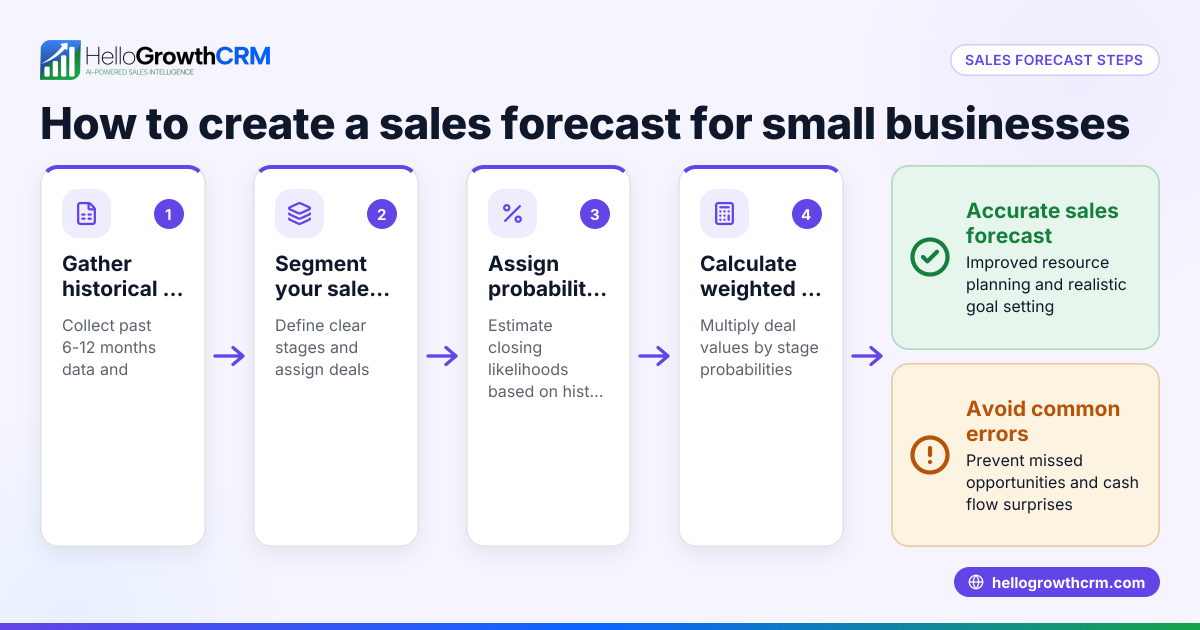
- Gather historical sales data: Collect your past sales numbers for at least the last 6 to 12 months. Check for seasonal trends or irregular spikes.
- Identify key sales drivers: Determine factors that influence sales such as number of leads, conversion rates, average deal size, and sales cycle length.
- Choose a projection period: Decide if you want to forecast monthly, quarterly, or annually depending on your business needs.
- Select or create a sales projection template: Use a free sales template or calculator to input your data. Make sure the template includes sections for leads, conversion rates, deal values, and expected revenue.
- Input your data into the template: Enter historical figures and assumptions about future changes, like increased marketing or new product launches.
- Calculate projected sales: The template will use formulas to estimate sales based on your inputs.
- Review and adjust assumptions regularly: Update your projections monthly or quarterly with actual sales data to improve accuracy.
- Use projections to guide decisions: Plan inventory, staffing, and budgets based on your sales forecast.
For free sales templates and calculators to get started, visit free sales tools and calculators.
Example (fictional figures)
A residential real-estate team in Phoenix, Arizona, wants to forecast sales for Q3 2026.
- Past 3 months average sales: $300,000 per month
- Average deal size: $150,000
- Conversion rate from leads to sales: 20%
- Expected increase in leads due to marketing: 10%
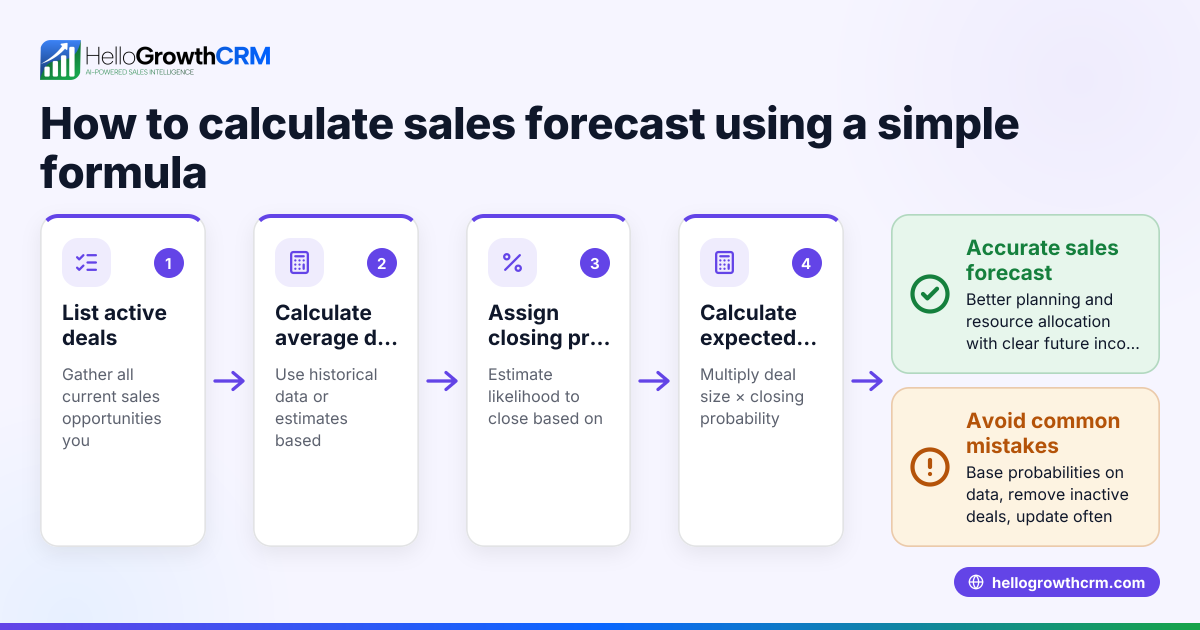
Step 1: Calculate expected leads this quarter Assuming 100 leads per month historically, 100 leads × 1.10 = 110 leads per month
Step 2: Calculate projected sales per month 110 leads × 20% conversion = 22 sales per month
Step 3: Calculate projected revenue per month 22 sales × $150,000 average deal size = $3,300,000
Step 4: Calculate total projected revenue for Q3 (3 months) $3,300,000 × 3 = $9,900,000
This projection helps the team plan staffing and marketing spend for the quarter.
Common mistakes
- Using unrealistic assumptions: Avoid overly optimistic conversion rates or deal sizes. Use historical data as your baseline.
- Ignoring seasonality: Check for seasonal sales patterns and adjust your projections accordingly.
- Not updating projections regularly: Sales projections should be living documents that reflect current performance.
- Overcomplicating the template: Choose or create a template that is simple and easy to update.
- Failing to link projections to actions: Use your sales forecast to guide hiring, inventory, and marketing decisions.
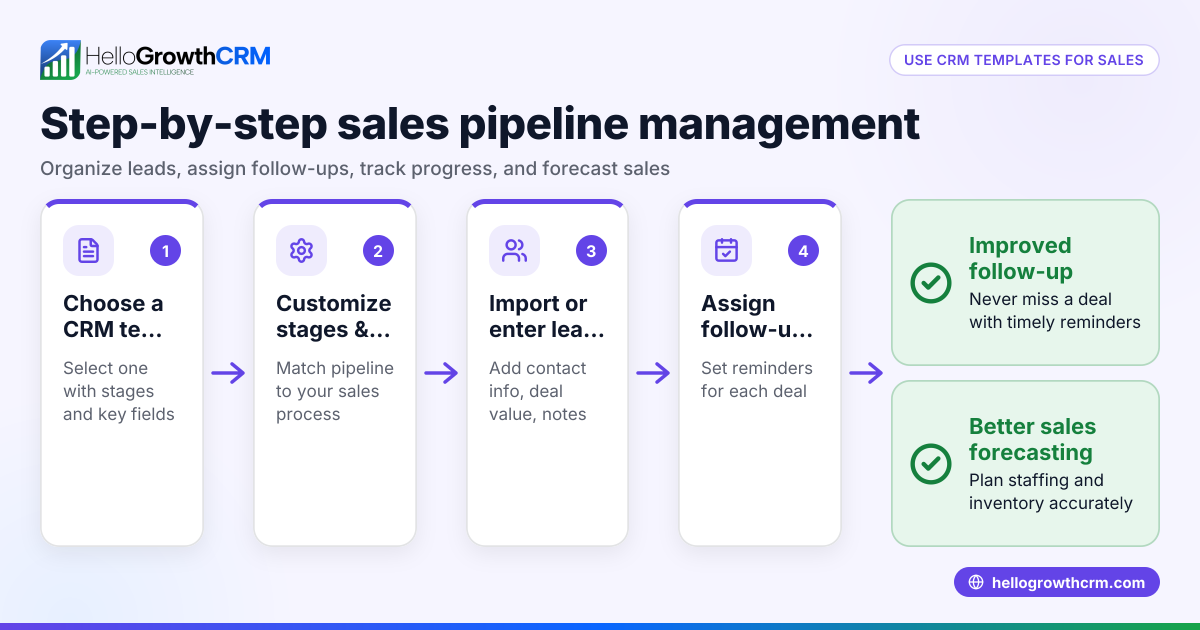
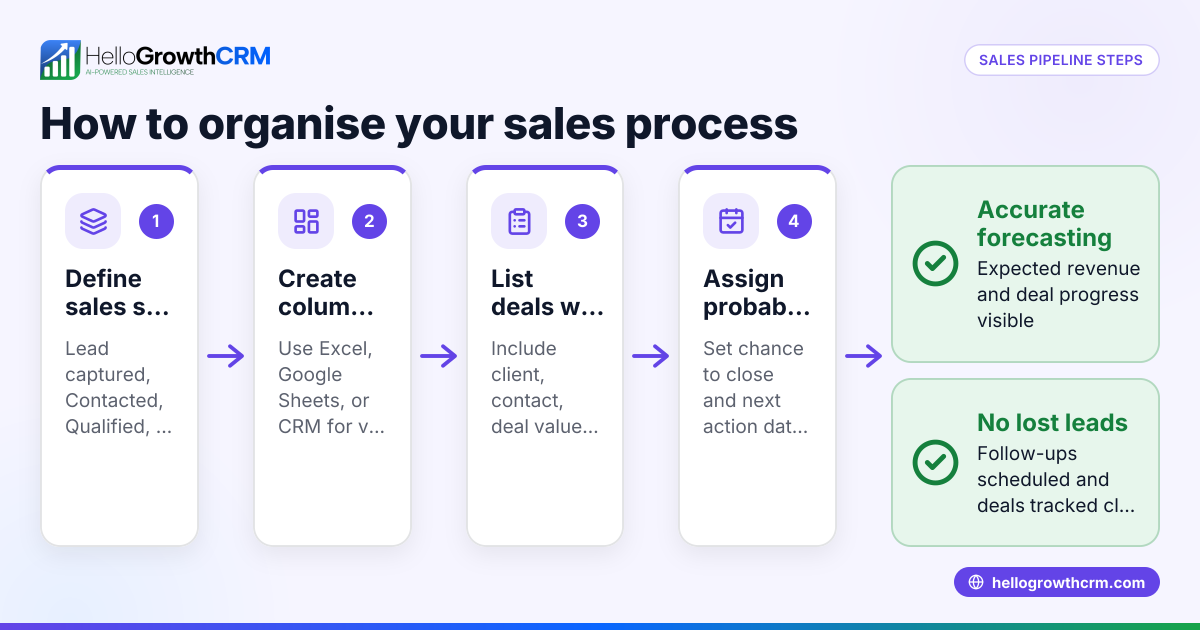
Refer to sales templates for simple pipeline and follow-up templates that can support your sales process.
Doing this in HelloGrowthCRM
HelloGrowthCRM offers free sales tools, templates, and calculators you can download without creating an account at free sales tools and calculators. It also includes a deals pipeline feature that tracks open opportunities from first contact through close, showing quotations at the 'quote sent' stage with follow-up dates so no deal is forgotten. For businesses with field sales reps, the territories and field operations tools let reps log visits on their phones while managers monitor daily activities. These features help keep your sales projections aligned with real-time sales activity.
Frequently asked questions
What is a sales projection template? A sales projection template is a structured document or spreadsheet designed to help you forecast future sales revenue by inputting data like leads, conversion rates, and average deal size. It simplifies the calculation and helps you plan better.
How often should I update my sales projections? You should update sales projections regularly, ideally monthly or quarterly, to incorporate actual sales data and adjust assumptions. This keeps your forecast relevant and useful.
Can I use free templates for sales projections? Yes, free sales projection templates and calculators are available online and can be very helpful for small businesses. HelloGrowthCRM offers free downloadable sales templates and calculators at free sales tools and calculators.
What are common errors to avoid when creating sales projections? Common errors include using unrealistic assumptions, ignoring seasonal trends, not updating projections, overcomplicating templates, and failing to use projections to guide business decisions.
How can a CRM help with sales projections? A CRM like HelloGrowthCRM helps by tracking deals through the sales pipeline, setting follow-up reminders, and providing visibility into sales activities, which supports your sales projection process.
Refer also to HelloGrowthCRM for the United States for more details.
Key takeaways
- Sales projection templates organize data to help forecast future sales revenue.
- Use historical data and realistic assumptions to create accurate projections.
- Update your sales projections regularly with actual results.
- Avoid common mistakes like ignoring seasonality or overcomplicating your template.
- Free sales templates and calculators are available to simplify the process.
- Using a CRM with pipeline and deal tracking features supports better sales management.
Start improving your sales forecasts today by using free sales templates and tools. To manage your sales pipeline and follow-ups effectively, start on the Free Forever plan (200 leads, no credit card).
Ready to put this into practice?
Set up your pipeline, WhatsApp follow-ups, and AI lead scoring in minutes — free, no credit card.
Try HelloGrowthCRM freeGet CRM tips in your inbox
Join thousands of sales professionals who get weekly insights on CRM strategy, AI automation, and pipeline optimization.

The HelloGrowthCRM team publishes guides on CRM strategy, AI sales tools, and revenue operations for small business sales teams.