HelloGrowthCRM software
Built for real small-business sales teams
HelloGrowthCRM helps reps qualify faster, follow up on time, and close more deals—with practical automation in one place.
- AI lead scoring and pipeline visibility
- Built-in dialer, WhatsApp, and email automation
- Sales forecasting and RevOps-ready reporting
The best scheduling apps for small businesses make booking appointments easy, reduce back-and-forth communication, and fit into your sales workflow. Look for features like client booking links, calendar sync, reminders, and multi-channel support. This article explains why scheduling apps matter, how to choose one step-by-step, a practical example, common mistakes, and how HelloGrowthCRM offers scheduling directly through WhatsApp.
Why this comes up / what goes wrong
Small-business owners often juggle multiple roles, including managing customer appointments. Without a proper scheduling app, they risk losing leads due to slow follow-up, double bookings, and inefficient communication. Many still rely on text messages, emails, or spreadsheets to manage appointments, which can cause delays, errors, and frustration. Customers want a quick, clear way to book meetings or services without waiting for replies. Scheduling apps reduce friction, save time, and fit into existing communication channels, improving customer experience and sales efficiency.
Step-by-step
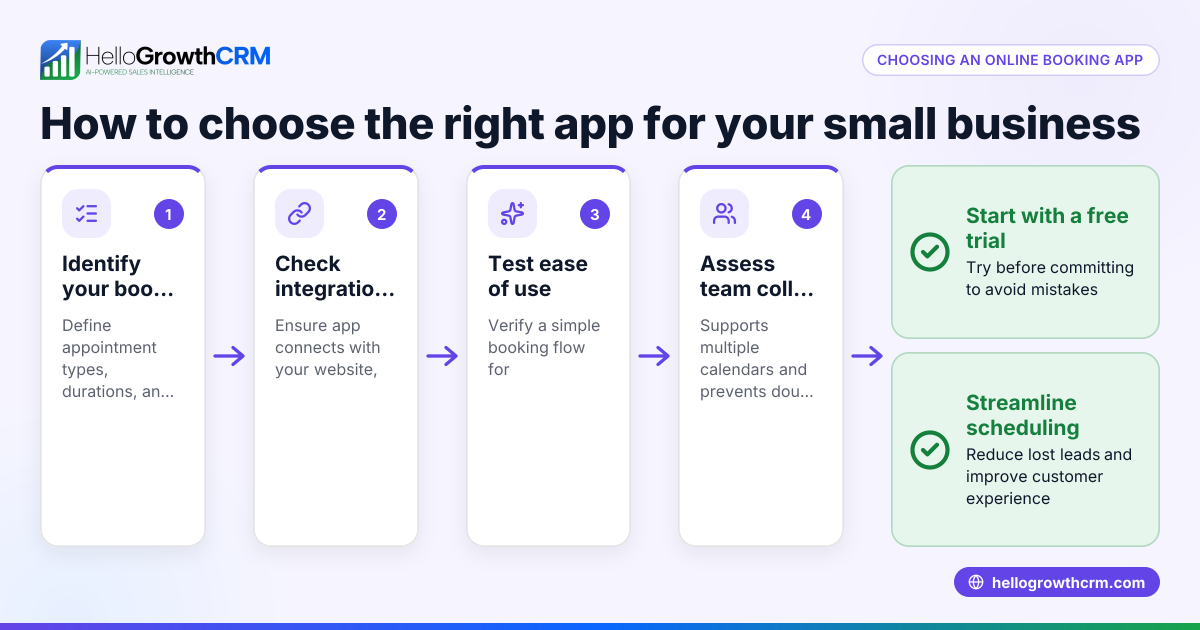
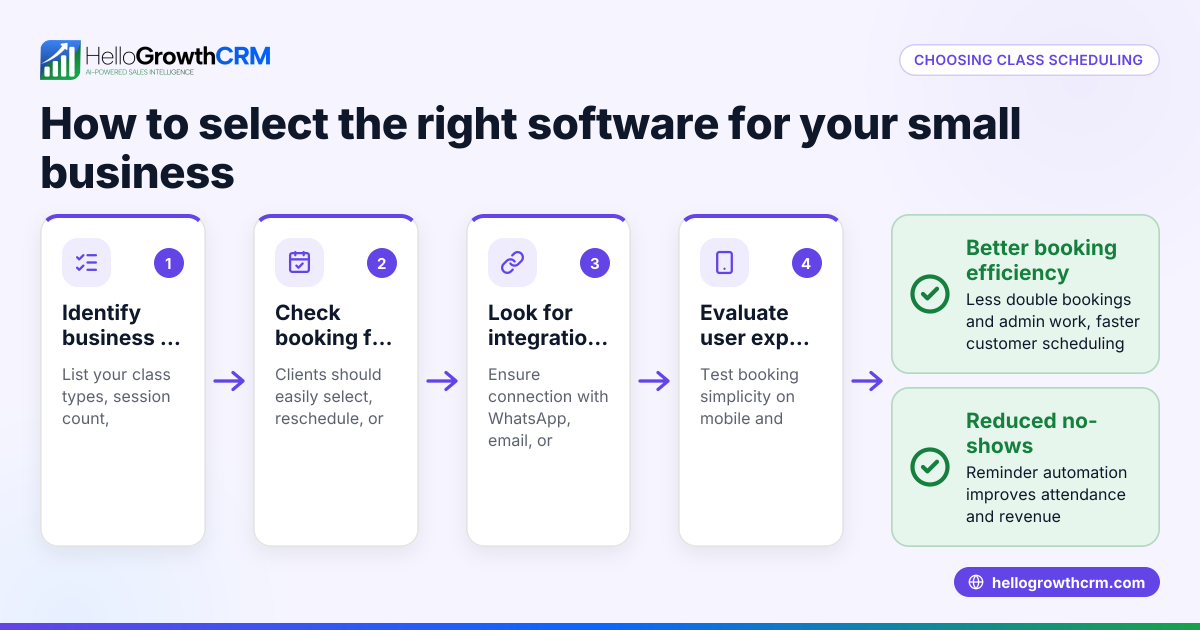
- Identify your scheduling needs: Decide if you need one-on-one meetings, group bookings, or service-based time slots. Check if calendar integration with Google, Outlook, or other calendars is necessary. Also, determine if automated reminders and rescheduling options are important.
- Check ease of use for clients and team: Choose apps that let clients book via a simple link without requiring app installs. Ensure your team can manage bookings easily without complex training or extra software.
- Evaluate communication channels supported: Many apps send email and SMS reminders. If your team relies heavily on WhatsApp, look for scheduling that integrates or complements it to avoid switching platforms.
- Look for automation features: Automated confirmations, follow-ups, and rescheduling reduce manual work and improve client experience.
- Consider pricing and scalability: Start with free or low-cost plans that cover your current needs but allow growth as your business expands.
- Test integrations with your CRM or sales tools: Scheduling apps that sync with your CRM help maintain lead data and track sales activity effectively.
Example (fictional figures)
A plumbing company in Austin, Texas, wants to reduce lost leads caused by slow appointment booking. They estimate losing 10 leads a month, each worth $500 in revenue.
- Leads lost monthly = 10
- Revenue per lead = $500
- Monthly lost revenue = 10 × $500 = $5,000
They choose a scheduling app with automated booking links and reminders, costing $50/month.
- Monthly cost = $50
- Monthly recovered revenue (assume 50% of lost leads now booked) = 10 × 50% × $500 = $2,500
Net monthly gain = $2,500 - $50 = $2,450
By investing $50/month in scheduling software, they recover $2,450 in lost revenue monthly, improving cash flow and customer satisfaction.
Common mistakes
- Choosing apps without client-friendly booking links: Prevent this by testing the booking process yourself before purchasing. A simple link reduces client confusion and speeds up booking.
- Ignoring calendar synchronization: Prevent double bookings by ensuring the app syncs with your existing calendars like Google or Outlook.
- Overlooking communication channels: If your team uses WhatsApp heavily, pick a solution that integrates or complements it, such as HelloGrowthCRM’s WhatsApp scheduling feature to avoid switching apps.
- Not automating reminders: Prevent no-shows by enabling automatic client reminders via email, SMS, or WhatsApp.
- Selecting overly complex software: Prevent user frustration by choosing simple, intuitive apps that your team and clients can use easily.
- Neglecting CRM integration: Prevent data silos by selecting apps that work with your CRM or sales tools, helping you keep track of leads and follow-ups.
Doing this in HelloGrowthCRM
HelloGrowthCRM offers scheduling and booking pages where prospects pick a time slot from a link, eliminating back-and-forth messages on WhatsApp. This feature is available on the Free and all paid tiers, simplifying appointment setting directly within your sales conversations. Learn more about HelloGrowthCRM scheduling and booking at WhatsApp and SMS CRM. You can also explore the built-in CRM dialer for follow-up calls. For US businesses, see HelloGrowthCRM for the United States.
Frequently asked questions
What features should I prioritize in a scheduling app? Prioritize ease of client booking, calendar synchronization, automated reminders, and integration with your communication channels and CRM. These features reduce manual work and improve customer experience.
Can scheduling apps integrate with WhatsApp? Most scheduling apps focus on email or SMS reminders, but HelloGrowthCRM offers scheduling links directly in WhatsApp chats, making it easier to book without switching apps.
Are free scheduling apps enough for small businesses? Free apps often cover basic needs but may lack automation or CRM integration. Consider your growth plans and upgrade if you need more advanced features.
How do scheduling apps reduce no-shows? By sending automated reminders and confirmations via email, SMS, or WhatsApp, scheduling apps keep clients informed and reduce missed appointments.
Do scheduling apps support teams? Yes, many support team calendars, round-robin assignments, and shared booking pages to manage multiple staff members’ availability.
Key takeaways
- Best scheduling apps simplify booking with client-friendly links and calendar synchronization.
- Prioritize apps that automate reminders and integrate with your CRM and communication channels.
- Avoid apps that complicate booking or lack team support.
- Scheduling within WhatsApp reduces friction for US small businesses.
- Testing apps before committing ensures they fit your workflow and client needs.
Start your scheduling journey with HelloGrowthCRM’s Free Forever plan (200 leads, no credit card) at Start on the Free Forever plan (200 leads, no credit card).
Ready to put this into practice?
Set up your pipeline, WhatsApp follow-ups, and AI lead scoring in minutes — free, no credit card.
Try HelloGrowthCRM freeGet CRM tips in your inbox
Join thousands of sales professionals who get weekly insights on CRM strategy, AI automation, and pipeline optimization.

The HelloGrowthCRM team publishes guides on CRM strategy, AI sales tools, and revenue operations for small business sales teams.