HelloGrowthCRM software
Built for real small-business sales teams
HelloGrowthCRM helps reps qualify faster, follow up on time, and close more deals—with practical automation in one place.
- AI lead scoring and pipeline visibility
- Built-in dialer, WhatsApp, and email automation
- Sales forecasting and RevOps-ready reporting
Class scheduling software enables your customers to book classes or appointments online without the usual back-and-forth communication. It automates calendar updates, saves time, reduces booking errors, and improves customer experience. This article explains why small businesses need such software, guides you through choosing one step-by-step, offers a practical example, outlines common mistakes to avoid, and describes how HelloGrowthCRM supports scheduling via WhatsApp.
Why this comes up / what goes wrong
Small-business owners running classes, workshops, or training sessions often handle bookings manually through phone calls, texts, or emails. This approach can lead to double bookings, missed appointments, or slow follow-up that causes lost leads. Using spreadsheets or basic calendars often becomes unmanageable as the business grows. Owners want software that automates scheduling, reduces administrative work, and offers customers an easy way to book online without prolonged messaging.
Step-by-step
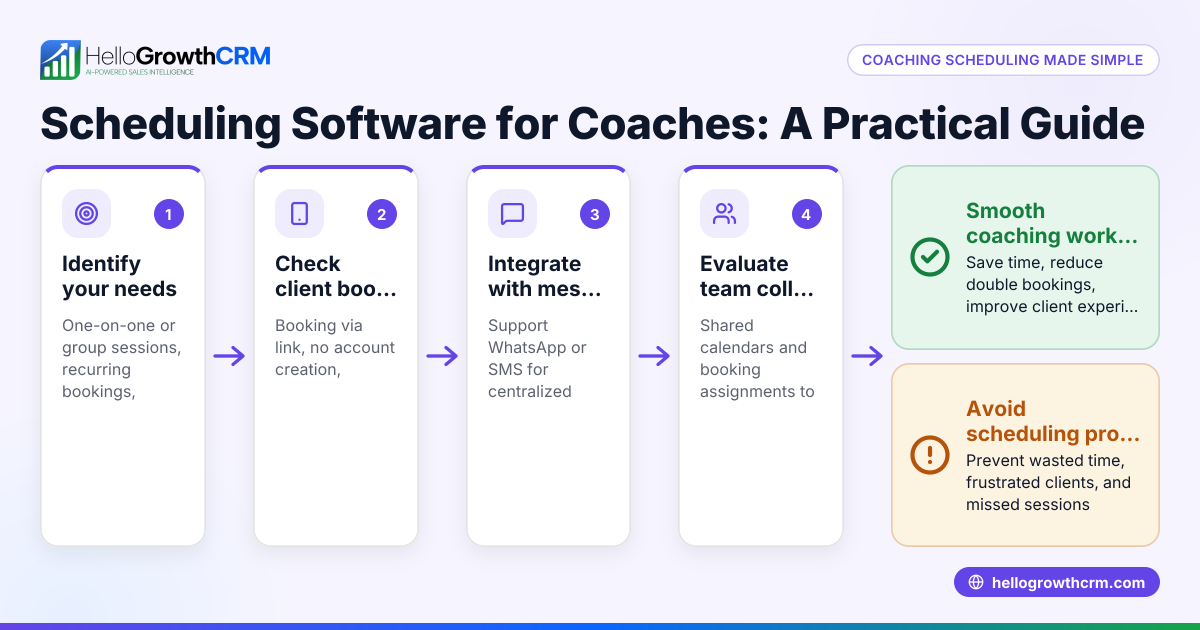
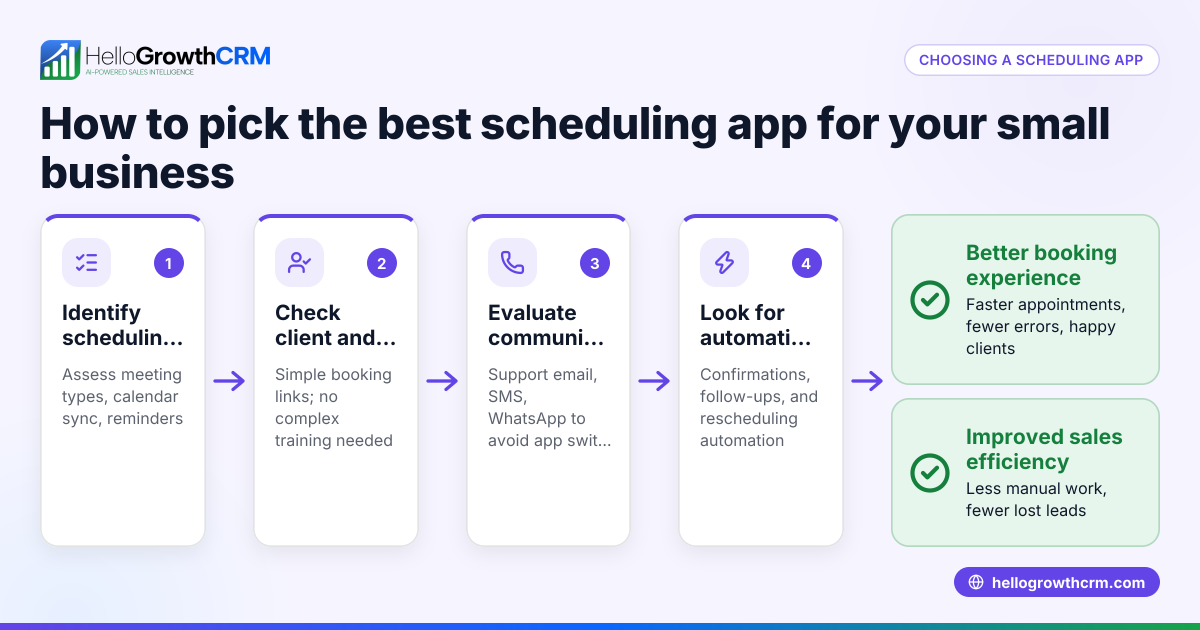
- Identify your business needs: List the types of classes offered, how many sessions run at once, and if you need features like recurring classes or waitlists.
- Check booking flexibility: Make sure clients can easily select time slots and have options to reschedule or cancel.
- Look for integration options: Confirm if the software connects with your tools like WhatsApp, email, or calendars to streamline communication.
- Evaluate user experience: Test how simple it is for customers to book classes on both mobile and desktop devices.
- Assess notifications and reminders: Automated reminders reduce no-shows; verify if these are sent via SMS, WhatsApp, or email.
- Review pricing and plans: Compare costs relative to features, especially if you expect your business to grow.
- Test reporting and analytics: Useful for tracking attendance and sales trends.
- Consider support and training: Check if the vendor offers onboarding help and responsive customer service.
- Try a demo or free trial: Use trial periods to see if the software fits your workflow.
- Ensure data security and compliance: Confirm the software protects customer data and meets relevant regulations.
- Verify scheduling link options: A scheduling link lets prospects pick a slot without back-and-forth messaging, speeding up bookings. HelloGrowthCRM offers this feature integrated with WhatsApp, which can be a key time-saver.
Example (fictional figures)
A yoga studio in Charlotte, North Carolina, offers 5 weekly classes with a max of 15 students each. They want to switch from phone bookings to online scheduling starting 07/01/2026.
- Average price per class: $20
- Expected weekly bookings: 60 (out of possible 75)
Weekly revenue = 60 bookings × $20 = $1,200
Monthly revenue = $1,200 × 4 weeks = $4,800
The studio chooses software charging $50/month with scheduling and notification features.
Monthly net revenue after software cost = $4,800 − $50 = $4,750
By automating bookings and reminders, they reduce no-shows by 10%, adding 6 more bookings weekly:
Additional weekly revenue = 6 × $20 = $120
Additional monthly revenue = $120 × 4 = $480
New monthly revenue = $4,800 + $480 − $50 = $5,230
This example shows how scheduling software can increase revenue by improving booking efficiency.
Common mistakes
- Choosing software without mobile-friendly booking: Prevent this by testing the booking process on phones before buying.
- Ignoring integration with communication tools like WhatsApp or SMS: Prevent by confirming support to avoid manual follow-ups.
- Overlooking customer experience: Prevent by gathering customer feedback on the booking process.
- Neglecting cancellation and rescheduling options: Prevent by verifying flexible policies in the software.
- Not using automated reminders: Prevent by selecting software that sends reminders via SMS or WhatsApp to reduce no-shows.
- Failing to consider scalability: Prevent by choosing software that can grow with your business needs.
Doing this in HelloGrowthCRM
HelloGrowthCRM includes scheduling and booking features where prospects pick a slot from a link instead of back-and-forth on WhatsApp. This reduces delays and lost leads by simplifying class bookings directly through WhatsApp messaging. The meeting scheduler is available on the Free plan and all paid tiers, making it easy to start without upfront costs. Learn more about HelloGrowthCRM’s scheduling at meeting scheduler.
Frequently asked questions
What is class scheduling software? Class scheduling software automates booking for classes or appointments, letting customers select times online and receive confirmations without manual intervention.
Can class scheduling software integrate with WhatsApp? Yes, some software, including HelloGrowthCRM, integrates with WhatsApp to let customers book classes and receive reminders directly through the app, streamlining communication. See more about WhatsApp and SMS CRM.
How does automated scheduling reduce no-shows? Automated scheduling sends reminders via SMS, email, or WhatsApp, reminding customers of upcoming classes and reducing the chance they forget or miss appointments.
Is it necessary to have scheduling in a CRM? For businesses relying on bookings, scheduling integrated into a CRM centralizes customer data and communication, improving sales follow-up and operational efficiency. HelloGrowthCRM’s built-in CRM dialer can also help streamline calls related to bookings. Learn more at built-in CRM dialer.
What should I look for in class scheduling software? Look for ease of use, integration with communication tools like WhatsApp, automated reminders, flexible rescheduling, and reporting to track attendance and revenue.
Key takeaways
- Class scheduling software automates bookings to save time and reduce errors.
- Evaluate software by testing booking flexibility, mobile experience, and integrations.
- Automated reminders via WhatsApp or SMS help reduce no-shows.
- Avoid common mistakes by prioritizing customer experience and scalability.
- Scheduling links that avoid back-and-forth messaging speed up bookings.
- HelloGrowthCRM supports scheduling with a link-based system integrated with WhatsApp.
Start simplifying your class bookings today. You can start on the Free Forever plan (200 leads, no credit card) and see how HelloGrowthCRM can help your business grow.
Ready to put this into practice?
Set up your pipeline, WhatsApp follow-ups, and AI lead scoring in minutes — free, no credit card.
Try HelloGrowthCRM freeGet CRM tips in your inbox
Join thousands of sales professionals who get weekly insights on CRM strategy, AI automation, and pipeline optimization.

The HelloGrowthCRM team publishes guides on CRM strategy, AI sales tools, and revenue operations for small business sales teams.