HelloGrowthCRM software
Built for real small-business sales teams
HelloGrowthCRM helps reps qualify faster, follow up on time, and close more deals—with practical automation in one place.
- AI lead scoring and pipeline visibility
- Built-in dialer, WhatsApp, and email automation
- Sales forecasting and RevOps-ready reporting
Scheduling software for plumbing helps organize appointments, assign technicians efficiently, and reduce missed jobs by letting customers pick available time slots directly. This article explains why plumbing businesses need scheduling tools, steps to choose the right software, common mistakes to avoid, a realistic example, and how scheduling features in HelloGrowthCRM can support your operations.
Why this comes up / what goes wrong
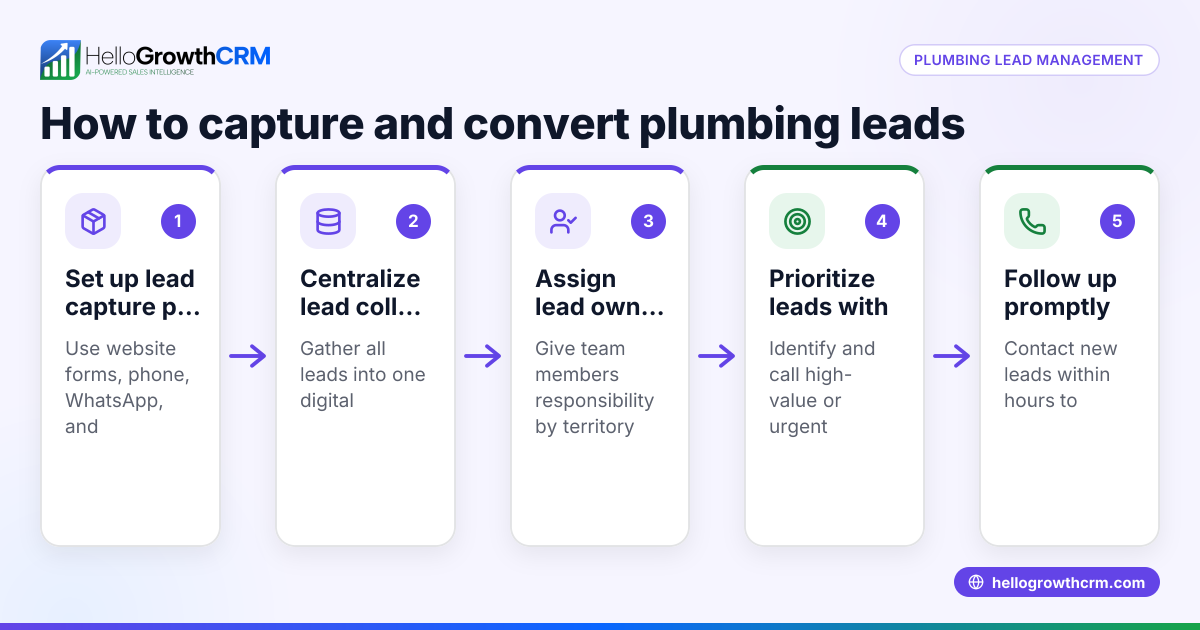
Plumbing businesses manage many service calls, emergency repairs, and routine maintenance visits daily. Small and mid-sized plumbing companies often rely on manual methods like phone calls, text messages, or spreadsheets to schedule jobs. This can cause double bookings, missed appointments, and slow response times, frustrating customers and reducing revenue. Without clear visibility into technicians’ availability and job status, dispatchers or owners spend excessive time coordinating schedules and following up. Scheduling software designed for plumbing automates appointment booking, technician dispatch, and reminders, improving customer satisfaction and operational efficiency.
Step-by-step
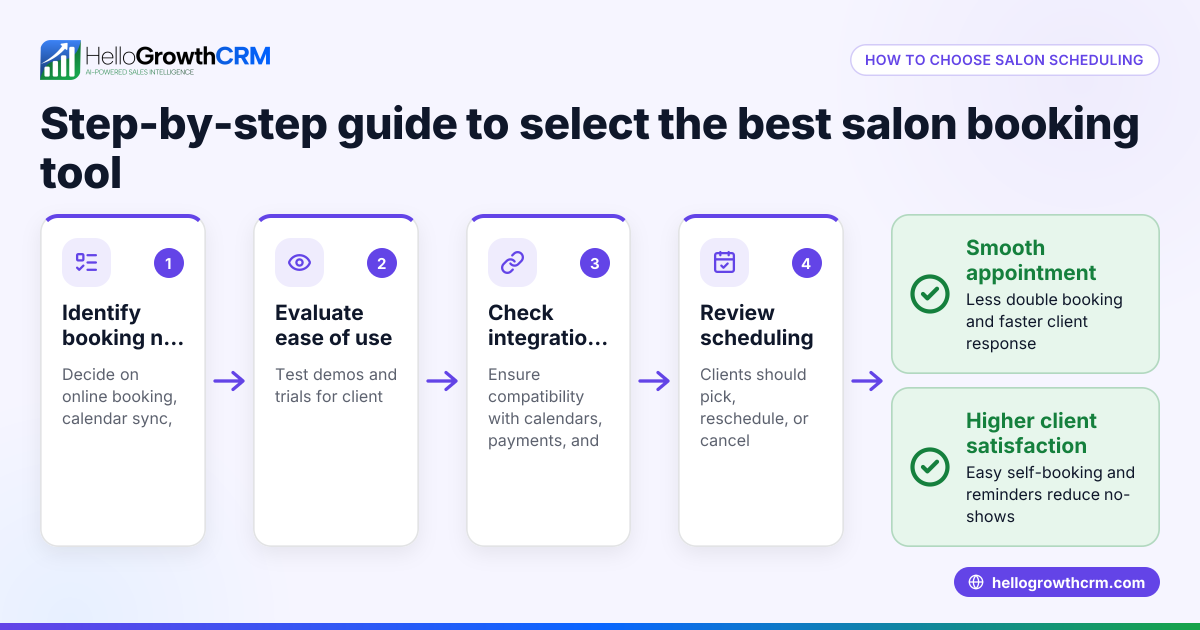
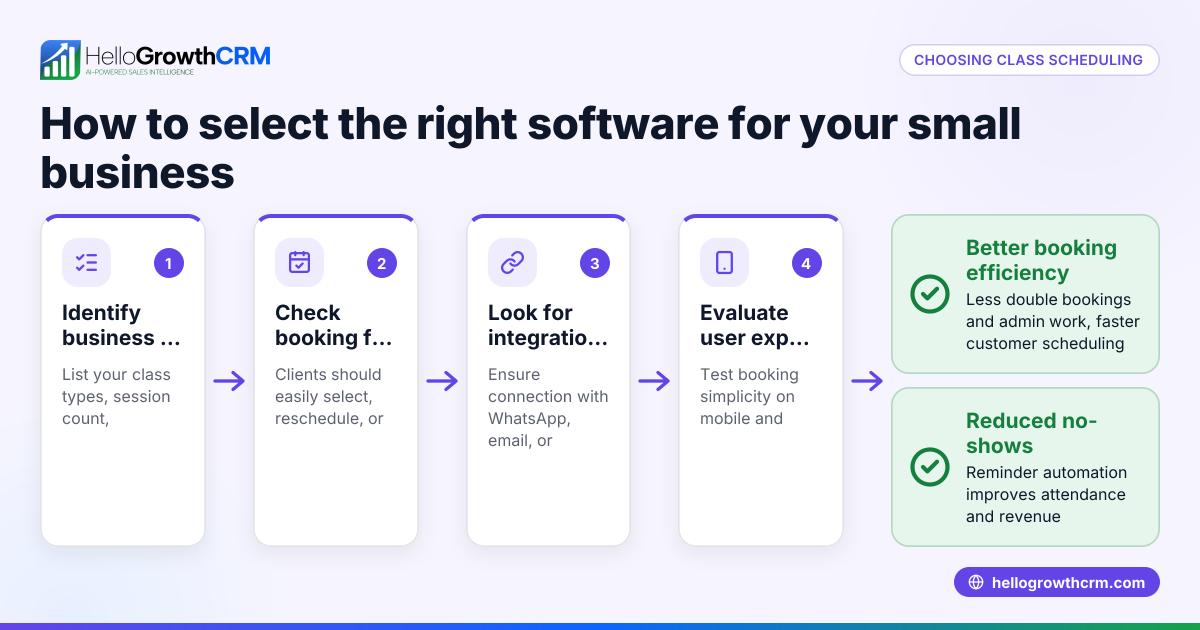
- Identify your scheduling needs: Determine the number of technicians, types of jobs (emergency, installation, maintenance), and customer volume. Confirm if mobile access for field workers is necessary. This ensures the software matches your daily operations.
- Look for plumbing-specific features: Seek calendar views by technician, job duration estimates, service area mapping, and customer self-scheduling options. These features help assign the right technician for each job and improve customer convenience.
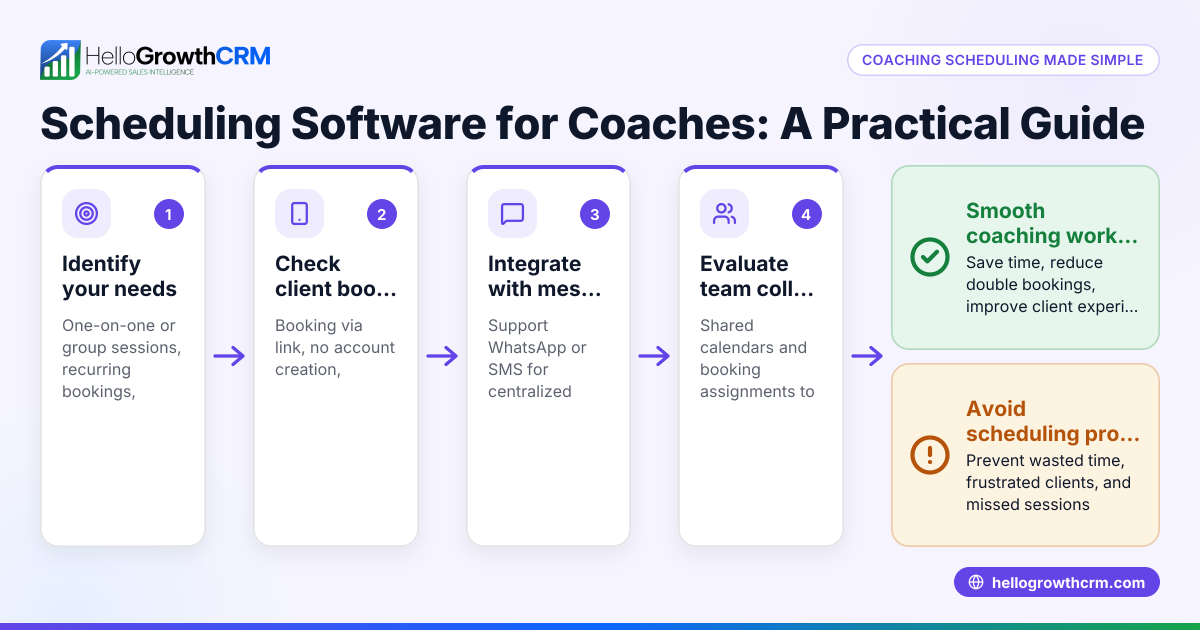
- Check integration capabilities: Ensure the software can connect with your existing tools such as CRM, invoicing, or communication platforms. For example, some CRMs offer scheduling links customers can use directly on WhatsApp, reducing back-and-forth messages and speeding up booking. See HelloGrowthCRM’s WhatsApp and SMS CRM for such capabilities.
- Evaluate ease of use: The software should be intuitive for office staff and technicians. Test demos or free trials to confirm usability and ensure your team can adopt it without frustration.
- Consider automation and reminders: Automated appointment confirmations and reminders help reduce no-shows, which can be costly and disruptive.
- Assess reporting and analytics: Look for features that track job completion rates, technician productivity, and customer feedback. This data supports ongoing improvements and informed decisions.
- Compare pricing and plans: Choose software that fits your budget and can scale with your business. Avoid hidden fees or complicated pricing structures.
- Ask about support and training: Reliable customer service and onboarding help ensure smooth adoption. Good training reduces errors and maximizes the software’s value.
Example (fictional figures)
ClearWater Plumbing in Austin, Texas, manages about 60 jobs weekly with 6 technicians and wants to reduce missed appointments and improve customer booking.
- Current no-show rate: 8% of 60 jobs = 4.8 missed jobs per week (rounded to 5)
- Average job revenue: $300
- Weekly lost revenue: 5 × $300 = $1,500
They select scheduling software with customer self-booking and automated reminders.
- Expected no-show reduction to 2% = 1.2 missed jobs (rounded to 1)
- Weekly lost revenue after software: 1 × $300 = $300
- Weekly revenue saved: $1,500 - $300 = $1,200
- Monthly revenue saved: $1,200 × 4 weeks = $4,800
By adopting scheduling software, ClearWater Plumbing recovers $4,800 monthly previously lost to no-shows, improving cash flow and customer satisfaction.
Common mistakes
- Choosing software without mobile access: Confirm technicians can view and update schedules on smartphones to avoid missed updates and enable real-time changes.
- Ignoring customer self-scheduling: Enable customers to pick slots via links or apps to reduce back-and-forth calls and speed up booking.
- Overlooking integration needs: Check compatibility with your CRM and communication tools to prevent data silos and manual data entry. HelloGrowthCRM’s scheduling links work well with WhatsApp communication, making this easier. See HelloGrowthCRM for the United States.
- Neglecting training: Plan staff training and support to ensure good adoption. Without it, mistakes increase and benefits shrink.
- Selecting overly complex software: Choose simple, focused tools to encourage consistent use. Overly complex systems can overwhelm small teams.
- Not factoring in automation features: Use appointment reminders and confirmations to minimize no-shows and keep your schedule reliable.
Doing this in HelloGrowthCRM
HelloGrowthCRM offers scheduling and booking pages where prospects pick a slot from a link, eliminating the usual back-and-forth on WhatsApp. This feature is available on the Free and all paid tiers, making it easy for plumbing businesses to streamline appointment setting. Additionally, its Managed RevOps service supports founders without sales managers by having a specialist work the follow-up queue weekly, ensuring no lead or appointment is missed. Learn more about HelloGrowthCRM’s WhatsApp and SMS CRM and its built-in CRM dialer. For US businesses, check out HelloGrowthCRM for the United States.
Frequently asked questions
What features should plumbing scheduling software have? Look for technician calendar views, customer self-scheduling, automated reminders, job duration estimates, and integration with CRM or communication tools. Mobile access for field technicians is also important to keep schedules updated in real time.
Can scheduling software reduce no-shows? Yes, by allowing customers to book their preferred time slots and sending automated appointment reminders, scheduling software significantly lowers missed appointments, improving revenue and customer satisfaction.
Is it necessary to integrate scheduling with a CRM? Integration helps keep customer data, job details, and communications in one place, improving efficiency and follow-up. Some CRMs offer scheduling integrated with WhatsApp and SMS communication, reducing manual work and errors.
How easy is it to switch from manual scheduling? Most software provides onboarding and training to help your team transition. Starting with simple scheduling links can ease adoption and reduce resistance.
Does scheduling software help with emergency plumbing calls? Some software allows priority booking and real-time schedule updates, helping dispatchers assign emergency jobs quickly and keep customers informed.
Key takeaways
- Plumbing businesses need scheduling software to manage multiple technicians and reduce missed appointments.
- Choose software with customer self-scheduling, mobile access, and integration capabilities.
- Avoid common mistakes such as ignoring training or missing automation features.
- Scheduling software can recover lost revenue by lowering no-shows.
- Scheduling links and managed follow-up support help streamline plumbing sales and service.
Start improving your plumbing business scheduling today. Start on the Free Forever plan (200 leads, no credit card).
Ready to put this into practice?
Set up your pipeline, WhatsApp follow-ups, and AI lead scoring in minutes — free, no credit card.
Try HelloGrowthCRM freeGet CRM tips in your inbox
Join thousands of sales professionals who get weekly insights on CRM strategy, AI automation, and pipeline optimization.

The HelloGrowthCRM team publishes guides on CRM strategy, AI sales tools, and revenue operations for small business sales teams.