HelloGrowthCRM software
Built for real small-business sales teams
HelloGrowthCRM helps reps qualify faster, follow up on time, and close more deals—with practical automation in one place.
- AI lead scoring and pipeline visibility
- Built-in dialer, WhatsApp, and email automation
- Sales forecasting and RevOps-ready reporting
A shared email address is an email inbox that several employees or team members can access and manage together. It is often used by small businesses to handle customer support, sales inquiries, or general communication from one central point. Instead of individual email accounts, a shared email address allows the entire team to see incoming messages, reply promptly, and keep track of conversations without losing information.
Why this comes up / what goes wrong
Small-business owners often face challenges when multiple employees need to respond to customer emails but only have individual inboxes. This can lead to missed messages, duplicated replies, or confusion about who is handling which inquiry. For example, a sales team might share sales@yourbusiness.com to ensure all leads are visible, but without proper setup, emails might be overlooked or answered inconsistently. This is especially common in businesses that use text messages, email, and spreadsheets to track sales without a unified system.
Step-by-step
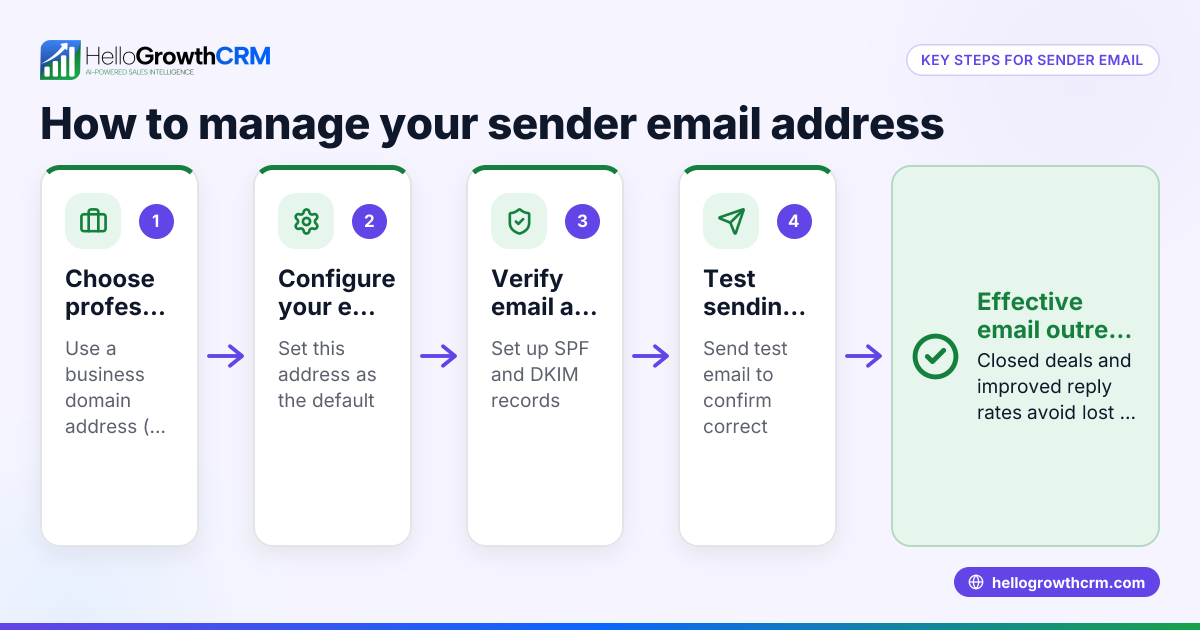
- Choose the right email platform: Select an email service that supports shared inboxes or delegation features, such as Gmail or Microsoft 365. Check that multiple users can access the same inbox without sharing passwords.
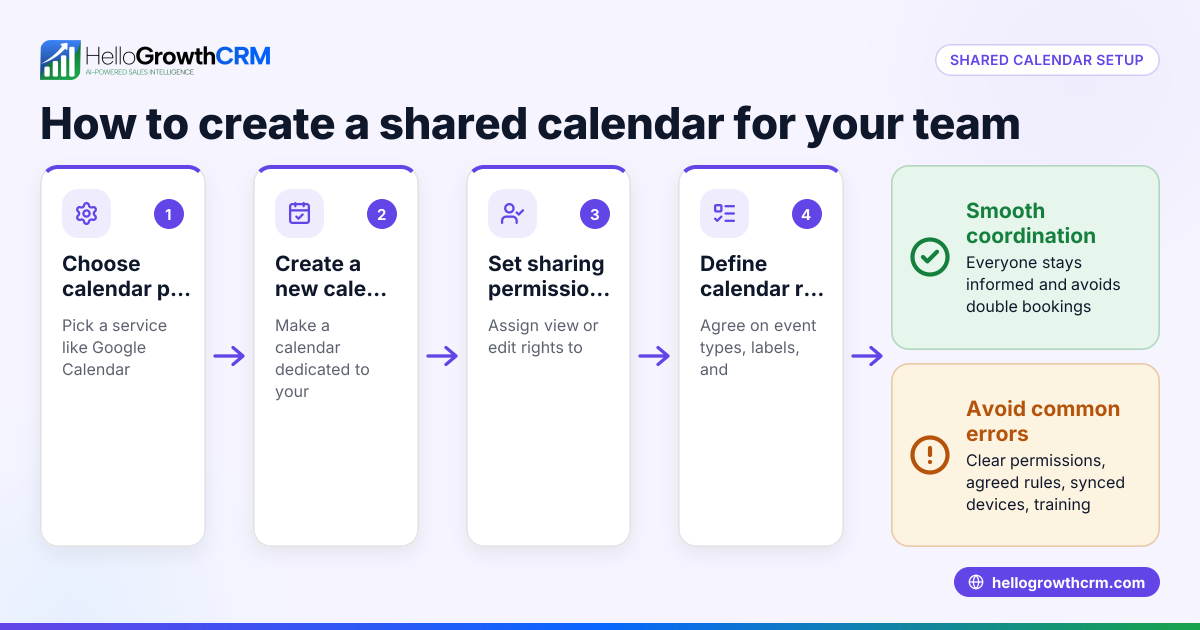
- Set up the shared email address: Create a general email address like info@yourbusiness.com or support@yourbusiness.com. Configure permissions so your team members can access and send emails from this address.
- Define roles and responsibilities: Assign team members to monitor the inbox during specific times or for certain types of inquiries to avoid overlap or missed messages.
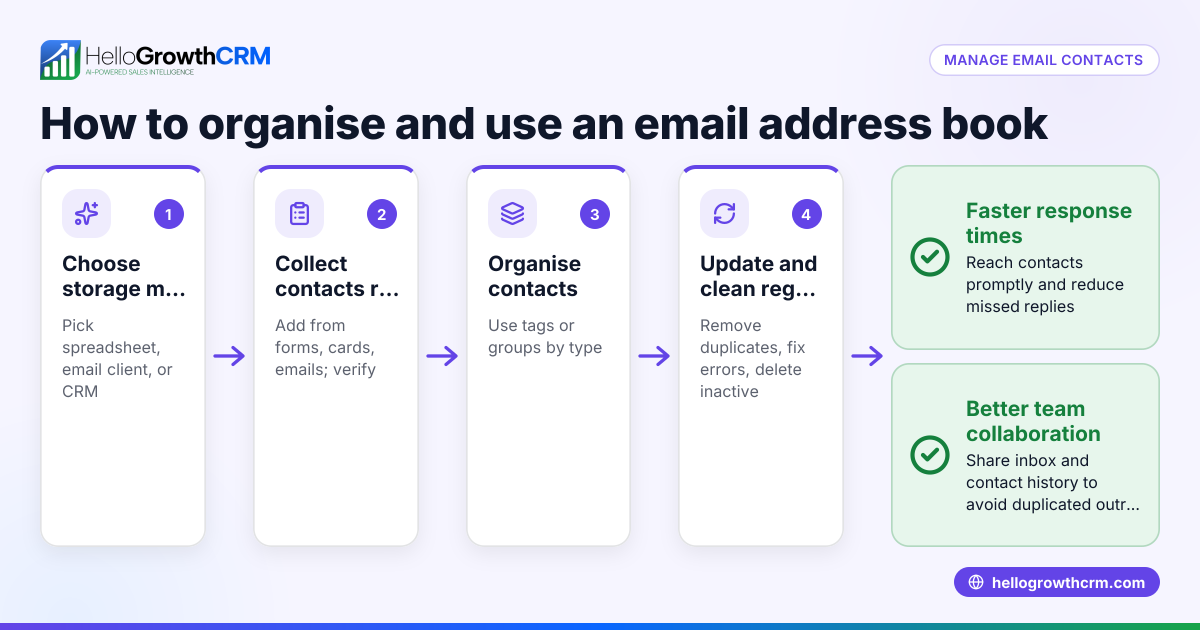
- Use labels or folders: Organize incoming emails by categories such as "New Leads," "Support Requests," or "Follow-up Needed" to streamline handling.
- Implement tracking and notifications: Ensure your team receives alerts for new emails and that replies are logged so everyone stays informed.
- Integrate with your CRM: Connect the shared email inbox to your CRM system to automatically capture leads and track communication history.
- Train your team: Provide clear guidelines on how to use the shared inbox, including response templates and escalation procedures.
- Review and improve regularly: Monitor inbox activity to identify bottlenecks or missed emails and adjust processes accordingly.
Example (fictional figures)
A two-location dental practice in Columbus, Ohio, uses a shared email address dental@columbusdental.com to manage appointment requests and patient questions. They receive about 100 emails per week.
- Weekly emails: 100
- Average response time goal: within 24 hours
Step 1: Assign two front desk staff to monitor the inbox on alternating days.
Step 2: Use folders "Appointment Requests" and "Patient Questions."
Step 3: Track responses in a shared spreadsheet to ensure no email is missed.
Step 4: Calculate response rate:
Emails responded to = 95
Response rate = (95 / 100) × 100% = 95%
Step 5: Identify 5 missed emails and adjust schedule to add a backup monitor on Fridays.
This setup helps the practice keep communication timely and organized, improving patient satisfaction.
Common mistakes
- Sharing passwords for one inbox: This risks security and makes it hard to track who sent which message. Use delegated access instead.
- No clear ownership: Without assigned roles, emails may be ignored or replied to multiple times. Define who handles what.
- Ignoring integration with CRM: Managing email separately from sales tracking leads to lost leads. Use tools that connect email to your CRM.
- Lack of training: Team members unsure how to use the shared inbox cause delays. Provide clear instructions and templates.
- Overcomplicated folder systems: Too many categories confuse instead of help. Keep organization simple.
- No follow-up automation: Manual follow-ups can be missed. Use sequences and campaigns to automate follow-ups, as explained in email automation and sequences.
Doing this in HelloGrowthCRM
HelloGrowthCRM offers a HelloMail shared inbox feature that lets your sales and support teams manage inbound emails from leads and customers without switching to a separate email client. Replies to a quotation email are visible to the whole team on the deal, ensuring everyone stays informed. Additionally, automated sequences and campaigns can run a five-step follow-up over two weeks that stops as soon as the prospect replies, helping your team keep leads engaged without manual effort. Learn more about email automation and sequences and how HelloGrowthCRM supports WhatsApp and SMS CRM.
Frequently asked questions
Can multiple people send emails from a shared email address? Yes, with proper email platform settings that support delegation or shared inboxes, multiple team members can send and receive emails from the shared address without sharing passwords. CRM tools like HelloGrowthCRM's HelloMail shared inbox also enable this functionality.
How do I avoid duplicate replies from different team members? Assign clear roles and use tools that show email status or conversation history. A shared inbox that displays team replies, like HelloMail, helps prevent duplicate responses by keeping everyone informed.
Is a shared email address secure? It can be secure if you avoid sharing passwords and instead use delegated access with permissions. Regularly update passwords and monitor access to maintain security.
Can a shared email address help with sales follow-ups? Yes, integrating the shared inbox with CRM sequences automates follow-ups and keeps track of lead communication efficiently, reducing manual work and missed opportunities.
How does HelloGrowthCRM improve managing a shared email address? The HelloMail shared inbox centralizes inbound emails, making replies visible to the whole team on deals. Its sequences automate follow-ups, helping your team nurture leads without extra manual effort.
Key takeaways
- A shared email address allows multiple team members to manage customer communication collectively.
- Proper setup includes delegated access, role assignment, and clear organization.
- Avoid sharing passwords and unclear ownership to prevent security risks and missed emails.
- Integrate your shared inbox with CRM tools to automate follow-ups and track leads.
- HelloGrowthCRM's HelloMail shared inbox and sequences simplify team email management and lead nurturing.
Start managing your shared email address more effectively by trying HelloGrowthCRM. Start on the Free Forever plan (200 leads, no credit card).
Ready to put this into practice?
Set up your pipeline, WhatsApp follow-ups, and AI lead scoring in minutes — free, no credit card.
Try HelloGrowthCRM freeGet CRM tips in your inbox
Join thousands of sales professionals who get weekly insights on CRM strategy, AI automation, and pipeline optimization.

The HelloGrowthCRM team publishes guides on CRM strategy, AI sales tools, and revenue operations for small business sales teams.