HelloGrowthCRM software
Built for real small-business sales teams
HelloGrowthCRM helps reps qualify faster, follow up on time, and close more deals—with practical automation in one place.
- AI lead scoring and pipeline visibility
- Built-in dialer, WhatsApp, and email automation
- Sales forecasting and RevOps-ready reporting
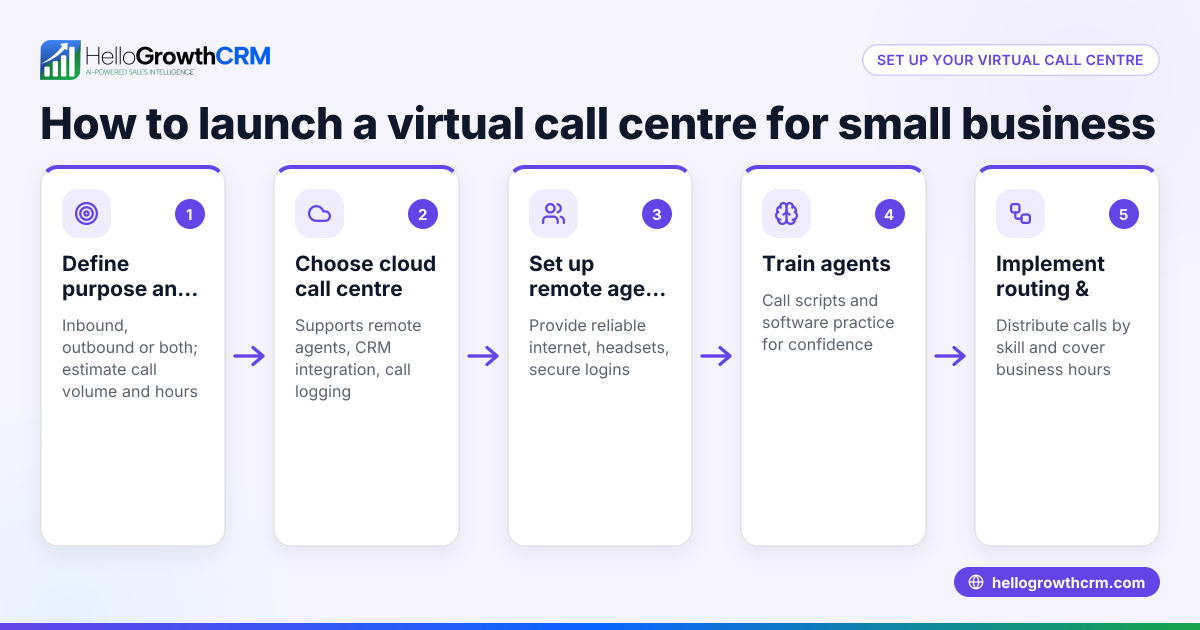
Setting up a remote contact center means organizing your customer service or sales team to work from different locations using cloud-based tools for communication, task management, and customer tracking. This article covers why small businesses need remote contact centers, step-by-step setup instructions, common pitfalls, a practical example, and how HelloGrowthCRM can support your remote team.
Why this comes up / what goes wrong
Many small-business owners in the US find themselves needing to set up a remote contact center because their sales or support teams work from home or multiple locations. Without a centralized system, they lose leads due to slow follow-up, rely on scattered text messages, emails, and spreadsheets, and struggle to track customer interactions. This leads to missed sales opportunities and inefficient team coordination.
Remote contact centers help by providing a unified platform where all communication, lead tracking, and task management happen in one place. This avoids confusion, reduces manual work, and speeds up response times.
Step-by-step
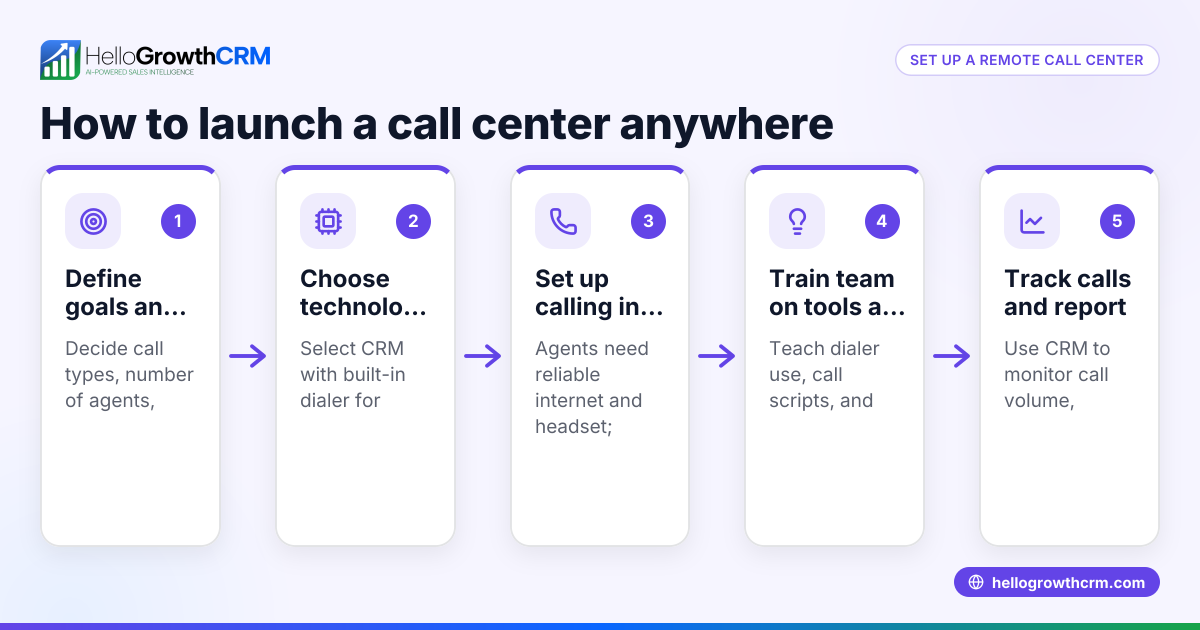
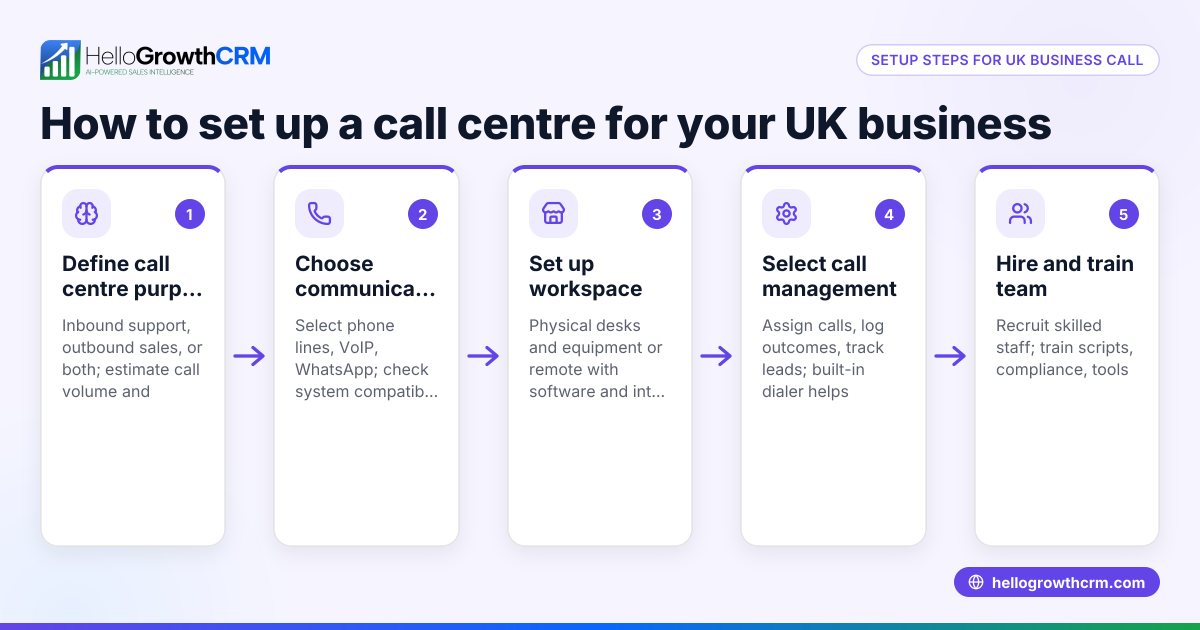
- Assess your communication channels: Decide which channels your team will use (phone, email, WhatsApp, SMS). Ensure your remote team has reliable internet and devices to handle these.
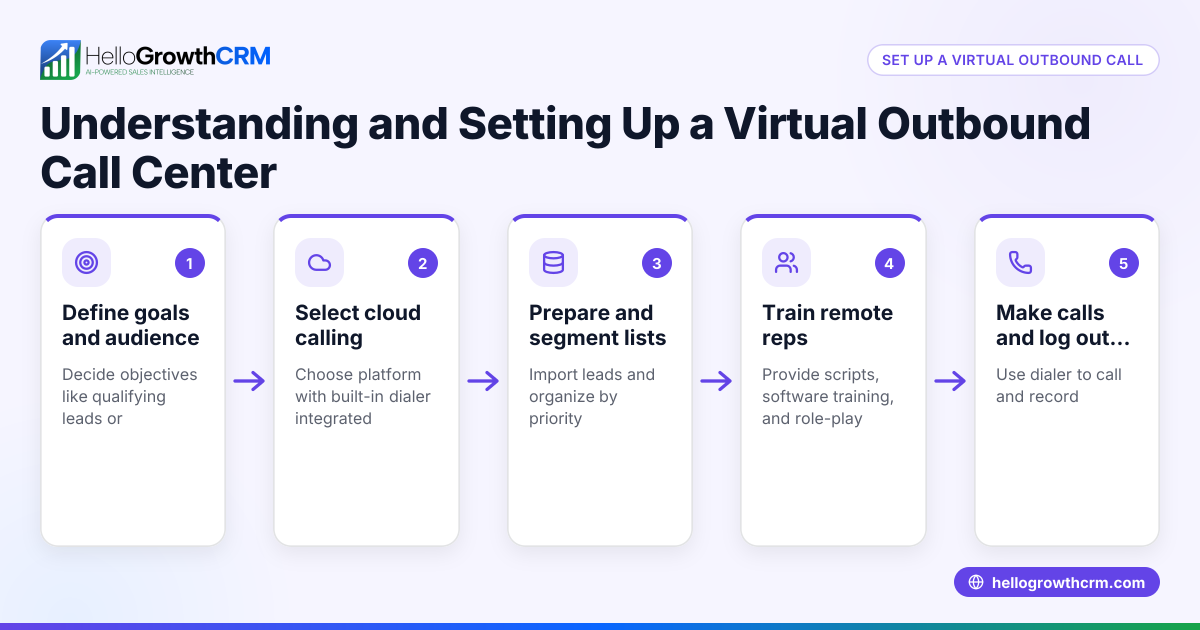
- Choose a cloud-based CRM with integrated communication tools: Select software that supports your channels and offers task and pipeline management to keep leads organized.
- Set up lead capture and routing: Connect your website forms and other lead sources to your CRM so new leads automatically enter your system and are assigned to the right team members.
- Create task boards and follow-up schedules: Organize daily calls, emails, and messages as tasks with due dates. This keeps your team focused and accountable.
- Implement automated follow-up sequences: Use automated multi-step outreach workflows that stop as soon as a prospect replies, ensuring timely and consistent contact.
- Train your team on the CRM and communication tools: Provide clear instructions and resources so everyone knows how to log calls, send messages, and update lead records.
- Monitor performance and adjust: Use reports and sales forecasting to track team activity and results, then refine processes as needed.
- Ensure data security and compliance: Use tools with secure access controls and encrypted communication to protect customer information.
Example (fictional figures)
A landscaping contractor in Charlotte, North Carolina, wants to set up a remote contact center for their 10-person sales team starting 07/01/2026.
- Monthly CRM subscription: $300
- Internet and device upgrades per rep: $100 × 10 = $1,000
- Training and onboarding costs: $500
- Estimated monthly savings from faster follow-up and lead conversion: $2,000
Initial setup cost calculation: $300 + $1,000 + $500 = $1,800
Monthly net benefit: $2,000 - $300 = $1,700
This means after the first month, the contractor gains $1,700 monthly by converting more leads and reducing manual work.
Common mistakes
- Not centralizing communication: Using separate tools for calls, texts, and emails causes lost information. Prevent by choosing a CRM that integrates these channels, like WhatsApp and SMS CRM features.(/product/whatsapp-sms-crm)
- Ignoring task management: Relying on memory or spreadsheets leads to missed follow-ups. Prevent by using activities and task boards that list daily calls and tasks clearly.(/product/sales-task-boards)
- Skipping automation: Manually sending follow-ups wastes time and risks inconsistency. Prevent by setting up sequences and campaigns that automate outreach and stop when prospects reply.(/product/email-automation)
- Inadequate team training: Without proper training, reps won’t use the CRM effectively. Prevent by scheduling training sessions and providing easy reference guides.
- Overlooking performance tracking: Without monitoring, issues go unnoticed. Prevent by regularly reviewing sales forecasting and reports.
Doing this in HelloGrowthCRM
HelloGrowthCRM supports remote contact centers with features designed for small and mid-sized businesses. Activities and task boards let you turn every follow-up into a task with a due date, so the day's calls are a clear list, not a memory test. Sequences and campaigns automate your outreach with multi-step follow-ups over two weeks that stop the moment a prospect replies. For teams using the Growth plan, AI agents draft follow-up messages after calls, so reps only review and send, saving time and ensuring consistency. Learn more about HelloGrowthCRM's capabilities for remote teams at HelloGrowthCRM for the United States.
Frequently asked questions
What equipment do I need for a remote contact center? You need reliable computers or smartphones, stable internet connections, and headsets for calls. Cloud-based software handles the communication and task management, so no special hardware beyond standard devices is required.
How do I ensure my remote team stays productive? Use task boards and scheduled follow-ups to keep work organized. Regular check-ins and performance tracking help maintain accountability. Automating routine outreach with sequences reduces manual workload.
Can I use WhatsApp and SMS in a remote contact center? Yes, integrating WhatsApp and SMS into your CRM allows your team to communicate with prospects on preferred channels and keep all messages logged centrally. HelloGrowthCRM offers WhatsApp and SMS CRM features to support this.
How do I handle training for remote employees? Provide clear documentation and video tutorials. Schedule live virtual training sessions and encourage ongoing questions. Use the CRM’s built-in tools to simplify workflows so new hires can learn easily.
Is it expensive to set up a remote contact center? Costs vary but typically include software subscriptions, device upgrades, and training. Savings come from faster lead follow-up and better team coordination, which often offset initial expenses quickly.
Key takeaways
- Centralize communication channels using a cloud-based CRM.
- Use task boards to organize daily follow-ups and calls.
- Automate outreach with multi-step sequences that stop when prospects respond.
- Train your team thoroughly on CRM tools and workflows.
- Monitor performance regularly to improve processes.
- HelloGrowthCRM offers integrated tools for remote contact centers including activities, sequences, and AI agents.
Setting up a remote contact center can improve your small business’s lead follow-up and team coordination. To get started without upfront costs, try HelloGrowthCRM’s Free Forever plan with 200 leads and no credit card required at Start on the Free Forever plan (200 leads, no credit card).
Ready to put this into practice?
Set up your pipeline, WhatsApp follow-ups, and AI lead scoring in minutes — free, no credit card.
Try HelloGrowthCRM freeGet CRM tips in your inbox
Join thousands of sales professionals who get weekly insights on CRM strategy, AI automation, and pipeline optimization.

The HelloGrowthCRM team publishes guides on CRM strategy, AI sales tools, and revenue operations for small business sales teams.