HelloGrowthCRM software
Built for real small-business sales teams
HelloGrowthCRM helps reps qualify faster, follow up on time, and close more deals—with practical automation in one place.
- AI lead scoring and pipeline visibility
- Built-in dialer, WhatsApp, and email automation
- Sales forecasting and RevOps-ready reporting
Indian small businesses often face the choice between managing sales and leads using spreadsheets or adopting a CRM. While spreadsheets are familiar, free, and flexible, they lack automation, easy collaboration, and real-time updates that a CRM provides. This article compares these two options on practical criteria important for Indian SMBs, helping you pick the right tool based on your team size, sales complexity, and growth goals.
Why this comes up / what goes wrong
Many small businesses in India start with spreadsheets because they are free and simple to use for one person. However, as the business grows, leads increase, and multiple team members get involved, spreadsheets become difficult to maintain. Common problems include version conflicts when sharing files, manual data duplication, lost or slow follow-ups, no automated reminders, and no easy way to track communication history like WhatsApp chats. Businesses running sales on WhatsApp and Excel spreadsheets often lose leads due to slow follow-up or fragmented information. Without automation or pipeline visibility, forecasting sales becomes guesswork.
Step-by-step
Here is a detailed comparison of small business CRM versus spreadsheets on key criteria relevant to Indian SMBs:
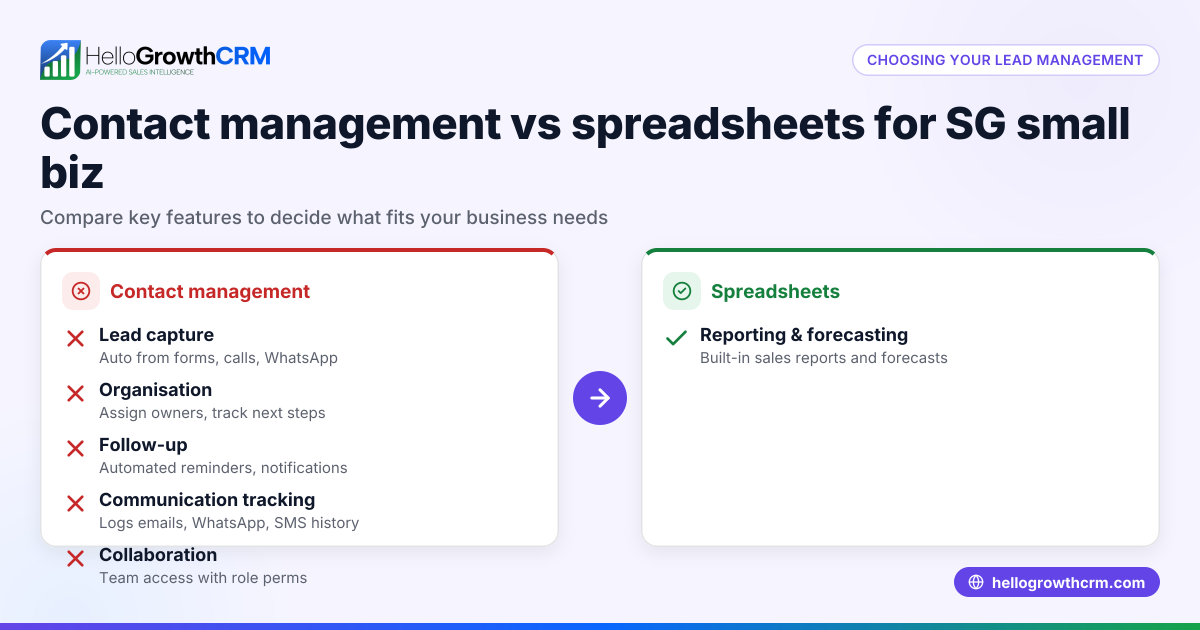
| Criteria | Spreadsheets | Small Business CRM |
|---|---|---|
| Ease of Use | Simple for a single user; complex for teams due to sharing and version issues | Designed for sales teams; user-friendly interfaces and role-based access |
| Collaboration | Manual sharing via email or drives; risk of version conflicts and data loss | Real-time updates; multiple users can work simultaneously with controlled access |
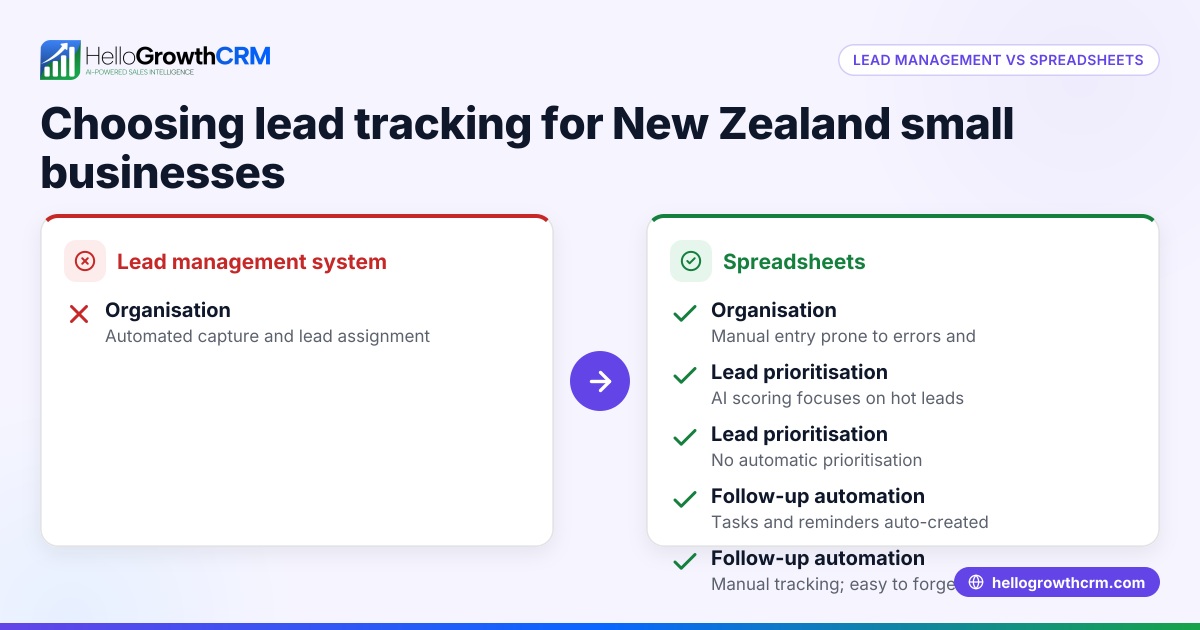
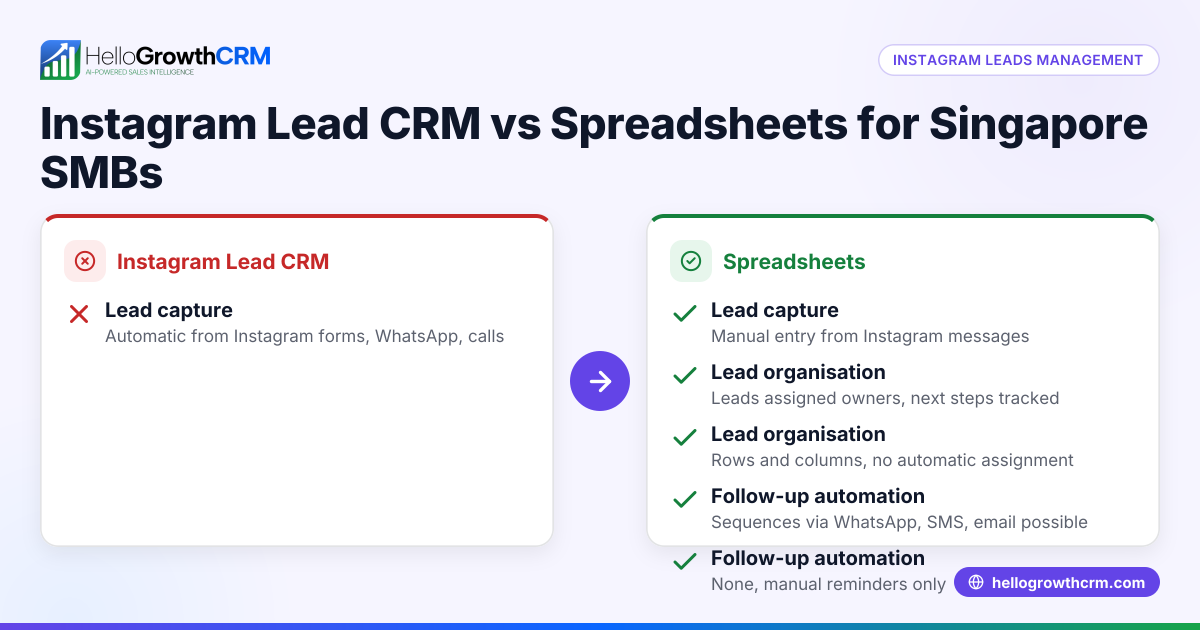
| Lead Capture | Manual entry or CSV imports; prone to missing leads | Auto-capture from IndiaMART, JustDial, and web forms; reduces manual work |
| Follow-up Automation | None; relies on manual reminders or external tools | Automated sequences via email, WhatsApp, and SMS improve timely follow-ups |
| Communication Logging | Separate tools needed; WhatsApp chats and calls not linked to leads | WhatsApp and SMS conversations logged on lead records for full context |
| Sales Pipeline Visibility | Manual tracking using rows and columns; prone to errors | Visual Kanban boards and task boards show lead stages clearly |
| Reporting & Forecasting | Manual formulas and analysis; time-consuming and error-prone | Automated sales forecasting and detailed reports save time and improve accuracy |
| Cost | Free with existing software like Excel or Google Sheets | Free Forever plan available for small teams; paid plans for calling and automation |
Who should pick which?
- Choose spreadsheets if your team is very small (1-2 people), sales processes are simple, and lead volume is low.
- Opt for a CRM if you want to scale your sales team, automate follow-ups, track WhatsApp conversations in one place, and get accurate sales forecasts.
Example (fictional figures)
An Indian solar panel installer receives 300 leads monthly and currently uses spreadsheets. Due to slow follow-up, they lose 20% of leads, affecting revenue.
Current monthly revenue from leads: ₹3,00,000 Lead loss due to slow follow-up: 20% Lost revenue: ₹3,00,000 × 20% = ₹60,000
If switching to a CRM reduces lead loss to 5%, new lost revenue: ₹3,00,000 × 5% = ₹15,000
Revenue saved by CRM: ₹60,000 - ₹15,000 = ₹45,000
Assuming CRM subscription costs ₹5,000/month, net gain: ₹45,000 - ₹5,000 = ₹40,000
This example shows how CRM automation can increase revenue by reducing lost leads and improving follow-up efficiency.
Common mistakes
- Relying on spreadsheets as your team grows: Leads to version conflicts, duplicate data, and errors. Prevent by adopting a CRM early to support collaboration.
- Ignoring follow-up automation: Without reminders, leads slip through the cracks. Use CRM sequences for timely follow-ups.
- Not logging WhatsApp chats with leads: Losing conversation context causes confusion. Choose a WhatsApp-enabled CRM that logs chats on lead records.
- Manual sales forecasting: Time-consuming and prone to mistakes. Use CRM reports for accurate, automated forecasting.
- Underestimating training needs: Teams may resist new tools if not trained properly. Select a user-friendly CRM and provide training.
- Failing to capture leads automatically: Manual entry wastes time and misses leads. Use CRMs that auto-capture from IndiaMART, JustDial, and web forms.
Learn more about the benefits of a built-in CRM dialer and WhatsApp and SMS CRM to improve your sales process.
Doing this in HelloGrowthCRM
HelloGrowthCRM offers WhatsApp and SMS integration where all WhatsApp conversations with a lead are logged on the lead record, and follow-ups can be sent as messages. Its AI agents (in Beta) draft follow-up messages after calls so sales reps only need to review and send. For small teams, the Free Forever plan supports up to two users managing their pipeline at no cost until calling or WhatsApp automation is needed. This makes HelloGrowthCRM a practical choice for Indian SMBs looking to move beyond spreadsheets.
Frequently asked questions
Is WhatsApp CRM better than spreadsheets for small Indian businesses? Yes. WhatsApp CRM centralises conversations, logs messages automatically, and supports follow-up sequences, unlike spreadsheets which require manual tracking and risk losing lead context.
How does a CRM with calling compare to spreadsheets? A CRM with calling integrates dialing and call logging inside the system, saving time and improving lead tracking. Spreadsheets require separate phone apps and manual call notes.
Are CRMs suitable for agencies versus spreadsheets? Agencies benefit from CRMs because they manage multiple clients and pipelines. Spreadsheets become complex and error-prone with multiple projects.
Can CRMs handle quotations better than spreadsheets? Yes, many CRMs allow you to create, send, and track quotations within the system, reducing errors and improving follow-up.
Is email CRM more effective than spreadsheets? Email CRMs automate sequences and track opens and replies, which spreadsheets cannot do. This improves engagement and follow-up efficiency.
Learn more about email automation and sequences and compare options at compare CRMs.
Key takeaways
- Spreadsheets are simple but limited for growing sales teams.
- CRMs offer automation, collaboration, and lead capture suited for Indian SMBs.
- WhatsApp-enabled CRMs log conversations and automate follow-ups.
- AI agents in CRM can draft follow-ups, saving time.
- Free plans allow small teams to start without upfront costs.
- Choosing the right tool depends on team size, lead volume, and sales complexity.
Start improving your sales process today with HelloGrowthCRM. Start on the Free Forever plan (200 leads, no credit card) and see how it fits your business.
Ready to put this into practice?
Set up your pipeline, WhatsApp follow-ups, and AI lead scoring in minutes — free, no credit card.
Try HelloGrowthCRM freeGet CRM tips in your inbox
Join thousands of sales professionals who get weekly insights on CRM strategy, AI automation, and pipeline optimization.

The HelloGrowthCRM team publishes guides on CRM strategy, AI sales tools, and revenue operations for small business sales teams.