HelloGrowthCRM software
Built for real small-business sales teams
HelloGrowthCRM helps reps qualify faster, follow up on time, and close more deals—with practical automation in one place.
- AI lead scoring and pipeline visibility
- Built-in dialer, WhatsApp, and email automation
- Sales forecasting and RevOps-ready reporting
A text messaging API lets your business software send and receive SMS messages automatically, without needing manual texting. It acts as a bridge between your systems—like your CRM or sales software—and mobile networks, enabling you to communicate with customers via text efficiently.
Why this comes up / what goes wrong
Small-business owners often search for "text messaging API" because they want to automate customer communication, improve lead follow-up speed, or integrate texting into their sales workflows. Many small businesses still rely on manual texting or disjointed spreadsheets, which leads to slow responses and lost leads. Without an API, sending bulk or triggered messages is cumbersome and error-prone. Business owners want a reliable way to connect their customer data and messaging channels to boost engagement and sales.
Step-by-step
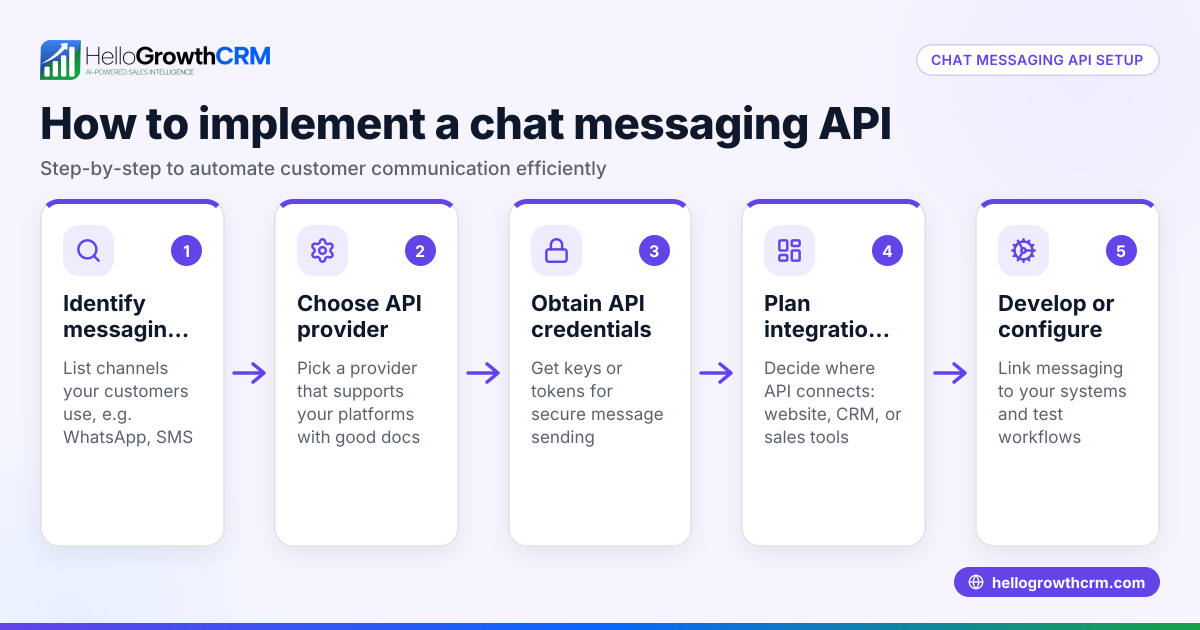
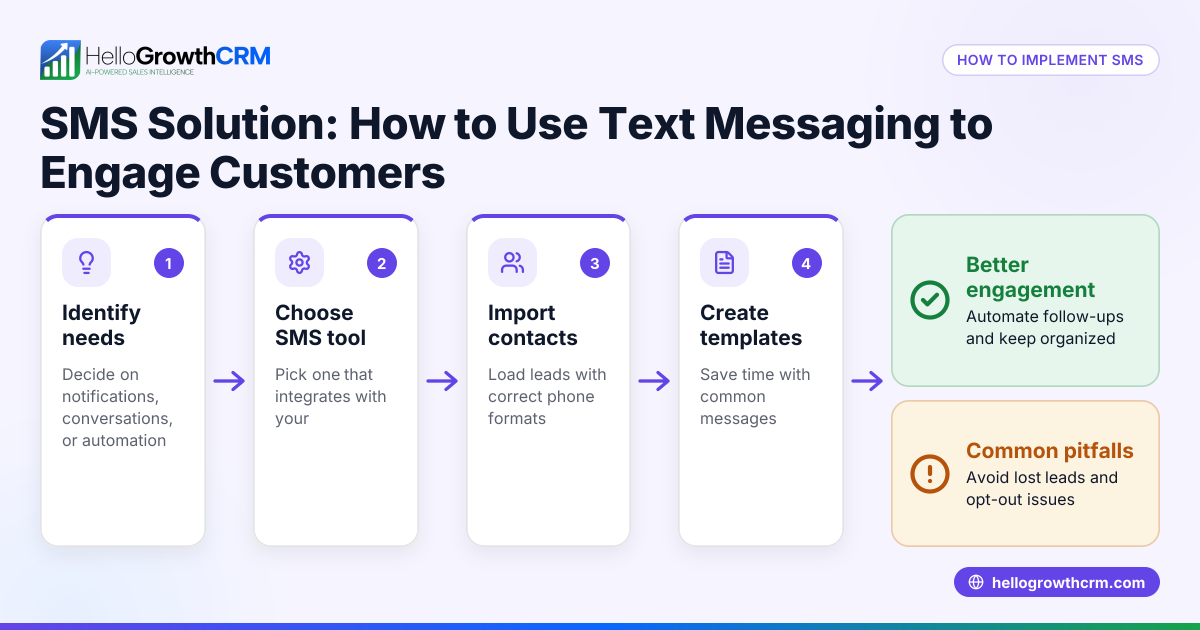
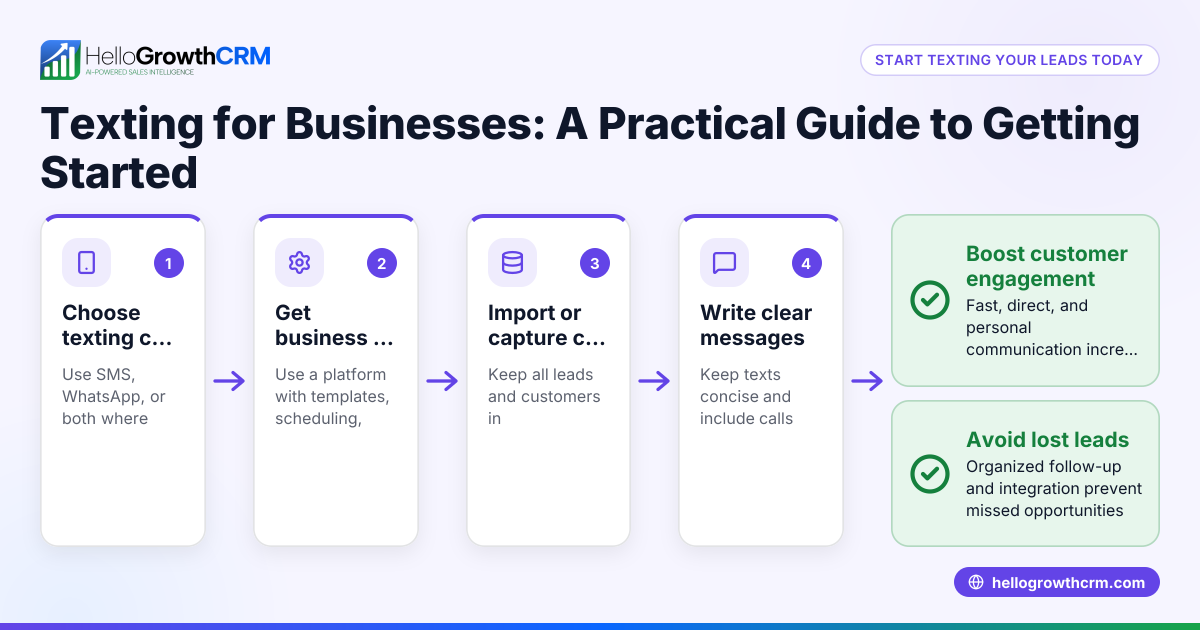
- Identify your business needs: Determine why you want to use a text messaging API. Common reasons include automating appointment reminders, sending promotions, or following up on leads. Check which messaging channels (SMS, WhatsApp) you want to cover.
- Choose a provider or platform: Look for an API provider that supports your required messaging types and integrates well with your existing tools. Check for documentation, reliability, and pricing. Confirm if they support US mobile carriers.
- Set up your account and get API credentials: Register with the provider to obtain your API key or token. This key authenticates your software to send messages.
- Integrate the API with your software: Either use pre-built integrations or develop custom code to connect your CRM, website, or sales platform to the API. Test sending and receiving messages in a controlled environment.
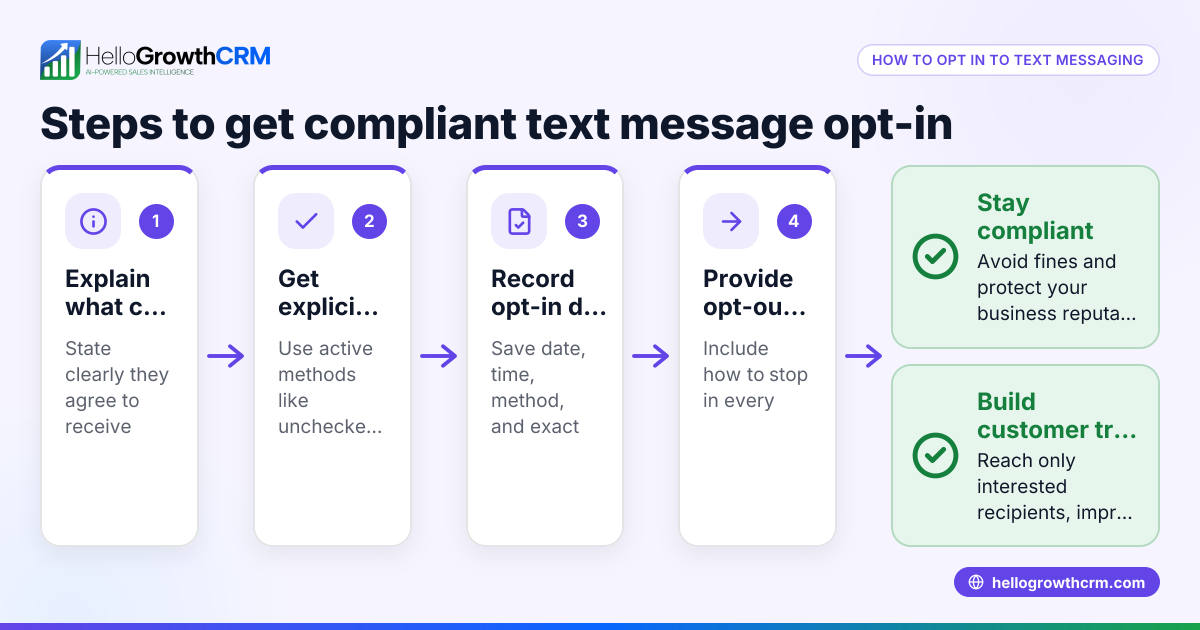
- Configure message templates and triggers: Define the content and timing of messages, such as welcome texts or follow-ups. Always obtain consent before texting and provide opt-out options to comply with US regulations.
- Monitor usage and delivery reports: Track message delivery status, failures, and responses. Adjust your messaging strategy based on analytics.
- Scale and automate workflows: Use the API to automate sequences, reminders, and alerts to save time and improve customer experience.
Example (fictional figures)
A two-location dental practice in Columbus, Ohio wants to automate appointment reminders via SMS to reduce no-shows. They pay $0.05 per SMS message sent.
- They send 1,000 reminders per month.
- Monthly SMS cost = 1,000 × $0.05 = $50
- They reduce no-shows by 20%, saving about $1,000 in lost revenue monthly.
- Integration setup cost (one-time) = $500
- Monthly net benefit = $1,000 - $50 = $950
The practice recovers the setup cost in roughly half a month ($500 ÷ $950 ≈ 0.53 months).
Common mistakes
- Ignoring compliance requirements: Always follow US texting laws to avoid penalties. Prevent this by consulting legal guidance and using opt-in lists.
- Using generic message templates: Personalized messages get better responses. Prevent by segmenting your audience and customizing texts.
- Not testing the API integration: Skipping tests can cause message failures. Prevent by thorough testing in a sandbox environment.
- Overloading customers with texts: Too many messages annoy recipients. Prevent by setting frequency limits and respecting unsubscribe requests.
- Choosing an incompatible provider: Selecting an API that doesn’t support your region or carriers can cause delivery issues. Prevent by verifying provider coverage for the US.
- Failing to track and optimize: Without monitoring, you miss improvement opportunities. Prevent by using delivery and response analytics.
Doing this in HelloGrowthCRM
Frequently asked questions
What is a text messaging API used for? A text messaging API automates sending and receiving SMS messages from your software or CRM. It's used for reminders, promotions, customer support, and sales follow-ups.
Can small businesses afford to use a text messaging API? Yes, many providers offer scalable pricing based on message volume, making it affordable for small businesses. Costs vary by provider and message quantity.
How do I ensure compliance with texting laws? You must obtain customer consent before texting, provide opt-out options, and follow US regulations like the Telephone Consumer Protection Act (TCPA). Consult legal advice for details. (docs.fcc.gov)
Does HelloGrowthCRM support text messaging APIs?
How do I start using a text messaging API? First, identify your needs, then select a provider, get API credentials, integrate with your software, and test thoroughly before going live.
Can I combine text messaging API with other sales tools? Yes, APIs are designed to integrate with CRM, marketing platforms, and sales tools to automate and streamline communication.
Key takeaways
- A text messaging API automates SMS communication between your software and customers.
- Small businesses use APIs to speed up follow-up, improve engagement, and reduce manual texting.
- Proper setup includes choosing a provider, integrating, testing, and complying with laws.
- Common mistakes include ignoring compliance, poor testing, and over-messaging.
Start automating your customer communication today with HelloGrowthCRM. Start on the Free Forever plan (200 leads, no credit card) to try it out.
Ready to put this into practice?
Set up your pipeline, WhatsApp follow-ups, and AI lead scoring in minutes — free, no credit card.
Try HelloGrowthCRM freeGet CRM tips in your inbox
Join thousands of sales professionals who get weekly insights on CRM strategy, AI automation, and pipeline optimization.

The HelloGrowthCRM team publishes guides on CRM strategy, AI sales tools, and revenue operations for small business sales teams.