HelloGrowthCRM software
Built for real small-business sales teams
HelloGrowthCRM helps reps qualify faster, follow up on time, and close more deals—with practical automation in one place.
- AI lead scoring and pipeline visibility
- Built-in dialer, WhatsApp, and email automation
- Sales forecasting and RevOps-ready reporting
A business messaging service is a communication tool that allows businesses to interact with customers via text-based channels such as SMS, WhatsApp, and email. It centralizes conversations, making it easier to manage customer inquiries, follow up on leads, and provide timely responses. This article covers why small businesses need a messaging service, how to implement one effectively, common pitfalls, and a fictional example illustrating its use.
Why this comes up / what goes wrong
Small businesses often struggle to keep up with customer messages spread across different platforms like text messages, WhatsApp chats, and emails. Without a unified system, messages can be missed or delayed, causing lost leads and frustrated customers. For example, a local service provider might receive inquiries on their phone’s SMS app, WhatsApp, and email separately, making it hard to track conversations and follow up promptly. This disorganization wastes time and reduces sales efficiency.
Many small businesses rely on manual tracking methods such as spreadsheets or notes to manage customer communication. This approach is prone to errors and can cause important messages to slip through the cracks. When customers don’t get timely responses, they may turn to competitors, resulting in lost revenue.
Step-by-step
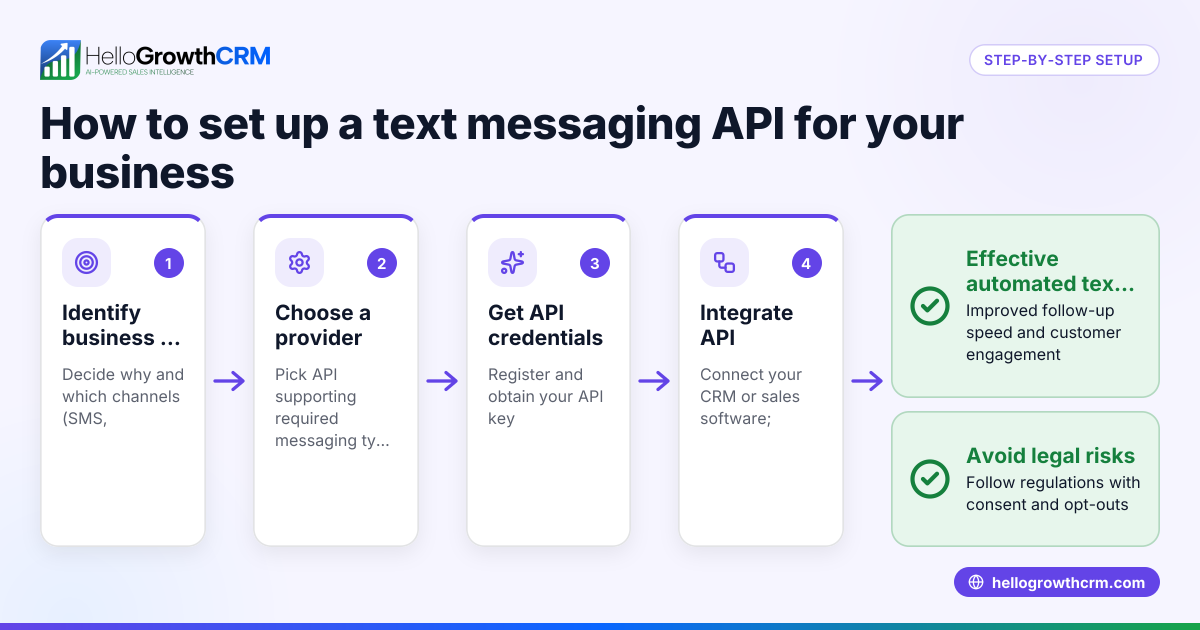
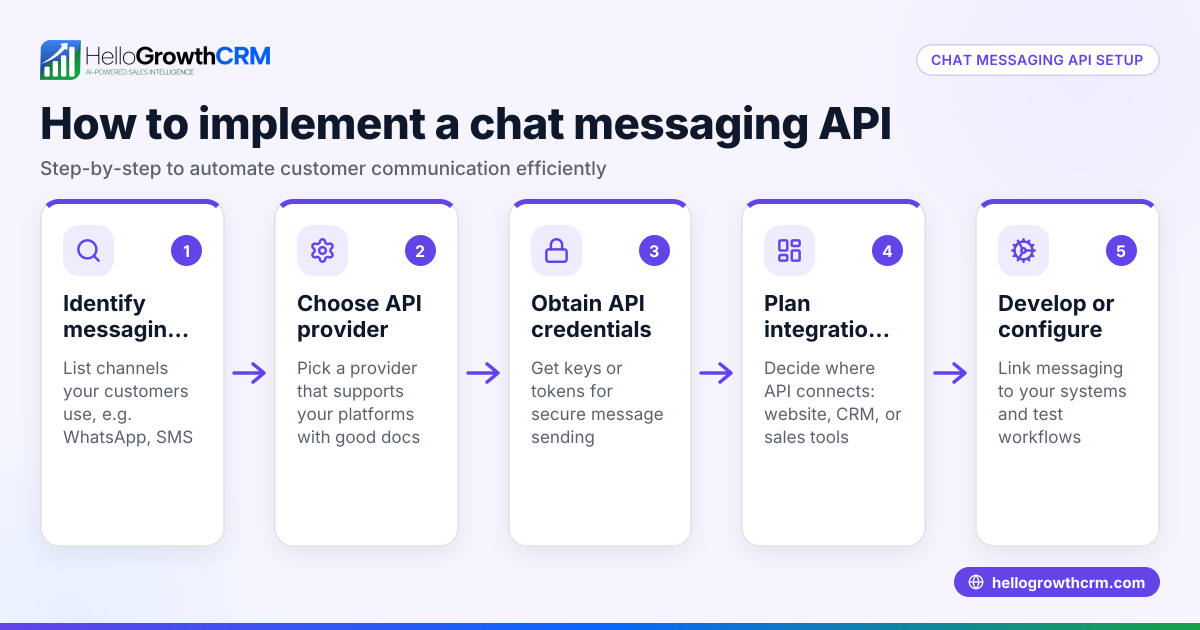
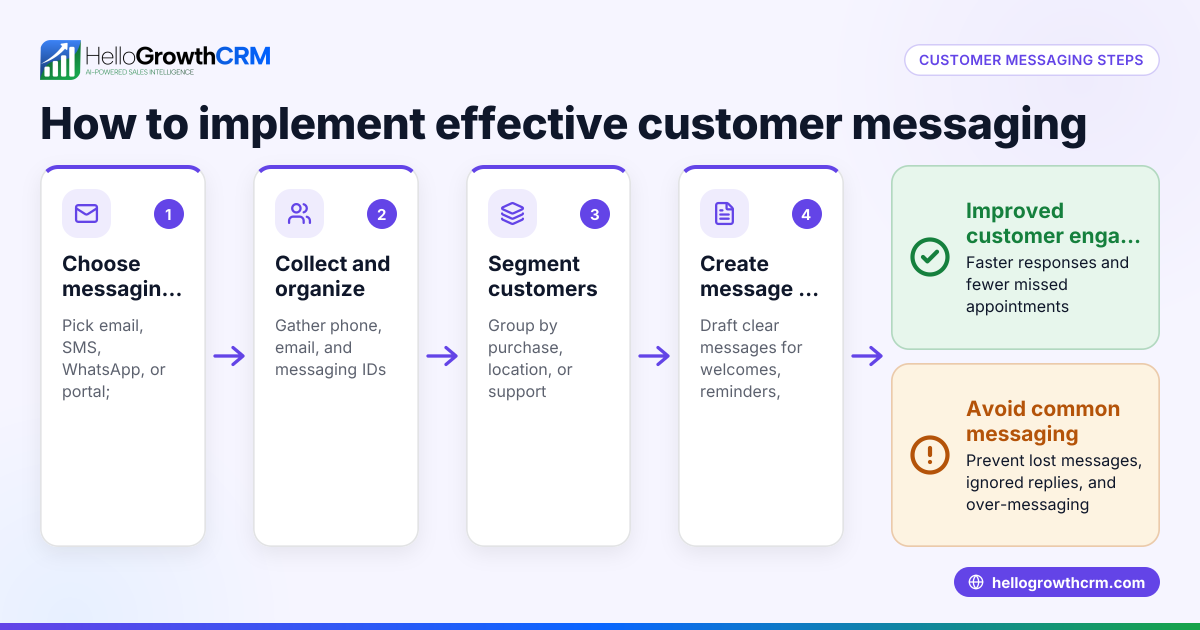
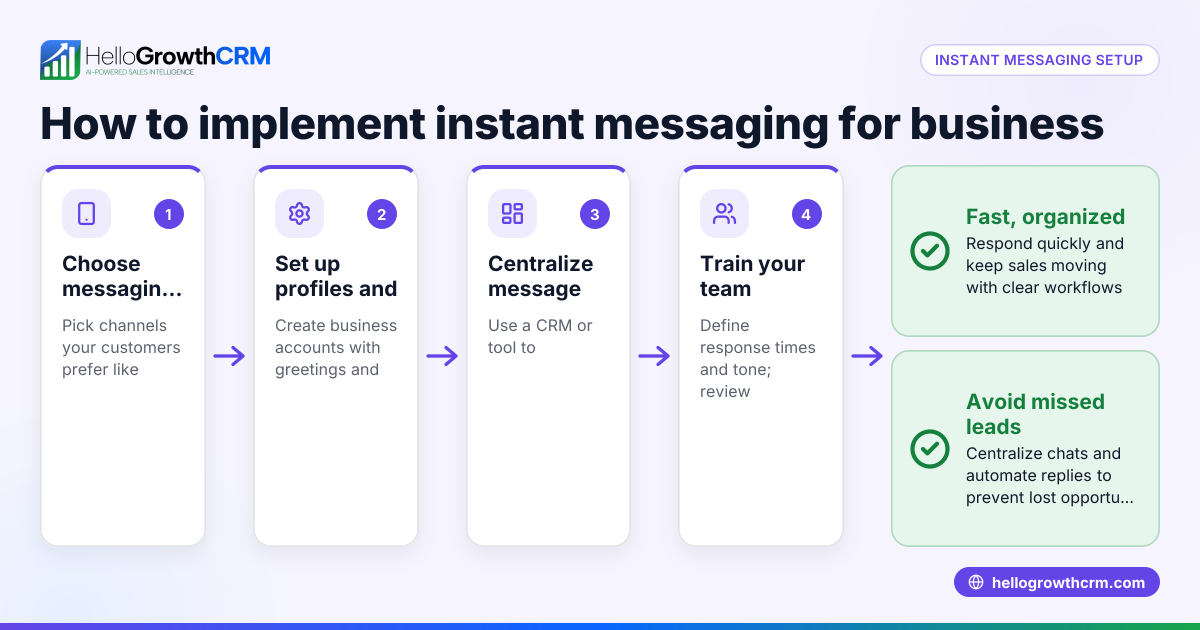
- Identify your main messaging channels: Decide which platforms your customers use most—SMS, WhatsApp, email, or others. Check where most inquiries come from and prioritize those.
- Choose a messaging service or platform: Look for a solution that can handle your chosen channels and centralize conversations. Check if it supports features like message sequencing and task management.
- Set up business profiles and contact lists: Create your business profiles on each channel and import or build your customer contact list. Verify phone numbers and email addresses.
- Create message templates and sequences: Prepare standard replies and follow-up sequences for common queries or sales stages. This saves time and ensures consistent communication.
- Train your team: Make sure everyone handling messages knows how to use the platform and understands response time expectations.
- Monitor and track conversations: Use the platform’s tools to assign tasks, track message status, and follow up on leads promptly.
- Review performance regularly: Analyze response times, message volumes, and customer feedback to improve your messaging strategy.
Integrating a platform that includes a built-in CRM dialer can also help streamline calls related to messaging.
Example (fictional figures)
A plumbing company in Austin, Texas, receives about 150 customer inquiries monthly via SMS and WhatsApp. They decide to implement a business messaging service to organize responses and improve follow-up.
- Monthly inquiries: 150
- Average conversion rate before: 10% (15 customers)
- Average revenue per customer: $1,200
They set up message sequences and assign follow-up tasks, improving response time.
After 3 months:
- Monthly inquiries: 150
- Improved conversion rate: 15% (150 × 15% = 22.5 ≈ 23 customers)
- Monthly revenue before: 15 × $1,200 = $18,000
- Monthly revenue after: 23 × $1,200 = $27,600
Calculation:
150 × 10% = 15 customers before 150 × 15% = 22.5 customers after (rounded to 23) 15 × $1,200 = $18,000 revenue before 23 × $1,200 = $27,600 revenue after
The business messaging service helped increase monthly revenue by $9,600.
Common mistakes
- Using multiple disconnected apps: Handling SMS, WhatsApp, and email separately leads to missed messages. Prevent this by choosing a unified platform.
- Ignoring message templates: Writing every reply from scratch wastes time and causes inconsistent responses. Prepare templates and sequences.
- Not training the team: Without clear guidelines, response times suffer. Conduct training and set standards.
- Failing to track conversations: Without task assignment or follow-up tracking, leads slip through. Use tools that offer task boards and notifications.
- Overlooking customer preferences: Some customers prefer WhatsApp over SMS or email. Check channel preferences and prioritize accordingly.
Using a WhatsApp and SMS CRM can prevent many of these mistakes by consolidating communication.
Frequently asked questions
What is the difference between business messaging and regular texting? Business messaging services include features like message templates, automation, lead tracking, and team collaboration, unlike regular texting apps that are one-to-one and lack management tools.
Can I use WhatsApp for business messaging? Yes, WhatsApp is popular for business messaging, especially for small businesses. Using a CRM that integrates WhatsApp can help manage conversations and automate sequences.
Is SMS still relevant for business messaging? Yes, SMS remains widely used because it works on all phones without internet. Combining SMS with WhatsApp and email covers most customer preferences.
How do I measure the success of my business messaging service? Track metrics like response times, conversion rates, and customer satisfaction. Regular reviews help optimize your messaging approach.
Can a business messaging service replace phone calls? It can reduce the need for calls by handling many inquiries via text, but some complex issues still require calls. Combining messaging with a built-in CRM dialer offers flexibility.
Key takeaways
- A business messaging service centralizes customer communication across SMS, WhatsApp, and email.
- Using message templates and task tracking improves response time and sales follow-up.
- Avoid disconnected apps and lack of team training to prevent lost leads.
- Measure success by monitoring response times and conversion rates.
- Combining messaging with tools like a CRM dialer enhances customer engagement.
Start improving your customer communication today. Start on the Free Forever plan (200 leads, no credit card) to manage your messaging efficiently.
For businesses in the US, see HelloGrowthCRM for the United States to learn more about CRM options tailored to your needs.
Ready to put this into practice?
Set up your pipeline, WhatsApp follow-ups, and AI lead scoring in minutes — free, no credit card.
Try HelloGrowthCRM freeGet CRM tips in your inbox
Join thousands of sales professionals who get weekly insights on CRM strategy, AI automation, and pipeline optimization.

The HelloGrowthCRM team publishes guides on CRM strategy, AI sales tools, and revenue operations for small business sales teams.