HelloGrowthCRM software
Built for real small-business sales teams
HelloGrowthCRM helps reps qualify faster, follow up on time, and close more deals—with practical automation in one place.
- AI lead scoring and pipeline visibility
- Built-in dialer, WhatsApp, and email automation
- Sales forecasting and RevOps-ready reporting
Web conference calling is a way to hold live meetings, presentations, or sales calls over the internet using audio, video, and screen sharing. It allows multiple participants to connect remotely in real time. This article explains why small businesses use web conference calling, how to set it up step-by-step, common mistakes to avoid, and how a CRM with a built-in dialer can help manage calls efficiently.
Why this comes up / what goes wrong
Small business owners often need to communicate with clients, partners, or remote team members but face challenges like scheduling conflicts, travel costs, or managing multiple communication tools. Web conference calling solves these by enabling live discussions without physical presence. However, many struggle with choosing the right platform, setting up calls properly, or managing follow-up actions after meetings. Without a clear process, calls can be disorganized, participants may miss important details, and sales leads can slip through the cracks.
Step-by-step
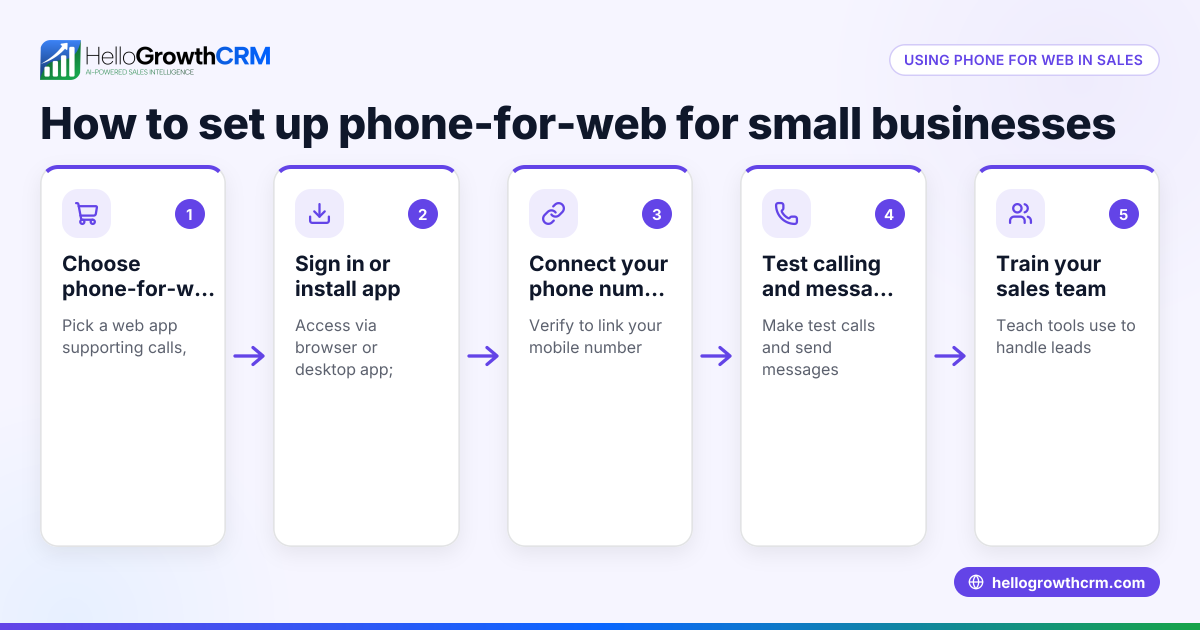
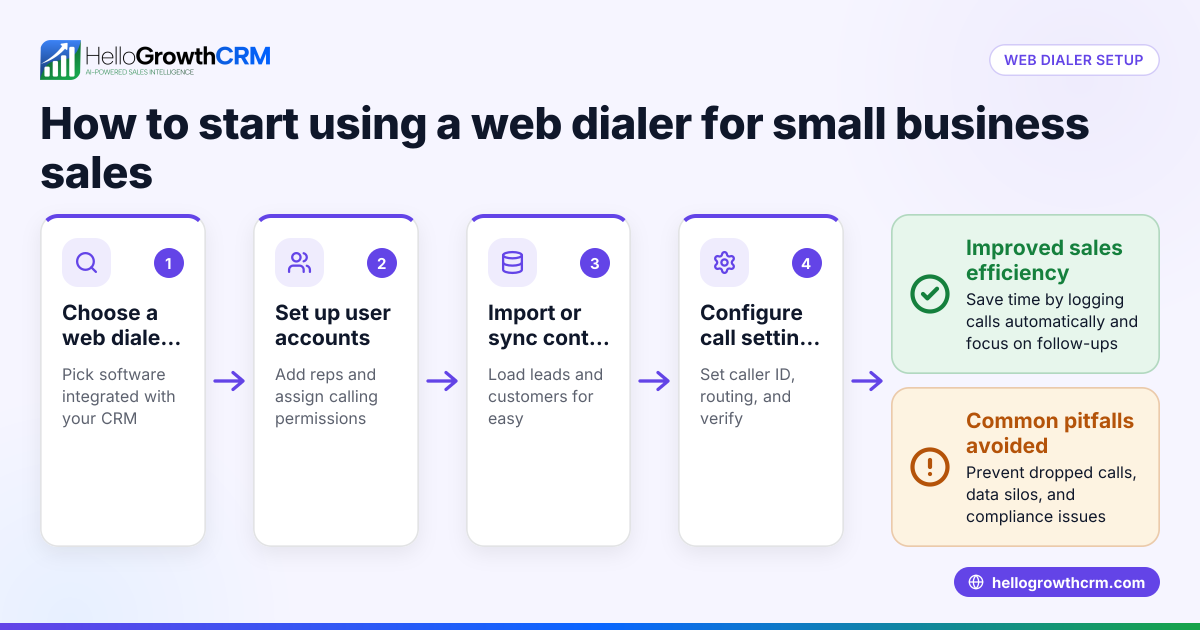
- Choose a web conference platform: Select a reliable service that supports audio, video, and screen sharing. Check that it works well on your devices and has the features you need.
- Schedule the call: Set a date and time that works for all participants. Send calendar invites with the meeting link and any necessary access codes.
- Prepare your content: Have your presentation, documents, or demo ready to share. Test screen sharing and audio/video equipment before the call.
- Join early: Log in a few minutes before the scheduled time to troubleshoot any technical issues.
- Manage the call: Start by introducing participants and setting the agenda. Use mute controls to reduce background noise and encourage engagement.
- Take notes and assign tasks: Record key points, decisions, and next steps during the call. Confirm who is responsible for each task.
- Follow up promptly: Send a summary email or message with meeting highlights and assigned tasks to all participants.
- Track outcomes: Use tools like a CRM with a built-in dialer to log call outcomes and schedule follow-ups, ensuring leads don’t fall through the cracks.
Example (fictional figures)
A residential real-estate team in Phoenix, Arizona, uses web conference calling to present homes to out-of-town buyers.
- They schedule a call on 07/15/2026 with 3 buyers.
- Preparation includes a slideshow of 10 homes priced between $350,000 and $600,000.
- The call lasts 45 minutes.
- After the call, the agent sends a follow-up email with links and notes.
- The agent logs the call outcome as “interested” for 2 buyers and schedules follow-up calls.
Here is a simplified calculation of potential commission:
Average home price = $475,000
Number of interested buyers = 2
Commission rate = 3%
Commission per sale = $475,000 × 3% = $14,250
Total potential commission = $14,250 × 2 = $28,500
This process helps the team close deals faster by keeping communication organized and timely.
Common mistakes
- Not testing technology beforehand: Prevent by joining early and checking audio/video.
- Poor scheduling communication: Prevent by sending clear calendar invites with links.
- No agenda or structure: Prevent by preparing and sharing the agenda at the start.
- Failing to take notes or assign tasks: Prevent by designating a note taker and confirming responsibilities.
- Neglecting follow-up: Prevent by promptly sending summaries and tracking actions in a CRM.
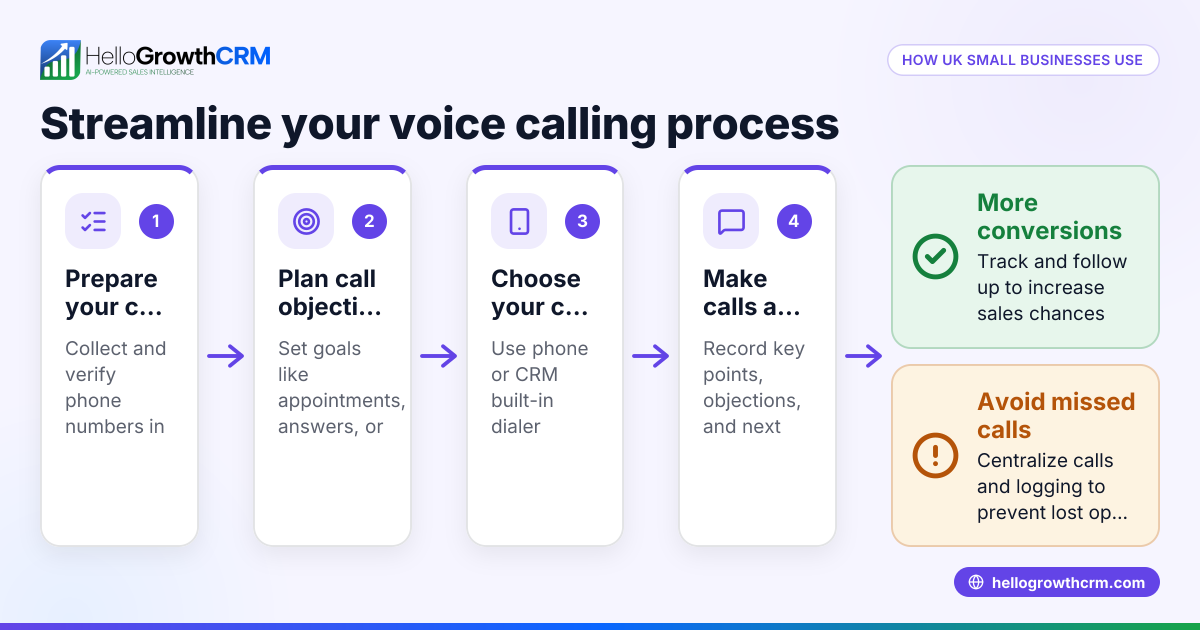
Using a CRM with a built-in dialer helps prevent missed follow-ups by logging call outcomes and scheduling next steps.
Doing this in HelloGrowthCRM
HelloGrowthCRM includes a built-in dialer that lets sales reps call directly from the CRM. When a rep works a list inside the CRM, the outcome of each call is logged on the lead automatically. This helps your team keep full call histories tied to each contact and deal, making follow-ups easier and more organized. Learn more about the built-in CRM dialer and how it supports your sales process.
Frequently asked questions
What equipment do I need for web conference calling? You need a computer or mobile device with internet access, a microphone, and a webcam if video is required. Most platforms work with standard hardware, but testing beforehand ensures everything functions smoothly.
Can web conference calls include multiple participants? Yes, most web conference platforms support multiple participants joining simultaneously, with options for video, audio, and screen sharing to facilitate collaboration.
How do I make sure my web conference calls are secure? Use platforms that offer encrypted connections and password-protected meetings. Share meeting links only with intended participants and avoid posting them publicly.
How does a CRM with a built-in dialer help manage calls? A built-in dialer lets reps make calls directly from the CRM and automatically logs outcomes on each lead. This keeps your sales communication organized and helps prevent lost leads. See the WhatsApp and SMS CRM for additional communication channels.
Can I integrate web conference calls with my CRM? Many CRM solutions support integrations or built-in tools for managing calls and follow-ups, helping you track communication and sales progress in one place.
Key takeaways
- Web conference calling enables live remote meetings with audio, video, and screen sharing.
- Choose the right platform, schedule clearly, and prepare content before the call.
- Manage calls with agendas, note-taking, and task assignment to stay organized.
- Follow up promptly and track outcomes to ensure leads move forward.
- A CRM with a built-in dialer helps log call outcomes and manage follow-ups effectively.
Start your web conference calling journey and improve your sales communication by using the built-in CRM dialer.
Get started today on the Free Forever plan (200 leads, no credit card) and see how this can help your team stay connected and close more deals.
Ready to put this into practice?
Set up your pipeline, WhatsApp follow-ups, and AI lead scoring in minutes — free, no credit card.
Try HelloGrowthCRM freeGet CRM tips in your inbox
Join thousands of sales professionals who get weekly insights on CRM strategy, AI automation, and pipeline optimization.

The HelloGrowthCRM team publishes guides on CRM strategy, AI sales tools, and revenue operations for small business sales teams.