HelloGrowthCRM software
Built for real small-business sales teams
HelloGrowthCRM helps reps qualify faster, follow up on time, and close more deals—with practical automation in one place.
- AI lead scoring and pipeline visibility
- Built-in dialer, WhatsApp, and email automation
- Sales forecasting and RevOps-ready reporting
A WhatsApp Business API CRM combines WhatsApp messaging with CRM software, allowing your business to capture leads from WhatsApp conversations, log interactions automatically, and send follow-ups via WhatsApp messages. This helps sales teams respond faster and manage leads without juggling multiple tools like WhatsApp, email, and spreadsheets. This article covers why Singapore SMB owners look for WhatsApp Business API CRMs, how to evaluate them step-by-step, common mistakes to avoid, a worked example, and how HelloGrowthCRM supports these workflows.
Why this comes up / what goes wrong
Many Singapore small and mid-sized businesses rely on WhatsApp to communicate with leads and customers because it’s widely used and convenient. However, running sales on WhatsApp alone often leads to lost or delayed leads, missed follow-ups, and poor visibility into sales pipelines. Businesses also struggle to integrate WhatsApp conversations with other sales channels like email or web forms.
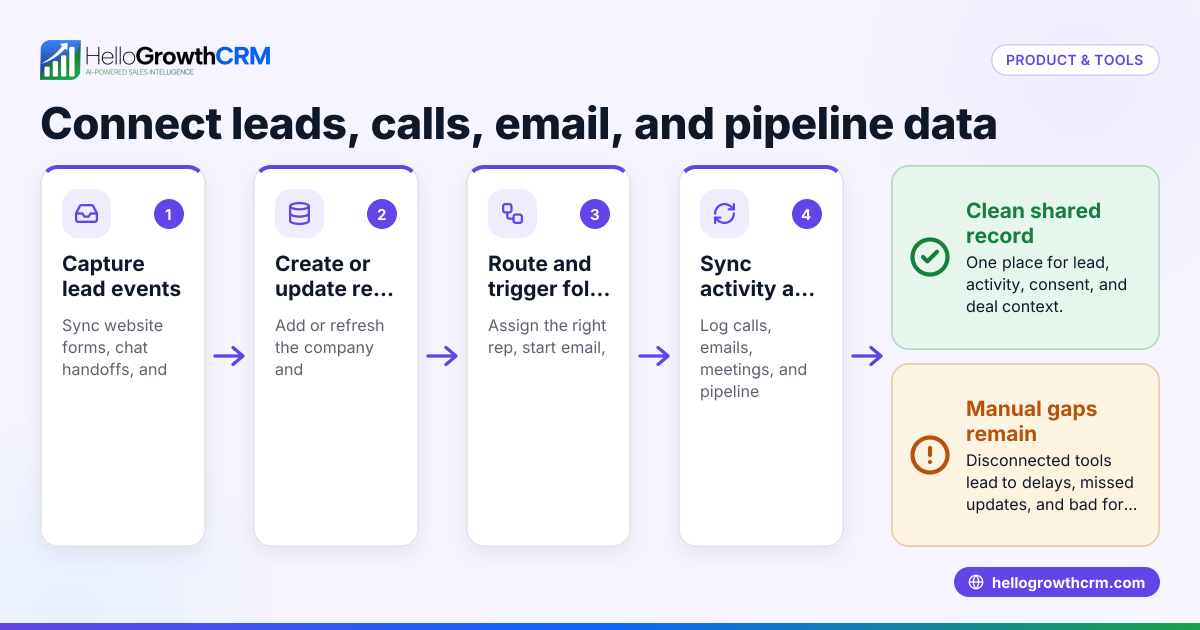
When sales teams use WhatsApp alongside spreadsheets and email, it becomes hard to track lead status, assign follow-ups, or forecast sales. This fragmentation causes lost revenue and inefficient sales processes. A WhatsApp Business API CRM addresses this by integrating WhatsApp messaging directly into a CRM platform, centralising lead data, conversation history, and follow-up tasks.
Step-by-step
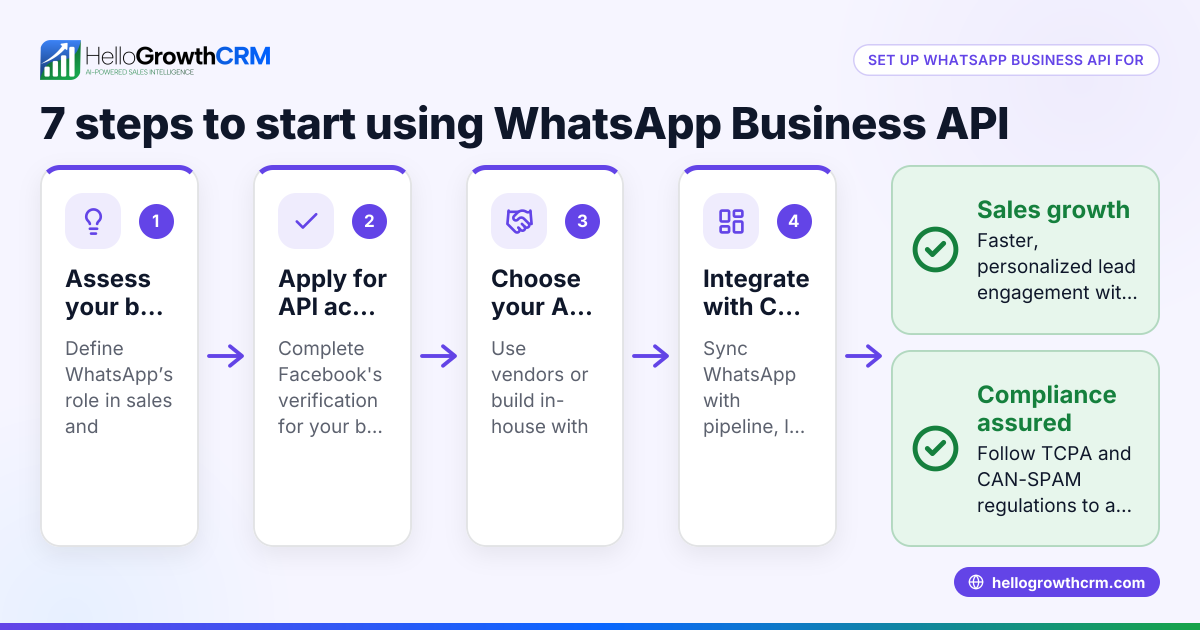
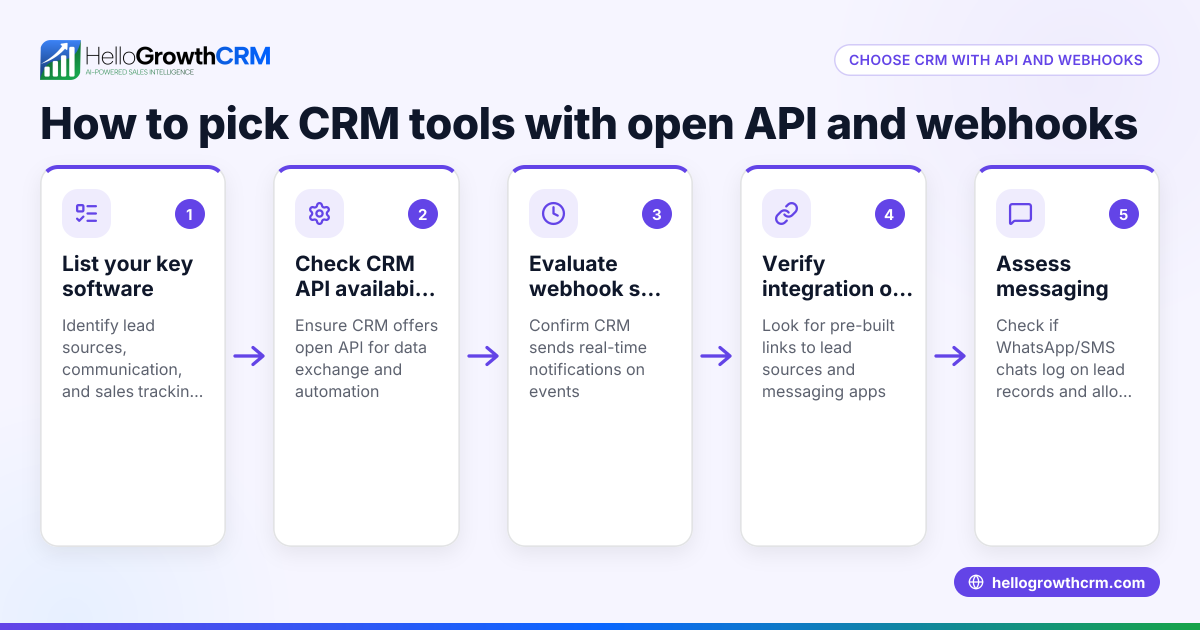
- Identify your business needs: Determine the size of your sales team, the volume of WhatsApp leads, and the channels you use besides WhatsApp (email, web forms, phone calls). Check if you need features like lead capture from integrations or AI assistance.
- Check WhatsApp Business API access: Confirm if the CRM supports WhatsApp Business API, which is required for automated messaging and integration. Understand that WhatsApp Business API has Meta’s policies and template message approvals (see Meta’s official pages for details).
- Evaluate CRM WhatsApp integration features: Look for automatic logging of WhatsApp conversations on lead records, the ability to send WhatsApp follow-ups as sequences or manual messages, and multi-user support.
- Review integration options: Check if the CRM connects with your other lead sources or platforms, such as web enquiry forms, IndiaMART, JustDial, or payment systems. Integrations help centralise leads and reduce manual data entry. See available integrations.
- Consider AI capabilities: Some CRMs offer AI agents that draft follow-up messages or update records automatically, which can improve response times and reduce rep workload.
- Assess usability and adoption: Choose a CRM that your sales team will actually use daily. Look for a WhatsApp-native CRM interface if your team primarily uses WhatsApp.
- Review pricing and plans: Compare plans that include WhatsApp messaging and integrations. Avoid hidden costs related to WhatsApp Business API usage.
- Request demos and trial the CRM: Test how the CRM handles WhatsApp conversations, lead capture, and follow-ups in real scenarios.
Example (fictional figures)
A tuition centre in Tampines receives 100 leads monthly from WhatsApp messages and web forms. They want to automate follow-ups and log conversations.
- Monthly leads: 100
- Average sale value: S$500 per enrolment
- Conversion rate without CRM: 10% (10 sales)
- Conversion rate with WhatsApp Business API CRM follow-ups: 15% (15 sales)
Additional sales due to CRM = 15 - 10 = 5 sales
Additional revenue = 5 sales × S$500 = S$2,500
If the CRM subscription costs S$300 monthly, the tuition centre gains:
Net gain = S$2,500 - S$300 = S$2,200 monthly
This example shows how integrating WhatsApp Business API with CRM can increase sales through better lead management.
Common mistakes
- Using WhatsApp without CRM integration: Leads and conversations stay scattered. Prevent by choosing a CRM that logs WhatsApp chats automatically.
- Ignoring WhatsApp Business API requirements: Using unofficial WhatsApp methods risks account suspension. Check for official API support.
- Overlooking integrations: Manually transferring leads wastes time. Use CRMs with integrations like IndiaMART and JustDial to centralise leads (integrations).
- Choosing complex CRMs: If the CRM is not WhatsApp-native, adoption may be low. Pick a CRM designed for WhatsApp workflows.
- Not testing AI features: AI agents can save time but may be in beta. Evaluate their usefulness carefully.
Doing this in HelloGrowthCRM
HelloGrowthCRM is a WhatsApp-native CRM for Singapore SMBs that logs WhatsApp conversations on lead records, allowing follow-ups to be sent as WhatsApp or SMS messages. It integrates leads from IndiaMART and JustDial enquiries directly into the CRM, reducing manual entry. HelloGrowthCRM also offers AI agents (in beta) that draft follow-up messages after calls for reps to review and send. Learn more about its WhatsApp and SMS CRM features at WhatsApp and SMS CRM and explore its integrations. HelloGrowthCRM is tailored for Singapore businesses managing leads on WhatsApp and other channels (HelloGrowthCRM for Singapore).
Frequently asked questions
What is the difference between WhatsApp Business App and WhatsApp Business API? The WhatsApp Business App is designed for small businesses to communicate manually with customers. The WhatsApp Business API enables automated messaging, integration with CRMs, and multi-user access, suitable for growing teams.
Can I integrate WhatsApp Business API with any CRM? Not all CRMs support WhatsApp Business API. You must choose a CRM with official API integration to automate messaging and log conversations properly.
How does a WhatsApp Business API CRM improve sales follow-up? It centralises WhatsApp conversations, logs messages automatically, and allows sending follow-up sequences, reducing missed leads and speeding up responses.
Are there any limitations or costs with WhatsApp Business API? WhatsApp Business API usage is subject to Meta’s policies, including message template approvals and charges per message. Check Meta’s official pages for current details.
What other lead sources can I integrate with a WhatsApp Business API CRM? Many CRMs support integrations with web forms, marketplaces like IndiaMART and JustDial, payment gateways, and email platforms to centralise all leads.
Key takeaways
- WhatsApp Business API CRM integrates WhatsApp messaging with lead management to improve follow-ups.
- Evaluate WhatsApp API support, integrations, AI features, and usability before choosing.
- Avoid manual lead handling by choosing CRMs with IndiaMART and JustDial integrations.
- Use a WhatsApp-native CRM to ensure team adoption and smooth workflows.
- AI agents can help draft follow-ups but may be in beta; test them carefully.
Start managing your WhatsApp leads more effectively by trying HelloGrowthCRM’s Free Forever plan with 200 leads and no credit card required at Start on the Free Forever plan (200 leads, no credit card).
Ready to put this into practice?
Set up your pipeline, WhatsApp follow-ups, and AI lead scoring in minutes — free, no credit card.
Try HelloGrowthCRM freeGet CRM tips in your inbox
Join thousands of sales professionals who get weekly insights on CRM strategy, AI automation, and pipeline optimization.

The HelloGrowthCRM team publishes guides on CRM strategy, AI sales tools, and revenue operations for small business sales teams.