HelloGrowthCRM software
Built for real small-business sales teams
HelloGrowthCRM helps reps qualify faster, follow up on time, and close more deals—with practical automation in one place.
- AI lead scoring and pipeline visibility
- Built-in dialer, WhatsApp, and email automation
- Sales forecasting and RevOps-ready reporting
WooCommerce email marketing plugins integrate your online store with email marketing capabilities, enabling automated customer communication based on your WooCommerce sales data. These plugins send targeted emails such as abandoned cart reminders, promotional offers, and newsletters that improve customer engagement and increase sales without manual effort.
Why this comes up / what goes wrong
Small-business owners running WooCommerce stores often find it challenging to maintain timely and personalized email outreach. Without automation, they rely on manual emails or spreadsheets, which leads to slow follow-up, missed opportunities, and lost revenue. They search for WooCommerce email marketing plugins to streamline their marketing efforts, automate follow-up sequences, and connect sales data with email campaigns effectively.
Step-by-step
- Define your email marketing goals. Decide whether you want to focus on recovering abandoned carts, promoting new products, sending newsletters, or nurturing post-purchase relationships.
- Research WooCommerce-compatible plugins. Look for plugins that are compatible with your WooCommerce and WordPress versions, support automation features, and provide useful analytics.
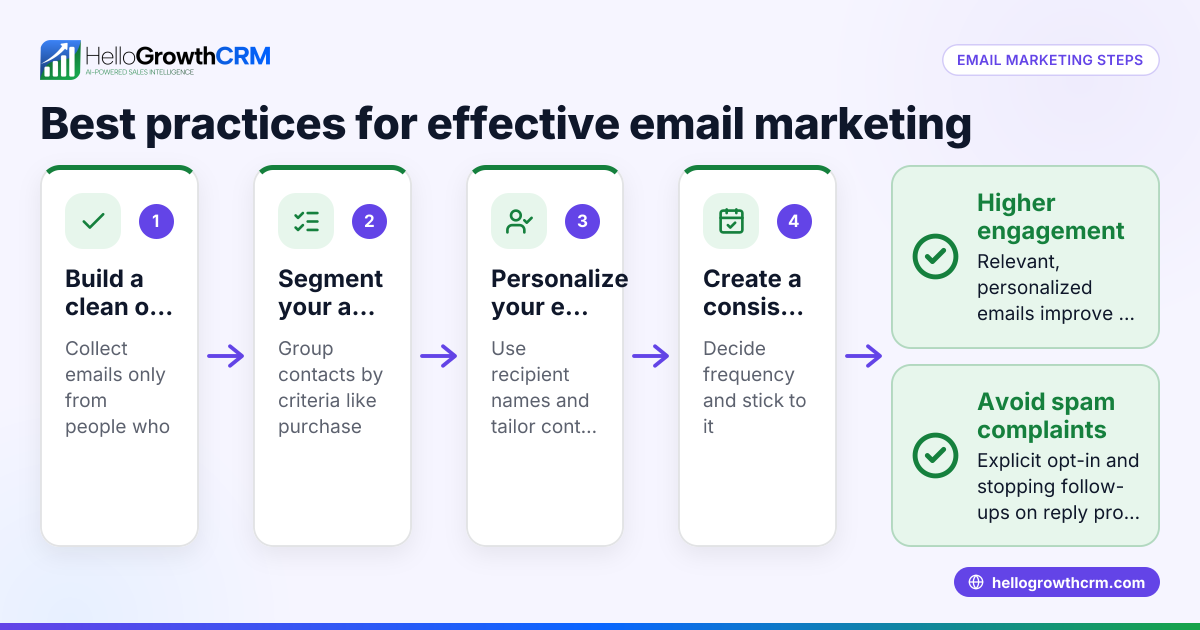
- Evaluate plugin features. Check if the plugin offers email sequences (automated multi-step follow-ups), segmentation for targeting specific customer groups, and customizable email templates.
- Install and configure the plugin. Follow the plugin’s setup instructions to connect it with your WooCommerce store, configure sender details, and set up email templates.
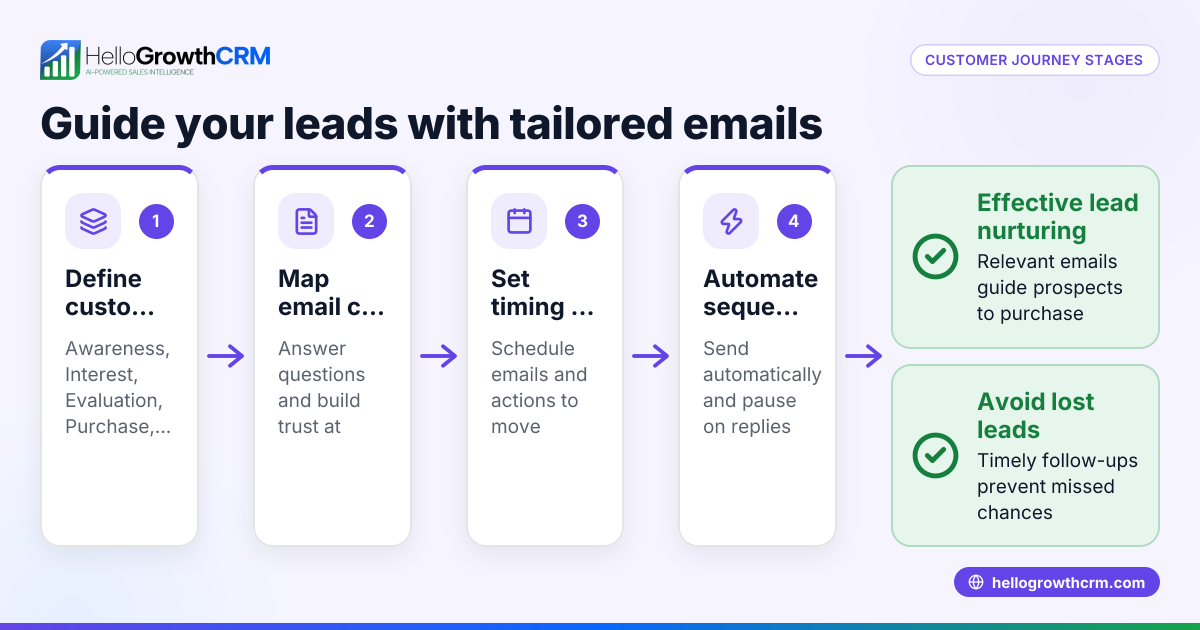
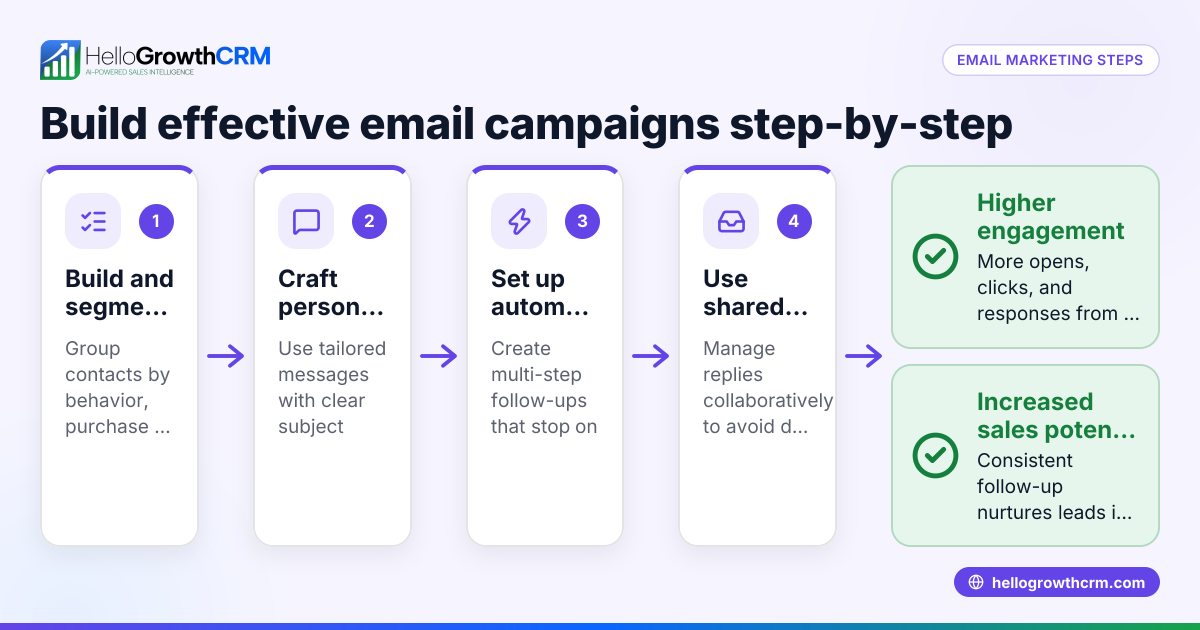
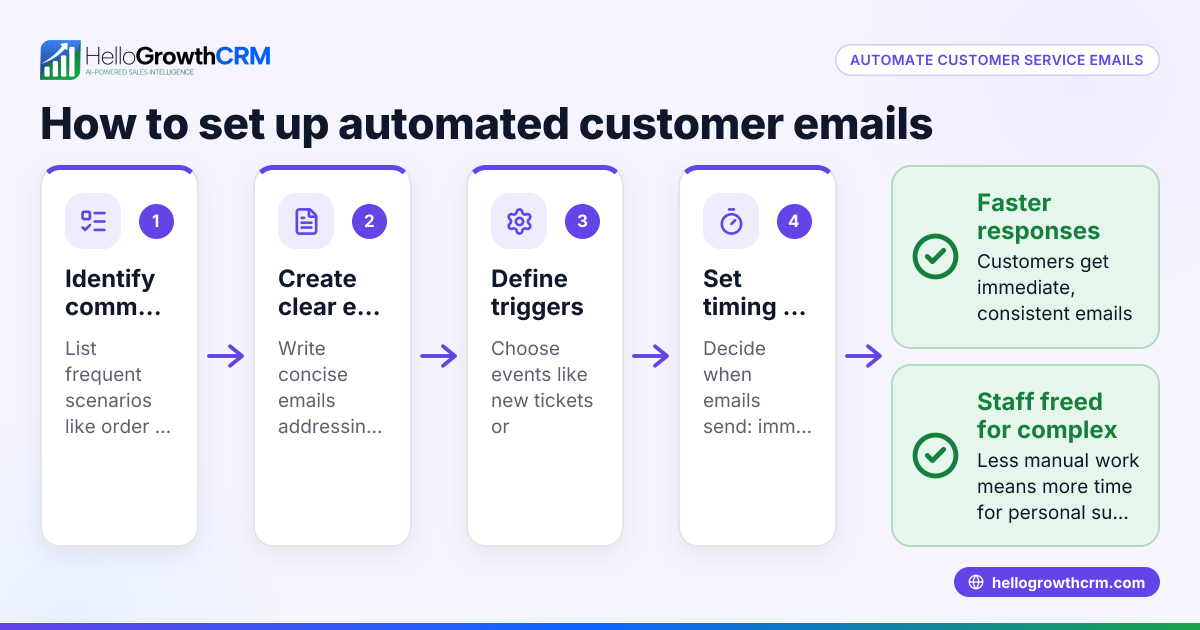
- Create automated email sequences or campaigns. Set up workflows such as abandoned cart reminders or welcome series that run automatically over a specified period.
- Test your email campaigns. Send test emails to check formatting, links, personalization, and deliverability.
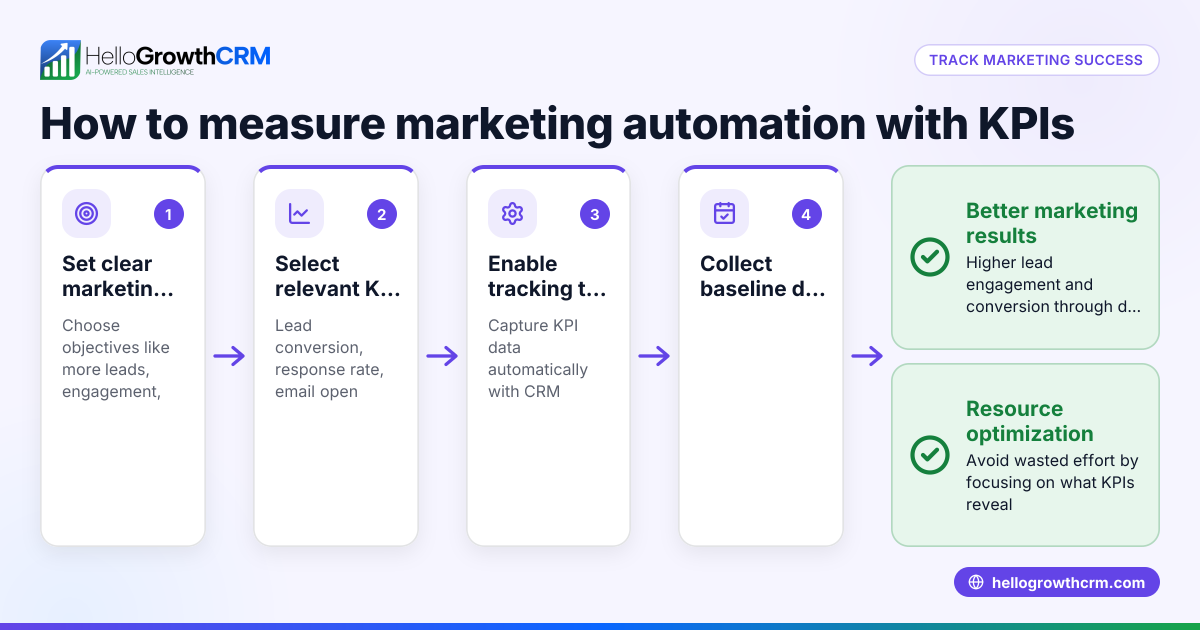
- Monitor campaign performance. Use the plugin’s reporting tools to track open rates, click-through rates, and conversions.
- Refine your campaigns based on data. Adjust messaging, timing, and segmentation to improve effectiveness.
- Train your team to manage email replies. Ensure your sales and marketing teams know how to handle responses and follow up promptly.
- Integrate email marketing with your CRM if possible. Sync leads and email interactions to streamline your sales pipeline and follow-up process.
Example (fictional figures)
A residential real-estate team in Phoenix, Arizona, sells home inspection service packages through their WooCommerce store. They install a WooCommerce email marketing plugin to recover abandoned carts and nurture leads.
- They get 500 abandoned carts monthly.
- The plugin sends a 3-step email sequence over 7 days.
- Each email converts 5% of recipients.
Calculations:
Number of carts recovered from first email = 500 × 5% = 25 Number recovered from second email = (500 - 25) × 5% = 23.75 ≈ 24 Number recovered from third email = (500 - 25 - 24) × 5% = 22.55 ≈ 23 Total carts recovered = 25 + 24 + 23 = 72 Average sale value = $350
Revenue recovered = 72 × $350 = $25,200
This example shows how automated email sequences linked to WooCommerce sales data can significantly increase revenue.
Common mistakes
- Not setting clear goals before choosing a plugin. Prevent this by defining what you want to achieve with email marketing.
- Ignoring plugin compatibility with your WooCommerce version. Always verify compatibility to avoid technical issues.
- Skipping testing of emails before launching campaigns. Send test emails to catch errors in formatting or links.
- Over-emailing customers without stopping sequences when they respond. Space out emails and stop sequences immediately on reply to avoid annoying customers.
- Failing to provide team access to email replies. Use a shared inbox so your sales team can see all responses and follow up quickly. Learn about shared inboxes in email automation and sequences.
- Neglecting to analyze email campaign data. Regularly review metrics to improve your campaigns.
Doing this in HelloGrowthCRM
HelloGrowthCRM offers a HelloMail shared inbox that lets your whole team see replies to quotation emails on the deal, preventing lost follow-up chances. Its sequences and campaigns feature runs automated five-step follow-ups over two weeks and stops as soon as a prospect replies. This helps small businesses automate email outreach efficiently without manual tracking. Learn more about these features at email automation and sequences.
Frequently asked questions
What are WooCommerce email marketing plugins used for? They automate sending targeted emails like abandoned cart reminders, promotional offers, and newsletters based on WooCommerce store data to increase sales and customer retention.
Can I use any email marketing plugin with WooCommerce? Not all plugins integrate smoothly. Choose ones specifically designed or tested for WooCommerce to ensure reliable syncing of customer and order data.
How do automated email sequences help my business? Sequences send timed emails automatically until a customer responds, improving engagement without manual effort. This keeps your brand in front of leads and recovers lost sales.
Is it better to handle email marketing inside a CRM? Yes. Using a CRM like HelloGrowthCRM lets your sales team see all email replies in a shared inbox and manage follow-ups without switching apps. It also supports multi-channel sequences including WhatsApp and SMS. See more at WhatsApp and SMS CRM.
How do I measure the success of my email marketing? Track metrics like open rates, click-through rates, and conversion rates. Most plugins provide these analytics to help refine your campaigns.
Key takeaways
- WooCommerce email marketing plugins automate customer follow-up and promotional emails linked to your store.
- Define clear marketing goals and check plugin compatibility before installation.
- Use automated email sequences to recover abandoned carts and nurture leads.
- Avoid common mistakes like over-emailing and ignoring team access to replies.
- HelloGrowthCRM supports email automation with shared inboxes and sequences that stop when prospects reply.
Start improving your WooCommerce email marketing today with HelloGrowthCRM. Start on the Free Forever plan (200 leads, no credit card).
Ready to put this into practice?
Set up your pipeline, WhatsApp follow-ups, and AI lead scoring in minutes — free, no credit card.
Try HelloGrowthCRM freeGet CRM tips in your inbox
Join thousands of sales professionals who get weekly insights on CRM strategy, AI automation, and pipeline optimization.

The HelloGrowthCRM team publishes guides on CRM strategy, AI sales tools, and revenue operations for small business sales teams.