HelloGrowthCRM software
Built for real small-business sales teams
HelloGrowthCRM helps reps qualify faster, follow up on time, and close more deals—with practical automation in one place.
- AI lead scoring and pipeline visibility
- Built-in dialer, WhatsApp, and email automation
- Sales forecasting and RevOps-ready reporting
Xero CRM integrations help small and mid-sized UK businesses link their CRM and accounting systems to avoid manual data entry and improve sales and finance coordination. This guide explains why you need these integrations, how to evaluate options step-by-step, a worked example for a Manchester letting agency, common mistakes to avoid, and how HelloGrowthCRM can assist your sales team.
Why this comes up / what goes wrong
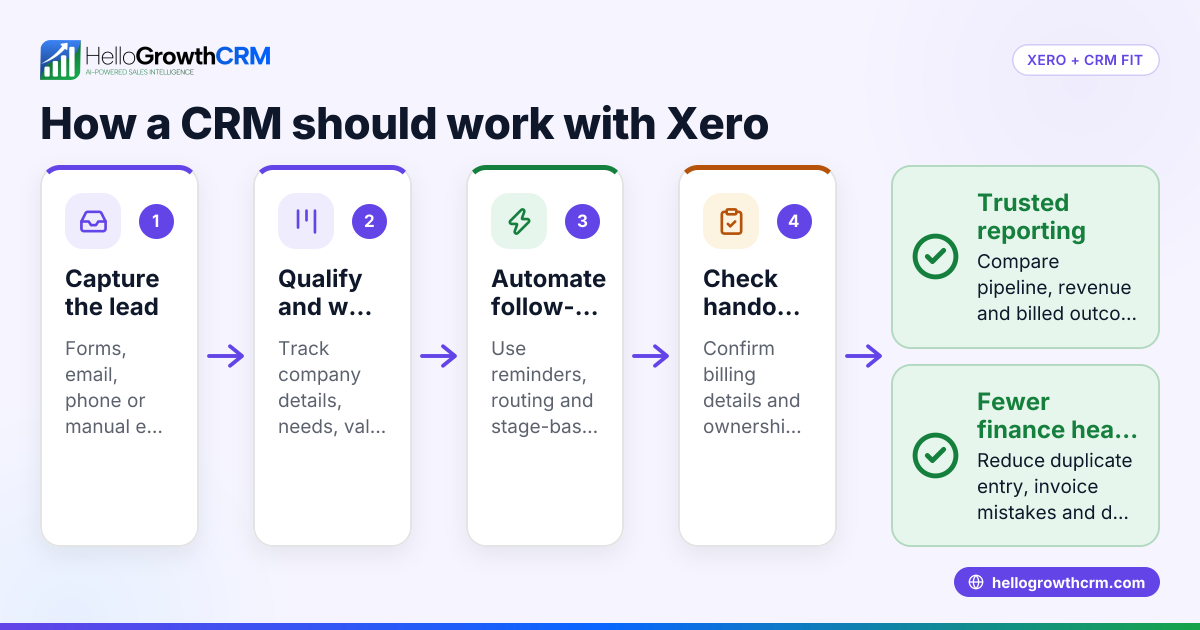
Many UK small businesses run sales and customer data in one system and accounting in Xero separately. Without integration, sales leads, invoices, payments, and customer details must be entered twice, causing delays, errors, and lost leads. Business owners searching for "Xero CRM integrations" want to automate this flow to speed up invoicing, track payments against sales opportunities, and reduce admin. However, not all integrations sync the right data or fit the sales process, leading to frustration or incomplete automation.
Step-by-step
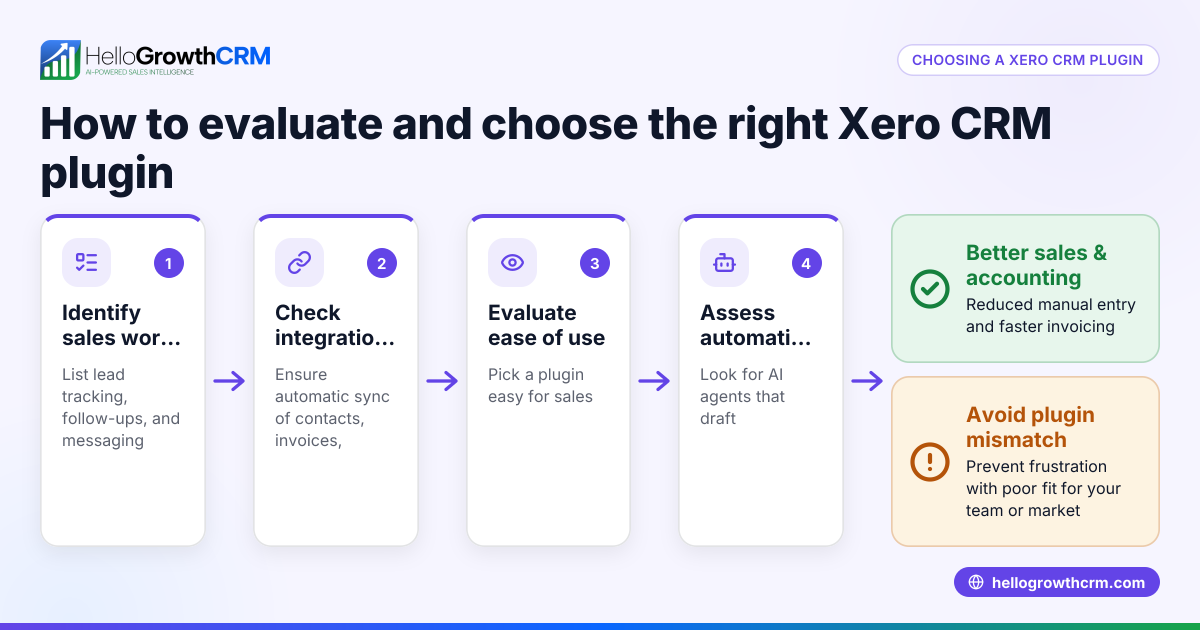
- Identify your CRM needs: List what sales data you want linked to Xero (e.g., customer contacts, quotes, invoices). Check if your CRM supports these data points.
- Check integration options: Research CRM providers offering Xero integrations. Verify if they support two-way sync, real-time updates, and error handling.
- Assess ease of setup: Confirm if the integration requires technical skills or is plug-and-play. Check if support or documentation is available.
- Evaluate data security and compliance: Ensure the integration complies with UK data protection laws and Xero’s security requirements.
- Test with sample data: Before full rollout, test the integration with a small set of leads and invoices to confirm accuracy.
- Plan ongoing monitoring: Set up alerts or regular checks to catch sync errors early.
- Consider your sales team’s workflow: Make sure the integration fits how your team works, including mobile use and messaging needs.
- Compare costs and scalability: Check if the integration pricing scales with your business growth.
For more on sales team workflows, see WhatsApp and SMS CRM.
Example (fictional figures)
A letting agency in Manchester wants to link its CRM with Xero to automate invoicing after a rental agreement is signed.
- Monthly new lets: 50
- Average rental fee per let: £1,200
- Total monthly invoiced: 50 × £1,200 = £60,000
They choose a CRM with Xero integration that syncs customer contacts and invoices automatically.
- Without integration, admin time per invoice: 10 minutes
- Total admin time monthly: 50 × 10 = 500 minutes = 8 hours 20 minutes
- At £15/hour admin cost: 8.33 × £15 = £125
With integration, admin time reduces to 2 minutes per invoice for verification.
- New admin time: 50 × 2 = 100 minutes = 1 hour 40 minutes
- New admin cost: 1.67 × £15 = £25
Savings per month: £125 - £25 = £100
This saves time and reduces errors, helping the agency invoice promptly and improve cash flow.
Common mistakes
- Choosing integrations without two-way sync: Prevent by verifying the integration updates data both ways to keep CRM and Xero aligned.
- Ignoring user experience: Prevent by involving sales and finance teams in testing to ensure workflows are smooth.
- Neglecting data security: Prevent by reviewing compliance with UK GDPR and Xero security standards.
- Skipping testing phase: Prevent by running pilot tests with real data before full deployment.
- Overlooking mobile and messaging needs: Prevent by checking if the CRM supports mobile messaging tools your team uses, like WhatsApp.
- Failing to monitor sync errors: Prevent by setting up alerts or regular audits to catch issues early.
Learn how to streamline sales follow-ups with a built-in CRM dialer.
Doing this in HelloGrowthCRM
HelloGrowthCRM supports sales teams with WhatsApp and SMS messaging, where conversations with leads are logged on their record and follow-ups can be sent as messages. Its AI agents (in Beta on Growth plans) draft follow-up messages after calls, so reps only review and send them, saving time. The Free Forever plan lets a two-person team run a full Kanban pipeline at no cost until they need calling or WhatsApp automation. This helps small UK businesses manage sales pipelines efficiently alongside their accounting in Xero.
Frequently asked questions
What exactly does a Xero CRM integration do? It connects your CRM system with Xero accounting software to automate sharing of customer data, invoices, and payments, reducing manual entry and errors.
Can I use any CRM with Xero? Not all CRMs offer Xero integration, and those that do vary in features. Check if the CRM supports two-way sync and fits your sales process.
Is it difficult to set up Xero CRM integrations? Some integrations are plug-and-play, while others need technical setup. Review documentation and support availability before choosing.
Will integrating CRM with Xero save my team time? Yes, by automating data entry and syncing sales and finance information, your team spends less time on admin and more on selling.
Does HelloGrowthCRM integrate with Xero? This article does not cover direct Xero integration by HelloGrowthCRM. However, HelloGrowthCRM offers sales features like WhatsApp and SMS messaging and AI agents that improve sales follow-up efficiency.
How do I ensure data security with these integrations? Choose providers compliant with UK data protection laws and Xero’s security standards. Regularly monitor integration activity.
For more on managing sales communications, see HelloGrowthCRM for the United Kingdom.
Key takeaways
- Xero CRM integrations automate data flow between sales and accounting, reducing errors and admin time.
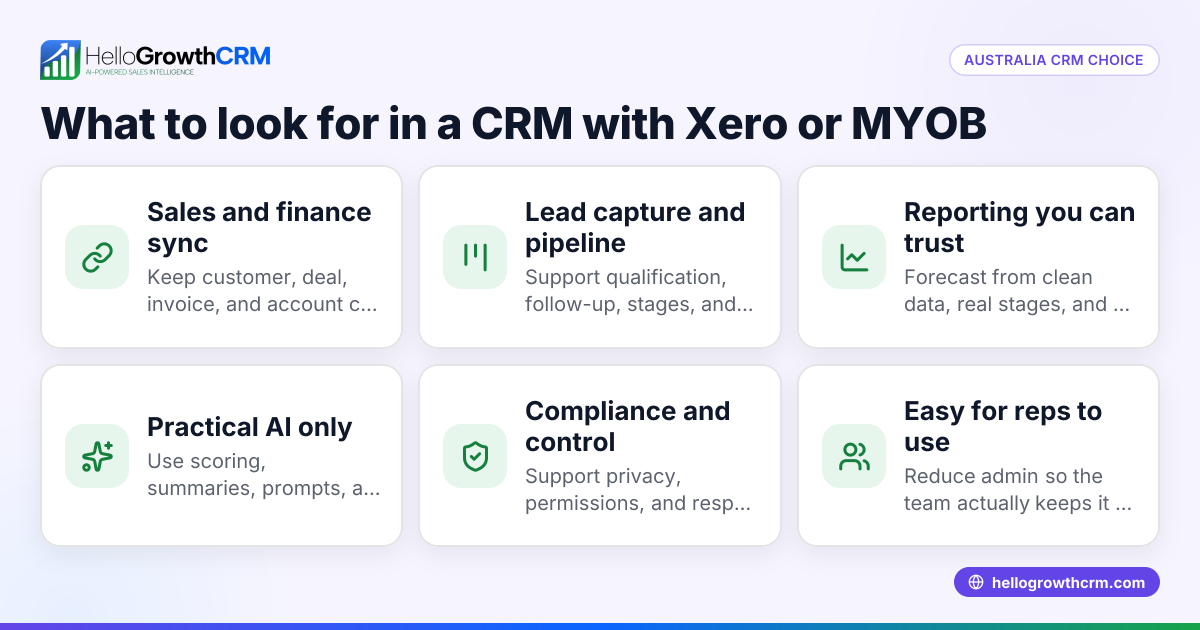
- Evaluate integrations for two-way sync, ease of setup, compliance, and fit with your sales workflow.
- Test integrations with sample data before full rollout to avoid costly mistakes.
- Avoid common pitfalls like ignoring mobile messaging needs and failing to monitor sync errors.
- HelloGrowthCRM offers WhatsApp and SMS messaging, AI agents, and a Free Forever plan to support sales teams.
Start automating your sales pipeline with HelloGrowthCRM. Start on the Free Forever plan (200 leads, no credit card).
Ready to put this into practice?
Set up your pipeline, WhatsApp follow-ups, and AI lead scoring in minutes — free, no credit card.
Try HelloGrowthCRM freeGet CRM tips in your inbox
Join thousands of sales professionals who get weekly insights on CRM strategy, AI automation, and pipeline optimization.

The HelloGrowthCRM team publishes guides on CRM strategy, AI sales tools, and revenue operations for small business sales teams.