HelloGrowthCRM software
Built for real small-business sales teams
HelloGrowthCRM helps reps qualify faster, follow up on time, and close more deals—with practical automation in one place.
- AI lead scoring and pipeline visibility
- Built-in dialer, WhatsApp, and email automation
- Sales forecasting and RevOps-ready reporting
If you are a UK small business owner searching for a Zoho alternative to HubSpot, focus on your priorities such as ease of use, integration options, pricing, and sales features. This article compares Zoho and HubSpot on key criteria, helping you decide which CRM fits your business needs best and why you might seek an alternative.
Why this comes up / what goes wrong
Many UK small businesses begin by managing sales and leads using spreadsheets, email, or WhatsApp. As they grow, they need a CRM to organise leads, automate follow-up, and forecast sales more efficiently. HubSpot and Zoho are popular CRM choices but each has drawbacks that lead business owners to look for alternatives. HubSpot can become costly as contacts increase, while Zoho’s interface and setup may be too complex or overwhelming for smaller teams. These challenges prompt owners to search for a Zoho alternative to HubSpot that balances functionality, usability and cost effectively.
Step-by-step
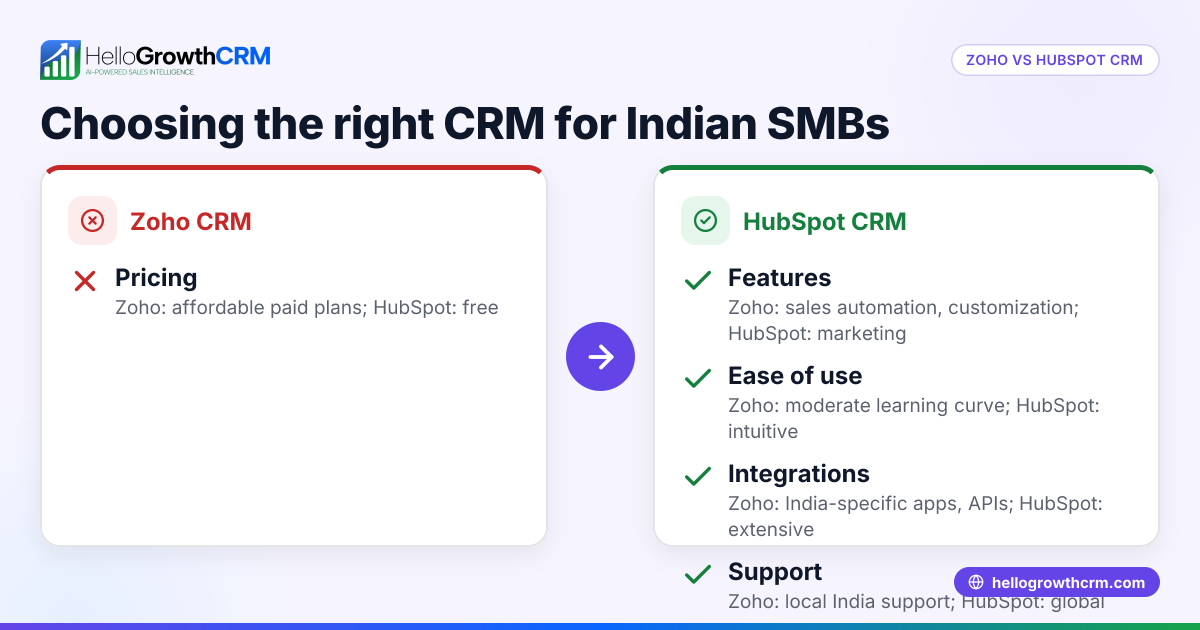
Below is a comparison table of Zoho and HubSpot on key criteria important to UK small businesses:
| Criterion | Zoho CRM | HubSpot CRM |
|---|---|---|
| Ease of Use | Moderate learning curve; many features may overwhelm small teams | User-friendly interface; designed for quick onboarding |
| Pricing | Affordable entry-level plans; costs rise with add-ons and users | Free tier available; paid tiers can be costly as contacts increase |
| Sales Automation | Good automation including workflows and macros | Strong automation with sequences, workflows and integrations |
| Integration Options | Integrates with many apps but some require technical setup | Extensive integrations and marketplace for apps |
| Reporting & Forecasting | Customisable reports; some complexity in setup | User-friendly dashboards and forecasting tools |
| Mobile App | Available but less polished than competitors | Highly rated mobile app for sales teams |
| Support | Email and chat support; some users report slow responses | Comprehensive support including knowledge base and community |
Who should pick which?
- Choose Zoho if you need a budget-friendly CRM with robust automation and are ready to invest time in setup and training.
- Choose HubSpot if you prioritise ease of use, quick onboarding, and are willing to pay more for scalability and polished mobile access.
For a detailed CRM comparison, see our compare CRMs page.
Example (fictional figures)
A letting agency in Manchester with 15 employees is deciding between Zoho and HubSpot. They expect 1,200 leads per year and want to automate follow-ups and forecast monthly rental deals.
- Zoho CRM entry-level plan: £25 per user per month
- HubSpot Starter plan: £45 per user per month
Calculate monthly cost for Zoho: £25 × 15 users = £375
Calculate annual cost for Zoho: £375 × 12 months = £4,500
Calculate monthly cost for HubSpot: £45 × 15 users = £675
Calculate annual cost for HubSpot: £675 × 12 months = £8,100
The letting agency saves £3,600 annually by choosing Zoho but should consider the time spent setting up automation and training staff to use it effectively.
Common mistakes
- Choosing CRM based on price alone – This can lead to missing essential features your business needs. Prevent this by listing must-have functions before comparing costs.
- Ignoring user adoption – A complex CRM might not be used by your team, reducing its value. Prevent this by trialling the interface with actual users before committing.
- Overlooking integration needs – Not all CRMs connect well with your existing tools like email, WhatsApp or spreadsheets. Prevent this by checking integration options early in your research.
- Underestimating scaling costs – Free or low-cost tiers may become expensive as you add contacts or users. Prevent this by estimating future costs based on your growth plans.
- Skipping training and onboarding – Lack of training leads to poor use and lost opportunities. Prevent this by planning onboarding sessions and ongoing support.
Learn more about integrating sales tools in the UK on our HelloGrowthCRM for the United Kingdom page.
Frequently asked questions
What is the main difference between Zoho and HubSpot? Zoho offers a more cost-effective solution with extensive features but requires more setup time and a steeper learning curve. HubSpot focuses on ease of use and quick onboarding but can be more expensive as you add contacts and features.
Can I switch from HubSpot to Zoho or vice versa easily? Migrating data between CRMs is possible but may require manual work or third-party tools. Plan for potential downtime and data cleaning during the switch to avoid losing important information.
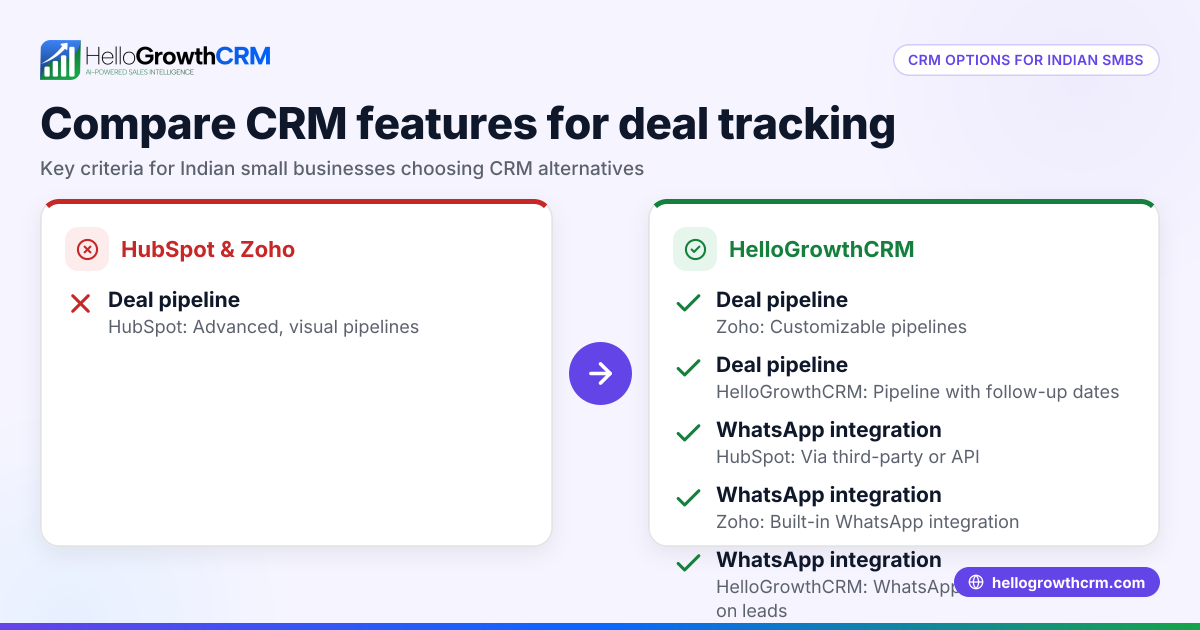
Do both CRMs support WhatsApp communication? Both offer integrations for WhatsApp, but setup complexity and features vary. Check each CRM’s integration marketplace or API capabilities for details relevant to your business.
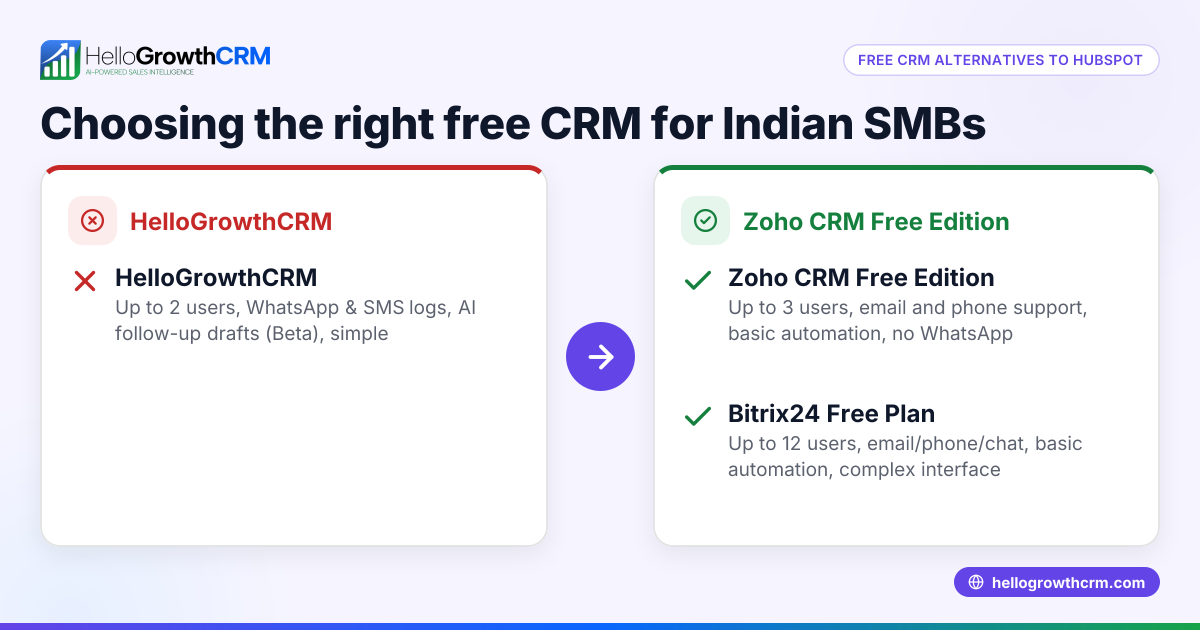
Is there a free plan available? HubSpot offers a free tier with basic CRM features, while Zoho also has a free plan but with limited users and features. Evaluate if the free plans meet your business needs before upgrading.
How important is CRM mobile app quality? For sales teams frequently on the move, a polished mobile app improves responsiveness and data accuracy. HubSpot’s app is generally rated higher, which can be a deciding factor for mobile-first teams.
See more on CRM communication tools in our WhatsApp and SMS CRM guide.
Key takeaways
- Zoho and HubSpot are both capable CRMs but suit different business needs.
- Zoho is better for budget-conscious businesses ready to invest time in setup and training.
- HubSpot excels in ease of use, quick team adoption and mobile app quality but can be pricier.
- Consider integration options, automation capabilities and mobile app quality when choosing.
- Plan for training and future scaling costs to avoid surprises.
Start your CRM journey with confidence by exploring options on our compare CRMs page.
Begin with the Free Forever plan (200 leads, no credit card) at Start on the Free Forever plan (200 leads, no credit card).
Ready to put this into practice?
Set up your pipeline, WhatsApp follow-ups, and AI lead scoring in minutes — free, no credit card.
Try HelloGrowthCRM freeGet CRM tips in your inbox
Join thousands of sales professionals who get weekly insights on CRM strategy, AI automation, and pipeline optimization.

The HelloGrowthCRM team publishes guides on CRM strategy, AI sales tools, and revenue operations for small business sales teams.