Customer Renewal Email Sequence(Free Download)
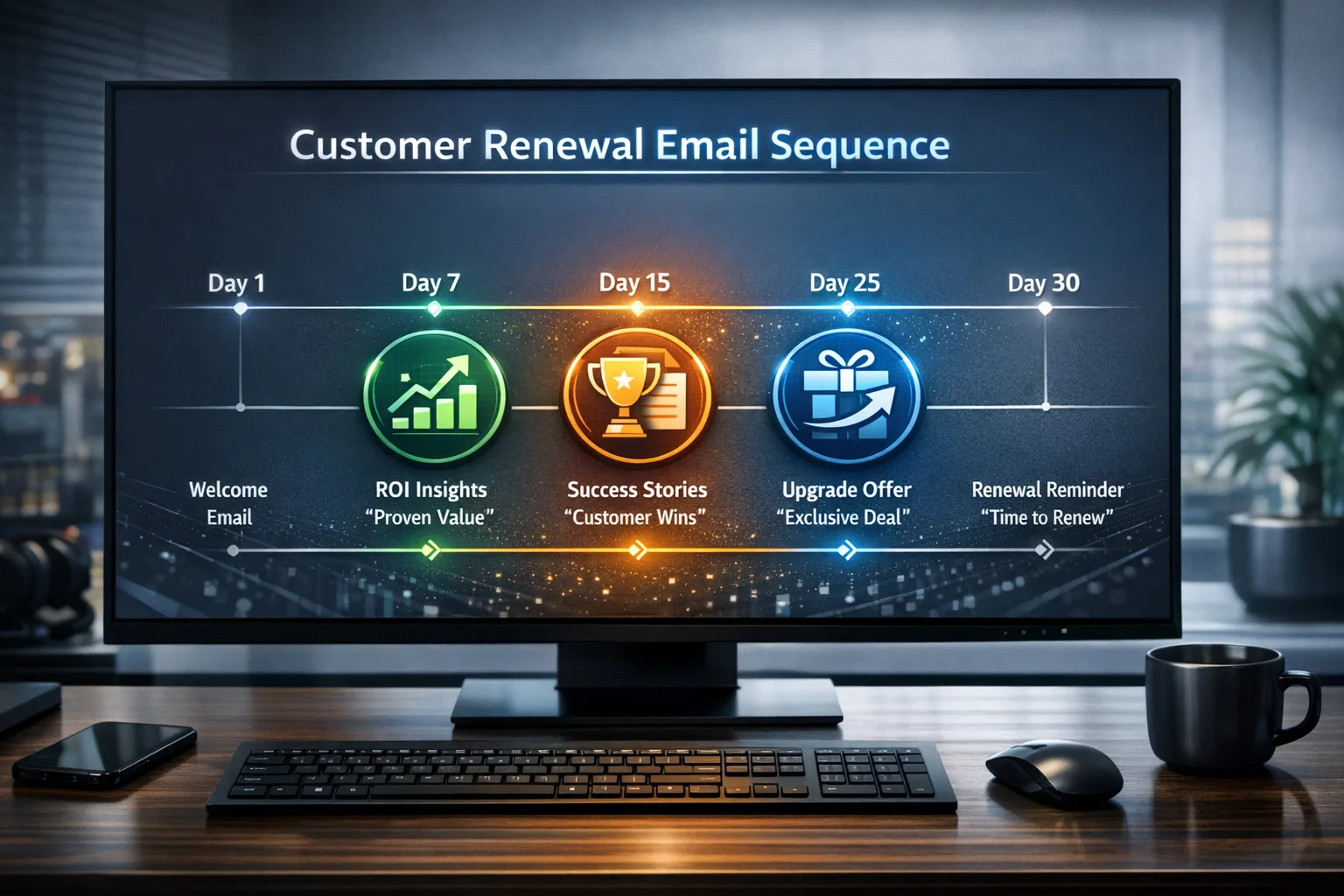
6-email renewal sequence starting 90 days before expiry with ROI recaps, success stories, and upgrade offers.
Template preview
Email sequence builder
What's included
6-email renewal sequence starting 90 days before expiry with ROI recaps, success stories, and upgrade offers.
Template specs
Updated 2026-02-23
No credit card · Free forever
A 6-email renewal sequence triggered 90 days before contract expiry. Includes ROI recap emails, success story showcases, new feature announcements, exclusive upgrade offers, and urgency-based closing emails. Personalizes messaging based on account health score. The sequence is deliberately value-first: the opening email recaps what the customer achieved this year using their own usage numbers, and pricing does not appear until email 5 at the 30-day mark, by which point the renewal conversation is anchored in outcomes rather than cost. Health-score branching changes the entire tone of the sequence — green accounts see expansion offers and new-tier features, yellow accounts get value reinforcement and a check-in call invite, and red accounts trigger an immediate CSM alert plus save-play messaging that acknowledges friction instead of pretending everything is fine. Every email cc-logs to the account timeline so the CSM walks into the renewal call knowing exactly what the customer has seen and clicked.
The Problem This Solves
Renewal conversations start too late and focus on price instead of value. Without proactive communication, customers question ROI and explore alternatives.
Who It's For
Customer success teams, renewal managers, and account managers at SaaS and subscription businesses.
Use Cases
- Proactively start renewal conversations 90 days before expiry
- Demonstrate ROI and value realization before price discussions
- Surface upgrade opportunities during the renewal process
How to Use This Template
- 1
Import the sequence and set trigger: 90 days before contract end date
- 2
Customize ROI metrics with customer-specific usage data
- 3
Branch messaging based on health score: Green (upgrade focus), Yellow (value reinforcement), Red (retention save)
- 4
Enable CSM alerts when customers click upgrade links or request meetings
- 5
Track renewal conversion rate and time-to-renewal as key metrics
Inside the template: sample data
The exact rows that ship with the Customer Renewal Email Sequence download — replace them with your own records after import.
| Days Before Expiry | Focus | Health-Score Branch | |
|---|---|---|---|
| 1 — Year-in-review ROI recap | 90 | Value achieved, usage stats | All accounts |
| 2 — Success story showcase | 75 | Peer proof, similar industry | All accounts |
| 3 — What's new + roadmap | 60 | Feature announcements | Green: upgrade tease |
| 4 — Check-in / health touch | 45 | Open feedback invite | Yellow: call invite · Red: CSM alert |
| 5 — Renewal terms + offer | 30 | Pricing, upgrade incentive | Green: expansion offer |
| 6 — Renewal deadline reminder | 14 | Urgency, clear next step | Red: save play |
Frequently Asked Questions
For Red health score accounts, the sequence shifts to 'save' messaging: acknowledging challenges, offering executive sponsorship, and providing a remediation plan. CSM is alerted immediately.
Not until email 5 (30 days out). The first 4 emails focus entirely on value. By the time pricing comes up, you've reestablished ROI and the conversation is anchored in value, not cost.
Use merge fields tied to usage metrics your CRM already stores — deals managed, contacts added, automations run, hours saved estimates. The template's first email has four metric slots; even two real numbers ('your team logged 1,240 calls and closed 86 deals this year') outperform a generic value statement. For strategic accounts, the CSM can override the merge fields with hand-picked highlights.
No — it sets the call up. The emails do the repetitive work of re-establishing value and surfacing intent signals, then the CSM steps in when the customer clicks an upgrade link, requests a meeting, or shows red-account behavior. Teams that ran the emails without any human follow-up saw the urgency emails read as automated pressure; the sequence works best as air cover for a real conversation.
Ready to use this template?
Deploy Customer Renewal Email Sequence in HelloGrowthCRM with one click. Get started free — no credit card · free forever.
Free forever · No credit card required · Set up in minutes
Related resources
Related Templates
Renewal & Retention Pipeline
Track upsell and renewal opportunities through a 6-stage pipeline with churn risk scoring and expansion signals.
Customer Success Health Check
Quarterly recurring health check workflow: six milestone stages from usage and NPS through renewal risk, expansion, and automated CSM follow-up.
Deal Lost Re-engagement Workflow
Full win-back playbook: enroll on Closed Lost, 30/60/90-day value emails, re-engagement scoring (0–100), tiered sales alerts, tasks, and clear outcomes.