Customer Success Health Check(Free Download)
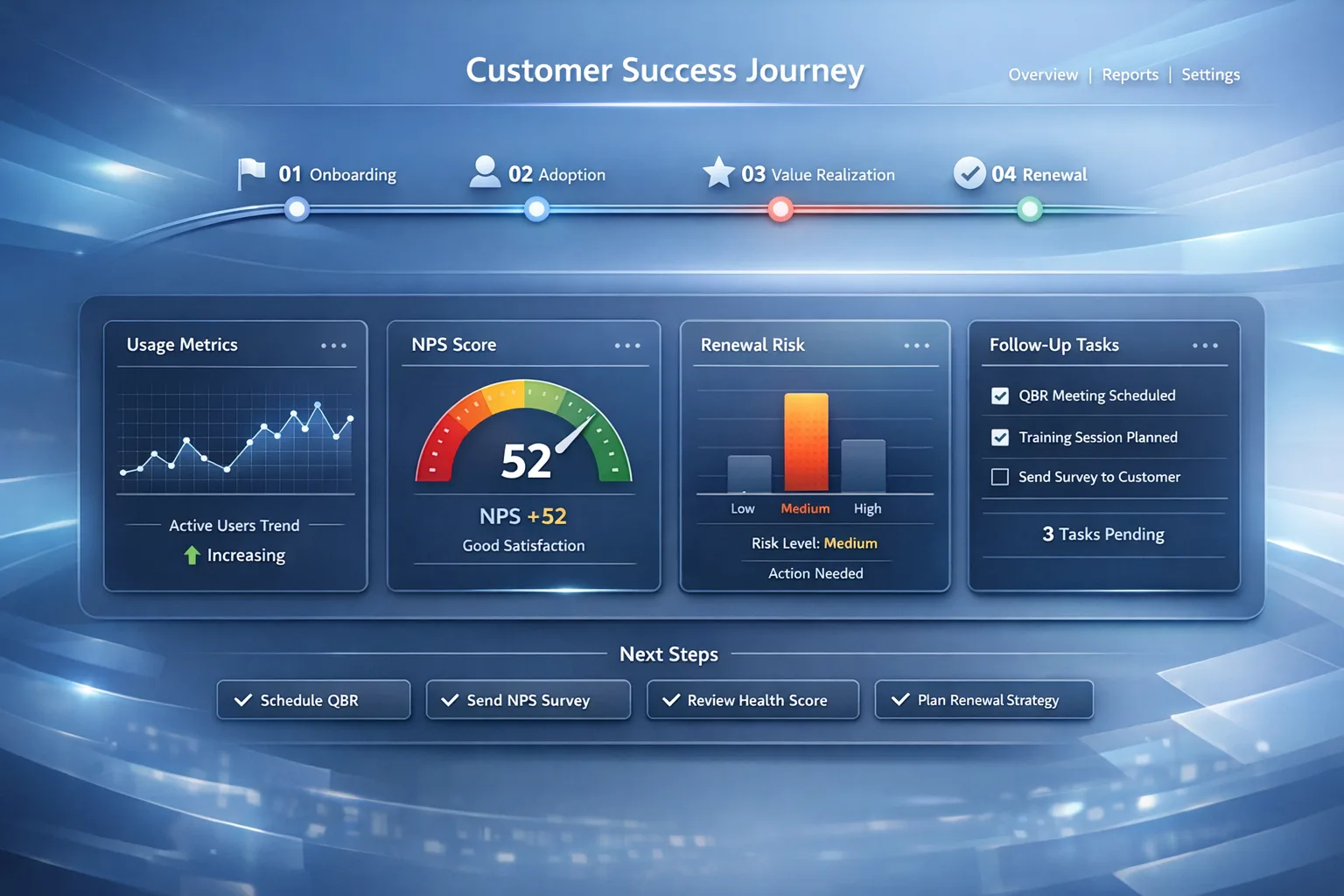
Quarterly recurring health check workflow: six milestone stages from usage and NPS through renewal risk, expansion, and automated CSM follow-up.
Template preview
Onboarding checklist
What's included
Six milestone stages with 24 checklist tasks, quarterly cadence, exportable scorecard rows, and suggested automations for CSM alerts and follow-up tasks.
Automation rules
- Quarter (or tier) start: spawn health-check project and milestone tasks
- NPS window complete: update sentiment fields and alert on detractors
- High renewal risk: assign mitigation playbook and stakeholder tasks
- Expansion signals: create handoff or opportunity for sales / AM
- Review closed: digest to CSMs and schedule next quarter’s run
Dashboards & views
- Quarterly completion by CSM
- Accounts flagged: declining usage, negative sentiment, renewal risk
- Expansion pipeline sourced from health review
Template specs
Updated 2026-03-21
No credit card · Free forever
A structured customer success workflow for every quarter: review usage and engagement, capture sentiment (NPS) and support signals, analyze adoption and value, assess renewal risk with mitigation plans, surface expansion opportunities, then trigger CSM alerts and close the cycle with tasks and the next review date. Designed for task automation and playbook-driven follow-up in HelloGrowthCRM.
The Problem This Solves
Customer success teams react to churn signals too late. Without a repeatable quarterly workflow, at-risk accounts and expansion whitespace are easy to miss.
Who It's For
Customer success managers, CS directors, renewal managers, and RevOps at B2B SaaS and services companies.
Use Cases
- Run the same quarterly health process across your book of business
- Combine product usage, NPS, and support data into one review
- Prioritize renewal risk and expansion with clear milestone handoffs
How to Use This Template
- 1
Open “Use This Template” to walk the interactive checklist (saved in your browser)
- 2
Connect product analytics and support data; define Green / Yellow / Red health thresholds
- 3
Schedule a quarterly automation trigger per account or segment tier
- 4
Export CSV, Excel, or PDF for internal QBRs or customer-facing summaries
- 5
Deploy to HelloGrowthCRM to generate tasks, alerts, and the next quarter’s cycle
Inside the template: sample data
The exact rows that ship with the Customer Success Health Check download — replace them with your own records after import.
| Milestone | # | Task |
|---|---|---|
| 1 — Usage & Engagement | 1 | Pull account usage data for the quarter |
| 1 — Usage & Engagement | 2 | Review login frequency and active user trends |
| 1 — Usage & Engagement | 3 | Review usage of core features |
| 1 — Usage & Engagement | 4 | Compare current usage vs previous quarter |
| 1 — Usage & Engagement | 5 | Flag accounts with declining engagement |
| 2 — Sentiment & Feedback | 6 | Trigger NPS survey to key contact(s) |
| 2 — Sentiment & Feedback | 7 | Capture NPS results and categorize sentiment |
| 2 — Sentiment & Feedback | 8 | Review support ticket volume and issue severity |
| 2 — Sentiment & Feedback | 9 | Flag accounts with negative feedback or open escalations |
| 3 — Adoption & Value | 10 | Analyze feature adoption by account |
| 3 — Adoption & Value | 11 | Identify underused high-value features |
| 3 — Adoption & Value | 12 | Detect onboarding gaps or training needs |
| 3 — Adoption & Value | 13 | Recommend enablement or success plan actions |
| 4 — Renewal Risk | 14 | Calculate renewal risk score |
| 4 — Renewal Risk | 15 | Review contract renewal timeline |
| 4 — Renewal Risk | 16 | Flag accounts with low usage + low sentiment + near renewal |
| 4 — Renewal Risk | 17 | Create risk mitigation plan for at-risk accounts |
| 5 — Expansion | 18 | Identify expansion signals from usage growth |
| 5 — Expansion | 19 | Detect cross-sell or upsell opportunity areas |
| 5 — Expansion | 20 | Flag accounts with strong health and adoption |
| 5 — Expansion | 21 | Create expansion follow-up for CSM or sales |
| 6 — Alerts & Follow-Up | 22 | Trigger automated CSM alert summary |
| 6 — Alerts & Follow-Up | 23 | Create follow-up tasks based on findings |
| 6 — Alerts & Follow-Up | 24 | Mark quarterly review complete and schedule next cycle |
Frequently Asked Questions
Ready to use this template?
Deploy Customer Success Health Check in HelloGrowthCRM with one click. Get started free — no credit card · free forever.
Free forever · No credit card required · Set up in minutes
Related resources
Related Templates
Agency Client Onboarding Checklist
22-step agency onboarding checklist across 5 milestones: kickoff, access & assets, CRM setup, automation, and launch readiness.
E-commerce Customer Lifecycle
Five-step DTC lifecycle: first-purchase welcome, review & feedback, cross-sell & repeat buy, loyalty enrollment, and dormant win-back — with statuses and full automation pack.
Renewal & Retention Pipeline
Track upsell and renewal opportunities through a 6-stage pipeline with churn risk scoring and expansion signals.