HelloGrowthCRM software
Built for real small-business sales teams
HelloGrowthCRM helps reps qualify faster, follow up on time, and close more deals—with practical automation in one place.
- AI lead scoring and pipeline visibility
- Built-in dialer, WhatsApp, and email automation
- Sales forecasting and RevOps-ready reporting
An appointment scheduling CRM for service businesses in Singapore helps you manage bookings efficiently by letting customers pick time slots online, reducing back-and-forth messages. This article explains why service businesses look for these tools, how to evaluate them step-by-step, common pitfalls to avoid, and how HelloGrowthCRM supports appointment scheduling with WhatsApp integration and AI assistance.
Why this comes up / what goes wrong
Service businesses in Singapore such as salons, clinics, consultants, or contractors often rely on manual appointment booking methods like WhatsApp chats, phone calls, or spreadsheets. This leads to errors, missed bookings, and slow follow-ups that lose leads. Business owners want a CRM that not only schedules appointments but also integrates with their communication channels, tracks leads, and automates follow-ups. They need a solution that fits their team size (5-200 employees) and local market, helping them organise sales and customer relationships without juggling multiple tools.
Step-by-step
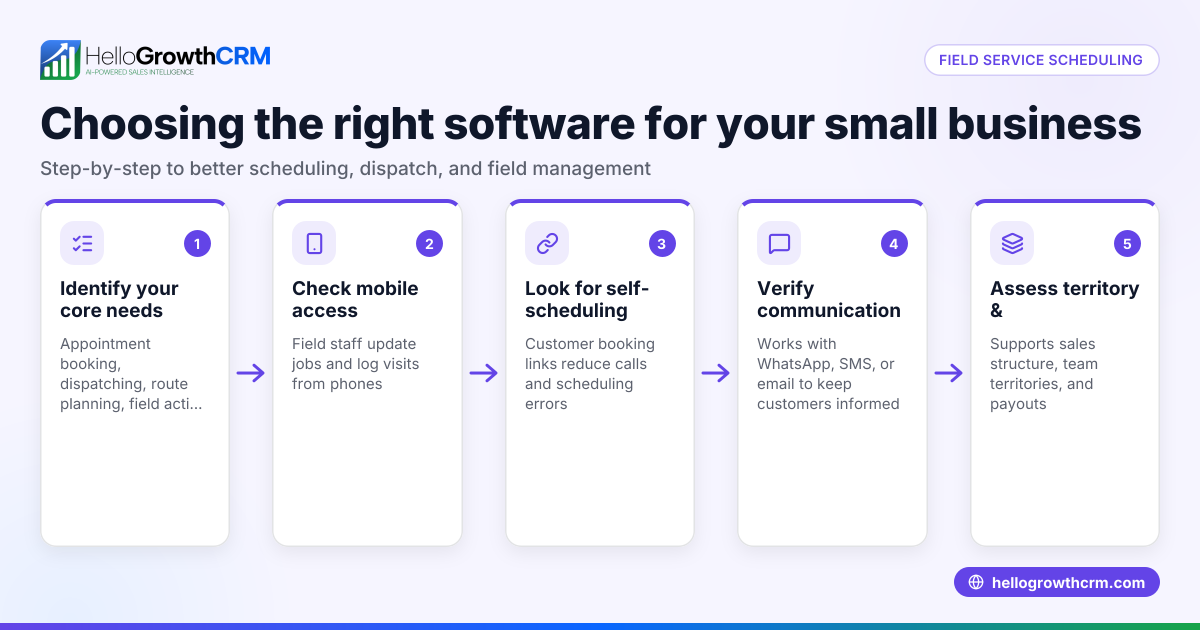
- Identify your appointment booking needs
- Determine if you need online self-booking by customers or manual booking by staff.
- Check if you require multiple service types, staff calendars, or location management.
- Check channel integration
- Confirm the CRM supports channels you use, especially WhatsApp and SMS, as many Singapore customers prefer these.
- Ensure conversations with leads are logged and linked to their records.
- Evaluate scheduling features
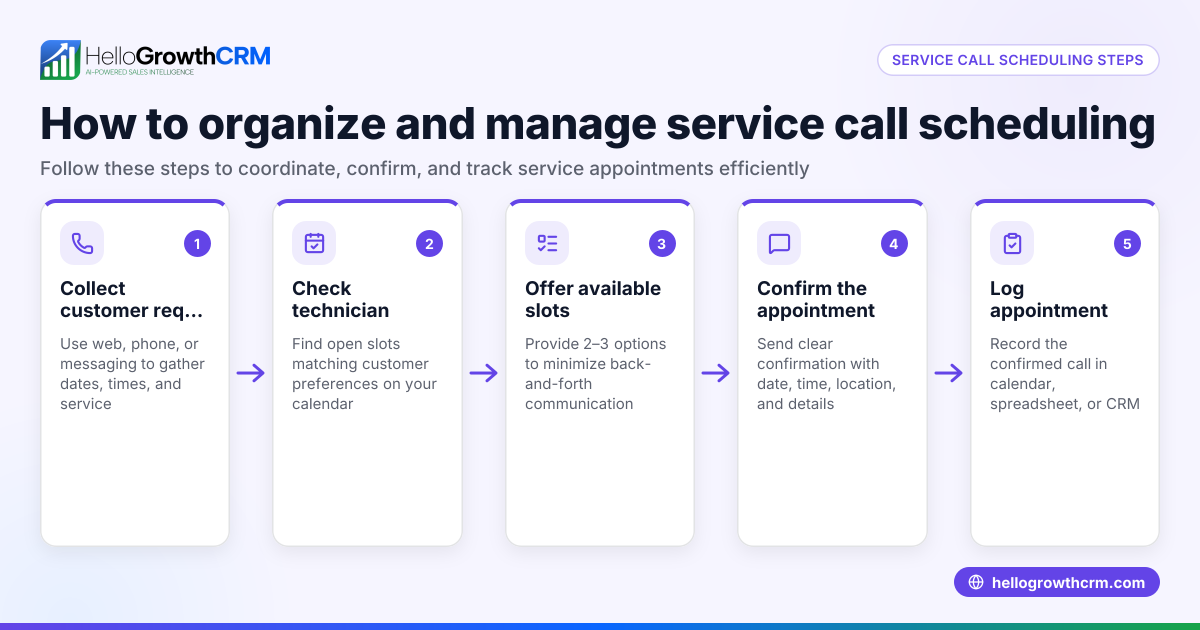
- Look for a meeting scheduler that lets prospects pick available slots via a link, avoiding back-and-forth messaging.
- Check if the scheduler handles reminders and rescheduling.
- Consider automation and AI support
- See if the CRM offers AI agents to draft follow-up messages after calls or bookings, reducing manual work.
- Assess usability and adoption
- Choose a CRM with a simple interface your sales and service teams will actually use.
- Verify mobile accessibility for teams often on the move.
- Review reporting and pipeline management
- Confirm the CRM tracks appointments in the sales pipeline and provides follow-up task boards.
- Trial and compare
- Use free trials or demo versions to test scheduling flows and communication logging.
- Compare costs and features side-by-side.
- Ask about local support and compliance
- Check if the vendor understands Singapore business customs and data privacy requirements.
For a detailed look at scheduling features, see the meeting scheduler page.
Example (fictional figures)
A renovation contractor in Jurong wants to reduce lost leads from slow appointment booking. They estimate 100 new leads monthly, with a 20% conversion rate and an average project value of S$15,000.
- Leads per month = 100
- Conversion rate = 20%
- Average project value = S$15,000
Monthly sales = 100 × 20% = 20 projects
Monthly revenue = 20 × S$15,000 = S$300,000
The contractor aims to improve follow-up speed and booking efficiency to increase converted leads and revenue.
Common mistakes
- Choosing a CRM without WhatsApp integration
- Prevent by verifying the CRM logs WhatsApp chats and supports message follow-ups, as many Singapore customers prefer WhatsApp.
- Overlooking user-friendliness
- Choose software your team finds easy to use to avoid low adoption.
- Ignoring appointment reminders and rescheduling options
- Ensure the CRM can send automated reminders and handle rescheduling to reduce no-shows.
- Not testing the scheduling link before launch
- Test the booking link on multiple devices to ensure smooth customer experience.
- Failing to consider mobile access
- Your team may need to manage bookings on the go; check mobile app or mobile-friendly interface.
- Neglecting follow-up automation
- Use AI or workflows to draft and send follow-ups after calls or bookings to speed up lead engagement.
Learn more about integrating messaging with your CRM on the WhatsApp and SMS CRM page.
Doing this in HelloGrowthCRM
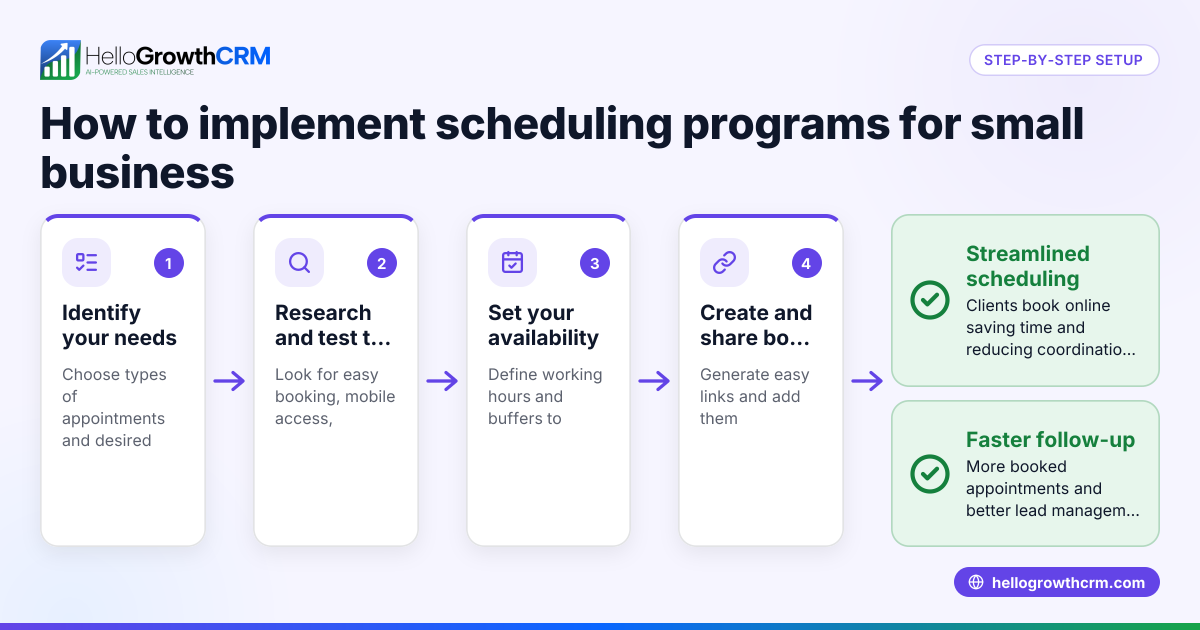
HelloGrowthCRM offers a scheduling and booking feature where prospects pick a slot from a link, eliminating back-and-forth on WhatsApp. WhatsApp conversations are logged on the lead record, and follow-ups can be sent as WhatsApp or SMS messages. Additionally, AI agents (in beta on Growth plans) draft follow-up messages after calls, so your sales reps only need to review and send, saving time and improving responsiveness. Explore these capabilities to streamline your service business's appointment management.
Frequently asked questions
What is the benefit of a CRM with appointment scheduling for service businesses? A CRM with appointment scheduling reduces manual booking errors, speeds up lead engagement, and keeps all communication in one place. It helps service businesses avoid losing leads due to slow follow-up and improves customer experience by offering online self-booking.
Can I use WhatsApp for appointment scheduling in Singapore? Yes, many Singapore businesses use WhatsApp for customer communication. A CRM that integrates WhatsApp logs conversations and enables sending follow-ups via WhatsApp messages, making appointment management more efficient.
How does AI help with appointment scheduling in a CRM? AI agents can draft follow-up messages after calls or bookings, reducing the manual workload for sales reps. This helps maintain timely communication with leads and increases the chance of conversion.
Is mobile access important for appointment scheduling CRM? Yes, mobile access allows your team to manage bookings and communicate with leads while on the move, which is common for service businesses like contractors or consultants.
How do I know if a CRM's scheduling feature fits my business? Test the scheduler’s ability to handle your service types, staff calendars, and customer booking flow. Check if the booking link is easy for customers to use and if reminders and rescheduling work smoothly.
For more on scheduling features, see the meeting scheduler page.
Key takeaways
- Appointment scheduling CRMs help service businesses reduce lost leads by enabling online booking and faster follow-up.
- Integration with WhatsApp and SMS is vital in Singapore for smooth communication and logging.
- AI agents can automate follow-up message drafting, saving time for sales reps.
- Testing usability, mobile access, and scheduling features before buying ensures better adoption.
- Avoid common mistakes like neglecting reminders, mobile use, and WhatsApp integration.
Start managing your appointments and leads efficiently with HelloGrowthCRM. Start on the Free Forever plan (200 leads, no credit card) today.
Ready to put this into practice?
Set up your pipeline, WhatsApp follow-ups, and AI lead scoring in minutes — free, no credit card.
Try HelloGrowthCRM freeGet CRM tips in your inbox
Join thousands of sales professionals who get weekly insights on CRM strategy, AI automation, and pipeline optimization.

The HelloGrowthCRM team publishes guides on CRM strategy, AI sales tools, and revenue operations for small business sales teams.