HelloGrowthCRM software
Built for real small-business sales teams
HelloGrowthCRM helps reps qualify faster, follow up on time, and close more deals—with practical automation in one place.
- AI lead scoring and pipeline visibility
- Built-in dialer, WhatsApp, and email automation
- Sales forecasting and RevOps-ready reporting
A customer support plan template helps small businesses organise how they respond to customer queries, manage tickets, and maintain satisfaction. It sets clear processes to ensure timely and consistent service, preventing lost leads or unhappy customers due to slow or disorganised follow-up.
Why this comes up / what goes wrong
Many UK small businesses struggle with customer support because they rely on scattered tools like WhatsApp, email, and spreadsheets. This causes missed requests, slow responses, and no clear way to track issues or measure customer satisfaction. Without a structured plan, teams can be inconsistent, leading to frustrated customers and lost sales opportunities.
Step-by-step
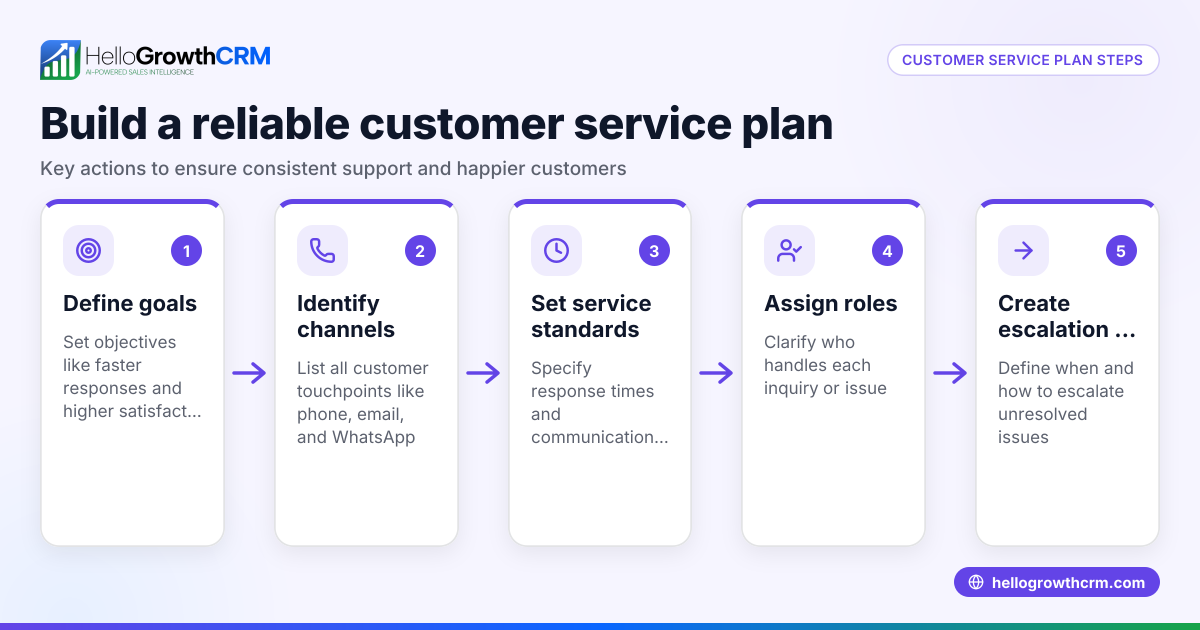
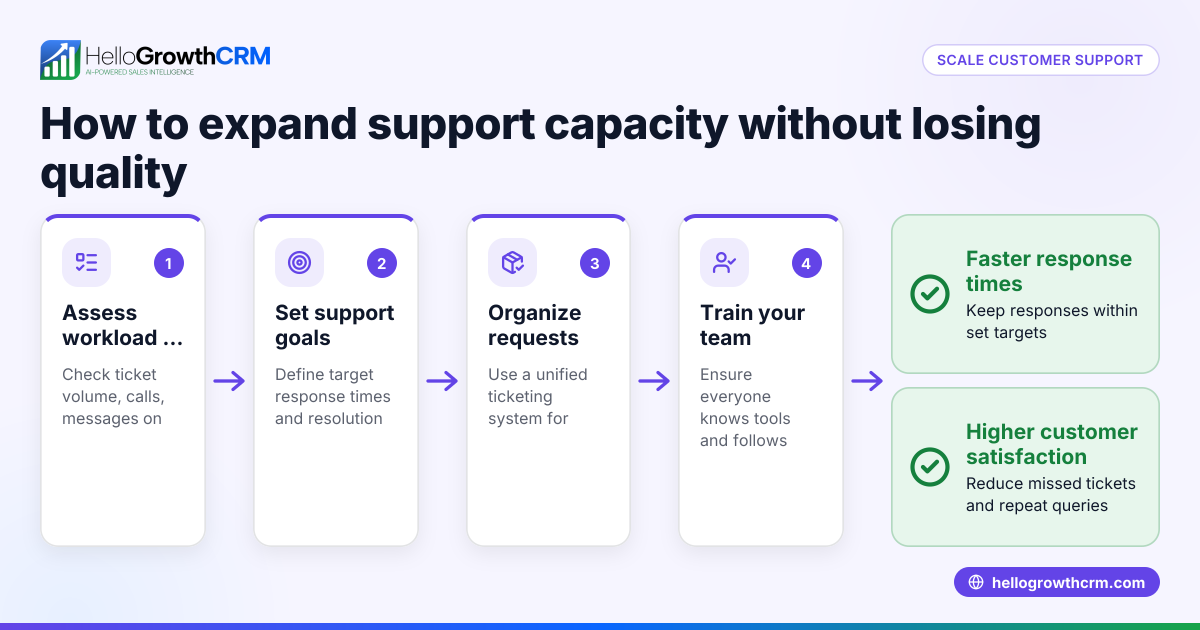
- Define your support goals and scope: Decide what types of support you offer (product help, billing, technical issues) and set realistic response time targets. Check that these goals match your team size and resources.
- Identify support channels: List all customer contact methods (phone, email, WhatsApp, web forms). Assign team members or processes to each channel to ensure timely replies.
- Create a ticketing process: Establish a system to log, prioritise, and resolve support requests. Check that every ticket is tracked from opening to closure to avoid lost issues.
- Set up a knowledge base: Gather common questions and solutions in a shared library accessible to staff and customers. Verify it is easy to update and use.
- Assign roles and responsibilities: Specify who handles initial contact, escalations, and follow-ups. Check that everyone understands their tasks and deadlines.
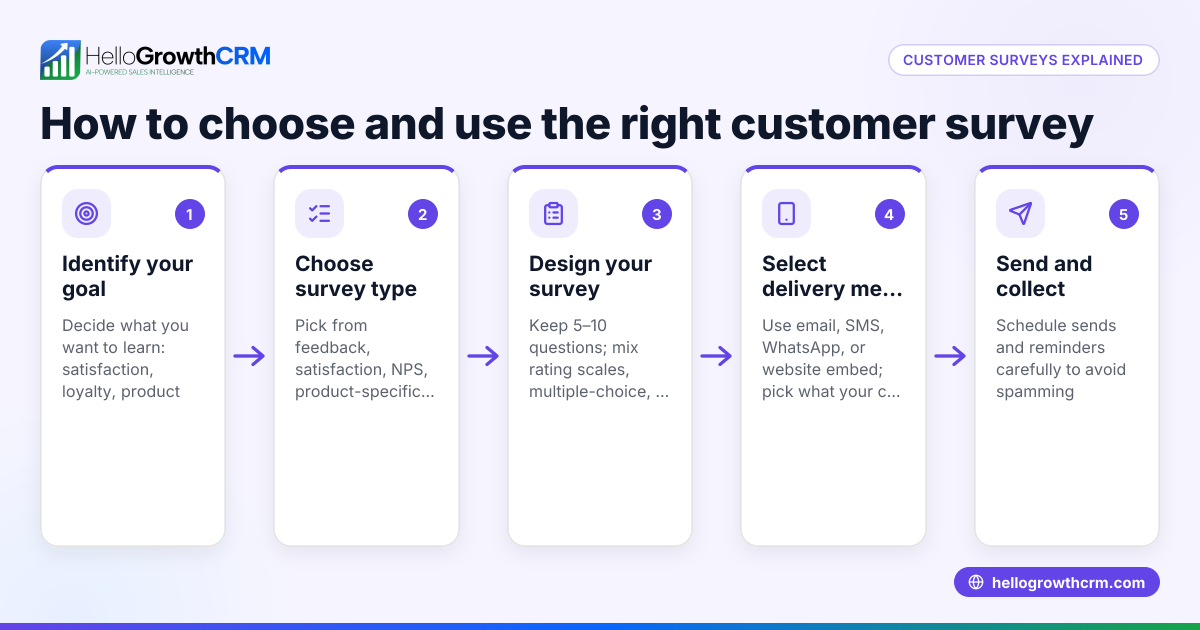
- Collect customer feedback regularly: Plan how to gather and review satisfaction data. Check that feedback leads to continuous support improvements.
- Monitor and report on support metrics: Track response times, ticket volumes, and resolution rates. Review reports regularly to identify bottlenecks or training needs.
- Review and update the plan regularly: Schedule periodic reviews to adjust processes as your business and customer needs evolve.
For downloadable sales templates that can be adapted for support tracking, see the sales templates and free sales tools and calculators.
Example (fictional figures)
An accountancy practice in Birmingham starts a customer support plan on 01/04/2026.
- Monthly support requests expected: 150
- Average handling time per request: 20 minutes
- Support staff available: 2 full-time (each works 160 hours/month)
Calculate total handling time needed:
150 requests × 20 minutes = 3,000 minutes
Convert to hours:
3,000 minutes ÷ 60 = 50 hours
Total staff hours available:
2 staff × 160 hours = 320 hours
Since 50 hours < 320 hours, the current team can handle the workload.
Set response time goal:
Respond to most requests within 24 hours.
Track monthly:
Number of tickets: 150 Number responded to within 24 hours: 140
Response rate:
140 ÷ 150 = 0.93 or 93%
This shows the plan is effective in meeting response targets.
Common mistakes
- No clear ticketing system: Requests get lost or forgotten. Prevent by using a structured process and tools to log all tickets.
- Unassigned responsibilities: Causes delays when no one knows who handles what. Prevent by clearly defining roles and communicating them.
- Ignoring customer feedback: Misses chances to improve service. Prevent by regularly collecting and acting on feedback.
- Overlooking support channel coverage: Some channels get neglected. Prevent by auditing all contact methods and assigning owners.
- Failing to update the knowledge base: Leads to inconsistent answers. Prevent by scheduling regular reviews.
- Not tracking support metrics: Makes it hard to identify issues. Prevent by setting up reports and reviewing them frequently.
See more on how to keep customer health strong with customer health score.
Doing this in HelloGrowthCRM
HelloGrowthCRM helps small businesses manage customer support efficiently by keeping service requests on the same customer record as the deal. It offers a branded self-service customer portal, referral programme tracking, support tickets, and a knowledge base to organise information and speed up responses. You can also access free sales tools, templates, and calculators without an account to help plan your support activities. For small teams, the Free Forever plan lets you manage your pipeline and customer interactions at no cost until you need calling or WhatsApp automation.
Frequently asked questions
What should a customer support plan include? A customer support plan should cover your support goals, channels, ticketing process, knowledge base, roles, feedback collection, and performance monitoring. This ensures consistent, timely service.
How do I track customer support effectiveness? Track metrics like response times, ticket resolution rates, and customer satisfaction scores. Regularly review these to identify areas needing improvement.
Can I use free templates to start my plan? Yes, HelloGrowthCRM offers free sales templates and tools that you can adapt for customer support planning without needing an account. Visit free sales tools and calculators and sales templates to download them.
How do I avoid losing customer support requests? Use a ticketing system to log and track every request from start to finish. Assign responsibility and monitor progress to ensure no requests slip through.
Is it possible to manage support and sales in one system? Yes, HelloGrowthCRM keeps service requests linked to the same customer record as sales deals, helping your team have full context and deliver better service.
Key takeaways
- Use a clear, step-by-step customer support plan to organise your service.
- Define roles, channels, and ticketing processes to avoid lost requests.
- Regularly update your knowledge base and collect customer feedback.
- Track support metrics to monitor and improve performance.
- Free templates and tools are available to help you start quickly.
- HelloGrowthCRM offers customer portal, tickets, referrals, and knowledge base features to manage support efficiently.
Start your customer support plan today with the help of free resources and manage it efficiently using HelloGrowthCRM. Start on the Free Forever plan (200 leads, no credit card).
Ready to put this into practice?
Set up your pipeline, WhatsApp follow-ups, and AI lead scoring in minutes — free, no credit card.
Try HelloGrowthCRM freeGet CRM tips in your inbox
Join thousands of sales professionals who get weekly insights on CRM strategy, AI automation, and pipeline optimization.

The HelloGrowthCRM team publishes guides on CRM strategy, AI sales tools, and revenue operations for small business sales teams.