HelloGrowthCRM software
Built for real small-business sales teams
HelloGrowthCRM helps reps qualify faster, follow up on time, and close more deals—with practical automation in one place.
- AI lead scoring and pipeline visibility
- Built-in dialer, WhatsApp, and email automation
- Sales forecasting and RevOps-ready reporting
A calling queue is a method for managing phone calls so that each caller or call attempt waits in line until a representative is available. For small businesses, this helps prevent missed leads, reduces caller frustration, and keeps your sales or customer service process organized. This article covers why calling queues are important for small business owners, practical steps to implement one, a detailed example, common pitfalls, and how HelloGrowthCRM supports calling queue management.
Why this comes up / what goes wrong
Small-business owners often face challenges when managing calls manually. Without a calling queue, multiple calls can come in simultaneously, causing missed calls or forcing staff to guess who to call next. Outbound calls can also overlap, leading to inefficient use of sales reps’ time and poor lead follow-up. This results in lost sales opportunities and customer dissatisfaction. A calling queue ensures calls are handled in order and assigned fairly, improving responsiveness and tracking.
Step-by-step
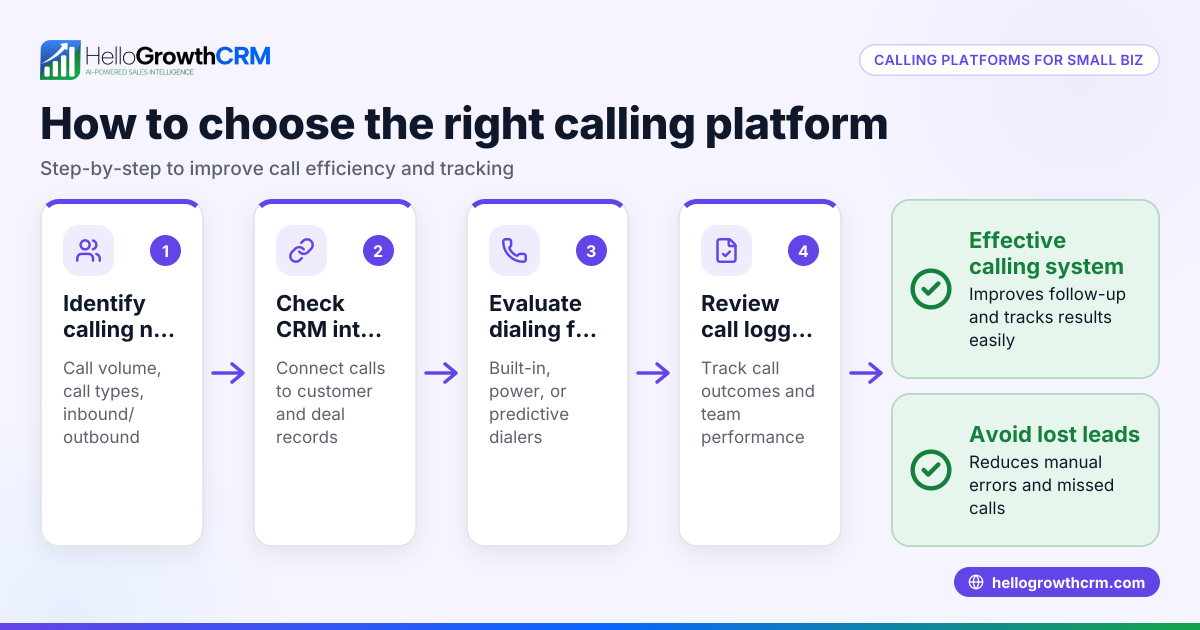
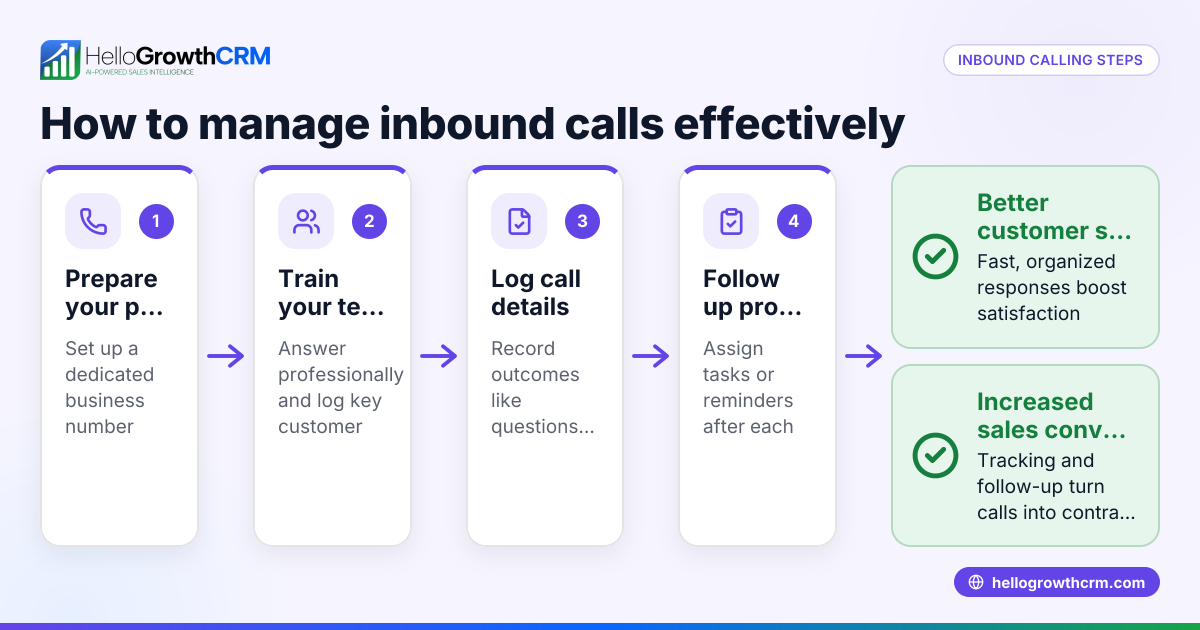
- Define your call flow needs: Decide if the queue is for inbound calls, outbound calls, or both. Check how many staff will handle calls and their availability.
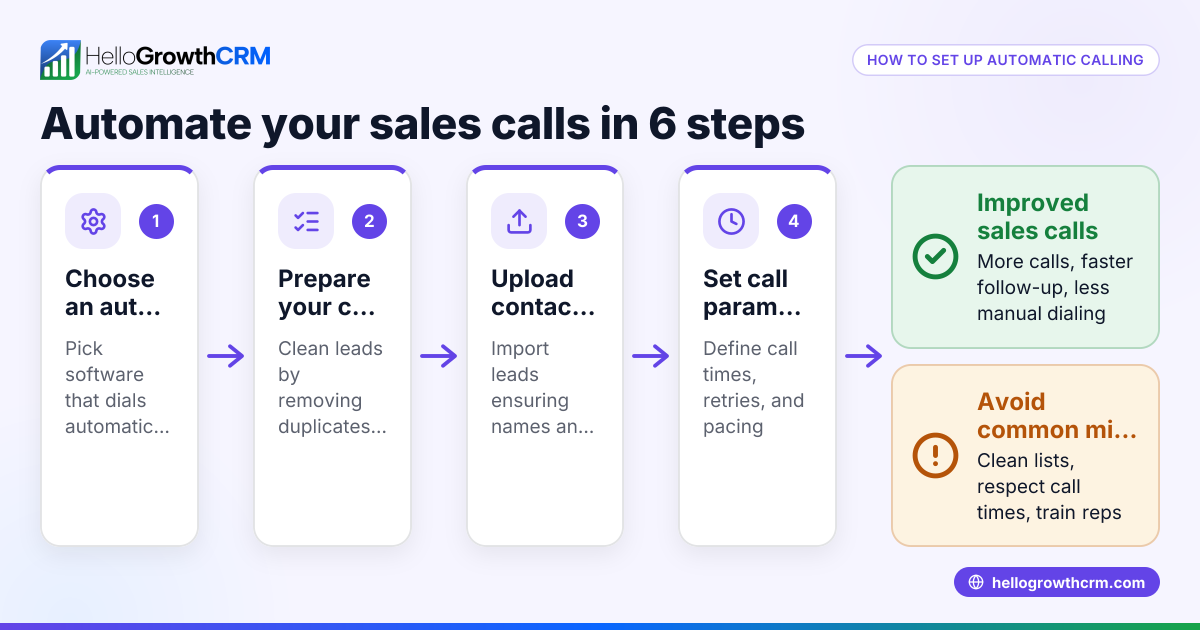
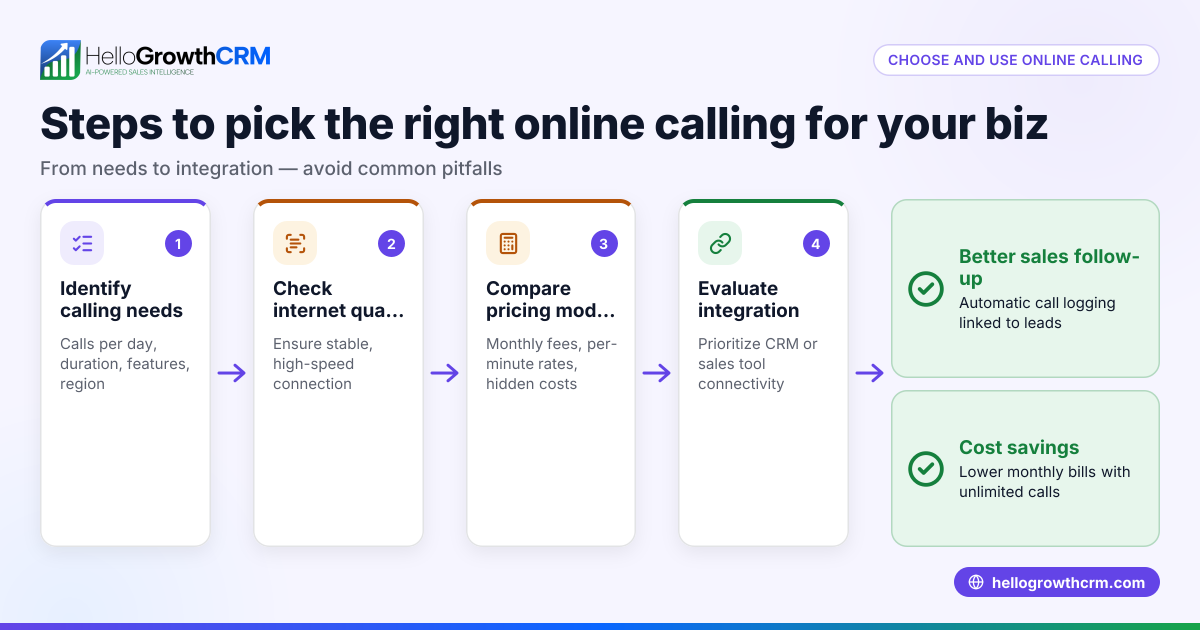
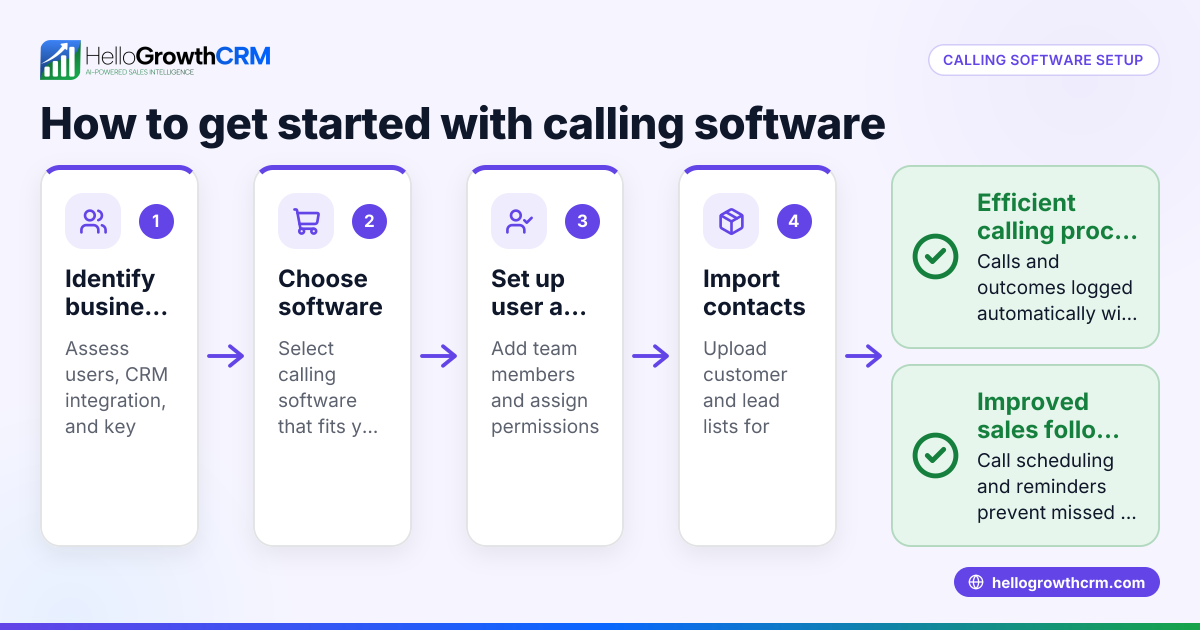
- Choose a queue system or software: Pick a tool that supports queuing calls, such as a CRM with a built-in dialer. Verify it logs call outcomes and keeps history.
- Set queue rules: Determine call distribution method (e.g., first-come, first-served, round robin). Check if callers hear hold music or estimated wait times.
- Train your team: Ensure everyone knows how to use the queue system, log call results, and escalate calls if needed.
- Monitor queue performance: Regularly check call wait times, dropped calls, and follow-up rates. Adjust staffing or queue settings accordingly.
- Integrate with lead management: Link the queue to your lead and contact database to track which calls convert best.
Example (fictional figures)
A B2B software reseller in Denver, Colorado, handles outbound sales calls using a calling queue. They have 3 sales reps and about 150 leads weekly.
- Each rep can make 40 calls per day.
- Leads come in at a rate of 150 per week = approx. 30 per day.
- Calls are queued so reps work leads in order.
Calculation:
Daily call capacity = 3 reps × 40 calls = 120 calls/day Leads per day = 30
Since capacity (120) > leads (30), the queue ensures reps do not call the same lead twice and log outcomes.
If a rep spends 5 minutes per call: Total calling time per day = 30 calls × 5 minutes = 150 minutes = 2.5 hours
The queue prevents reps from calling leads already contacted that day, improving efficiency.
Common mistakes
- Not defining clear queue rules: Leads to confusion and uneven call distribution. Prevent by documenting and communicating rules.
- Ignoring call outcome logging: Causes lost tracking of lead status. Prevent by using a system that logs every call.
- Overloading the queue with too many leads without enough reps: Increases wait times and dropped calls. Prevent by balancing lead volume and staffing.
- Failing to train staff on the queue system: Results in misuse or ignoring the queue. Prevent with regular training and support.
- Not monitoring queue metrics: Misses opportunities to improve. Prevent by reviewing call stats weekly.
Doing this in HelloGrowthCRM
HelloGrowthCRM offers a built-in dialer that lets your reps work through a list inside the CRM. Each call’s outcome is logged directly on the lead record, keeping your calling queue organized and transparent. This helps your team avoid missed follow-ups and keeps the full call history tied to contacts and deals. Learn more about the built-in CRM dialer and how HelloGrowthCRM supports your US business needs at HelloGrowthCRM for the United States. You can also combine calling queues with WhatsApp and SMS CRM for multi-channel outreach.
Frequently asked questions
What is the difference between a calling queue and a call center? A calling queue is a system that manages calls to ensure they are answered or made in order. A call center is a staffed facility where many calls are handled, often using calling queues as part of their technology.
Can small businesses use calling queues without expensive phone systems? Yes, many CRMs like HelloGrowthCRM include built-in dialers with queue features, allowing small businesses to manage calls efficiently without separate phone systems.
How does a calling queue improve customer experience? By reducing wait times, preventing dropped calls, and ensuring calls are answered in order, a calling queue provides a smoother experience for callers and better follow-up from the business.
Can calling queues be used for outbound sales calls? Absolutely. Calling queues help sales reps work through lead lists in an organized way, preventing overlap and missed contacts.
What should I monitor to know if my calling queue is working well? Track call wait times, number of missed calls, call outcomes logged, and follow-up success rates. Adjust staffing or call flow based on these metrics.
Key takeaways
- A calling queue organizes calls so each is handled in order without overlap.
- It prevents missed calls and improves lead follow-up for small businesses.
- Set clear rules, train your team, and monitor queue performance regularly.
- Avoid common mistakes like ignoring call logging and overloading the queue.
- HelloGrowthCRM’s built-in dialer supports efficient calling queue management.
Start managing your calling queue better today with HelloGrowthCRM. Start on the Free Forever plan (200 leads, no credit card) to see how easy it is to use a built-in dialer and keep your calls organized.
Ready to put this into practice?
Set up your pipeline, WhatsApp follow-ups, and AI lead scoring in minutes — free, no credit card.
Try HelloGrowthCRM freeGet CRM tips in your inbox
Join thousands of sales professionals who get weekly insights on CRM strategy, AI automation, and pipeline optimization.

The HelloGrowthCRM team publishes guides on CRM strategy, AI sales tools, and revenue operations for small business sales teams.