HelloGrowthCRM software
Built for real small-business sales teams
HelloGrowthCRM helps reps qualify faster, follow up on time, and close more deals—with practical automation in one place.
- AI lead scoring and pipeline visibility
- Built-in dialer, WhatsApp, and email automation
- Sales forecasting and RevOps-ready reporting
Inbound calling means customers or potential clients call your business first, rather than your team reaching out to them. These calls often come from people interested in your products or services, needing help, or wanting to place orders. Handling inbound calls well can improve customer satisfaction and sales. This article covers why inbound calling is important for small businesses, step-by-step guidance to manage it, a realistic example, common mistakes, and how a CRM with a built-in dialer supports inbound calling.
Why this comes up / what goes wrong
Small-business owners often face challenges with inbound calling because their teams may not be set up to respond quickly or track these calls properly. Without a clear system, calls can be missed or mishandled, leading to lost sales or unhappy customers. Many small businesses rely on manual methods like spreadsheets or scattered phone notes, which makes follow-up inconsistent. Inbound calls are crucial because they represent active interest, but without a process, businesses lose the opportunity to convert these calls into sales or satisfied clients.
Step-by-step
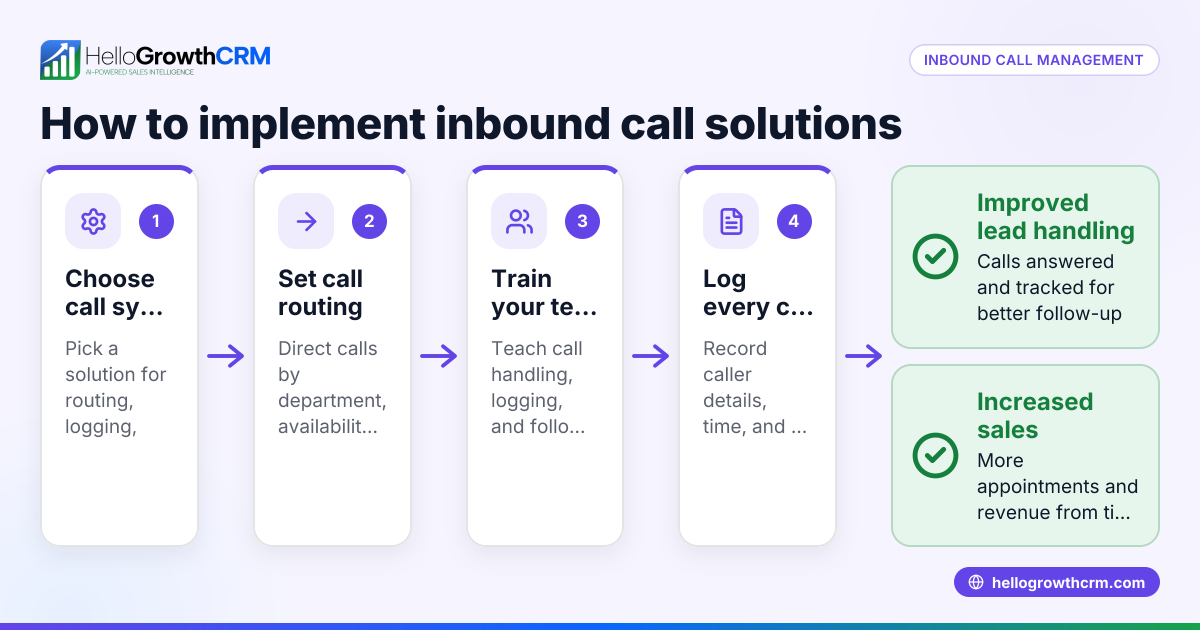
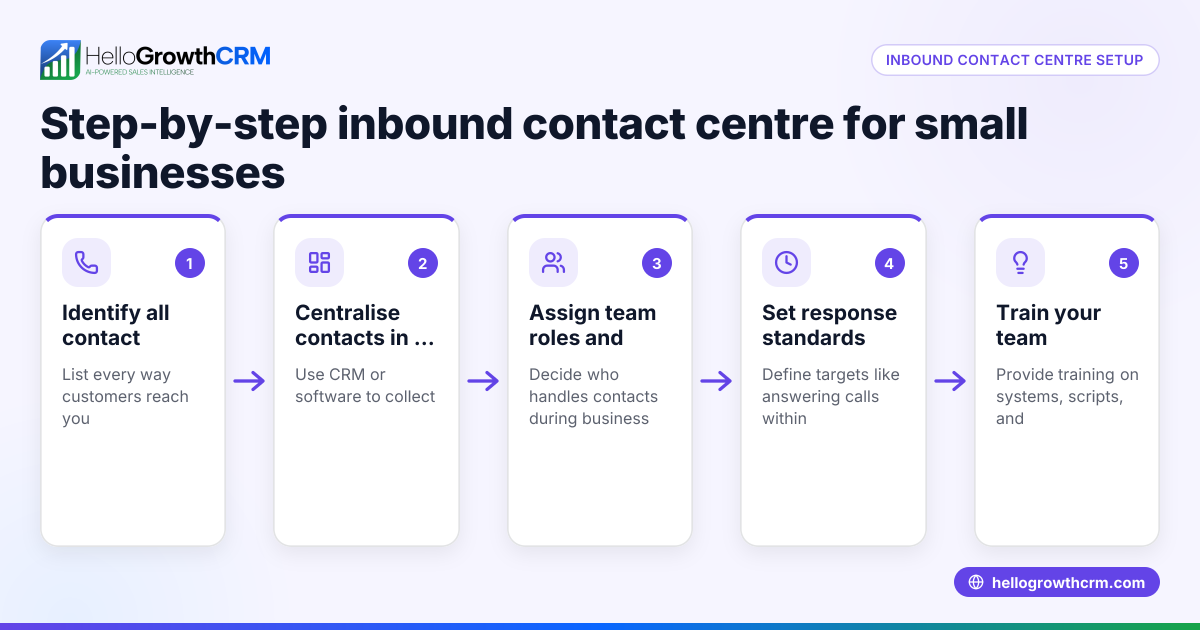
- Prepare your phone system: Ensure you have a dedicated business phone number that customers recognize and can call easily. Check that calls route to the right person or team during business hours.
- Train your team: Teach your staff how to answer calls professionally, gather key information (customer name, reason for call), and how to log these details immediately.
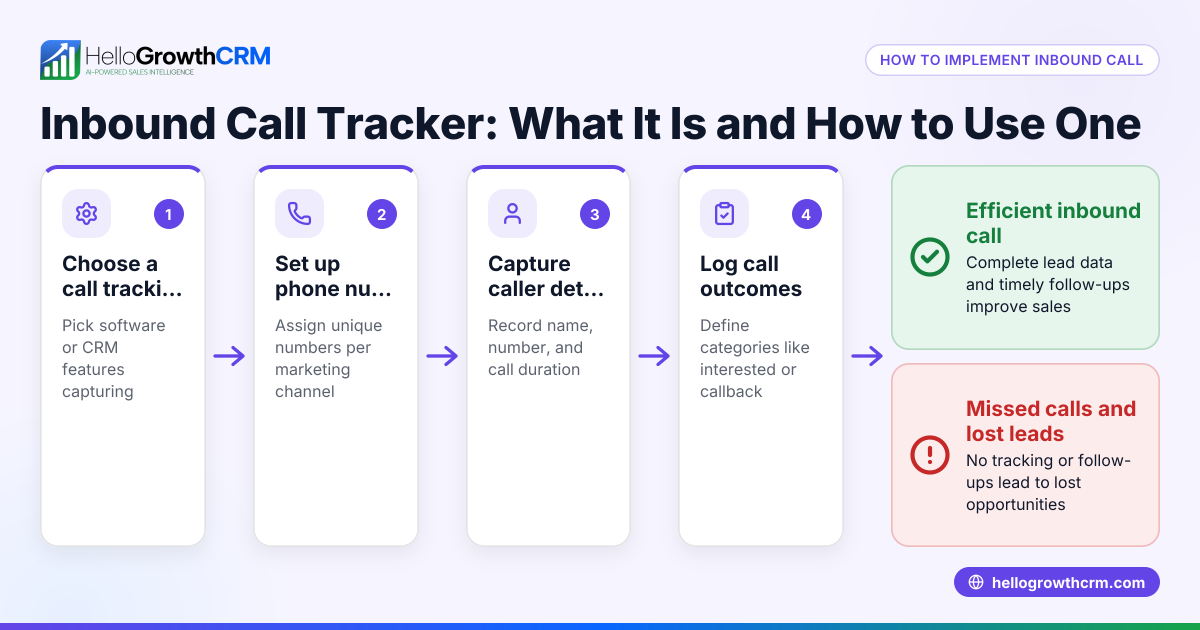
- Log call details: Use a system to record call outcomes such as questions answered, follow-up needed, or sales made. This helps track leads and measure performance.
- Follow up promptly: After the call, assign tasks or reminders to follow up on inquiries or send additional information.
- Review call data regularly: Analyze call logs to identify patterns, peak call times, and common questions to improve your service.
- Use a CRM with a built-in dialer: This allows your team to work inbound and outbound calls from one platform, logging outcomes automatically and keeping full call history tied to contacts and deals. Learn more about the built-in CRM dialer.
Example (fictional figures)
GreenLeaf Landscaping in Charlotte, North Carolina, receives inbound calls from potential customers asking for quotes and service details. On 04/10/2026, their sales rep handled 10 inbound calls.
- Each call lasts about 10 minutes.
- They convert 3 calls into new contracts worth $3,000 each.
- Total sales from inbound calls on that day: $3,000 × 3 = $9,000
- The rep logs each call outcome in their CRM immediately.
By tracking calls, GreenLeaf noticed most inquiries come on Mondays, so they assigned extra staff to handle calls then, increasing conversions.
Common mistakes
- Missing calls due to no dedicated line or poor routing: Prevent by setting up a clear business number and call forwarding.
- Not logging call details: Prevent by using a CRM or call log system to record every call’s outcome.
- Delaying follow-up: Prevent by assigning follow-up tasks immediately after calls.
- Inconsistent call handling: Prevent by training your team with a standard script and procedures.
- Using multiple disconnected tools: Prevent by centralizing calls and data in one platform with a built-in dialer. See the built-in CRM dialer for details.
Doing this with a CRM built-in dialer
A CRM with a built-in dialer lets reps work a list from inside the system. When handling inbound calls, the outcome of each call is logged directly on the lead record. This keeps the full call history tied to contacts and deals, making it easy to track follow-ups and sales progress. This feature helps small and mid-sized businesses manage inbound calling efficiently and avoid losing leads due to slow or missed responses. Learn more about the built-in CRM dialer and its WhatsApp and SMS CRM capabilities.
Frequently asked questions
What is the difference between inbound and outbound calling? Inbound calling is when customers call your business first, while outbound calling is when your team calls prospects or customers. Inbound calls often indicate active interest and require quick, informed responses.
How can I track inbound calls effectively? Use a CRM or call logging system to record caller details, call outcomes, and follow-up tasks. This ensures no leads are lost and helps analyze call performance over time.
Can small businesses manage inbound calls without a CRM? Yes, but it’s harder to track and follow up consistently. Manual methods like spreadsheets or notes risk losing information. A CRM with a built-in dialer streamlines this process.
How does a CRM with a built-in dialer help with inbound calling? A CRM with a built-in dialer lets reps answer and log inbound calls directly in the system, linking call history to contacts and deals. This centralizes communication and improves follow-up efficiency.
What if my team handles calls via WhatsApp or SMS? Some CRMs support WhatsApp and SMS communication alongside calls, providing a unified platform to manage all customer interactions. See details on the WhatsApp and SMS CRM.
Key takeaways
- Inbound calling means customers initiate contact, requiring prompt, organized responses.
- Small businesses often lose leads without a clear inbound call process.
- Set up a dedicated phone number, train staff, log calls, and follow up quickly.
- Avoid common mistakes like missed calls and poor logging by using a CRM.
- A CRM with a built-in dialer helps manage inbound calls and track outcomes efficiently.
Start managing your inbound calls better today. Start on the Free Forever plan (200 leads, no credit card).
Ready to put this into practice?
Set up your pipeline, WhatsApp follow-ups, and AI lead scoring in minutes — free, no credit card.
Try HelloGrowthCRM freeGet CRM tips in your inbox
Join thousands of sales professionals who get weekly insights on CRM strategy, AI automation, and pipeline optimization.

The HelloGrowthCRM team publishes guides on CRM strategy, AI sales tools, and revenue operations for small business sales teams.