HelloGrowthCRM software
Built for real small-business sales teams
HelloGrowthCRM helps reps qualify faster, follow up on time, and close more deals—with practical automation in one place.
- AI lead scoring and pipeline visibility
- Built-in dialer, WhatsApp, and email automation
- Sales forecasting and RevOps-ready reporting
Calling softwares are digital tools that allow businesses to place and manage phone calls through a computer or CRM system instead of traditional phones. They help sales and support teams reach customers faster, track call results, and organize communication history in one place.
Why this comes up / what goes wrong
Many small businesses rely on phone calls to connect with customers, generate leads, and close deals. However, using personal phones or separate calling apps can cause problems: calls are not logged properly, follow-up tasks are missed, and lead information gets scattered across different tools. This slows down sales and can cause lost opportunities. Business owners search for calling softwares to streamline calling, track call outcomes, and keep their sales process organized and efficient.
Step-by-step
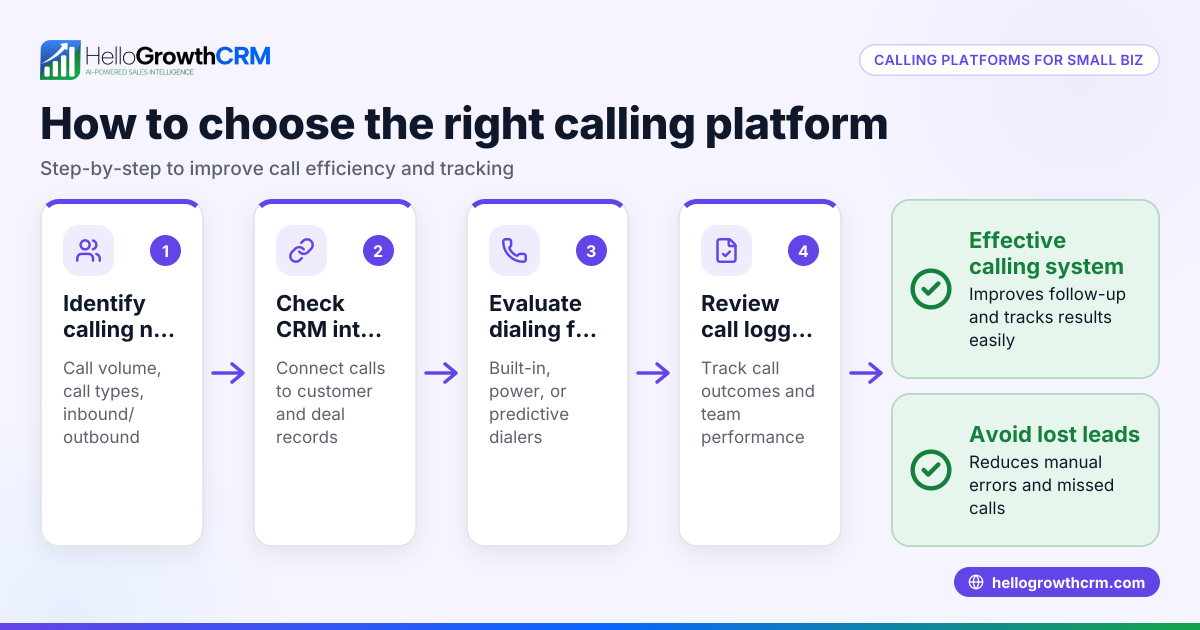
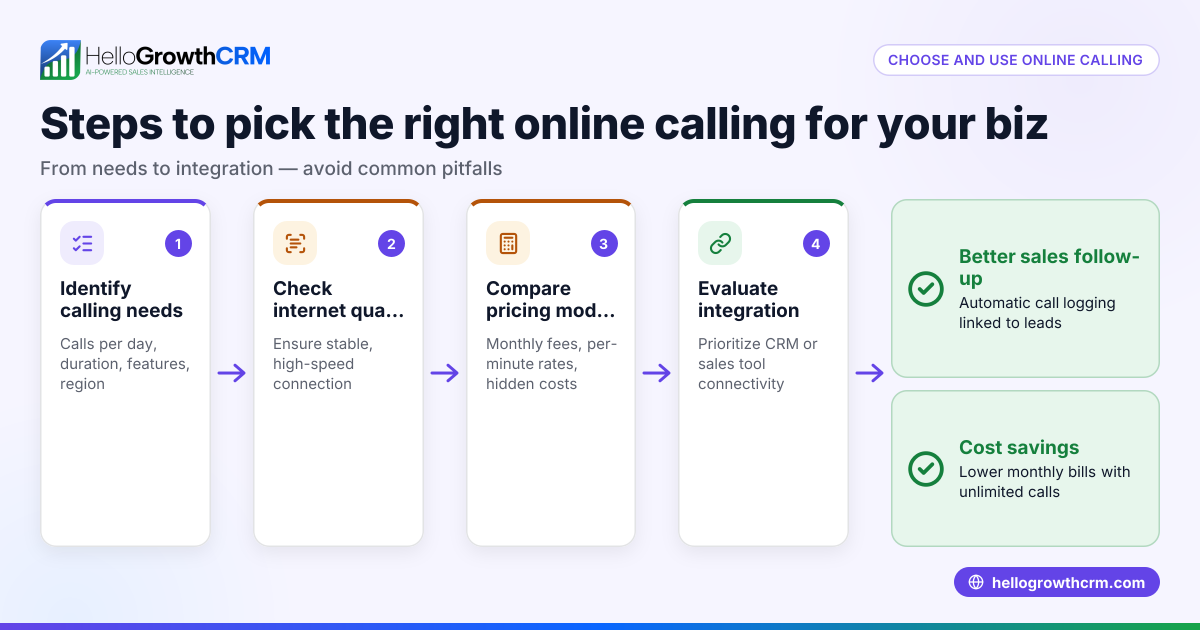
- Identify your business needs: Determine how many users will be making calls, whether you need integration with your CRM, and if features like call logging or power dialing are important.
- Choose a calling software: Select software that fits your budget and supports your sales workflow. Check if it offers a built-in dialer or integrates well with your CRM.
- Set up user accounts: Add your sales or calling team members to the software and assign appropriate permissions.
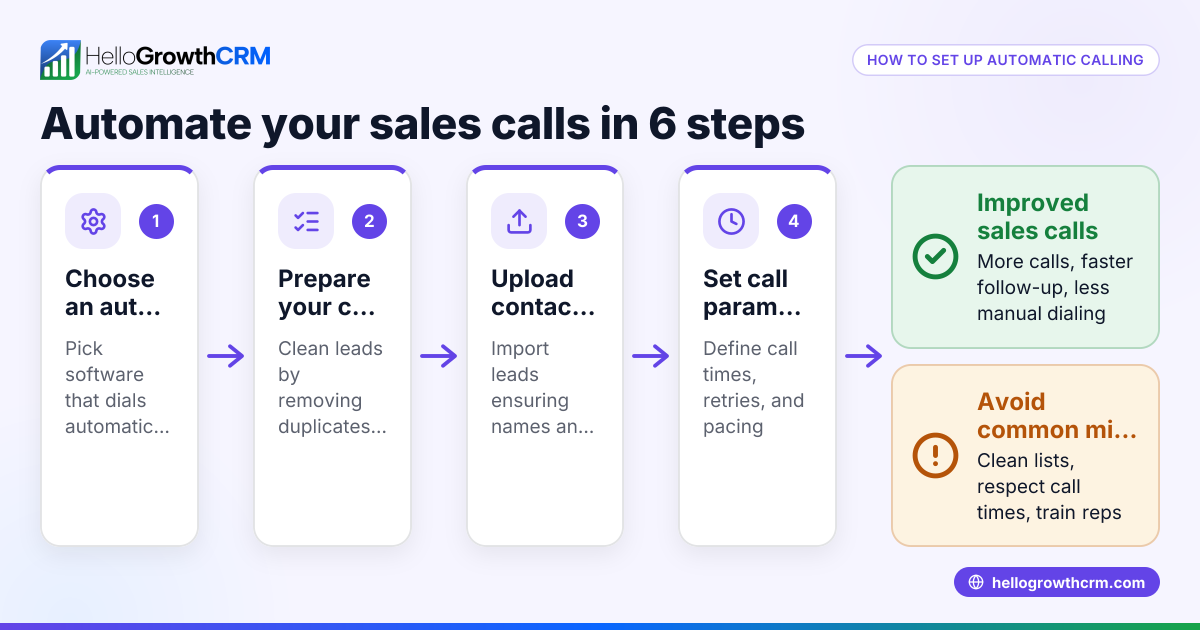
- Import contacts or leads: Upload your customer or lead list into the software or CRM so all numbers are ready to call.
- Configure call settings: Set caller ID preferences, define call outcomes, and set call scheduling or reminders.
- Train your team: Teach users how to place calls from the software, log call results, and update lead statuses immediately after calls.
- Monitor and optimize: Regularly review call metrics and outcomes to improve your calling strategy and sales follow-up.
Using calling software with a built-in dialer inside your CRM keeps all call data tied to leads and deals, reducing manual work and improving data accuracy. Learn more about the built-in CRM dialer and how it benefits sales teams.
Example (fictional figures)
A residential real-estate team in Phoenix, Arizona, has 5 agents making outbound calls to leads. They want to increase call efficiency and track outcomes.
- Total leads to call: 1,000
- Average calls per agent per day: 40
- Working days per month: 20
Calculate total calls per month: 40 calls/day × 5 agents = 200 calls/day 200 calls/day × 20 days = 4,000 calls/month
If each call takes 5 minutes, total calling time: 4,000 calls × 5 minutes = 20,000 minutes 20,000 minutes ÷ 60 = 333.33 hours/month
By using calling software with a built-in dialer, the team can reduce the time spent on manual dialing and logging by saving approximately 30 minutes per agent per day.
Calculate total time saved per month: 30 minutes/day × 5 agents = 150 minutes/day saved 150 minutes/day × 20 days = 3,000 minutes/month saved 3,000 minutes ÷ 60 = 50 hours/month saved
This time saved allows agents to focus on more calls or follow-ups, improving sales efficiency and lead management.
Common mistakes
- Not integrating calling software with CRM: Prevent this by choosing software with a built-in dialer or CRM integration to keep call data organized and accessible.
- Ignoring call outcome logging: Prevent this by training your team to log call results immediately after each call to maintain accurate records.
- Using personal phones for business calls: Prevent this by providing dedicated calling software or a built-in dialer to separate work calls and track them properly.
- Overlooking call scheduling and reminders: Prevent this by setting call reminders and schedules in the software to maintain consistent follow-up with leads.
- Failing to monitor calling metrics: Prevent this by regularly reviewing call reports to identify bottlenecks and improve calling performance.
To avoid these mistakes, consider software that integrates calling and messaging, such as a WhatsApp and SMS CRM, to manage communications in one place. See how WhatsApp and SMS CRM complements calling functionality.
Doing this in HelloGrowthCRM
HelloGrowthCRM offers a built-in dialer that lets your rep work a call list directly inside the CRM. Each call outcome is logged on the lead automatically, keeping your call history tied to contact and deal records. This helps your team stay organized and efficient without switching apps. Learn more about the built-in CRM dialer and how HelloGrowthCRM supports sales teams in the United States at HelloGrowthCRM for the United States.
Frequently asked questions
What is the difference between calling software and a traditional phone system? Calling software uses the internet or computer systems to make calls, often integrated with CRM tools, while traditional phone systems rely on landlines or mobile phones. Calling software offers better tracking, automation, and integration.
Can calling software improve sales follow-up? Yes, by logging call outcomes and scheduling callbacks, calling software ensures no leads fall through the cracks and follow-ups happen on time.
Is a built-in dialer better than a separate calling app? A built-in dialer inside your CRM keeps all call data tied to leads and deals, reducing manual work and improving data accuracy compared to separate apps.
Do calling softwares support SMS and messaging? Some calling software, including HelloGrowthCRM, integrate calling with WhatsApp and SMS messaging, allowing multi-channel communication from one platform.
Key takeaways
- Calling softwares enable calls directly from computers or CRMs, improving efficiency.
- Integrating calling with CRM keeps call history and outcomes organized.
- Training your team to log calls and use scheduling features prevents lost leads.
- Using a built-in dialer reduces manual work and streamlines sales calls.
- Regularly monitoring call metrics helps optimize your calling strategy.
Start improving your calling process today with HelloGrowthCRM’s built-in dialer. Start on the Free Forever plan (200 leads, no credit card).
Ready to put this into practice?
Set up your pipeline, WhatsApp follow-ups, and AI lead scoring in minutes — free, no credit card.
Try HelloGrowthCRM freeGet CRM tips in your inbox
Join thousands of sales professionals who get weekly insights on CRM strategy, AI automation, and pipeline optimization.

The HelloGrowthCRM team publishes guides on CRM strategy, AI sales tools, and revenue operations for small business sales teams.