HelloGrowthCRM software
Built for real small-business sales teams
HelloGrowthCRM helps reps qualify faster, follow up on time, and close more deals—with practical automation in one place.
- AI lead scoring and pipeline visibility
- Built-in dialer, WhatsApp, and email automation
- Sales forecasting and RevOps-ready reporting
The best appointment scheduling CRM in Canada for small businesses simplifies booking by letting prospects pick meeting slots directly, integrates communication channels like WhatsApp and SMS, and automates follow-ups with AI. This article explains how to evaluate appointment scheduling CRMs step-by-step, highlights common mistakes to avoid, provides a Canadian business example, and shows how HelloGrowthCRM supports scheduling and lead engagement.
Why this comes up / what goes wrong
Many Canadian small-business owners manage appointments across multiple channels such as email, text messages, and WhatsApp. Without a dedicated appointment scheduling CRM, they often face delays caused by back-and-forth communication to find suitable times. This wastes time and causes leads to lose interest or go to competitors. Manual scheduling also risks missed or double-booked appointments. Business owners want a CRM that streamlines booking, integrates with the messaging channels their teams and customers already use, and supports timely follow-up to convert leads more effectively.
Step-by-step
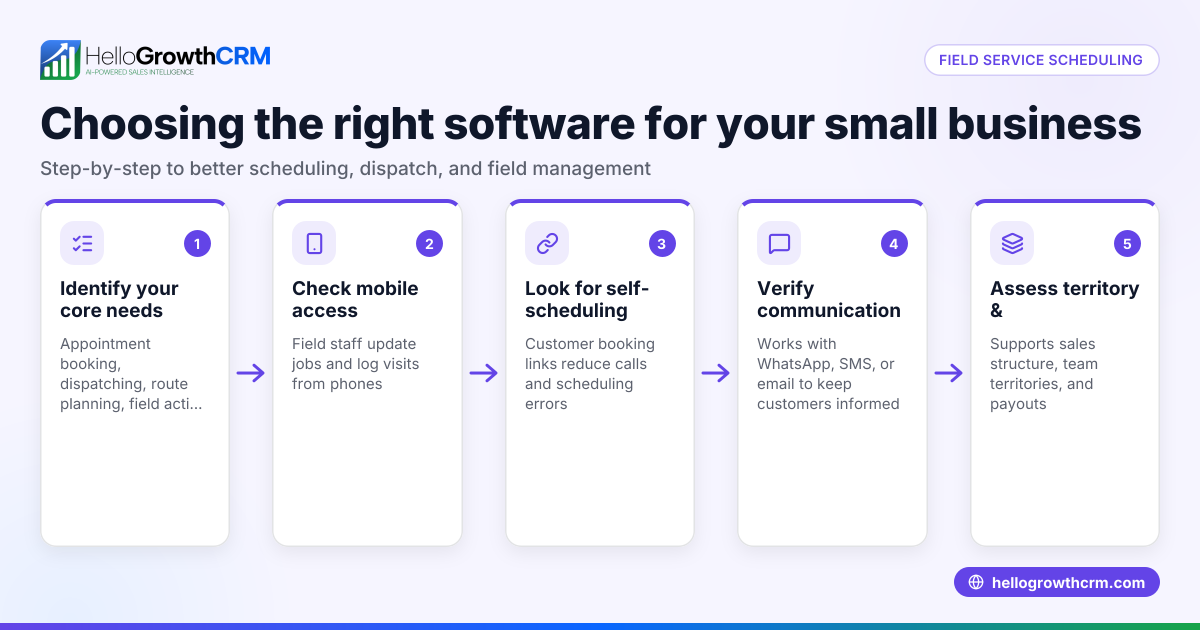
- Identify your scheduling volume and team size: Assess how many appointments you handle weekly and how many staff members will use the system.
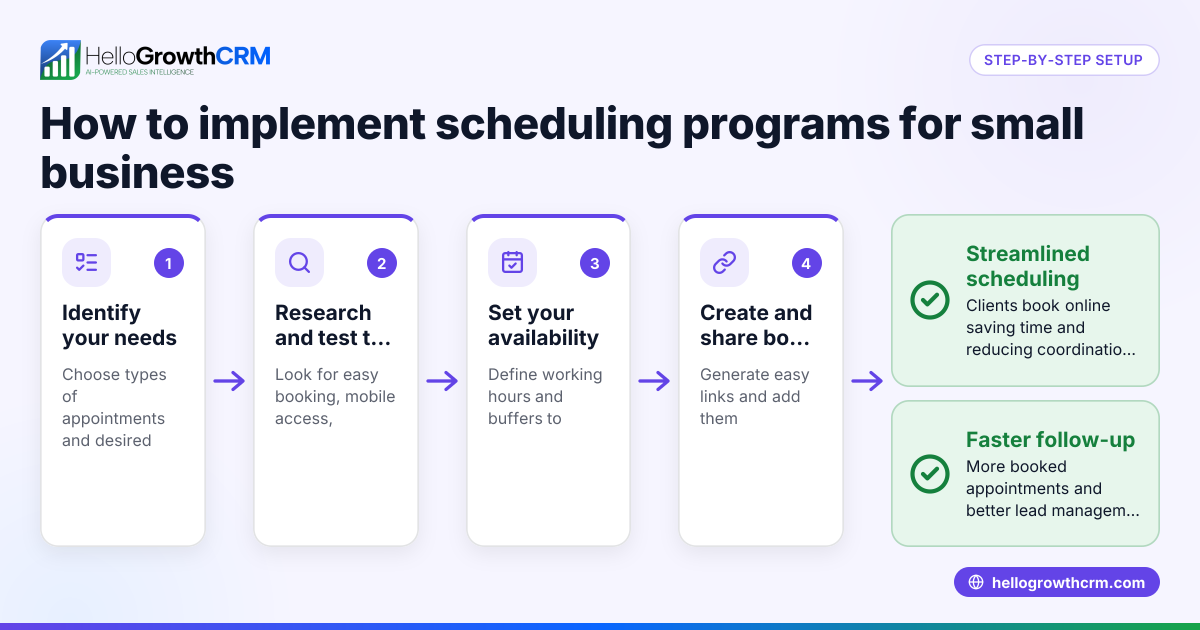
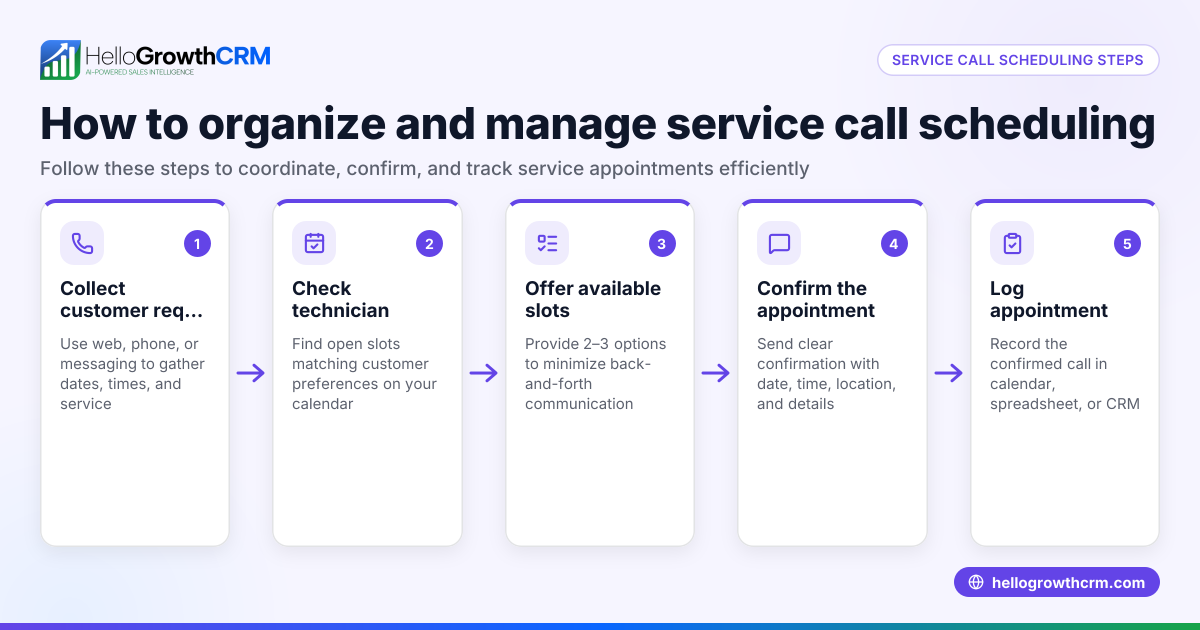
- Look for easy booking features: Choose a CRM that offers meeting scheduling pages where prospects can pick a slot from a link, eliminating manual back-and-forth. This reduces friction and speeds up booking.
- Check communication channel integration: Confirm the CRM logs WhatsApp and SMS conversations on lead records and supports sending follow-ups through these channels. This keeps all contact history in one place.
- Consider automation and AI capabilities: See if the CRM offers AI agents that draft follow-up messages after calls, so sales reps only need to review and send. Automation reduces workload and improves consistency.
- Review pricing and available plans: Compare Canadian pricing for CRMs that meet your feature needs. Some offer free tiers or trials to test scheduling and messaging.
- Test the user experience: Have your sales team try scheduling and messaging workflows to ensure the CRM fits your business processes and is easy to adopt.
- Assess reporting and pipeline management: Confirm the CRM helps track appointment statuses and sales pipeline progress to measure performance.
- Compare with alternatives: Use resources like compare CRMs to weigh options and find the best fit.
Example (fictional figures)
A bilingual insurance agency in Laval, Quebec, called "Laval Assurance," handles about 50 appointments monthly. They want to reduce scheduling delays and improve lead follow-up rates.
- Monthly appointments: 50
- Average revenue per appointment: C$800
- Current lead follow-up success rate: 60%
- Target follow-up success rate with CRM: 80%
Calculations:
Current monthly revenue from appointments: 50 × C$800 = C$40,000
Current successful follow-ups revenue: 50 × 60% = 30 appointments 30 × C$800 = C$24,000
With improved follow-up success: 50 × 80% = 40 appointments 40 × C$800 = C$32,000
Increase in monthly revenue: C$32,000 - C$24,000 = C$8,000 additional
By adopting a CRM with scheduling links and WhatsApp follow-ups, Laval Assurance expects an additional C$8,000 monthly revenue through better appointment booking and lead engagement.
Common mistakes
- Choosing a CRM without integrated scheduling: Avoid this by prioritizing CRMs with built-in booking pages so prospects can self-book without manual steps.
- Ignoring communication channels your customers use: Prevent by selecting CRMs that support WhatsApp and SMS logging and messaging, as many Canadian customers prefer these.
- Underestimating the value of automation: Prevent by checking for AI features that draft follow-ups and automate routine tasks, saving sales reps time.
- Skipping user testing: Avoid by having your team test the CRM before committing to ensure it fits your workflow and gets adopted.
- Overlooking pricing details: Prevent surprises by reviewing Canadian pricing carefully; some features may only be on paid plans.
- Neglecting reporting and pipeline tracking: Prevent by choosing a CRM that provides clear appointment and pipeline reports to track sales progress.
Doing this in HelloGrowthCRM
HelloGrowthCRM offers meeting scheduling and booking pages that let prospects pick a slot from a link, eliminating back-and-forth on WhatsApp. WhatsApp and SMS conversations with leads are logged directly on the lead record, and follow-ups can be sent as messages. Additionally, AI agents draft follow-up messages after calls so reps only review and send, reducing manual work. Learn more about the meeting scheduler and WhatsApp and SMS CRM features, along with AI capabilities in AI agents.
Frequently asked questions
What is the typical pricing for appointment scheduling CRMs in Canada? Pricing varies depending on features and number of users. Some CRMs offer free tiers with basic scheduling, while paid plans add messaging capabilities and AI automation. For detailed Canadian pricing, see CRM pricing in Canada.
Are there appointment scheduling CRM alternatives for small Canadian businesses? Yes. Alternatives include standalone scheduling tools, traditional CRMs with scheduling add-ons, and industry-specific software. You can compare options using compare CRMs to find one that fits your needs.
Can I use WhatsApp for appointment scheduling in a CRM? Some CRMs, including HelloGrowthCRM, integrate WhatsApp messaging directly with scheduling. Conversations are logged on lead records, and follow-ups can be sent via WhatsApp, making communication seamless.
How does AI improve appointment scheduling in a CRM? AI can draft follow-up messages after calls or meetings, suggest next steps, and automate routine tasks. This saves time for sales reps and ensures consistent follow-up.
Is it important to have a CRM with a meeting scheduler for Canadian small businesses? Yes. A meeting scheduler reduces delays and friction in booking appointments, improves lead conversion rates, and frees your team to focus on selling rather than managing calendars.
Key takeaways
- The best appointment scheduling CRM lets prospects book slots via a link, reducing scheduling delays.
- Integration with WhatsApp and SMS channels is essential for effective lead engagement in Canada.
- AI features that draft follow-ups save time and improve consistency in communication.
- Testing the CRM with your team ensures it fits your workflow and gains adoption.
- Compare pricing and feature sets carefully before choosing a CRM.
- Reporting and pipeline tracking features help measure appointment success and sales progress.
To explore HelloGrowthCRM’s scheduling and messaging features and see Canadian pricing, visit See Canadian pricing.
Ready to put this into practice?
Set up your pipeline, WhatsApp follow-ups, and AI lead scoring in minutes — free, no credit card.
Try HelloGrowthCRM freeGet CRM tips in your inbox
Join thousands of sales professionals who get weekly insights on CRM strategy, AI automation, and pipeline optimization.

The HelloGrowthCRM team publishes guides on CRM strategy, AI sales tools, and revenue operations for small business sales teams.